-

Chatgenie for ChatGPT
Unlock the power of conversation with ChatGenie - the ultimate chrome extension for accessing Chatgpt!
 Free
Chatgenie for ChatGPT is a browser extension that integrates OpenAI's ChatGPT into your browsing experience, offering quick access and search engine integration.
Key Features:
- Access ChatGPT from Toolbar: Instantly start a conversation via the extension's toolbar icon.
- Quick Access via Omnibox: Type 'gpt' followed by a space in the address bar to initiate a prompt.
- Search Engine Integration: Displays ChatGPT answers alongside results on major search engines.
- Context Menu Access: Run ChatGPT interactions directly from the right-click context menu.
- Extended Session Maintenance: Periodically pings ChatGPT to help maintain longer active sessions.
Use Cases:
- Quickly getting AI-powered answers while browsing websites.
- Enhancing search engine results with insights from ChatGPT.
- Starting ChatGPT conversations without navigating to the official website.
- Using ChatGPT contextually based on selected text or page content.
- Improving productivity by integrating AI assistance into the browsing workflow.
-

Bookmark Folders
Organize Your ChatGPT Chats with Custom Folders
 Free
Bookmark Folders is a free Chrome extension that allows users to organize ChatGPT conversations by creating custom folders, marking favorites, and searching through chat history.
Key Features:
- Create Custom Folders: Organize ChatGPT conversations into folders by topic, project, or any category.
- Mark Favorites: Keep most valuable chats at fingertips and quickly access starred conversations.
- Strong Security: Data is securely stored in your browser.
- Search Function: Quickly find information within saved chats.
Use Cases:
- Organizing ChatGPT conversations by topic or project.
- Quickly accessing frequently referenced ChatGPT conversations.
- Searching for specific information within past ChatGPT conversations.
- Maintaining privacy of ChatGPT conversations.
-

ChatGPT Everywhere
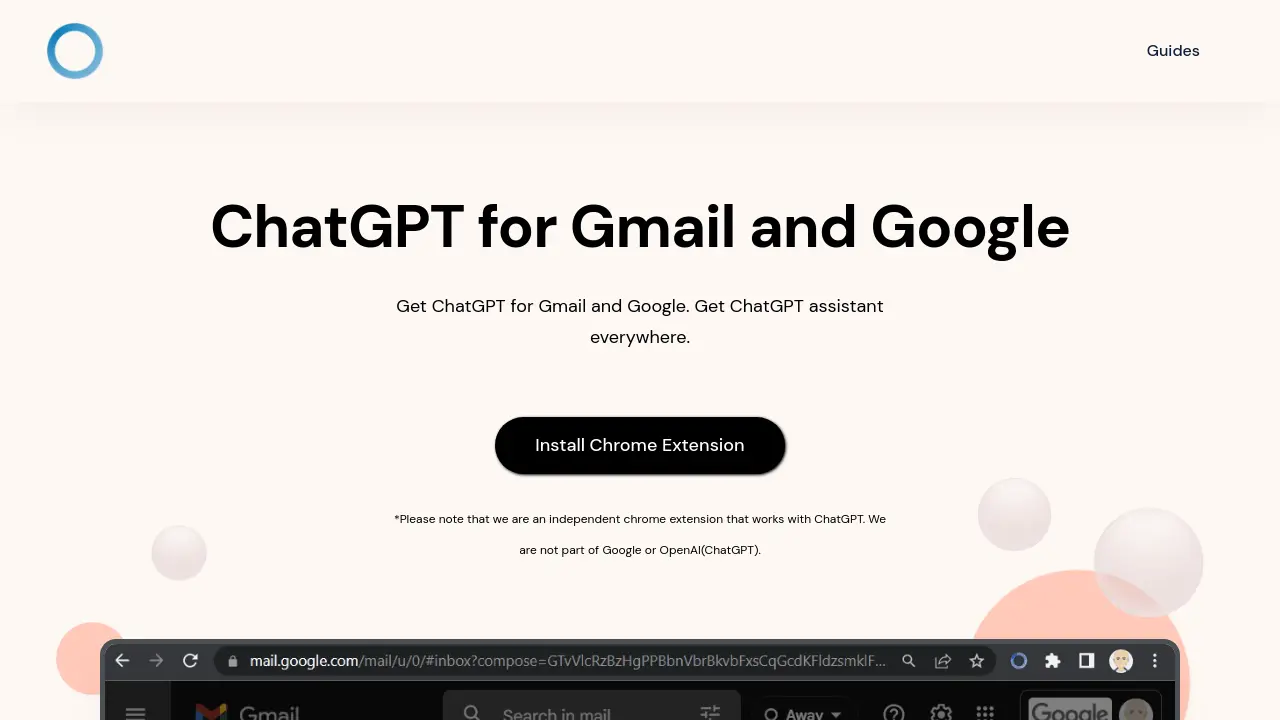
Get ChatGPT Assistant Everywhere
 Freemium
ChatGPT Everywhere is a Chrome extension that integrates ChatGPT's capabilities into your browsing experience, providing instant access to its vast knowledge base.
Key Features:
- Limitless answers, powered by ChatGPT: Instant access to a vast database of knowledge.
- Google Search Query Response: Effortlessly gather information while searching using Google.
- Sidebar Everywhere: Access the extension with one click to open the sidebar and use ChatGPT.
Use Cases:
- Quickly find answers to questions while browsing.
- Enhance research with instant access to ChatGPT's knowledge.
- Improve workflow efficiency by integrating AI assistance into daily tasks.
- Get information during Google searches without navigating away from the search results.
-
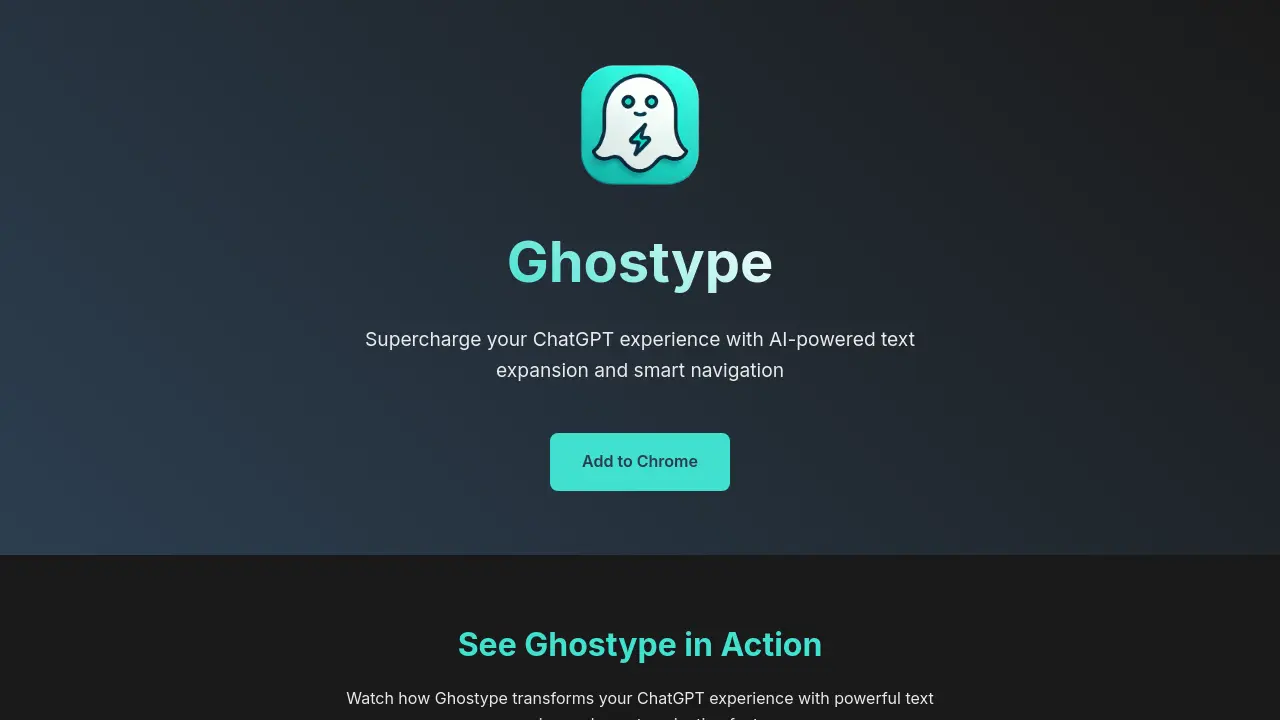
Ghostype
Supercharge your ChatGPT experience with AI-powered text expansion and smart navigation
 Free
Ghostype is a Chrome extension designed to enhance the ChatGPT experience through AI-powered text expansion, quick prompt management, and smart navigation features.
Key Features:
- Quick Prompt Management: Create, organize, and use text expansions with custom templates and smart placeholders.
- Slash Commands: Insert text quickly using slash commands.
- Smart Navigation & Controls: Effortlessly navigate chat history with intuitive controls and keyboard shortcuts.
- Ghost Suggestions: Receive intelligent, real-time inline suggestions with a preview overlay as you type.
- Smart Placeholders: Utilize dynamic timestamps, clipboard integration, URL content fetching, and custom variables within expansions.
- Customizable Experience: Adjust the UI appearance, enable celebration effects, and sound feedback.
Use Cases:
- Improving interaction speed within ChatGPT.
- Managing and reusing frequently used prompts or text snippets.
- Streamlining text insertion during chat sessions.
- Enhancing productivity for heavy ChatGPT users.
- Navigating long chat histories more efficiently.
-

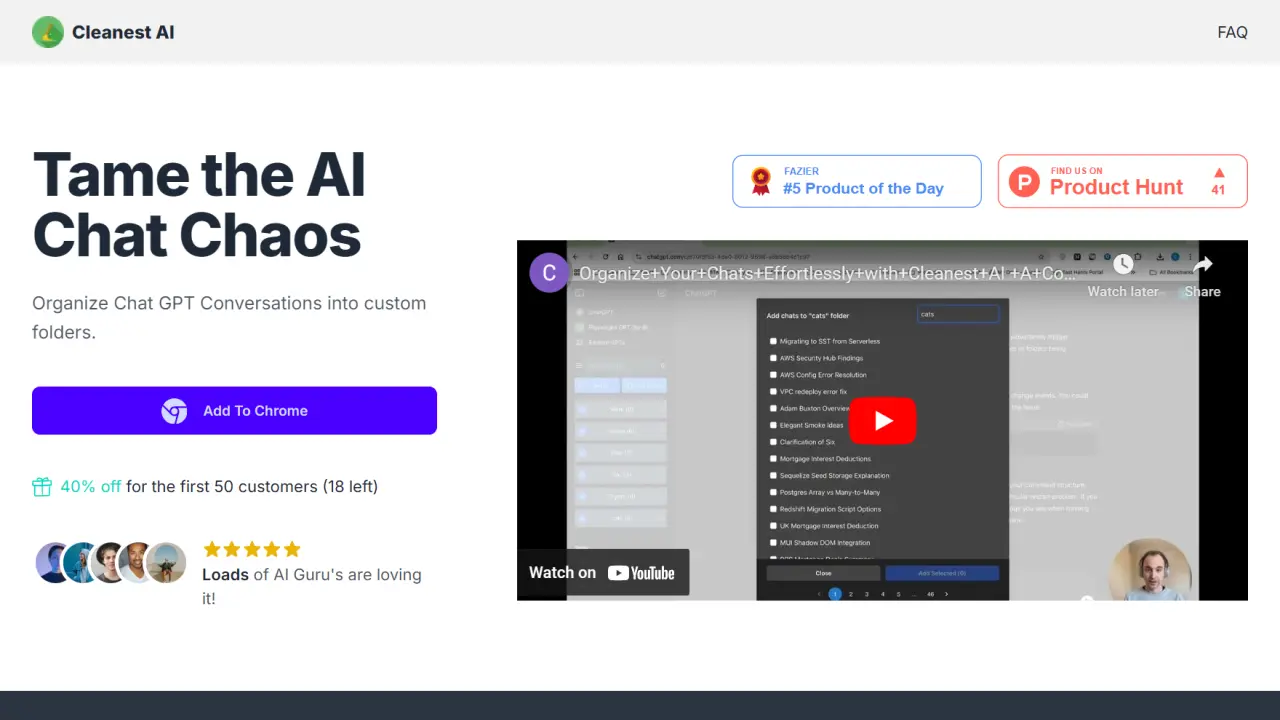
Cleanest AI
Tame the AI Chat Chaos: Organize ChatGPT Conversations
 PaidStarting at $6/month
A Chrome extension that helps users organize and manage their ChatGPT conversations through custom folders and advanced search functionality.
Key Features:
- Custom Folders: Create and organize folders for different topics and projects
- Drag and Drop: Easily move chats between folders
- Search Function: Find specific conversations in chat history
- ChatGPT Sync: Synchronize conversation history with ChatGPT
- Privacy Focus: Stores only chat IDs, not conversation content
Use Cases:
- Organizing work-related AI conversations
- Managing project-specific chat histories
- Categorizing learning resources from ChatGPT
- Maintaining topic-based conversation archives
- Quick retrieval of previous AI discussions
-

Chippy
ChatGPT at your fingertips
 Freemium
Chippy is a browser extension that integrates ChatGPT, enabling users to summarize, research, and translate without switching tabs.
Key Features:
- ChatGPT Integration: Access ChatGPT across the web while browsing.
- Easy Input: Type questions or select text to analyze instantly.
- Suggested Prompts: Receive starting points and follow-up suggestions.
- Focused Search: Limit searches to current page for up-to-date information.
- Email Assistant: Draft quick email replies effectively.
Use Cases:
- Summarizing web articles quickly.
- Drafting emails with AI assistance.
-

ChatGPT PasteBuddy
Simplify Your ChatGPT Pasting Workflow with this Chrome Extension
 Free
ChatGPT PasteBuddy is a Chrome extension designed to streamline the process of pasting text and interacting with ChatGPT directly within your browser.
Key Features:
- Chrome Extension Integration: Seamlessly integrates with the Google Chrome browser.
- Pasting Simplification: Streamlines the process of transferring and pasting text into the ChatGPT interface.
Use Cases:
- Enhancing productivity during ChatGPT sessions
- Quickly transferring text snippets into ChatGPT prompts
- Making frequent interactions with ChatGPT smoother and faster
-

Chat Cache
Fast and safe cache for your ChatGPT prompts
 Free
Chat Cache is a browser extension that automatically saves and manages ChatGPT prompts locally, offering quick access to your conversation history with simple keyboard shortcuts.
Key Features:
- Auto Cache: Automatic prompt saving when pressing Enter
- Quick Access: Triple Ctrl press to view prompt history
- One-Click Restore: Instantly restore previous prompts to input
- Local Storage: All prompts stored securely in browser
- Cross-Browser Support: Compatible with Chrome, Firefox, and Safari
Use Cases:
- Saving important ChatGPT conversations
- Quick retrieval of frequently used prompts
- Managing multiple ChatGPT interactions
- Backing up conversation history
- Maintaining prompt templates
-

Browser Buddy
AI's power, right in your browser
 Free
Browser Buddy is a Chrome extension that enables seamless ChatGPT integration across browser tabs, allowing users to interact with websites and PDFs through a persistent sidebar.
Key Features:
- Persistent Sidebar: Always-available chat interface across all tabs
- PDF Chat: Direct conversation capability with PDF documents
- Local Chat History: Secure storage of conversations on device
- Selection Menu: Quick interaction with website content
- Cross-tab Persistence: Maintains active chats across browser sessions
- Customizable Settings: Full control over AI model parameters
Use Cases:
- Reading and analyzing PDF documents
- Quick website content analysis
- Maintaining ongoing AI conversations while browsing
- Content research and summarization
- Cross-reference information across multiple tabs
-

pageg.pt
Your Context-Aware AI Chatbot
 Free Trial
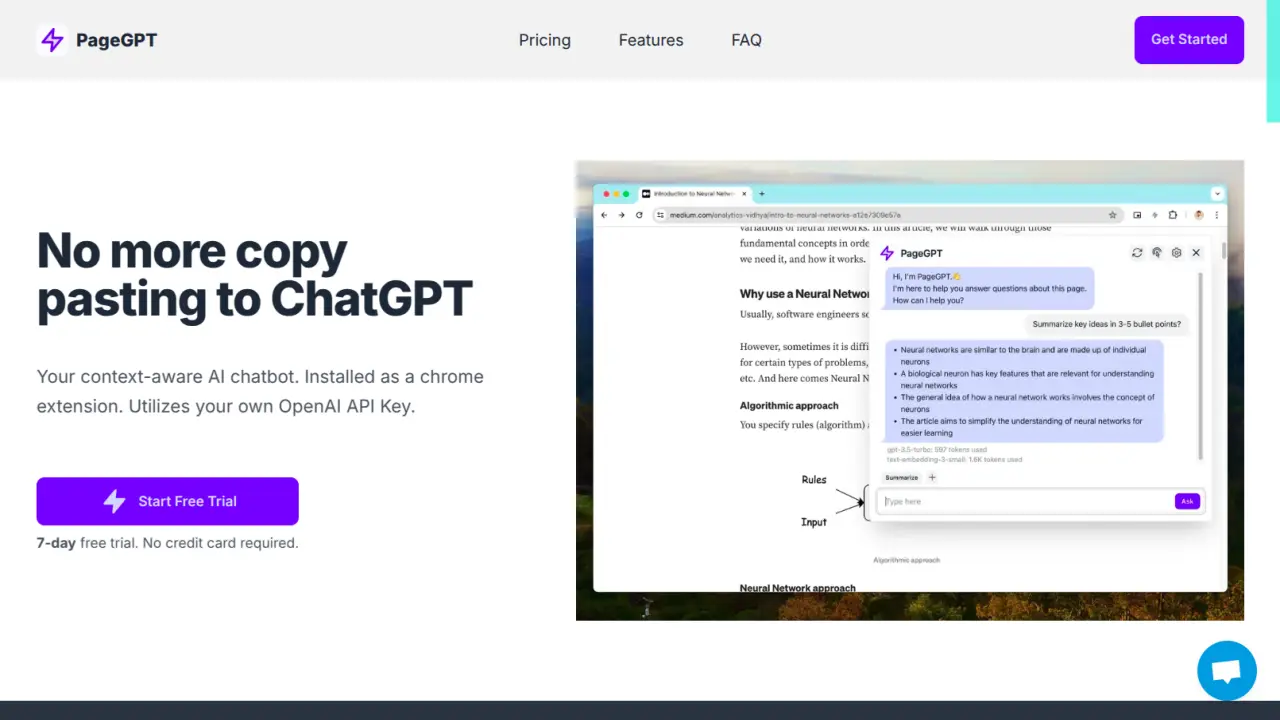
PageGPT is a Chrome extension that acts as an AI chatbot, utilizing the context of the current webpage to provide relevant assistance. It uses your own OpenAI API key for secure and personalized interactions.
Key Features:
- Context Awareness: Understands the content of the current webpage.
- Effortless Conversations: Eliminates the need to copy and paste content into the chatbot.
- Saved Prompts: Allows users to save frequently used messages for quick access.
- Privacy First: Does not store user conversations and uses the OpenAI API directly.
- Chrome Extension: Integrates directly into the Chrome browser for ease of use.
Use Cases:
- Research assistance
- Summarizing web pages
- Drafting email responses
- Answering questions about specific webpage content
- Improving general browsing productivity
-

Superpower ChatGPT
Enhance ChatGPT with Folders, Search, Custom Prompts, and More
 FreemiumStarting at $10/month
Superpower ChatGPT is a browser extension that enhances ChatGPT with features like conversation management, advanced prompt management, and productivity tools.
Key Features:
- Conversation Management: Organize chats with folders, search functionality, and multi-format export options.
- Advanced Prompt Management: Save custom prompts, use prompt variables, access a public prompt library, and run prompt chains.
- Productivity Enhancements: Utilize features like custom instruction profiles, automatic input splitting, and response summarization.
- Image gallery: Search, See Prompt and Download all Images in One Place.
- ChatGPT with Voice: Simply talk to ChatGPT instead of typing every message.
Use Cases:
- Organizing and managing large volumes of ChatGPT conversations.
- Streamlining workflows with custom prompts and prompt chains.
- Improving productivity by automating repetitive tasks within ChatGPT.
- Accessing a library of pre-built prompts for various tasks.
- Managing images generated by ChatGPT
-

ChatGPT Pro
Your Hub for ChatGPT Tools, Resources, and the ExportGPT Plugin
 FreemiumStarting at $4/month
ChatGPT Pro offers AI-related tools, tutorials, plugins, and resources, featuring the ExportGPT plugin for exporting ChatGPT conversations.
Key Features:
- Export Formats (ExportGPT): Supports up to 9 formats including Text, Markdown, Screenshot, PDF, Word, HTML, JSON, Excel, CSV.
- Customizable Export Buttons (ExportGPT Pro): Allows users to tailor export buttons.
- Timestamp Insertion (ExportGPT Pro): Option to insert chat update time into file names.
- Sidebar Hiding (ExportGPT Pro): Option to hide the sidebar on initialization.
- Automatic History Saving: Includes an extension to auto-save chat history locally.
- Priority Customer Support: Available with Pro plans for ExportGPT.
- Multiple Purchase Options (ExportGPT Pro): Offers monthly, yearly, and lifetime access plans.
Use Cases:
- Exporting ChatGPT conversations for archiving or record-keeping.
- Saving ChatGPT interactions in various document formats (Markdown, PDF, Word) for reports or sharing.
- Backing up important ChatGPT discussions locally to prevent data loss.
- Analyzing ChatGPT conversations by exporting to data formats like JSON, Excel, or CSV.
- Sharing ChatGPT chat transcripts easily with others.
- Utilizing tutorials for developing applications with the ChatGPT API.
-

TwoSlash
ChatGPT Chrome Extension - Bring AI to your fingertips!
 FreemiumStarting at $9/month
TwoSlash is a ChatGPT-powered Chrome extension designed to enhance content creation and productivity directly within your browser.
Key Features:
- Content generation: Enhance writing, grammar, and translation.
- Coding assistant: Debug, convert, and explain code.
- Social media management: Create and reply to posts and DMs.
- Email automation: Write, reply, and summarize emails.
- Spreadsheet support: Generate and explain Google Sheets formulas.
Use Cases:
- Content creators enhancing their writing and translating content.
- Developers looking to fix bugs and write code efficiently.
- Social media professionals managing posts and interactions.
- Business and individuals improving productivity with automated emailing.
- Google Sheets users requiring assistance with formulas.
-

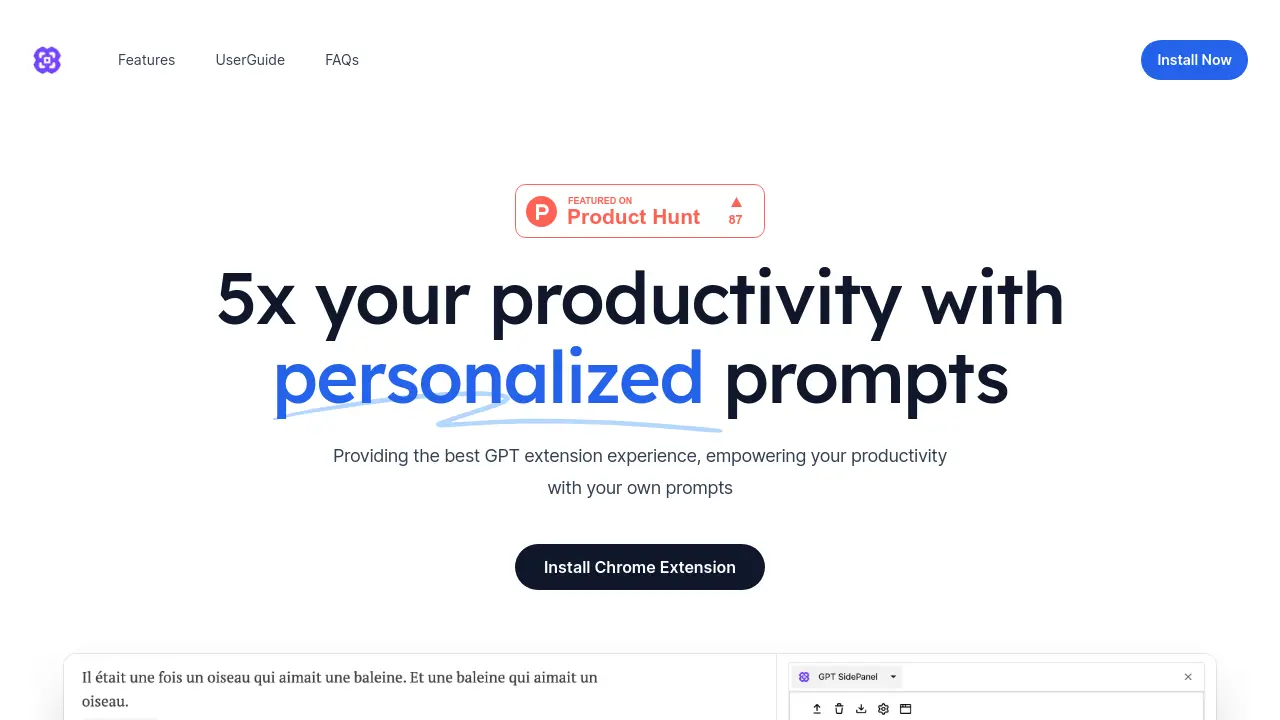
GPT SidePanel
5x your productivity with personalized prompts
 Free
GPT SidePanel is a Chrome extension that enhances productivity by allowing users to access personalized GPT prompts with a single click on any webpage.
Key Features:
- Personalized Prompts: Add and use frequently used prompts with a single click.
- Sidepanel Access: Access the GPT sidepanel on any webpage using a shortcut (Alt+G/Option+G) or clicking the extension icon.
- Contextual Conversations: Maintain separate chat windows and contexts for each webpage.
- Chat History: Retain and browse all conversation history for each chat.
- Quick Commands: Use built-in commands like translate, summary, explain, and polish for webpage content.
Use Cases:
- Boosting productivity by quickly applying custom prompts to web content.
- Summarizing articles or web pages instantly.
- Translating text on websites.
- Explaining complex topics found online.
- Polishing written text directly on a webpage.
- Conducting research and gathering information efficiently.
-

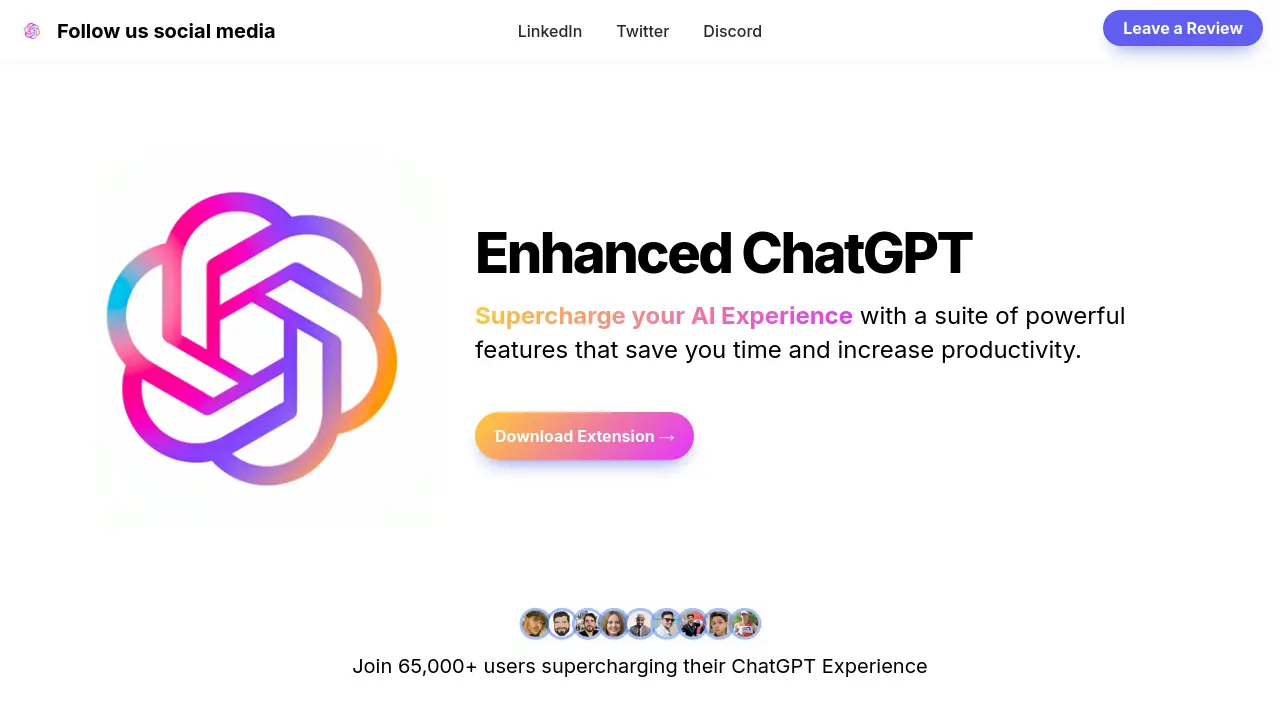
Enhanced ChatGPT
Supercharge your AI Experience with powerful productivity-enhancing features
 Free
Enhanced ChatGPT is a browser extension that amplifies ChatGPT's capabilities with features like prompt templates, integrated Google search, and universal access across the web.
Key Features:
- Prompt Templates: Pre-designed conversation starters for enhanced ChatGPT interactions
- SearchAI: Simultaneous Google and ChatGPT search functionality
- ChatGPT Anywhere: Universal access to ChatGPT across all websites
- Video Summarization: Upcoming feature for extracting key points from video content
Use Cases:
- Quick research using combined search capabilities
- Accessing ChatGPT while browsing other websites
- Starting focused conversations with template prompts
- Efficient content creation and ideation
- Streamlined information gathering
-

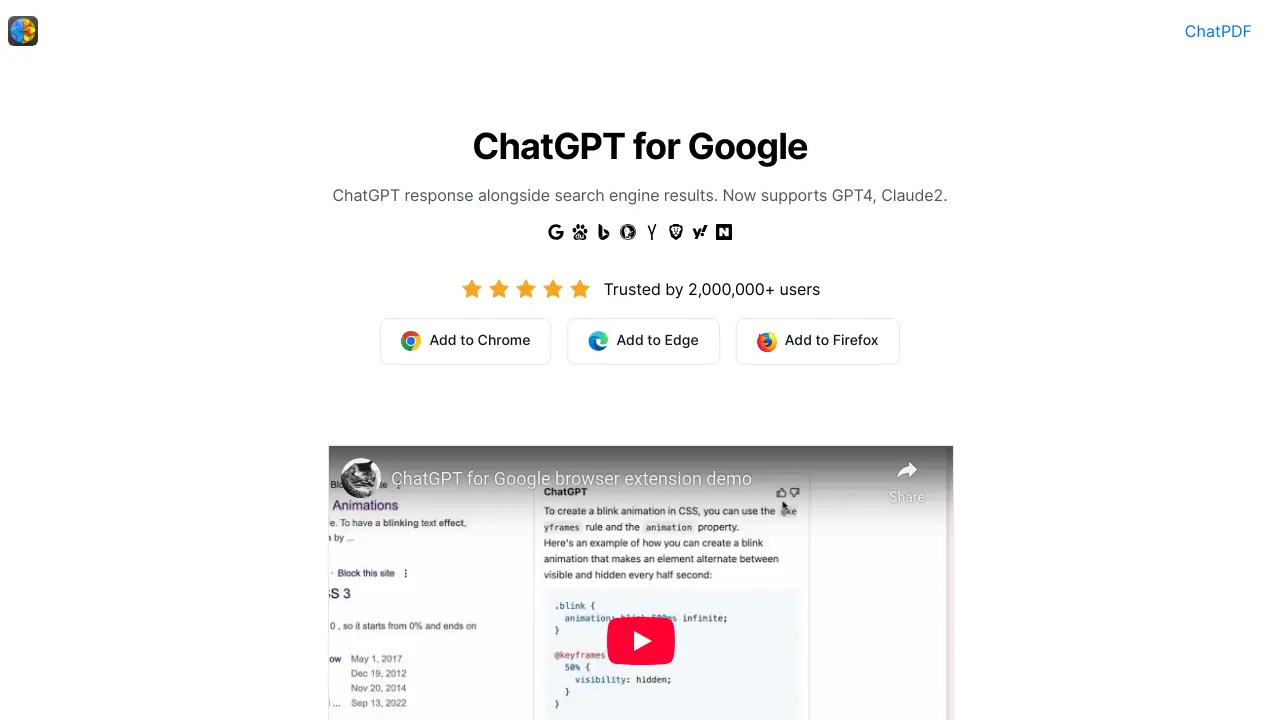
ChatGPT for Google
Search Smarter with AI-Powered Search Engine Integration
 Free
ChatGPT for Google is a browser extension that enhances search engine results by displaying ChatGPT responses alongside them. It supports multiple search engines and AI models like GPT-4, Claude2, and Google Bard.
Key Features:
- AI-Powered Search Results: Displays ChatGPT responses alongside standard search engine results.
- Multiple Search Engine Support: Works with Google, Bing, DuckDuckGo, Baidu, Brave, Yahoo, Naver, Yandex, Kagi, and Searx.
- Advanced AI Model Support: Integrates with GPT-3.5, GPT-4, Google Bard, and Claude.
- Comparison Feature: Enables comparison of responses from different AI models on a single page.
Use Cases:
- Enhanced web searching
- Comparing responses from different AI models
- Quick access to AI-generated answers during research
- Streamlined information gathering
-
Greenify GPT
Make ChatGPT responses faster and shorter
 Free
A browser extension that optimizes ChatGPT responses by making them more concise and quicker to generate.
Key Features:
- Response Optimization: Generates shorter, more concise answers
- Speed Enhancement: Delivers faster ChatGPT responses
- Easy Integration: Simple installation process with Chrome browser
- Developer Mode Compatible: Works with Chrome's developer features
Use Cases:
- Quick information retrieval from ChatGPT
- Efficient research and data gathering
- Time-sensitive AI interactions
- Streamlined question-answering sessions
-

Lunally
Harness the Power of ChatGPT Directly in Your Browser
 Free TrialStarting at $9/month
Transform your online experience with Lunally – the Chrome Extension that integrates ChatGPT's capabilities into your browser, offering instant knowledge and creative insights.
Key Features:
- Web Pages Summarization: Concisely capture the essence of web pages instantly.
- Chat Experience in your Browser Tab: Interact with ChatGPT without leaving your browser tab.
- History Tracking: Keep records of all summaries generated and chat interactions.
Use Cases:
- Academic research and summarization
- Professional content review and analysis
- Creative brainstorming and idea generation
-

ChatGPT2PDF
One-Click Save ChatGPT content to PDF and download
 PaidStarting at $10/month
ChatGPT2PDF is a Chrome extension that enables users to instantly convert and download ChatGPT conversations into PDF format with a single click.
Key Features:
- One-Click Conversion: Instantly convert ChatGPT conversations to PDF
- Easy Download: Simple PDF download functionality
- Chrome Integration: Seamless browser extension experience
- Universal Compatibility: Works with all ChatGPT conversations
Use Cases:
- Archiving important ChatGPT conversations
- Sharing AI conversations with team members
- Creating documentation from ChatGPT responses
- Saving research discussions for future reference
- Building a knowledge base from ChatGPT interactions
-

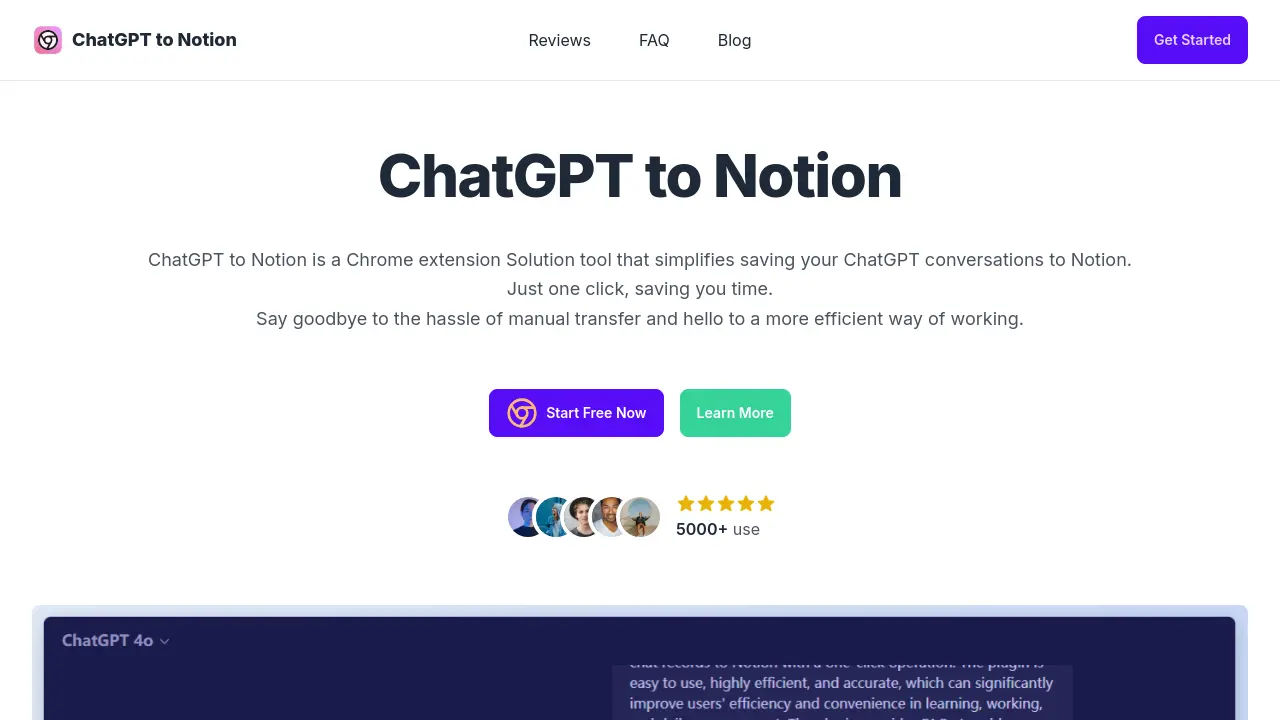
ChatGPT to Notion
Save ChatGPT Conversations to Notion with One Click
 Free
ChatGPT to Notion is a Chrome extension that simplifies saving ChatGPT conversations directly into Notion with a single click, streamlining workflow and eliminating manual transfers.
Key Features:
- One-Click Saving: Save ChatGPT conversations to Notion instantly.
- Seamless Integration: Works perfectly with existing Notion setups.
- Efficient Workflow: Eliminates manual transfer of conversations.
- User-Friendly Interface: Offers a simple and intuitive design for easy navigation.
- Organize Thoughts: Keep ChatGPT conversations neatly organized within Notion.
- Instant Access: Access saved conversations within Notion anytime.
Use Cases:
- Archiving ChatGPT research sessions into Notion.
- Saving important ChatGPT discussions for future reference in Notion.
- Organizing brainstorming sessions conducted with ChatGPT within Notion.
- Streamlining content creation workflows involving both ChatGPT and Notion.
- Maintaining a log of ChatGPT interactions for project tracking in Notion.
-

DashAI
Skyrocket your productivity with instant access to ChatGPT
 Pay OnceStarting at $17/month
DashAI is a Chrome extension that provides instant access to ChatGPT on any webpage, featuring side chat, webpage summaries, AI quick actions, and audio transcriptions.
Key Features:
- Side Chat: Access ChatGPT on every webpage with ⌘ + k shortcut
- Webpage Summaries: Instantly summarize any webpage with ⌘ + B shortcut
- AI Quick Actions: Execute AI commands on highlighted text
- Audio Transcriptions: Convert speech to text from any webpage
- AI Text Expander: Generate AI content in any text box
- Chat History: Save and search through all conversations
- Prompt Library: Access over 100 pre-built prompts
- Customizable Configuration: Manage shortcuts and webpage permissions
Use Cases:
- Summarizing long articles
- Quick email drafting using voice
- Social media content creation
- Text translation on any webpage
- AI-assisted writing and editing
- Content research and analysis
-

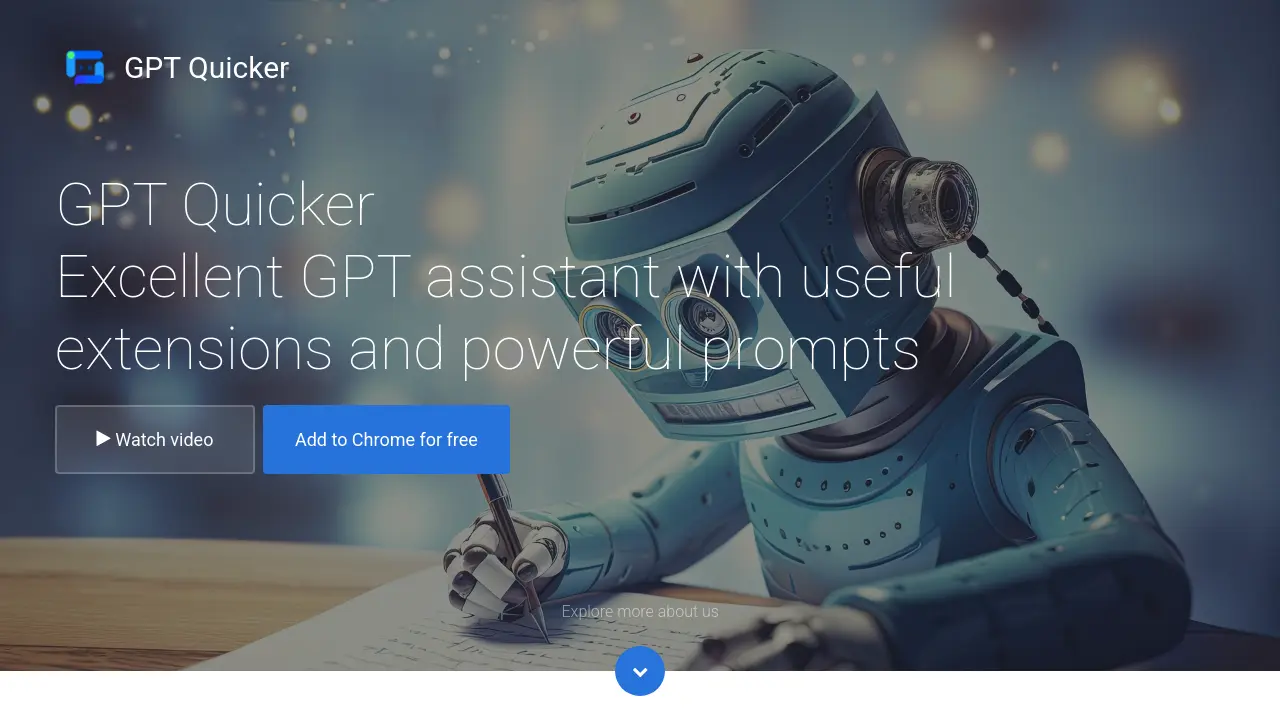
GPT Quicker
Excellent GPT assistant with useful extensions and powerful prompts
 FreemiumStarting at $7/month
GPT Quicker is a browser extension that enhances productivity by integrating multiple AI chatbots (ChatGPT, Bing, Bard, Claude) and providing convenient tools like search enhancement, text selection actions, and an email assistant directly within the browser.
Key Features:
- Multi-AI Integration: Use ChatGPT, Microsoft Bing, Google Bard, and Claude in one place.
- Convenient Extensions: Access AI tools directly on any webpage.
- Search Enhancement: Get tailored AI-powered results on Google and Bing.
- Text Selection Tools: Utilize AI for reading and writing tasks on selected text.
- Email Assistant: Summarize emails and get reply suggestions or draft new emails.
- Efficient Shortcut Chat: Access AI chat via a sidebar on any webpage.
- Quicker Prompts: Use built-in prompts with slash commands and fuzzy search.
- Powerful Full-Screen Mode: Access grouped prompts and chat history.
- Chat History: Save and revisit conversations generated via extensions or full-screen mode.
Use Cases:
- Enhancing online search results with AI insights.
- Assisting with reading comprehension and writing tasks on webpages.
- Managing emails more efficiently by summarizing and drafting replies.
- Quickly accessing AI assistance for work, study, or creative tasks without switching tabs.
- Comparing responses from different AI models (ChatGPT, Bing, Bard, Claude).
- Using pre-defined prompts for common AI tasks.
-

Lit Chat
Secure AI Chat Interface with Multiple GPT Models
 Other
Lit Chat offers a secure, end-to-end encrypted interface for interacting with various advanced GPT language models, including GPT-4 variants.
Key Features:
- Model Selection: Access to multiple GPT models (gpt-3.5-turbo, gpt-4, gpt-4-turbo, gpt-4o, gpt-4o-mini, o1-preview).
- End-to-End Encryption: Secure chat history with E2E encryption.
- Chrome Extension: Browser extension for enhanced accessibility or integration.
- Chat Management: Dashboard and sidebar for organizing conversations.
Use Cases:
- Engaging in conversational AI interactions.
- Generating text content using different GPT models.
- Asking questions and receiving AI-powered answers.
- Securely experimenting with various language models.
- Integrating AI chat capabilities into browsing workflows via Chrome extension.
-

searchgpt.net
Unleash the power of AI with ChatGPT – your ultimate search assistant!
 Free
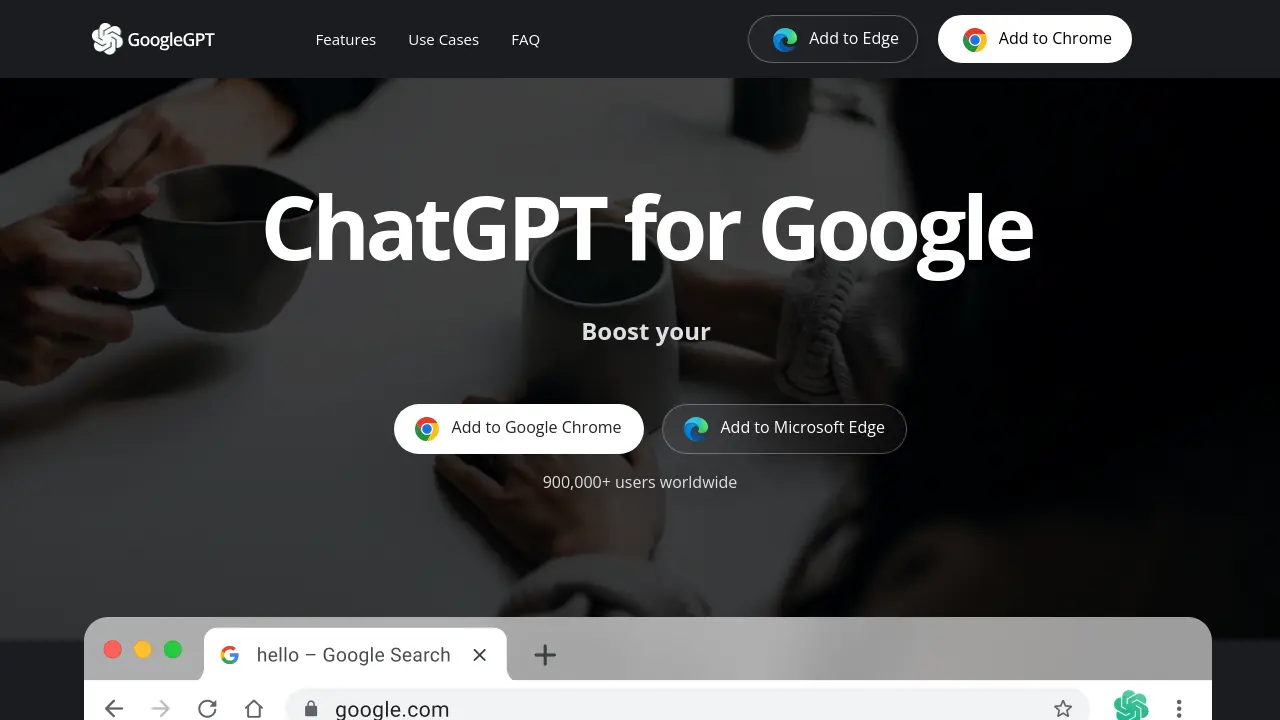
ChatGPT for Google is an AI-powered browser extension that enhances Google search results by integrating ChatGPT's capabilities, offering tailored results, quick summaries, and simplified research.
Key Features:
- Trigger Modes: Allows users to activate the AI assistance continuously, manually, or by using a question mark in their search.
- Popup Mode: Provides access to ChatGPT functionalities via a popup window within the browser for seamless integration.
- Dark Theme: Includes an optional dark mode for improved visual comfort during browsing.
- Tailored Search Results: Leverages GPT's natural language processing to understand search intent, history, and location, delivering more personalized and relevant results.
- Quick Article Summaries: Utilizes GPT to analyze and summarize long articles rapidly, presenting key insights efficiently.
- Simplified Research: Assists in complex research by generating summaries and synthesizing information from multiple sources.
- GPT-4 Class Model Integration: Powered by a GPT-4 class model for advanced AI capabilities in search enhancement.
Use Cases:
- Obtaining AI-enhanced answers and insights directly alongside Google search results.
- Efficiently grasping the core content of lengthy articles or web pages without full readings.
- Accelerating the research process by getting synthesized information and summaries from various sources.
- Receiving search results more attuned to individual needs and query context.
- Improving browsing efficiency by activating AI assistance through various trigger modes or a popup window.
-
ShowGPT
Share ChatGPT conversations easily with one click.
 Free
ShowGPT is a Chrome extension allowing users to share ChatGPT conversations via shareable links, present them as slide shows, or export them as PNG/PDF files.
Key Features:
- One-Click Sharing: Integrates a 'Share' button directly into the ChatGPT interface.
- Shareable Links: Generates unique URLs for easy sharing of entire conversations.
- Slide Show Presentation: Converts ChatGPT dialogues into a presentable slide show format.
- PNG Export: Allows saving conversations as PNG image files.
- PDF Export: Enables exporting conversations into PDF documents.
- Chrome Extension: Seamlessly integrates with the Google Chrome browser.
Use Cases:
- Sharing AI-generated insights with team members.
- Presenting ChatGPT outputs in meetings or classrooms.
- Archiving significant ChatGPT conversations for documentation.
- Creating educational materials based on AI interactions.
- Collaborating on projects using shared ChatGPT dialogues.
- Saving conversation snippets or full chats for offline use.
-

Easy Folders
A browser extension to boost productivity in ChatGPT & Claude
 Freemium
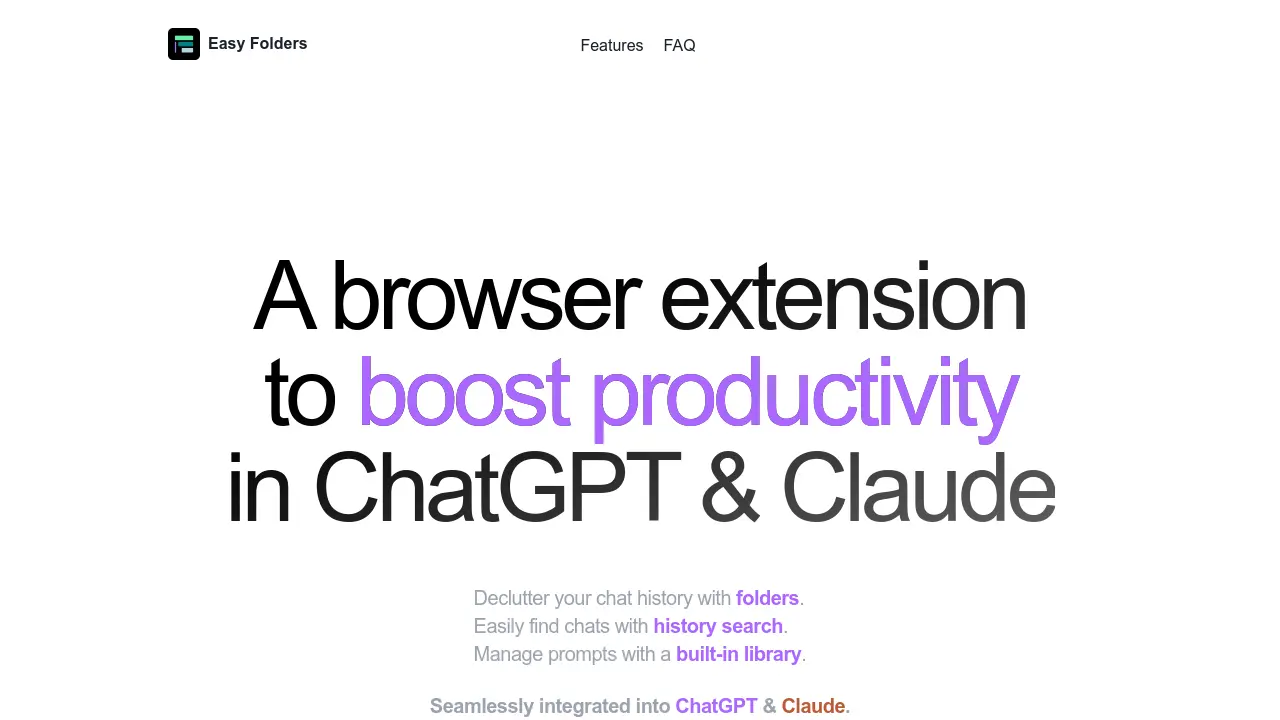
Easy Folders is a browser extension designed to enhance productivity for ChatGPT and Claude users by enabling chat organization with folders, instant history search, and built-in prompt management.
Key Features:
- Organize ChatGPT Projects: Group related projects into dedicated folders.
- Chat Organization: Structure chats into folders and sub-folders.
- Data Sync: Synchronize folder data across unlimited devices (Paid Feature).
- Bookmark Important Items: Keep essential chats and projects pinned for quick access.
- Instant Chat Search: Quickly find specific chats using history search.
- Built-in Prompts Manager: Store, manage, and organize prompts with variable support.
- Easy Prompt Reuse: Apply saved prompts efficiently without copy-pasting.
- Prompt Library Access: Gain inspiration from a collection of handpicked prompts.
- One-click Custom Instructions: Apply predefined instruction profiles instantly.
Use Cases:
- Organizing client-specific conversations in ChatGPT/Claude.
- Managing research threads for different academic topics.
- Storing and quickly applying frequently used prompts for repetitive tasks.
- Efficiently switching context between various projects using custom instructions.
- Locating past conversations or specific information within extensive chat histories.
- Improving overall workflow efficiency when using ChatGPT or Claude.
-

RankNow.ai
Enhance Your ChatGPT Experience with Powerful SEO and Copywriting Tools
 Free
RankNow.ai is a Chrome extension that enhances ChatGPT with keyword research, backlink analysis, competitor analysis, and a library of templates for various writing needs.
Key Features:
- Keyword Research: Provides tools for keyword research.
- Backlink Analysis: Includes tools for analyzing backlinks.
- Competitor Analysis: Offers capabilities for competitor analysis.
- Template Library: Features a vast library of templates for copywriting, SEO, marketing, and more.
Use Cases:
- Enhancing ChatGPT prompts
- Improving SEO strategies
- Developing marketing campaigns
- Creating social media content
- Optimizing website content
- Streamlining freelance writing tasks
- Crafting effective email marketing campaigns
-

Voice Control for ChatGPT
Enhance Your ChatGPT Experience with Voice Input and Read Aloud Capabilities
 Free
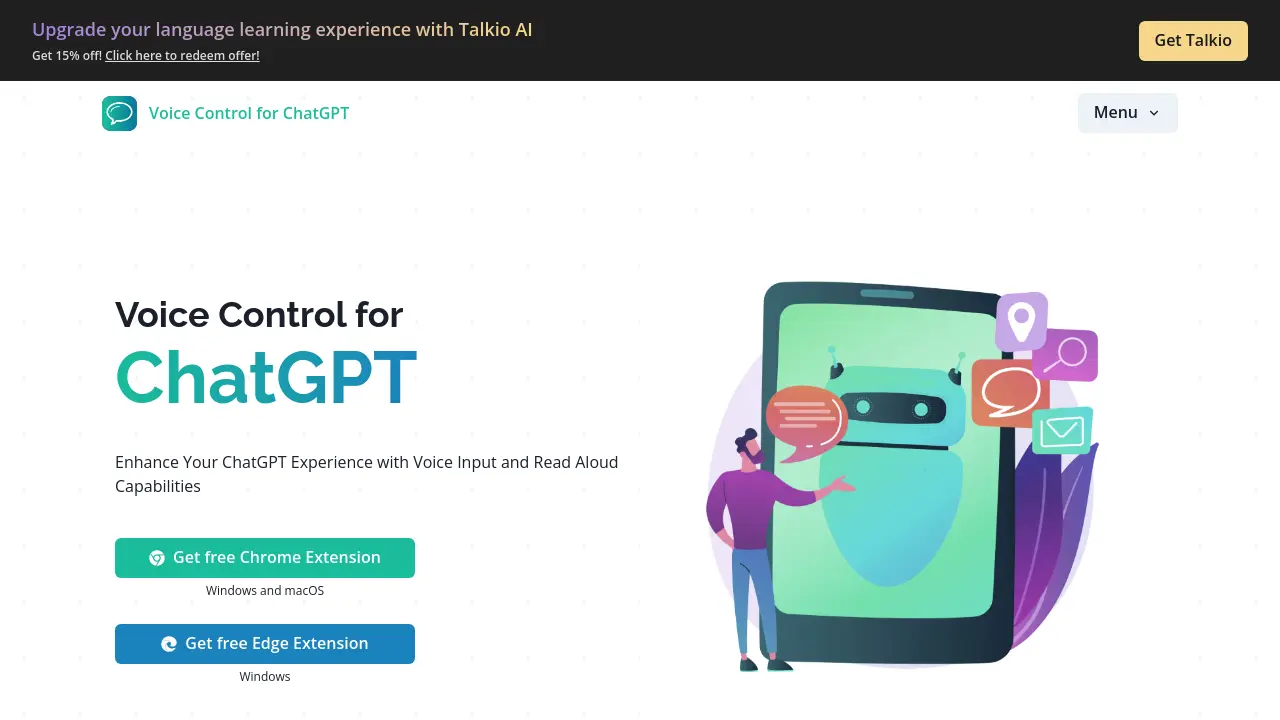
Voice Control for ChatGPT is a browser extension that adds voice input and text-to-speech capabilities to ChatGPT interactions, facilitating hands-free conversations and aiding language learning.
Key Features:
- Voice Input: Record voice and submit spoken questions to ChatGPT.
- Read Aloud: Have ChatGPT's responses read aloud.
- Multilingual Support: Engage in conversations with ChatGPT in multiple languages.
- Mia AI Integration: Access a personal voice assistant for fluid, hands-free interactions.
- Browser Extension: Integrates directly into Chrome and Edge browsers.
Use Cases:
- Engaging in hands-free conversations with ChatGPT.
- Improving accessibility for users with typing difficulties.
- Practicing speaking and pronunciation for language learning.
- Increasing the speed and efficiency of information retrieval from ChatGPT.
- Using a personal voice assistant (Mia AI) for browser tasks.
-

Re:GPT
ChatGPT Integration for Gmail and Outlook Write Better Emails Faster
 FreemiumStarting at $8/month
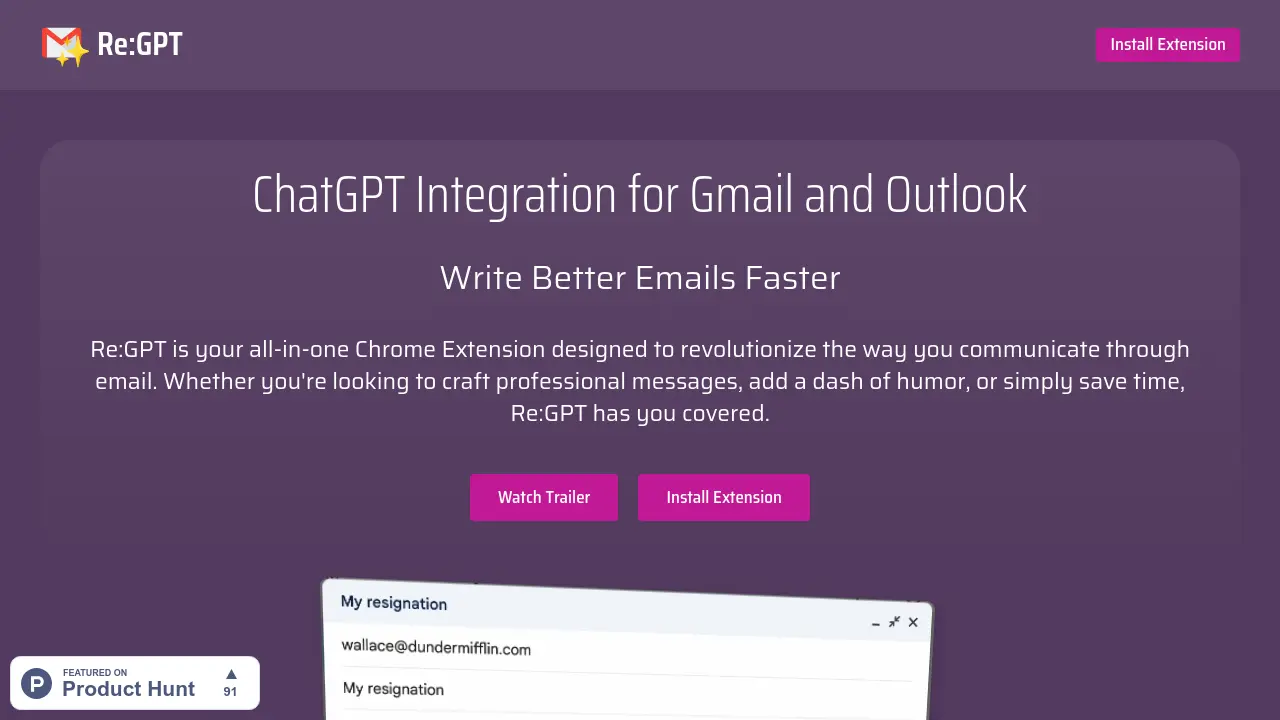
Re:GPT is a Chrome Extension that integrates ChatGPT with Gmail and Outlook, enabling users to write professional, tone-adjusted emails more efficiently.
Key Features:
- ChatGPT Integration: Utilizes ChatGPT for advanced email generation.
- Gmail & Outlook Integration: Works seamlessly within Gmail and Outlook interfaces.
- Email Rephrasing: Transforms brief inputs into well-written email content.
- Contextual Response Generation: Uses the existing email thread to draft relevant replies.
- Tone Adjustment: Offers options for cheeky, casual, or formal tones.
- Voice Customization: Allows switching between 'I' and 'We' perspectives.
- Length Control: Features a slider to adjust the length of the generated email.
- Privacy Focused: Does not store user emails or messages on its servers.
Use Cases:
- Drafting professional emails for clients and colleagues.
- Quickly composing eloquent replies to emails.
- Improving the quality and consistency of customer support messages.
- Saving time on routine email writing tasks.
- Adapting email tone and voice for different audiences and contexts.
- Enhancing overall email productivity and communication clarity.
-

SideChat
The fastest way to use ChatGPT
 Free
SideChat is a browser-based ChatGPT-powered AI assistant that provides instant access to ChatGPT's capabilities from any tab while browsing, featuring streamlined functionality and enhanced user experience.
Key Features:
- Quick Access: One-click or keyboard shortcut activation in any browser tab
- Direct API Integration: Direct access to OpenAI's ChatGPT API without intermediaries
- Real-time Streaming: Instant display of responses as they're generated
- Specialized Assistants: Different AI assistants for specific tasks
- Privacy Protection: Direct API connection with no additional data collection
- Enhanced UI: Structured data and code snippet display capabilities
Use Cases:
- Quick information lookup while browsing
- Code assistance and debugging
- Content research and analysis
- Task-specific AI assistance
- Real-time writing support
- Information processing and structuring
-

EzMail.AI
ChatGPT-powered Chrome Extension for Gmail that generates entire emails and messages
 Free
EzMail.AI is a free Chrome extension that integrates ChatGPT with Gmail, allowing users to automatically generate and refine email responses with AI assistance.
Key Features:
- Automatic Context Processing: Email context automatically fed into prompt
- One-Click Integration: Simple insertion of generated drafts into Gmail
- Interactive Refinement: Chat feature to refine generated drafts
- Universal Language Support: Compatible with all languages
- Privacy Protection: 100% privacy-friendly implementation
- ChatGPT Integration: Robust connection to ChatGPT account
Use Cases:
- Composing professional email responses
- Drafting quick email replies
- Writing emails in different languages
- Creating formal business communications
- Responding to customer inquiries
- Generating personalized email content
-

NovaTexter
AI helper with ChatGPT models inside any text-area
 Pay OnceStarting at $5/month
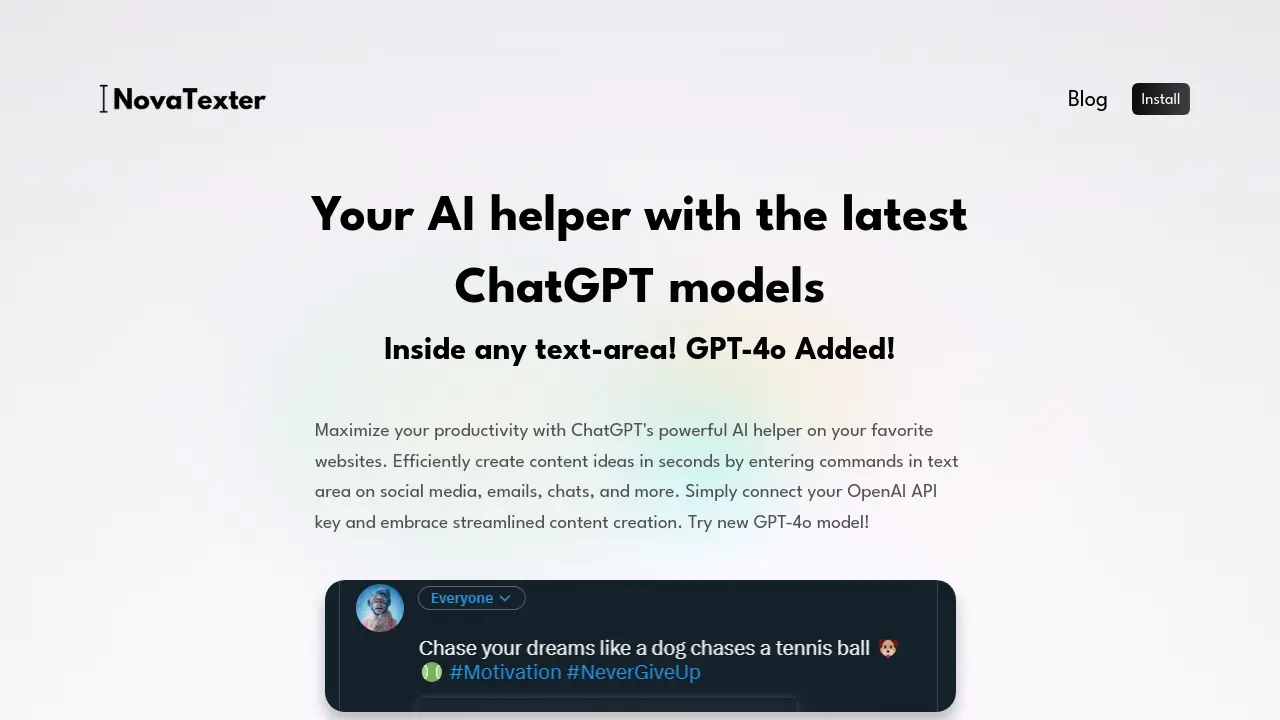
NovaTexter is a browser extension that integrates ChatGPT's AI capabilities directly into text areas across websites, enabling efficient content creation through simple commands.
Key Features:
- ChatGPT Integration: Direct access to latest GPT models including GPT-4o
- In-text Commands: Execute AI commands within any text area
- Cross-platform Compatibility: Works across social media, emails, and chat applications
- API Integration: Connects with user's OpenAI API key
- Browser Extension: Easy installation in Chrome browser
Use Cases:
- Social media content creation
- Email writing assistance
- Chat message composition
- Content ideation
- Text enhancement and editing
-

chadview.com
ChatGPT Real-time Meetings Assistant for Job Interviews
 Free TrialStarting at $20/month
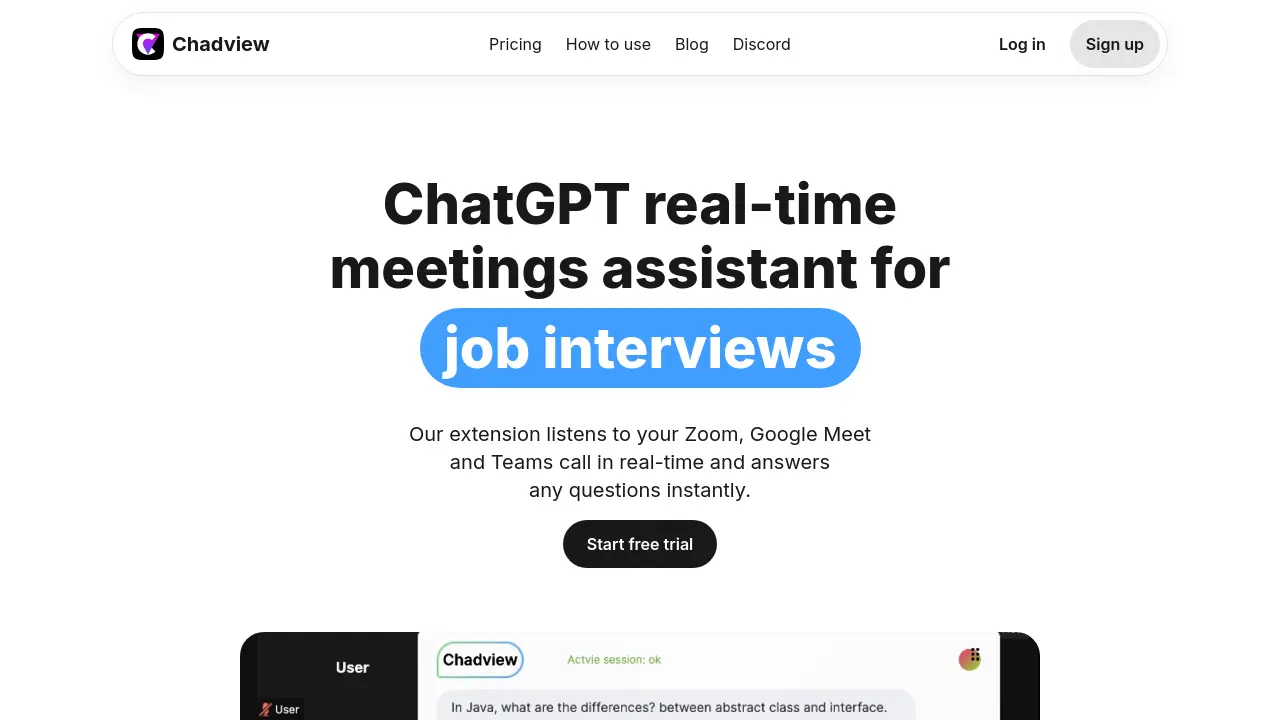
Chadview is a real-time meeting assistant powered by ChatGPT that helps job seekers answer interview questions instantly. It supports Zoom, Google Meet, and Teams.
Key Features:
- Real-time Question Answering: Delivers instant answers during video calls.
- Multi-Platform Support: Compatible with Zoom, Google Meet, Microsoft Teams, and other browser-based platforms.
- ChatGPT Integration: Powered by the ChatGPT API for accurate responses.
- Multi-language Support: Offers transcription and responses in English, Spanish, Portuguese, Ukrainian, Russian, and Chinese.
- Technical Role Specialization: Tailors responses based on the specified technical role (e.g., developer, analyst).
- Browser-Based Audio Capture: Records audio directly from the browser for seamless integration.
Use Cases:
- Answering technical interview questions accurately.
- Gaining a competitive edge in job interviews.
- Saving time on research during live interviews.
- Improving interview performance in multiple languages.
- Getting real-time assistance with complex technical topics.
-
Promptmatic
Superpower for Your ChatGPT Account
 Pay OnceStarting at $47/month
Promptmatic is a Chrome extension that enhances ChatGPT with 2900 ready-made prompt templates, smart prompt editor, and GPT management features. It offers prompt library, folders, search, and GPT bookmarks to streamline ChatGPT interactions.
Key Features:
- Prompt Library: 2900 vetted and tested high-quality ChatGPT prompt templates
- Smart Prompt Editor: Template editor with 300+ presets for roles, instructions, styles & tones
- Custom Template Library: Save and organize frequently used prompts
- GPT Bookmark Manager: One-click access to saved GPTs
- Role Customization: 160+ pre-built roles with custom options
- Instruction Builder: 60+ pre-built instructions with customization
- Writing Styles: 60+ pre-built writing styles
- Tone Presets: 60+ pre-built writing tones
Use Cases:
- Blog post writing
- Academic research paper creation
- Professional writing tasks
- Content automation
- Research automation
- Prompt management
- GPT organization
- Writing workflow optimization
-

DeepTab
All in One AI productivity tools on your Chrome tab
 FreemiumStarting at $7/month
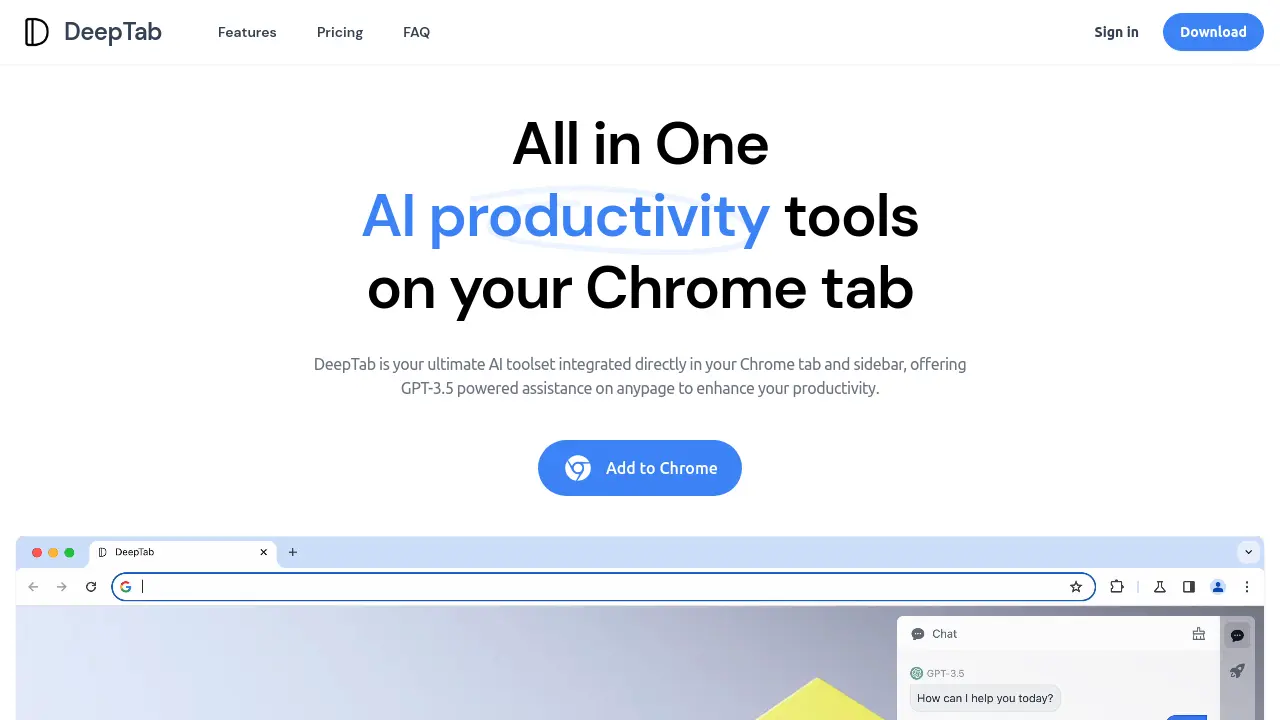
DeepTab integrates an AI toolset into your Chrome tab and sidebar, providing GPT-3.5 powered assistance on any webpage to enhance productivity and streamline browsing.
Key Features:
- AI-Enhanced Browsing: Integrates GPT-3.5 assistance directly into the Chrome tab and sidebar for productivity enhancement on any page.
- Interactive AI Chat: Engage with AI in real-time via the new tab or sidebar.
- Instant AI Search Access: Quickly connect to Perplexity, Bing, You, and other search engines from the new tab.
- Dynamic Daily Wallpapers: Automatically updates browser tab background with fresh wallpapers daily.
- Comprehensive AI Navigation: Provides a directory of AI-related websites and resources.
- Chrome Extension Integration: Functions as a Chrome extension for seamless browser integration.
Use Cases:
- Boosting productivity while browsing the web.
- Getting instant AI assistance on any webpage.
- Quickly accessing various AI-powered search engines.
- Engaging in AI chat for information or task completion.
- Discovering AI resources and websites.
- Personalizing the Chrome new tab experience.