
What is Easy Folders?
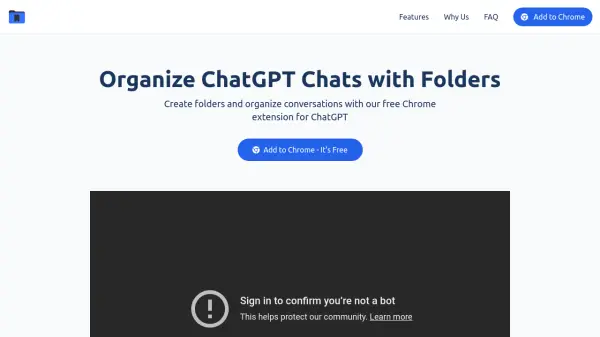
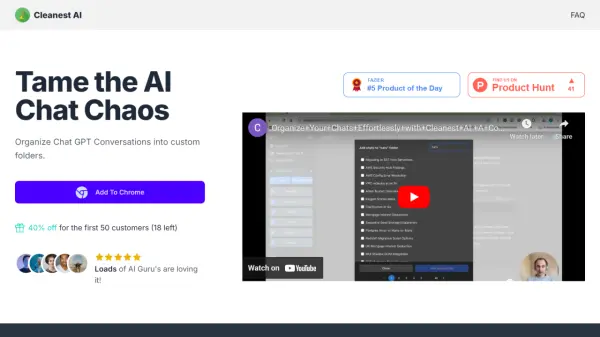
Easy Folders is a browser extension developed to improve the user experience within ChatGPT and Claude platforms. It addresses common workflow challenges by providing tools to organize chat history effectively. Users can create folders and sub-folders to categorize their conversations, decluttering the chat interface and making specific discussions easier to manage and retrieve. The extension integrates seamlessly into the existing ChatGPT and Claude interfaces.
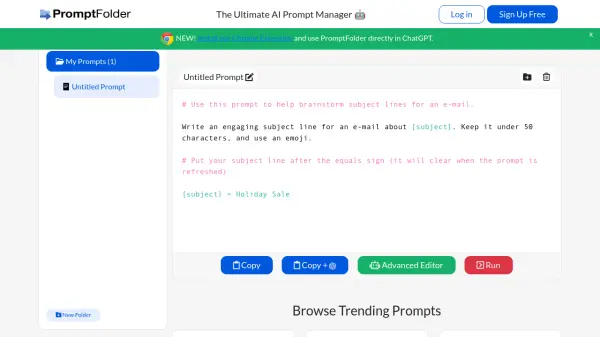
Beyond chat organization, Easy Folders incorporates features for efficient prompt handling. It includes a built-in prompt manager where users can store, organize, and reuse their frequently used prompts, supporting prompt variables for customization. The tool also offers access to a library of curated prompts for inspiration and allows users to apply custom instruction profiles with a single click, simplifying context switching between different tasks or projects. For paid users, folder structures can be synced across multiple devices.
Features
- Organize ChatGPT Projects: Group related projects into dedicated folders.
- Chat Organization: Structure chats into folders and sub-folders.
- Data Sync: Synchronize folder data across unlimited devices (Paid Feature).
- Bookmark Important Items: Keep essential chats and projects pinned for quick access.
- Instant Chat Search: Quickly find specific chats using history search.
- Built-in Prompts Manager: Store, manage, and organize prompts with variable support.
- Easy Prompt Reuse: Apply saved prompts efficiently without copy-pasting.
- Prompt Library Access: Gain inspiration from a collection of handpicked prompts.
- One-click Custom Instructions: Apply predefined instruction profiles instantly.
Use Cases
- Organizing client-specific conversations in ChatGPT/Claude.
- Managing research threads for different academic topics.
- Storing and quickly applying frequently used prompts for repetitive tasks.
- Efficiently switching context between various projects using custom instructions.
- Locating past conversations or specific information within extensive chat histories.
- Improving overall workflow efficiency when using ChatGPT or Claude.
FAQs
-
Is my data safe?
Yes! Security is taken very seriously. Your conversation data is stored on your local machine and never leaves your computer. No conversation data is stored on their servers. Note: If you are a paid Superuser, your folders are synced to the cloud for accessibility across multiple devices using only the unique chat IDs to maintain your folder structure.