What is Humaniser?
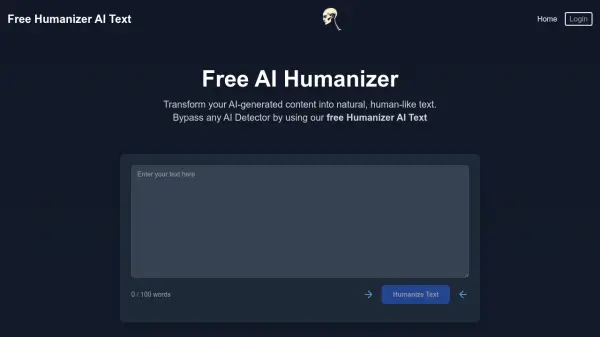
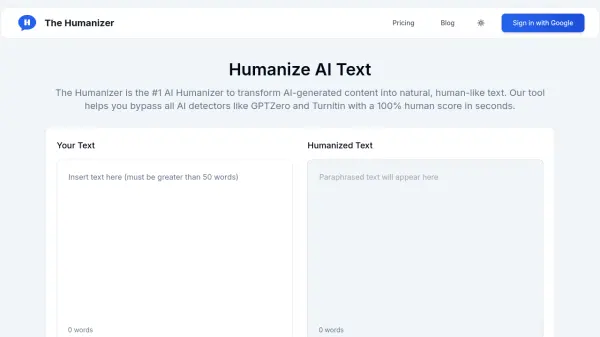
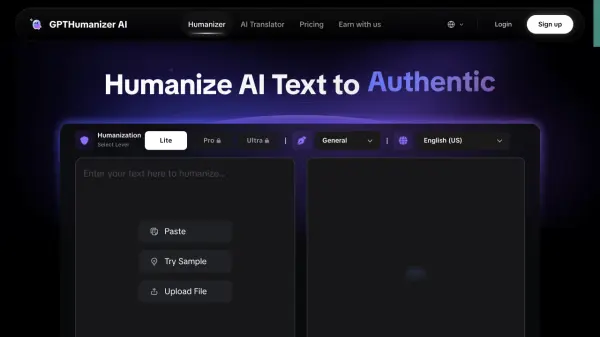
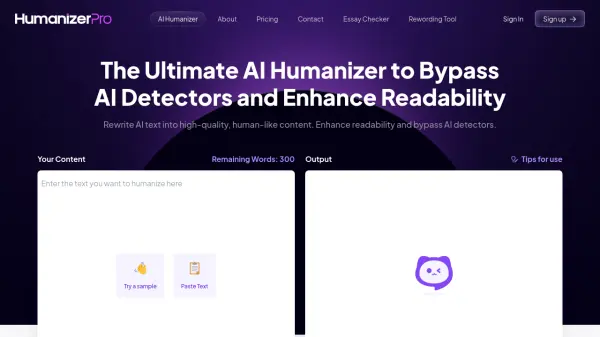
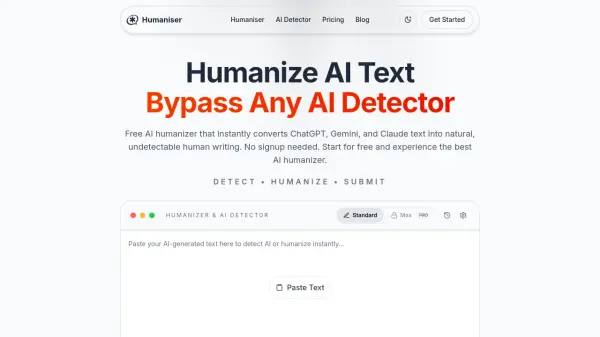
Humaniser is an AI-powered text humanizer and detection tool that converts machine-generated content into natural, conversational writing. It uses natural language processing and machine learning to identify common AI writing patterns, restructure sentences, diversify vocabulary, adjust tone, and preserve the text's original meaning, facts, and intent.
The platform processes text in seconds and supports content created with tools such as ChatGPT, Claude, and Gemini. It also analyzes whether text appears AI-generated, produces multiple writing variations, supports more than 50 languages on paid plans, and deletes processed content rather than storing it permanently.
Features
- AI Text Humanization: Rewrites AI-generated content to sound natural, conversational, and human-like while preserving its meaning.
- AI Content Detection: Analyzes submitted text to estimate whether it was generated by an AI system.
- Context-Aware Rewriting: Retains key facts, intent, tone, and the core message during text transformation.
- Multilingual Processing: Supports more than 50 languages on paid plans, while the Free plan supports English.
- Multiple Variations: Generates alternative versions with different writing styles and tones.
- Private Text Processing: Uses secure processing and deletes content after humanization under a zero data retention policy.
- Instant Results: Processes and rewrites submitted text within seconds.
- Plagiarism-Free Output: Produces original rewrites designed to pass plagiarism checking tools.
Use Cases
- Humanizing AI-assisted essays, research papers, and assignments
- Rewriting AI-generated blog posts and articles
- Improving reports, proposals, and business documents
- Creating natural-sounding emails and messages
- Refining marketing copy and product content
- Producing authentic social media posts
- Humanizing cover letters and professional communications
- Checking whether text appears to be AI-generated
How It Works
Paste AI-Generated Text
Copy content from ChatGPT, Claude, Gemini, or another AI system and paste it into the text editor.
Select Humanize
Click Humanize so the tool can analyze machine-writing patterns and rewrite the content in a more natural style.
Copy and Use the Result
Review the humanized output, copy it, and use it in the intended document or publishing workflow.
FAQs
-
Is submitted text stored or shared?
Humaniser states that submitted text is processed securely, deleted after humanization, and not shared with third parties or used for training. -
Will humanization change the original meaning?
The tool is designed to preserve the original message, key facts, context, and intent while changing sentence structure, vocabulary, and tone. -
Does it support content from recent AI models?
Yes. The website states that it supports text produced by models including GPT-4o, Claude 4, and Gemini 2.0, with algorithms updated as new models emerge. -
Can users change their subscription later?
Yes. Users can upgrade, downgrade, or change their billing cadence through the portal, and the website states that unused balances roll over automatically. -
What happens if humanized content is flagged as AI-generated?
Humaniser offers a money-back guarantee and states that it will refund the cost of a humanization if the resulting content is flagged as not human, subject to its full policy.