What is ChatGPT for Google?
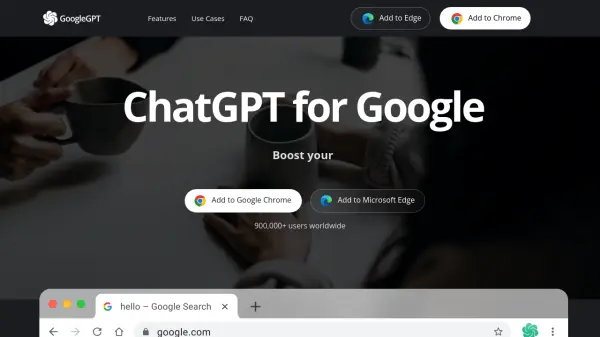
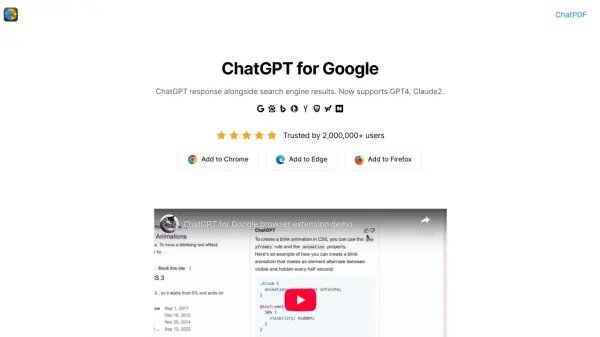
ChatGPT for Google is a browser extension that integrates the power of ChatGPT directly into your search engine results. The extension works by displaying ChatGPT's responses alongside the standard results from search engines like Google, Bing, DuckDuckGo, and more. This provides users with a more comprehensive and insightful search experience.
ChatGPT for Google now supports a range of advanced AI models, including GPT-3.5, GPT-4, Google Bard, and Claude. This allows users to not only benefit from ChatGPT's capabilities but also compare responses across these different AI, all within a single, unified interface.
Features
- AI-Powered Search Results: Displays ChatGPT responses alongside standard search engine results.
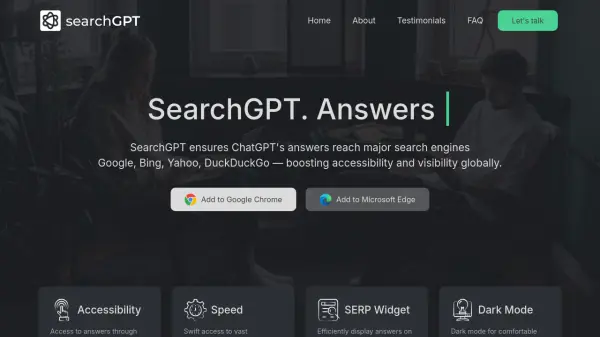
- Multiple Search Engine Support: Works with Google, Bing, DuckDuckGo, Baidu, Brave, Yahoo, Naver, Yandex, Kagi, and Searx.
- Advanced AI Model Support: Integrates with GPT-3.5, GPT-4, Google Bard, and Claude.
- Comparison Feature: Enables comparison of responses from different AI models on a single page.
Use Cases
- Enhanced web searching
- Comparing responses from different AI models
- Quick access to AI-generated answers during research
- Streamlined information gathering
FAQs
-
What is ChatGPT?
ChatGPT is a language model developed by OpenAI, it's a type of AI that is able to understand and generate human-like text. It's been trained on a vast amount of text data from the internet, so it has a good understanding of various topics and it can perform various natural language processing tasks such as language translation, text summarization, and text completion. Essentially, it's a computer program that can communicate with people in a way that feels natural and human-like. -
What is ChatGPT for Google?
ChatGPT for Google is a browser extension designed to augment search engine functionality with the capabilities of ChatGPT. It operates by displaying ChatGPT responses alongside regular search engine results. Furthermore, it now has the ability to compare the responses of ChatGPT, GPT-4, Google Bard, and Claude on a single page, thereby enhancing the overall search experience. -
Does ChatGPT for Google support ChatGPT4?
Yes, ChatGPT supports popular AI models, including GPT-3.5, GPT-4, Google Bard, and Claude. -
Where can you get ChatGPT for Google Extension?
You can get this ChatGPT extension from the Chrome Web Store and the Microsoft Edge Add-ons Store. -
Do I need a ChatGPT/OpenAI account?
Yes, you need to have a ChatGPT account to use this extension. You can create an account for free at chat.openai.com