What is AI Chat for Search?
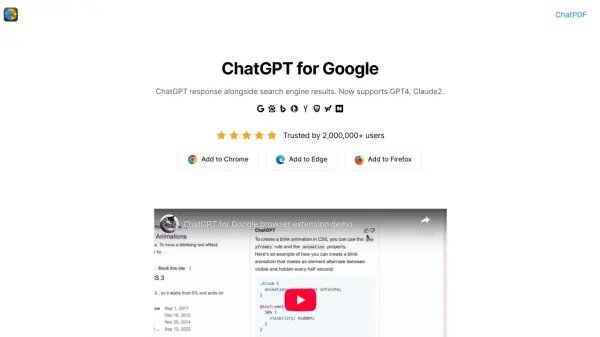
AI Chat for Search is a browser extension that enhances your search experience by integrating advanced AI. It displays intelligent, conversational responses from various AI models directly alongside your standard search engine results. This allows you to get more comprehensive answers and compare different AI perspectives on a single page, making searches more efficient and insightful. The extension supports popular AI models such as GPT-4 and Claude2, and works with multiple search engines including Google, Bing, DuckDuckGo, and more. It is free to use and available on the Chrome Web Store.
With AI Chat for Search, users can also summarize YouTube videos and access other productivity tools within the same interface. The extension requires an account with the respective AI provider to access model capabilities, but the extension itself facilitates the connection seamlessly.
Features
- Multi-model Support: Supports AI models like GPT-4 and Claude2 for diverse responses.
- Search Engine Integration: Works with Google, Bing, DuckDuckGo, and more.
- YouTube Video Summarization: Generates concise summaries of video content.
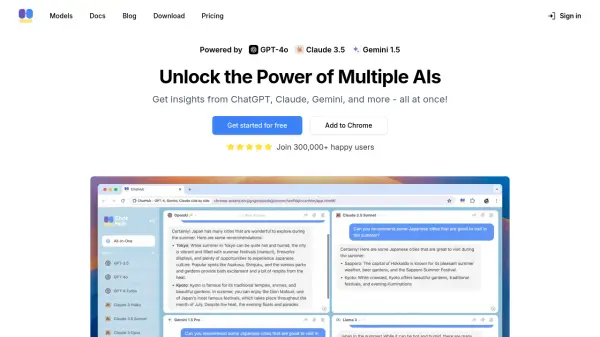
- Side-by-side Comparison: Compare AI responses directly alongside search results.
Use Cases
- Enhancing search results with AI-generated answers
- Comparing responses from different AI models
- Summarizing YouTube videos for quick insights
- Getting quick answers without leaving search results page
FAQs
-
What AI models does the extension support?
AI Chat for Search supports a range of popular AI models including GPT-4 and Claude2, allowing users to compare responses from different AI systems. -
Is AI Chat for Search free to use?
Yes, the extension is free to use. -
What search engines are supported?
Currently, AI Chat for Search supports Google, Bing, Baidu, DuckDuckGo, Brave, Yahoo, Naver, Yandex, Kagi, and Searx. -
Do I need an account with an AI provider?
To access the capabilities of the various AI models, you will need an active account with the respective third-party AI provider. The extension facilitates the connection, but access is dependent on your account status with the provider you choose to use. -
How can I summarize YouTube videos?
AI Chat for Search can generate concise summaries of YouTube videos, helping you quickly understand the key points without watching the entire video.