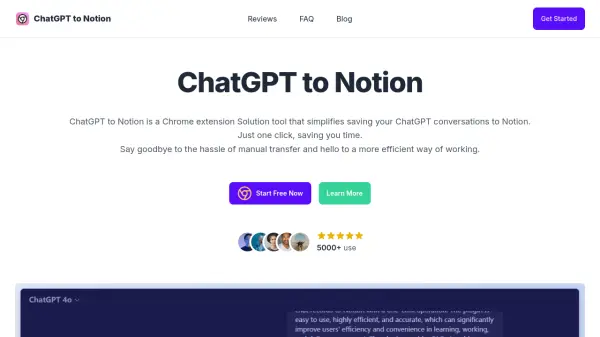
What is ChatGPT to Notion?
ChatGPT to Notion is a Chrome extension tool developed to simplify the process of transferring conversations from ChatGPT directly into Notion. It allows users to save their chat logs with just a single click, effectively eliminating the need for manual copying and pasting.
This tool offers a user-friendly interface and integrates seamlessly with existing Notion accounts, enabling instant saving and improved organization of ChatGPT interactions. By streamlining this process, ChatGPT to Notion enhances productivity and provides a more efficient way for users to manage their conversational data within their Notion workspace.
Features
- One-Click Saving: Save ChatGPT conversations to Notion instantly.
- Seamless Integration: Works perfectly with existing Notion setups.
- Efficient Workflow: Eliminates manual transfer of conversations.
- User-Friendly Interface: Offers a simple and intuitive design for easy navigation.
- Organize Thoughts: Keep ChatGPT conversations neatly organized within Notion.
- Instant Access: Access saved conversations within Notion anytime.
Use Cases
- Archiving ChatGPT research sessions into Notion.
- Saving important ChatGPT discussions for future reference in Notion.
- Organizing brainstorming sessions conducted with ChatGPT within Notion.
- Streamlining content creation workflows involving both ChatGPT and Notion.
- Maintaining a log of ChatGPT interactions for project tracking in Notion.
FAQs
-
How does ChatGPT to Notion work?
It allows saving ChatGPT conversations to Notion with just one click, simplifying the transfer process. -
Is ChatGPT to Notion easy to use?
Yes, the tool is designed with a user-friendly interface for ease of use and efficiency. -
Can I save multiple conversations with ChatGPT to Notion?
Yes, you can save as many conversations as you need from ChatGPT to Notion. -
What are the main benefits of using ChatGPT to Notion?
The primary benefits include saving time by eliminating manual conversation transfers and enabling a more efficient workflow between ChatGPT and Notion.