-

Remover.video
Remove video text and watermarks without blur
 FreemiumStarting at $9/month
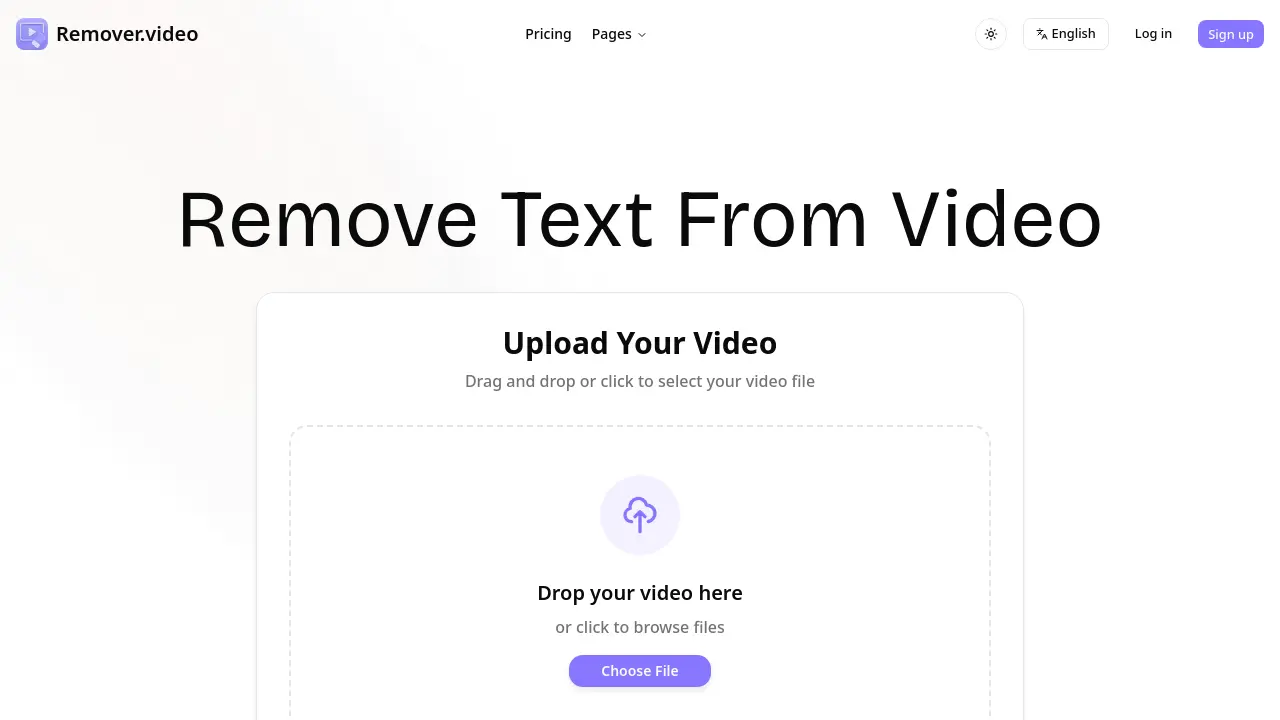
Remover.video is an AI-powered online video editor that removes text, watermarks, logos, subtitles, and captions without blurring or reducing video quality. It supports videos from TikTok, Instagram, YouTube, Snapchat, Facebook, and other platforms.
Key Features:
- AI Text Removal: Detects and removes unwanted text overlays from uploaded videos.
- Blurless Watermark Removal: Erases watermarks while preserving video quality and background integrity.
- Logo and Branding Removal: Removes logos and other branding elements from video footage.
- Subtitle and Caption Removal: Detects and removes hardcoded subtitles and captions.
- Batch Video Editing: Processes multiple videos for larger content production workflows.
Use Cases:
- Remove TikTok watermarks before repurposing original videos on other platforms.
- Clean text overlays from Instagram Reels and social media clips.
- Remove logos and branding from videos when the user has permission to edit the content.
- Erase hardcoded subtitles or captions from video files.
- Prepare clean videos for marketing campaigns, advertisements, and social media publishing.
- Batch process multiple videos for studio or agency workflows.
-

RemoveFrom.Video
Remove watermark, text, subtitles and unwanted objects from video online with AI
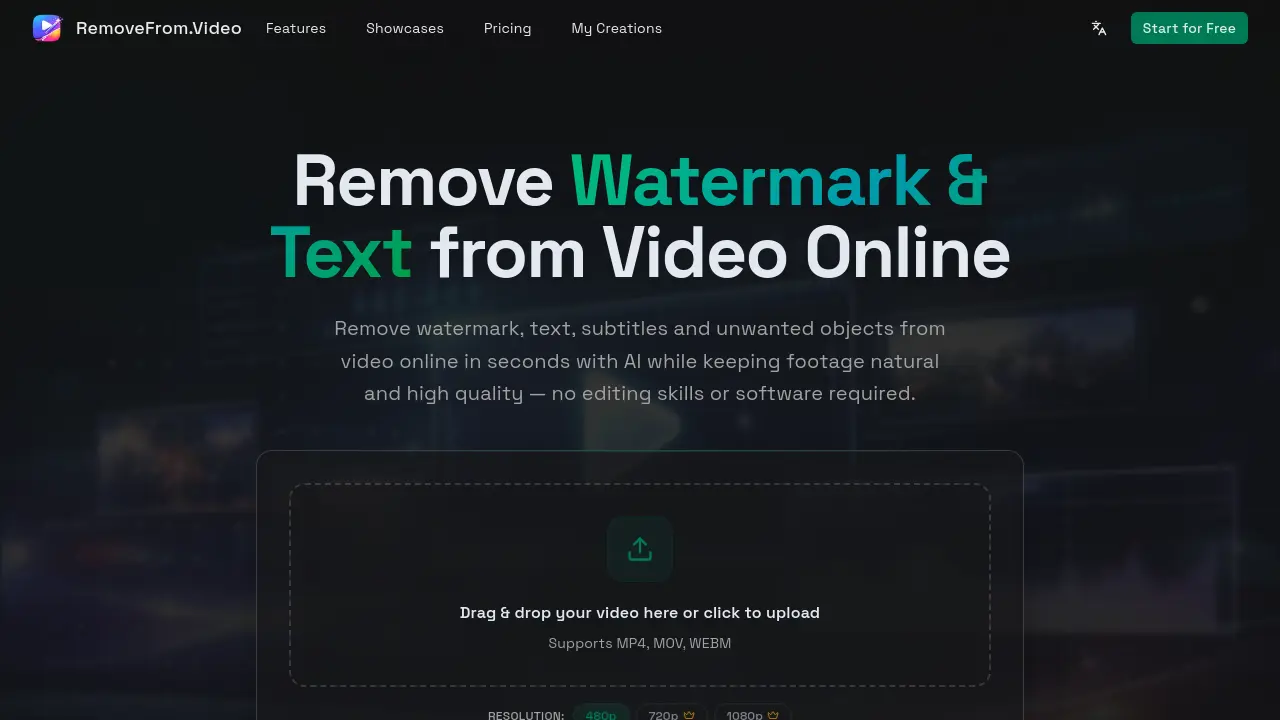 FreemiumStarting at $9/month
RemoveFrom.Video is an AI-powered online tool that removes watermarks, text, subtitles, and unwanted objects from videos while preserving quality and natural motion—no editing skills or software installation required.
Key Features:
- AI Video Inpainting: Advanced AI models that understand motion, lighting, and scene continuity to remove elements and rebuild backgrounds naturally
- Automatic Detection: AI automatically detects watermarks, text, subtitles, and common objects without manual selection or masking
- Multiple Removal Modes: Dedicated modes for removing watermarks, text, subtitles, and objects with specialized AI processing for each
- High-Quality Output: Maintains original video clarity, smooth motion, and lighting consistency up to 1080p resolution
- Cloud-Based Processing: Browser-based online tool that processes videos without software installation or high-end hardware requirements
- Multi-Format Support: Supports MP4, MOV, and WEBM video formats for compatibility with various sources
Use Cases:
- Removing TikTok watermarks and YouTube logos to repurpose short videos across multiple social media platforms
- Erasing text overlays and captions from screen recordings, tutorials, and presentations
- Removing hardcoded subtitles from movies, educational videos, and tutorial content
- Eliminating background distractions, people, signs, and unwanted objects from travel videos and vlogs
- Cleaning marketing and product videos by removing watermarks and branding elements
- Preparing professional tutorial and demo videos for courses and technical content
- Enhancing social media video content for better viewer experience across platforms
- Creating clean educational and training videos for long-term learning materials
-

AI Remove Text
Remove Text From Images Instantly with Advanced AI
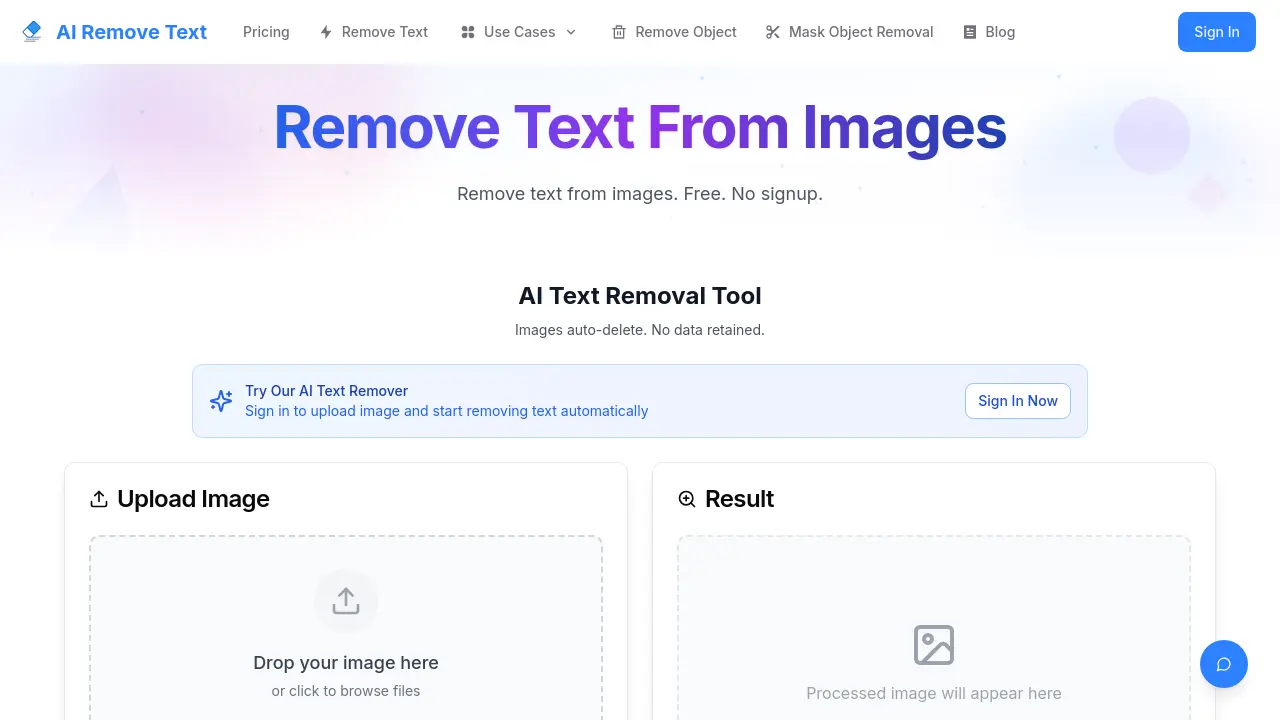 FreemiumStarting at $7/month
AI Remove Text is an advanced AI-powered tool that automatically removes text, watermarks, and overlays from images while preserving the original background. It offers fast processing, high-quality results, and supports various image formats for personal and commercial use.
Key Features:
- Advanced AI Text Detection: Automatically detects and identifies text, watermarks, and overlays using OCR and computer vision technology
- Seamless Background Filling: Intelligently fills removed text areas with matching background patterns, textures, and colors for natural results
- High-Resolution Processing: Supports images up to 4K resolution while maintaining quality
- Batch Processing: Removes text from multiple images at once for efficient handling of large collections
- Multiple Text Types Support: Removes watermarks, captions, logos, signs, social media text, and any text overlay
- Free Online Tool: Offers free usage with no registration required, suitable for personal and commercial use
Use Cases:
- Remove watermarks and logos from images
- Clean product images for e-commerce listings
- Remove text from manga or comics
- Remove subtitles from screenshots or videos
- Clean documents by removing unwanted text while preserving layout
- Enhance social media and marketing materials by removing text overlays
-

Video Watermark Remover
Remove Watermarks from Any Video in Seconds with AI
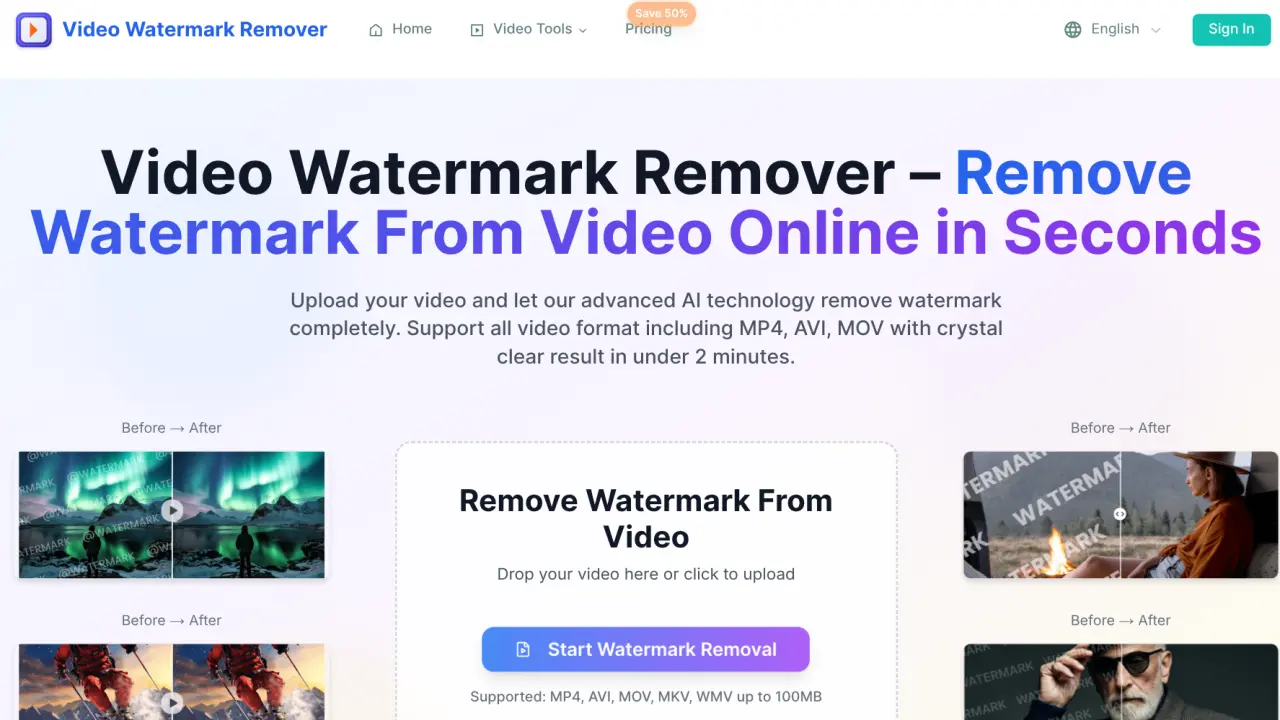 FreemiumStarting at $10/month
Video Watermark Remover is an AI-powered online tool that automatically detects and removes watermarks, logos, text, and unwanted objects from videos in HD quality. It supports multiple formats including MP4, AVI, MOV, MKV, and WMV, delivering clean results in under 2 minutes.
Key Features:
- AI Watermark Detection & Removal: Automatically identifies and removes watermarks, logos, and overlays using advanced deep learning algorithms.
- HD Quality Output: Removes watermarks without blur or traces, exporting videos in high-definition quality.
- Multi-Format Support: Compatible with MP4, AVI, MOV, MKV, and WMV video file formats up to 100MB.
- Fast Processing: Delivers clean, watermark-free video results in under 2 minutes.
- Platform-Specific Watermark Removal: Specialized removal support for TikTok, YouTube, and Instagram watermarks.
- Versatile Object Removal: Removes logos, text, subtitles, stickers, time/date stamps, people, and other unwanted elements.
- Privacy & Security: All uploaded files are automatically deleted from servers within 24 hours.
- Cross-Device Compatibility: Works seamlessly on desktop, mobile, and tablet devices.
- Batch Processing: Available on Professional and Business plans for processing multiple videos efficiently.
- Team Collaboration & API Access: Business plan includes team collaboration features and API access.
Use Cases:
- Removing TikTok watermarks from downloaded videos for repurposing content
- Eliminating YouTube watermarks to produce clean video assets
- Stripping Instagram watermarks for professional content presentation
- Removing text overlays, subtitles, or closed captions from videos
- Deleting outdated price overlays from product promotional videos
- Clearing time and date stamps from surveillance or personal footage
- Erasing unwanted people or photobombers from video backgrounds
- Removing logos and brand marks from video content for redistribution
- Cleaning up videos for professional use without expensive editing software
- Batch processing multiple videos for agency or team-level production workflows
-

TEXT VIDEO ai
Revolutionize Your Content Creation with Text to Video AI
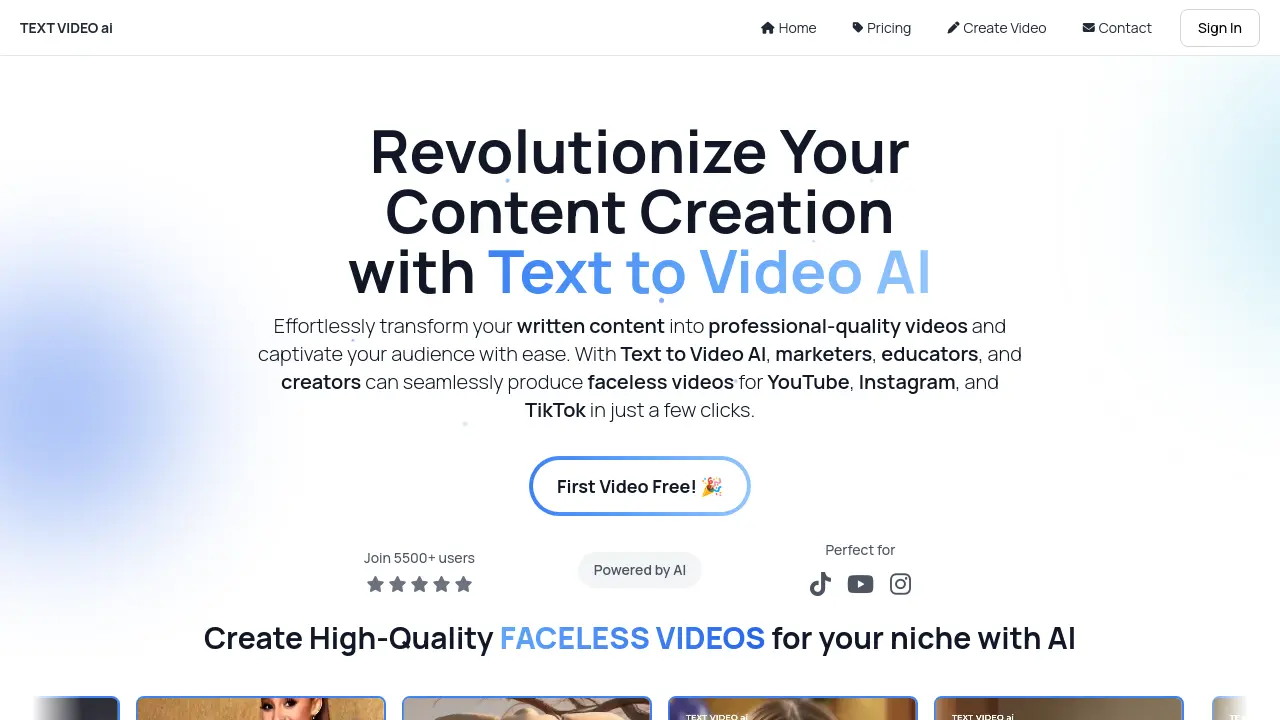 PaidStarting at $20/month
TEXT VIDEO ai effortlessly transforms written content into professional-quality videos. It's perfect for marketers, educators, and creators looking to produce engaging content for platforms like YouTube, Instagram, and TikTok.
Key Features:
- Character Consistency: Maintain consistent styles and personas across all your video projects.
- Unique & Monetizable Videos: Generate 100% unique, royalty-free videos that you can monetize.
- Save Time & Effort: Automate the video creation process.
- Multi-Language Support: Create videos in multiple languages.
- Fast creation: Videos are created in under 5 minutes.
- High-quality realistic voices: Provides access to top-tier voice quality services.
- Background music: Includes original and monetizable background tracks.
Use Cases:
- Creating engaging video content for social media platforms like YouTube, Instagram, and TikTok.
- Producing faceless videos for niche topics.
- Automating video creation for marketing campaigns.
- Developing educational video content.
- Generating videos in multiple languages for a global audience.
-

VideoAI
Turn text and images into beautiful videos in minutes with AI
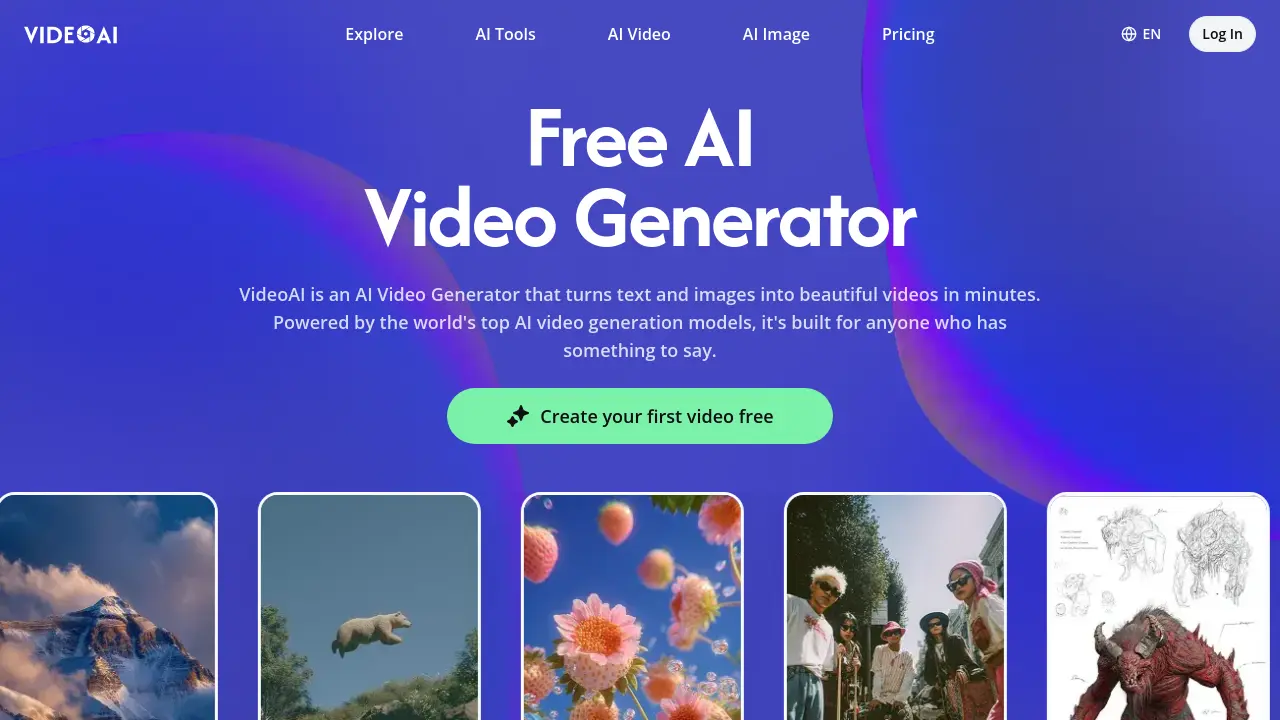 FreemiumStarting at $12/month
VideoAI is a comprehensive AI video generator platform that transforms text prompts and images into professional-quality videos using multiple leading AI models including Kling, Wan, Seedance, and Veo.
Key Features:
- Multiple AI Models: Access to Kling, Wan, Seedance, Veo, Nano Banana, and Flux models in one platform
- Text to Video: Generate videos from text descriptions using advanced AI video generation models
- Image to Video: Convert static images into animated videos with motion following prompt descriptions
- Video Extension: Extend AI-generated videos to continue scenes with smooth, consistent motion
- AI Avatar Creation: Build consistent avatars from single photos for use across multiple video projects
- Motion Control: Set camera direction, speed, and subject behavior before generation
- Background Remover: Clean up subjects with one-click background removal before video processing
- Image Upscaling: Enhance source image resolution for sharper video output
- Style Transfer: Apply consistent visual styles across images before video generation
- Chat-Based Interface: Create videos using plain English instructions without technical expertise
Use Cases:
- Social media content creation for marketing campaigns
- Product video generation for e-commerce listings
- Music video creation for independent artists
- Ad creative production for digital marketing agencies
- Educational video content development
- Brand storytelling and campaign videos
- YouTube content creation without filming equipment
- Quick turnaround video content for paid social campaigns
-

Make-A-Video
Generate Videos from Text
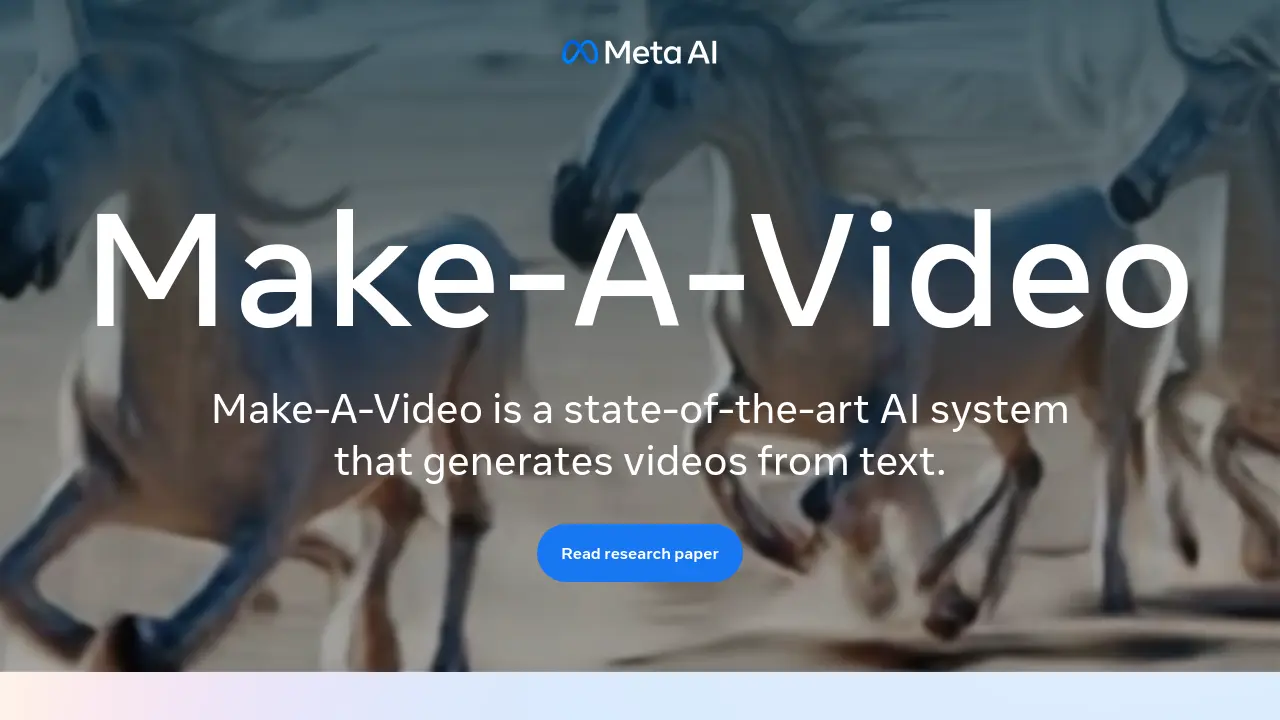 Other
Make-A-Video is a state-of-the-art AI system that generates videos from text inputs. It leverages image and video data to bring your imagination to life.
Key Features:
- Text-to-Video Generation: Generates whimsical, one-of-a-kind videos from text prompts.
- Image Animation: Adds motion to a single static image.
- Video Variation: Creates variations of an existing video.
- Data Filtering: Utilizes filters to minimize the risk of harmful content.
- AI Watermarking: Adds a watermark to all generated videos to indicate AI origin.
Use Cases:
- Creating unique and imaginative videos for storytelling.
- Generating marketing and promotional content.
- Developing educational videos.
- Animating static images for presentations.
- Creating variations of existing videos for A/B testing.
-

Edit-Videos-Online
Free online video editing without hassle or registration
 Free
Edit-Videos-Online is a web-based video editor that offers professional editing features including background removal, automatic captioning, text overlay, and audio integration without requiring registration or software installation.
Key Features:
- AI Background Removal: Remove video backgrounds without greenscreen
- Automatic Captioning: Generate and add subtitles automatically
- Text Customization: Add text with custom font, color, size, and positioning
- Audio Integration: Add existing audio, record new audio, or use text-to-speech
- Watermark Support: Add images and watermarks to videos
- Format Compatibility: Support for MP4, AVI, MOV, WMV, and FLV formats
Use Cases:
- Content creation for social media
- Adding subtitles to educational videos
- Brand watermarking for marketing content
- Creating professional presentations
- Video background removal for product demonstrations
- Adding voiceovers to existing videos
-

BGRemover
Make Any Video Background Transparent in One Click
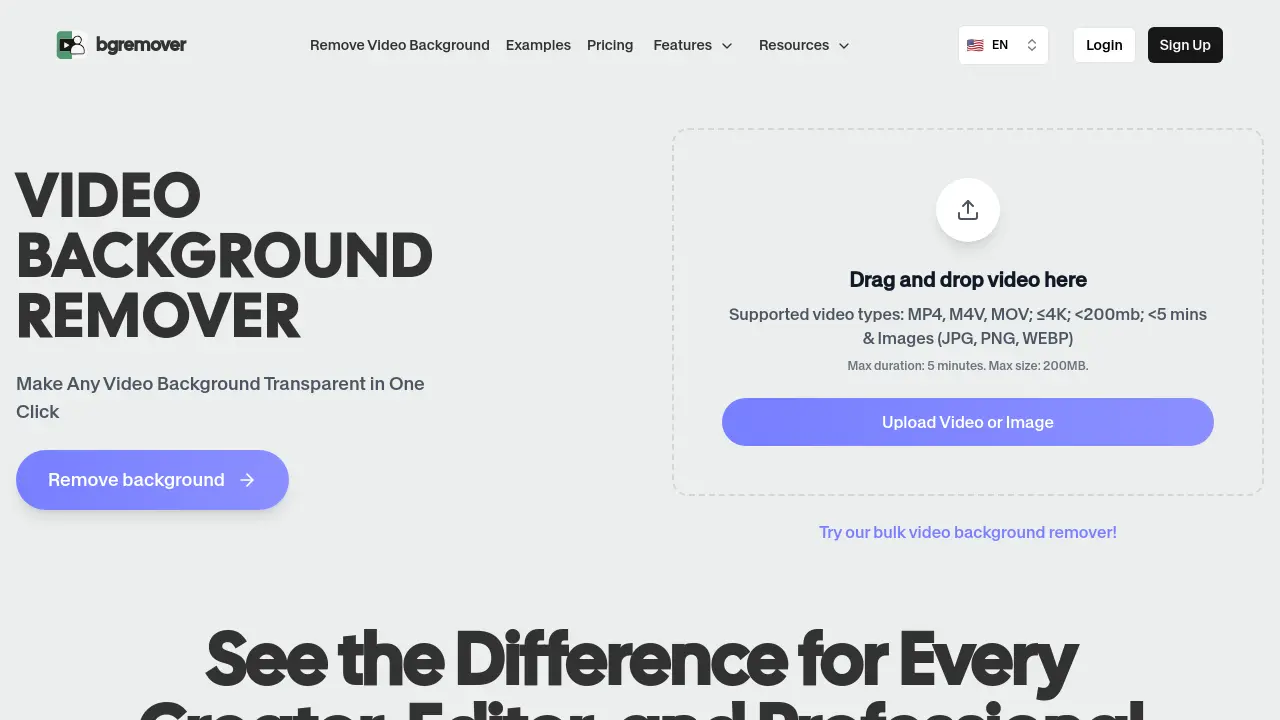 Usage Based
BGRemover is an AI-powered video background removal tool that automatically detects and erases backgrounds from videos with pixel-perfect precision, enabling users to create professional content without green screens.
Key Features:
- AI-Powered Background Removal: Automatically detects and erases video backgrounds with pixel-perfect precision using artificial intelligence
- Batch Processing: Allows simultaneous background removal from multiple videos to save time and increase productivity
- Real-Time Preview & Editing: Provides instant preview of background removal with adjustable settings for fine-tuning before export
- Multiple Format Support: Exports videos in MP4, MOV, WebM and other formats with flexible quality options
- Template Library: Offers curated collection of background templates for easy replacement and enhancement
Use Cases:
- Creating transparent backgrounds for social media videos on platforms like TikTok and Instagram
- Producing professional-looking content for remote work presentations and video calls
- Generating e-commerce product videos with clean, customizable backgrounds
- Making animated GIFs with transparent backgrounds for social media and advertisements
- Batch processing multiple videos for content creators and businesses with large footage volumes
-

RemoveBGVideo
AI-Powered Video Background Removal Without Green Screen
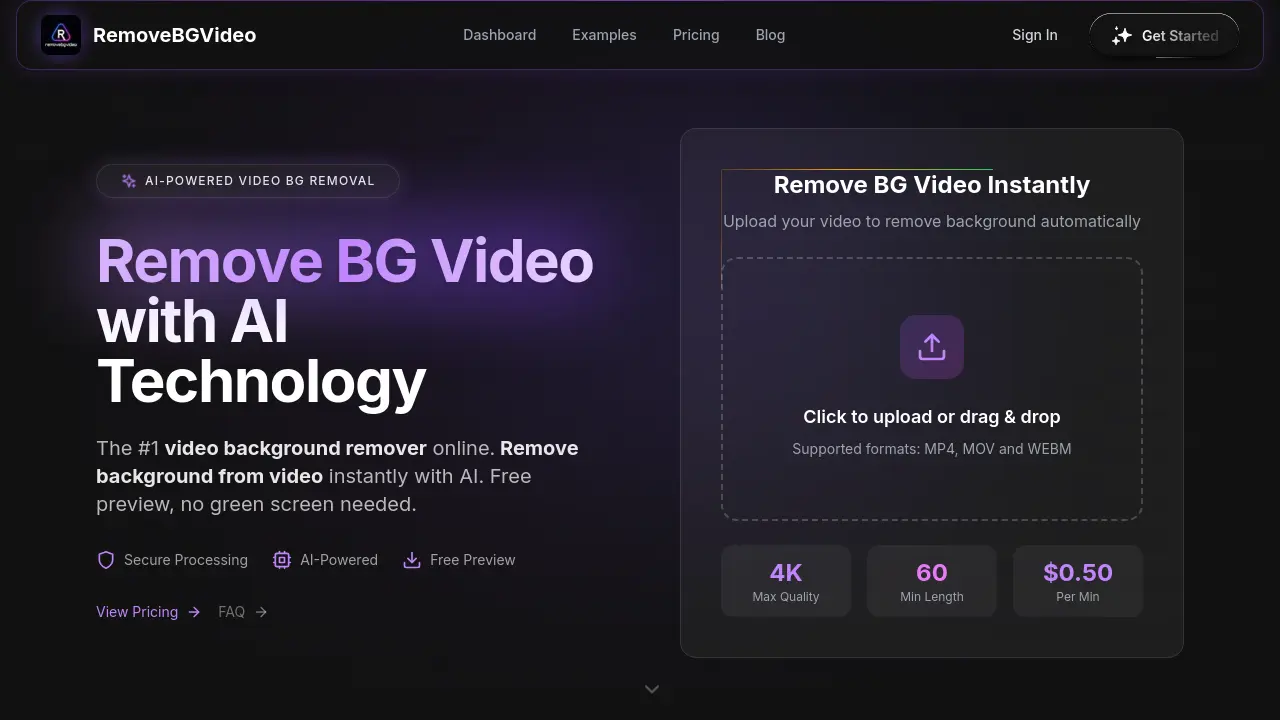 Usage Based
RemoveBGVideo is an AI-powered online tool that automatically removes backgrounds from videos in minutes without requiring a green screen, supporting formats up to 4K quality with multiple export options.
Key Features:
- AI-Powered Background Detection: Automatically detects and separates subjects from backgrounds without green screen using advanced AI technology
- 4K Video Support: Process and export videos in up to 4K resolution maintaining original video quality
- Multiple Export Formats: Export in transparent WebM, MOV with alpha channel, PNG sequences, GIF, and WebP formats
- GPU Acceleration: Lightning-fast processing powered by cutting-edge GPU technology, most videos processed in under 5 minutes
- Free Preview: Preview processed videos before purchasing to validate quality
- Long Video Processing: Support for videos up to 60 minutes in length and 500MB file size
- Batch Processing: Process up to 20 videos simultaneously in Standard and higher plans
- Custom Background Options: Choose from solid colors, transparent backgrounds, or upload custom images after removal
- Audio Preservation: Automatically maintains original audio during background removal process
- No Green Screen Required: Works with any footage without special setup or equipment
Use Cases:
- Creating professional-looking content creator videos without studio setups
- Producing product demonstration videos with clean backgrounds for e-commerce
- Developing personal branding videos for social media platforms
- Creating influencer content with customizable backgrounds
- Generating training videos and corporate announcements with branded backgrounds
- Producing real estate agent introduction videos without studio rental
- Creating online course content with professional appearance
- Making jewelry and product design showcase videos
- Developing YouTube, TikTok, and Instagram content with clean backgrounds
- Creating marketing videos with custom backgrounds for advertising campaigns
-

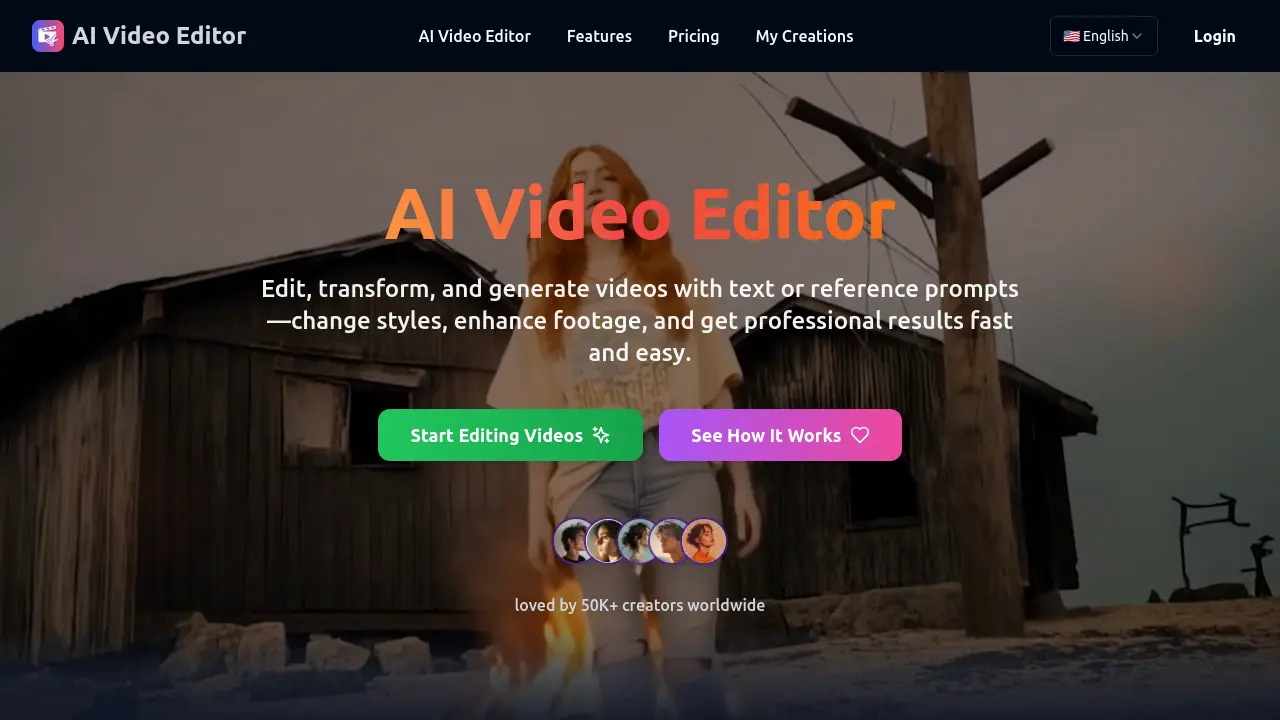
AI Video Editor
Edit, transform, and generate videos with text or reference prompts—change styles, enhance footage, and get professional results fast and easy.
 FreemiumStarting at $8/month
AI Video Editor is a cloud-based platform that leverages artificial intelligence to automatically edit, transform, and generate videos using text prompts or reference materials, enabling users to achieve professional-quality results without technical expertise.
Key Features:
- Intelligent Style Transformation: Apply cinematic looks and artistic filters automatically
- Object and Character Editing: Add, remove, or replace elements while preserving natural motion
- Dynamic Camera Angles: Transform static shots into cinematic experiences
- Environment Modification: Replace or modify backgrounds seamlessly
- Lighting Enhancement: Automatic adjustment of exposure and visual quality
- Text-to-Video Generation: Create new scenes from text descriptions
Use Cases:
- Content creation for social media
- Marketing video production
- Documentary filmmaking
- Fashion video editing
- Entertainment content creation
- Commercial video production
- Brand visual identity development
- Professional video enhancement
-

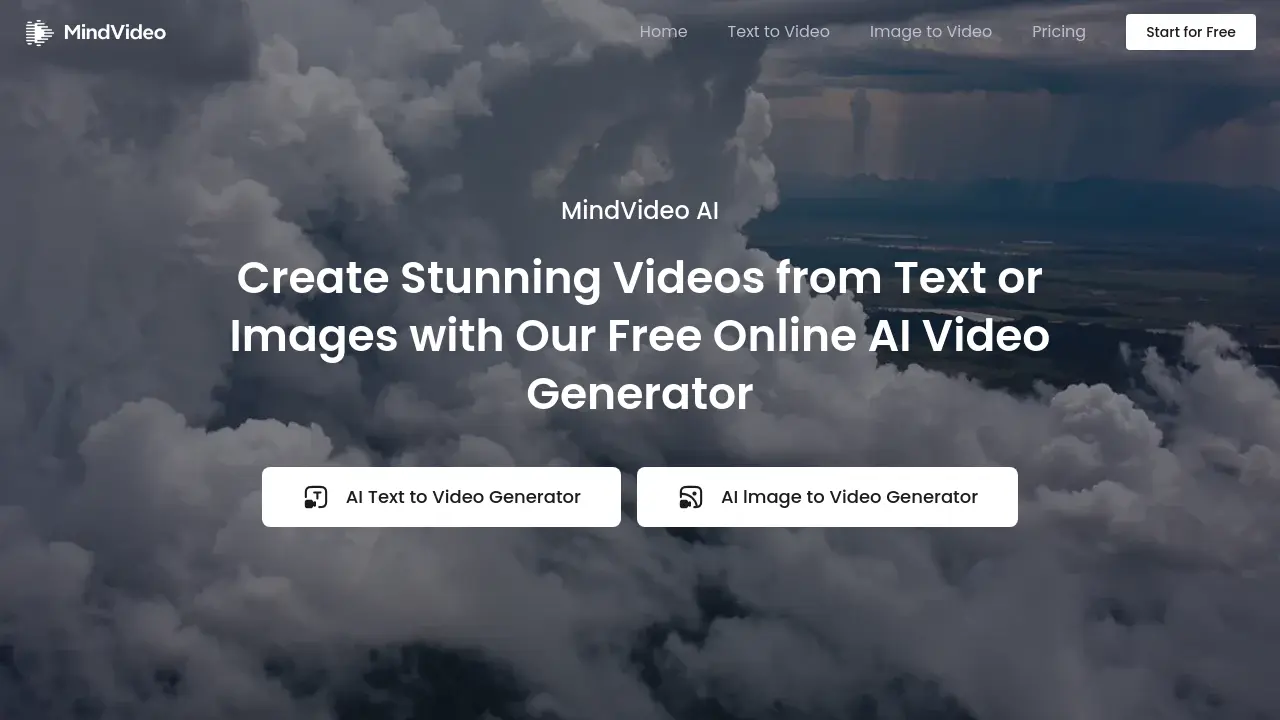
MindVideo AI
Transform Text and Images into Engaging AI Videos Instantly
 Free
MindVideo AI enables users to effortlessly convert text prompts and images into vivid, high-quality videos using advanced AI video generation models and effects.
Key Features:
- Text-to-Video: Instantly generates vivid videos from simple text prompts.
- Image-to-Video: Converts static images into dynamic storytelling videos while maintaining scene consistency.
- Diverse Video Styles: Supports visual styles such as cyberpunk, retro, realistic, cartoon, minimalist, and collage.
- Unique AI Effects: Offers trending AI video effects like Kiss, Hug, Inflate, and Squish.
- Multi-Model Integration: Utilizes leading AI video generation models including Kling AI, Runway, Hailuo AI, Vidu AI, Luma AI, and others.
- Privacy-Focused: Ensures complete data privacy, allowing users to delete uploads at any time.
- Free Access: Provides all core features and top video generation models at no cost.
- Real-Time Generation: Delivers videos instantly with no waiting period or queues.
Use Cases:
- Creating animated marketing or product demo videos from text or product photos.
- Generating unique and shareable social media content from written ideas.
- Developing dynamic video presentations for educational or corporate purposes.
- Bringing comic, graphic novel, or illustration characters to life with motion.
- Producing personalized short-form video content for platforms like YouTube Shorts.
- Transforming static images into animated stories or scenes for creative projects.
- Rapid prototyping of video concepts and effects for video editors and content creators.
-

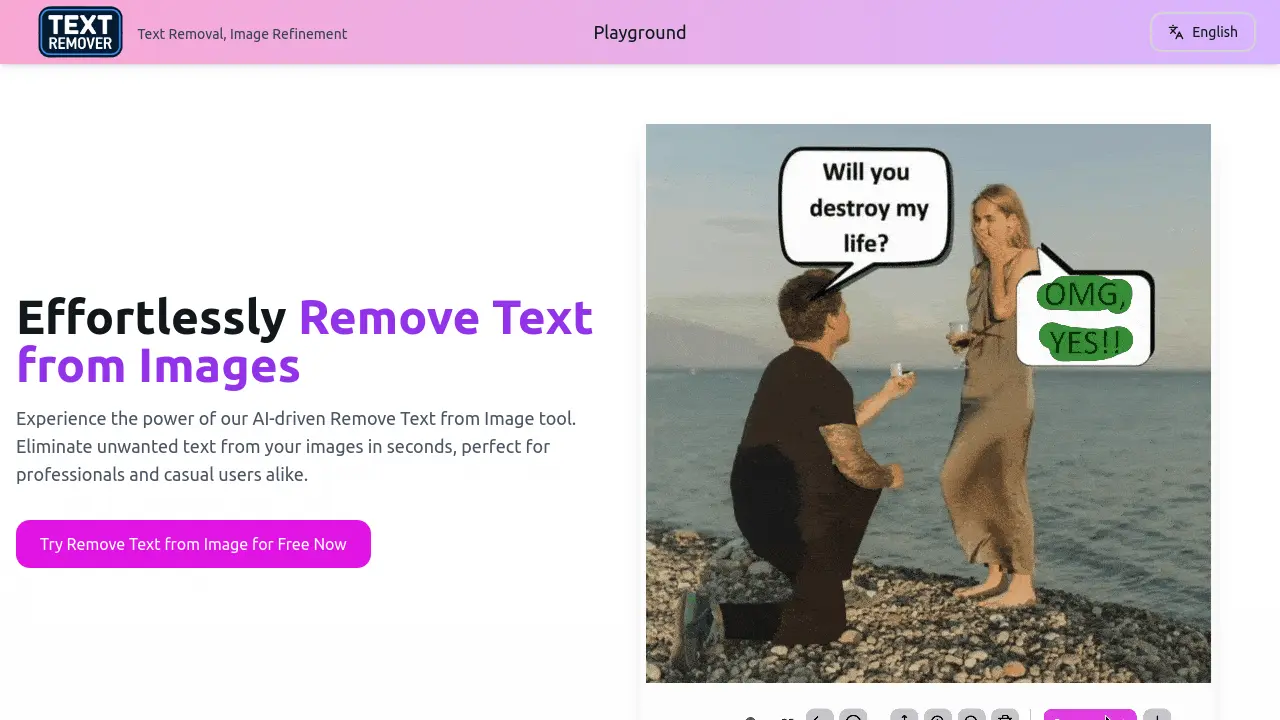
Remove Text from Image
Effortlessly Remove Text from Images
 Freemium
Remove Text from Image is an AI-powered tool designed to effortlessly eliminate unwanted text from images in seconds, ensuring clean and professional results.
Key Features:
- AI-Powered Text Removal: Utilizes advanced algorithms for precise text detection and removal.
- User-Friendly Interface: Simple interface for easy text selection and removal.
- Rapid Processing: Swift text removal saves valuable time.
- High Accuracy: Ensures precise removal while maintaining image integrity.
- Clean Results: Removes text without leaving watermarks or artifacts.
- Versatile Application: Works effectively on photos, screenshots, and various image types.
- Multi-Platform Support: Accessible on both web and mobile devices.
- Batch Processing: Allows removing text from multiple images simultaneously.
- Multiple Format Support: Supports JPG, PNG, and WebP image formats.
- Data Protection: Ensures image security and privacy during processing.
Use Cases:
- Cleaning up photographs by removing distracting text overlays.
- Preparing marketing materials by deleting unwanted text elements.
- Editing screenshots for clear presentations or documentation.
- Refining images for professional social media posts.
- Restoring older images by removing added text annotations.
- Removing watermarks or captions from images (where permissible).
-

Ai4video.co
All-In-One AI-powered Video Localization at Scale
 Usage Based
Ai4video.co is an AI-powered platform that provides comprehensive video localization tools. It helps creators expand their reach by translating and adapting videos for global audiences.
Key Features:
- Multiple Speakers Dubbing: Accurately identifies and dubs different speakers in a video.
- Voice Clone: Dubs translated videos with a cloned voice, preserving the original timbre and pitch.
- AI Rewriter: Intelligently adjusts content to maintain consistent duration across different languages.
- AI Video Upscaler: Enhances video resolution from SD to HD, 720P/1080P, and up to 4K.
- Colorize Video: Adds color to black and white videos.
- AI Video Inpainting: Removes unwanted objects, people, or text from videos.
- AI Background: Removes, blurs, or replaces video backgrounds.
Use Cases:
- Localizing marketing videos for international campaigns
- Translating educational lectures for a global student base
- Adapting video content for diverse audiences
- Enhancing video quality for improved viewer experience
- Removing unwanted elements from video footage
- Changing video backgrounds for creative projects
-

GhostCut
AI-Powered Video Localization Assistant
 Usage Based
GhostCut is an AI-powered video authoring tool that specializes in video localization, offering features like subtitle extraction, text removal, video translation, and dubbing capabilities to help creators reach global audiences.
Key Features:
- Smart Text Removal: One-click intelligent removal of hardcoded subtitles
- Video Translation: Automatic translation and dubbing with multi-language support
- Subtitle Extraction: AI-powered OCR recognition and SRT file generation
- Video Remaker: AI-based video editing modes for unique content creation
- Image Translation: Seamless text erasure and layout preservation
- Short Film Narration: Automated commentary generation and role marking
Use Cases:
- Video localization for international markets
- Content repurposing for different platforms
- Marketing campaign video adaptation
- Multilingual video content creation
- Short film and video editing
- Image content localization
-
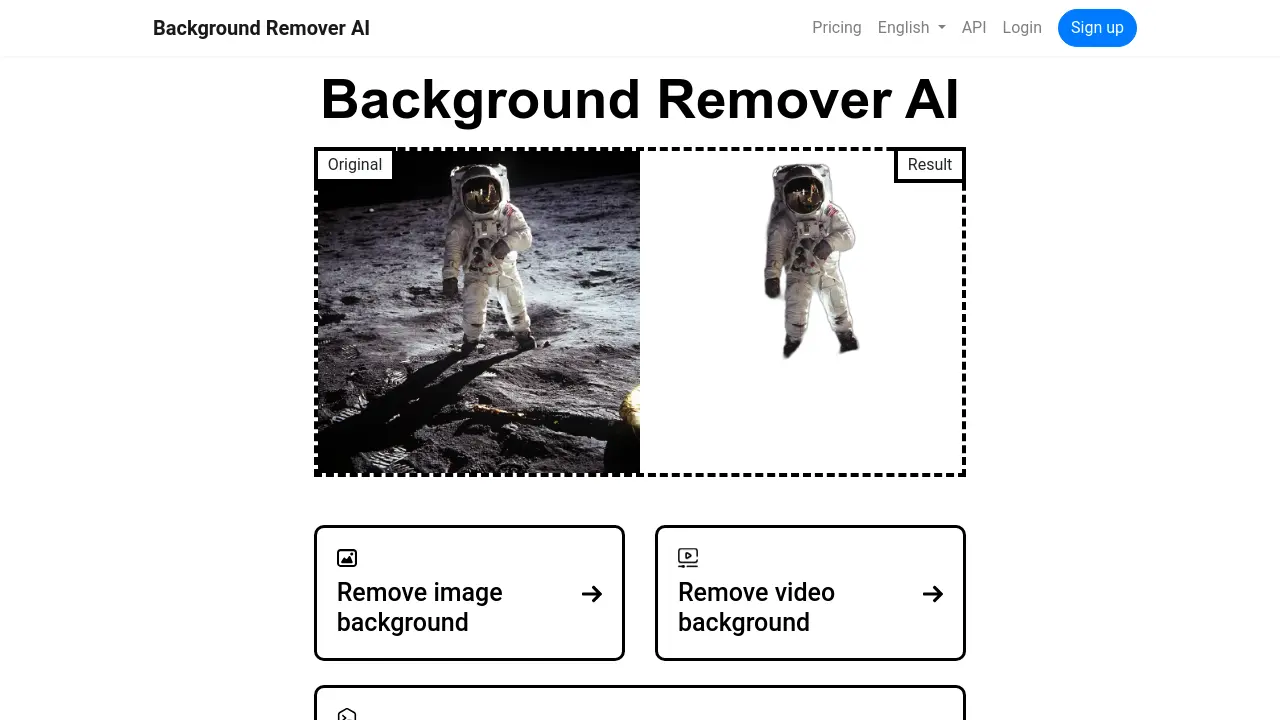
Background Remover AI
Remove image and video backgrounds automatically.
 FreemiumStarting at $12/month
Background Remover AI is an online tool that automatically removes backgrounds from images and videos using artificial intelligence.
Key Features:
- Automatic Background Removal: Uses AI to automatically detect and remove backgrounds from images.
- Video Background Removal: Supports removing backgrounds from video files.
- Open Source: The code for the tool is available on GitHub.
- Batch Uploading: Allows uploading multiple files simultaneously (Paid feature).
- Large File Support: Supports converting files up to 100GB (Paid feature).
- Priority Queue: Paid users get priority processing.
Use Cases:
- Creating transparent backgrounds for product images.
- Preparing images for graphic design projects.
- Editing photos for social media posts.
- Removing backgrounds from videos for editing.
- Isolating subjects in images or videos.
-

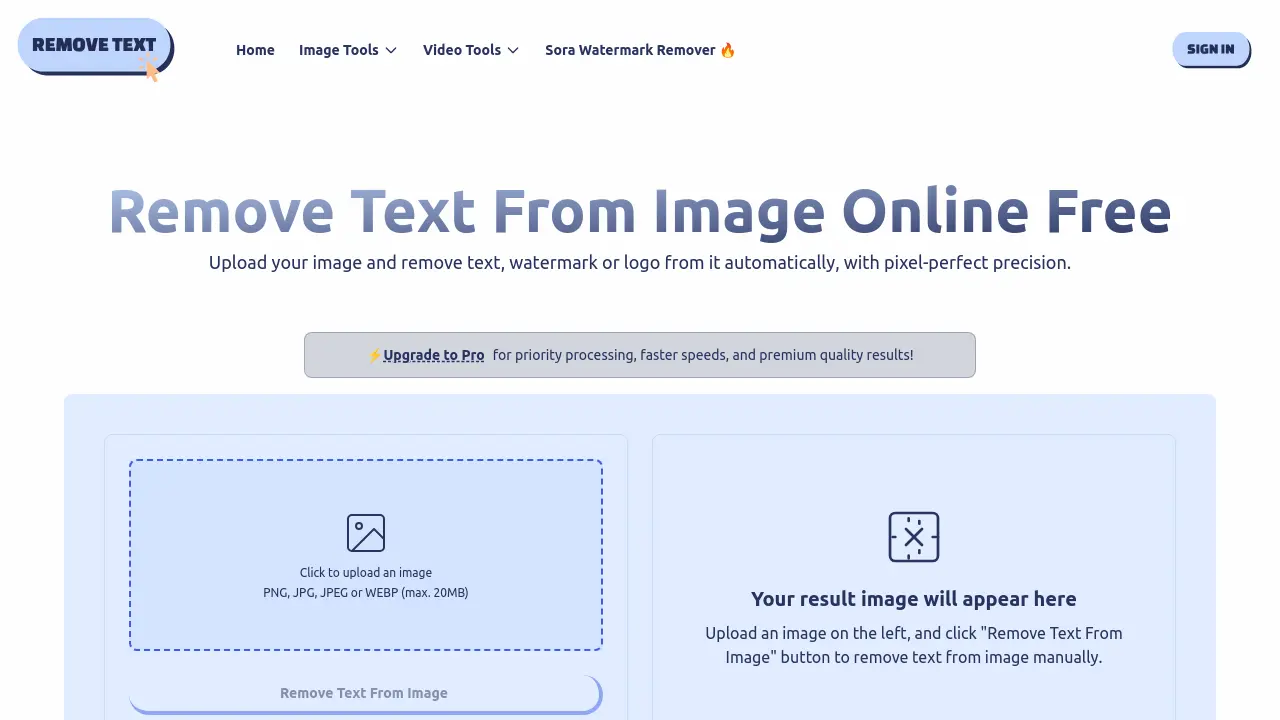
Remove Text From Image
Remove text, watermarks, or logos from images automatically with pixel-perfect precision
 Freemium
An AI-powered tool that automatically removes text, watermarks, and logos from images while intelligently reconstructing the background for a clean, natural look.
Key Features:
- Advanced Text Detection: Uses modern AI algorithms to accurately detect and isolate unwanted text across diverse image backgrounds and styles
- Intelligent Image Restoration: Seamlessly regenerates the underlying image texture after text removal, maintaining clarity and natural aesthetics
- Multi-Format Support: Works with major formats including JPEG, PNG, BMP, and WEBP
- Instant Preview and Editing: Allows users to check edits before downloading and fine-tune results
- Privacy Protection: All uploads are encrypted and automatically deleted after processing
- High-Quality Restoration: Produces clean, natural backgrounds by reconstructing textures, colors, and patterns
Use Cases:
- Removing text overlays from photographs to restore original imagery
- Eliminating watermarks from stock images for clean presentations
- Cleaning up scanned documents containing unwanted text elements
- Removing logos from product images for marketing materials
- Preparing educational resources by removing distracting text elements
- Enhancing business assets by removing text without affecting image quality
-

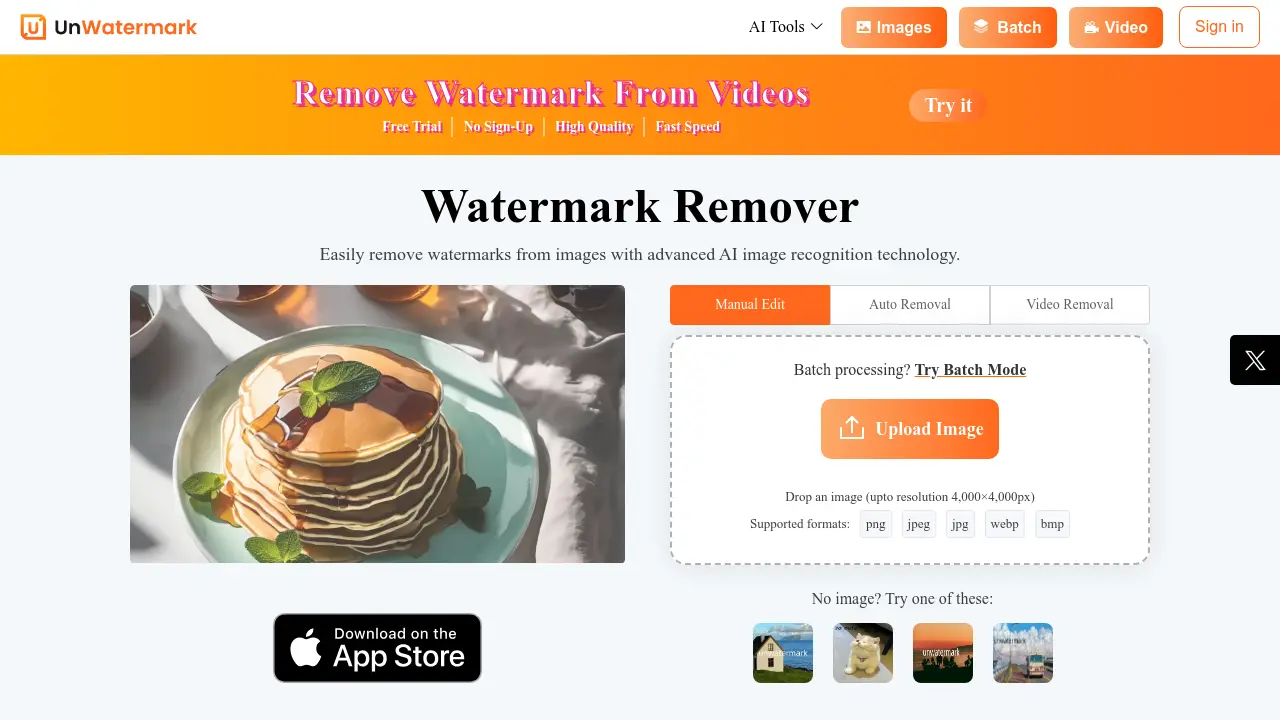
Unwatermark AI
Easily Remove Watermarks from Images and Videos with AI
 Freemium
Unwatermark AI is a free online tool that uses advanced AI to remove watermarks from images and videos. It supports various formats and offers features like automatic detection and manual brush selection.
Key Features:
- Automatic Watermark Detection: Automatically detects and locates watermarks in images and videos.
- Manual Brush Tool: Allows for manual removal of complex watermarks.
- Multiple Format Support: Supports common image types such as JPG, PNG, WEBP, JPEG, and BMP, as well as MP4 for videos.
- AI-Powered Removal: Utilizes advanced algorithms to seamlessly erase watermarks.
- Batch Processing: Supports batch processing for removing watermarks from multiple images.
- Object Removal: Capable of removing logos, text, and other objects.
- High Quality Output: Maintains the original quality of images and videos after watermark removal.
Use Cases:
- Removing watermarks from personal photos and videos.
- Cleaning up images for social media posts.
- Preparing images and videos for professional presentations.
- Removing unwanted objects or text from media files.
- Removing AI-generated video watermarks.
-

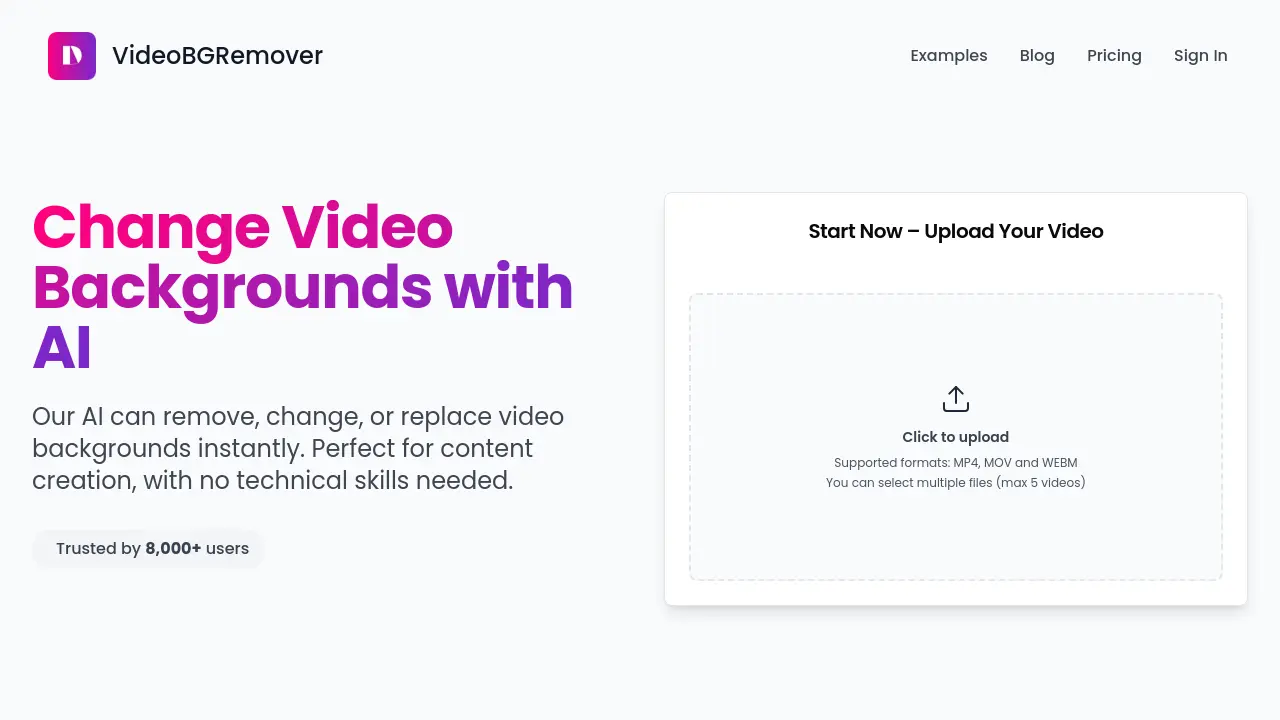
VideoBGRemover
Change Video Backgrounds with AI
 FreemiumStarting at $6/month
VideoBGRemover is an AI-powered tool that automatically removes, changes, or replaces video backgrounds instantly, requiring no technical skills. Ideal for content creators seeking quick and professional video editing.
Key Features:
- AI Background Removal: Automatically detects and removes video backgrounds using AI.
- No Green Screen Required: Removes backgrounds from any video without needing a green screen setup.
- Customizable Backgrounds: Choose from a library or upload your own images/colors for backgrounds.
- Batch Processing: Process multiple videos simultaneously to save time.
- HD Quality Output: Supports video output up to 1080p resolution.
- Multiple Format Support: Accepts MP4, MOV, WEBM inputs and exports to MP4 or WebM (transparent).
- Long Video Support: Handles videos up to 1 hour in length.
Use Cases:
- Removing backgrounds from vlogging footage.
- Changing backgrounds for streaming videos.
- Creating professional-looking marketing videos.
- Editing user-generated content (UGC).
- Replacing backgrounds in product demonstration videos.
- Preparing videos for use in editing software like CapCut.
- Creating content with animated or custom backgrounds.
-

Steve.AI
AI Video Generator Tool to create videos using Text
 PaidStarting at $15/month
Steve.AI offers a revolutionary platform for transforming text into professional animated videos quickly and effortlessly.
Key Features:
- AI Text to Video Converter: Convert text scripts into engaging videos with AI assistance
- Twin AI Engine for animation & live-action: Versatile AI for varied video creation needs
- Massive Assets Collection: Access to over 100 million assets for diverse creative choices
- AI Voice to Video Generator: Transform audio files into captivating videos with ease
- Customize & Stay on Brand: Advanced customization and branding options for videos
Use Cases:
- Transforming blog content into shareable videos
- Creating animated explainer videos for products and services
- Producing educational content with AI-generated visuals
-

KwiCut
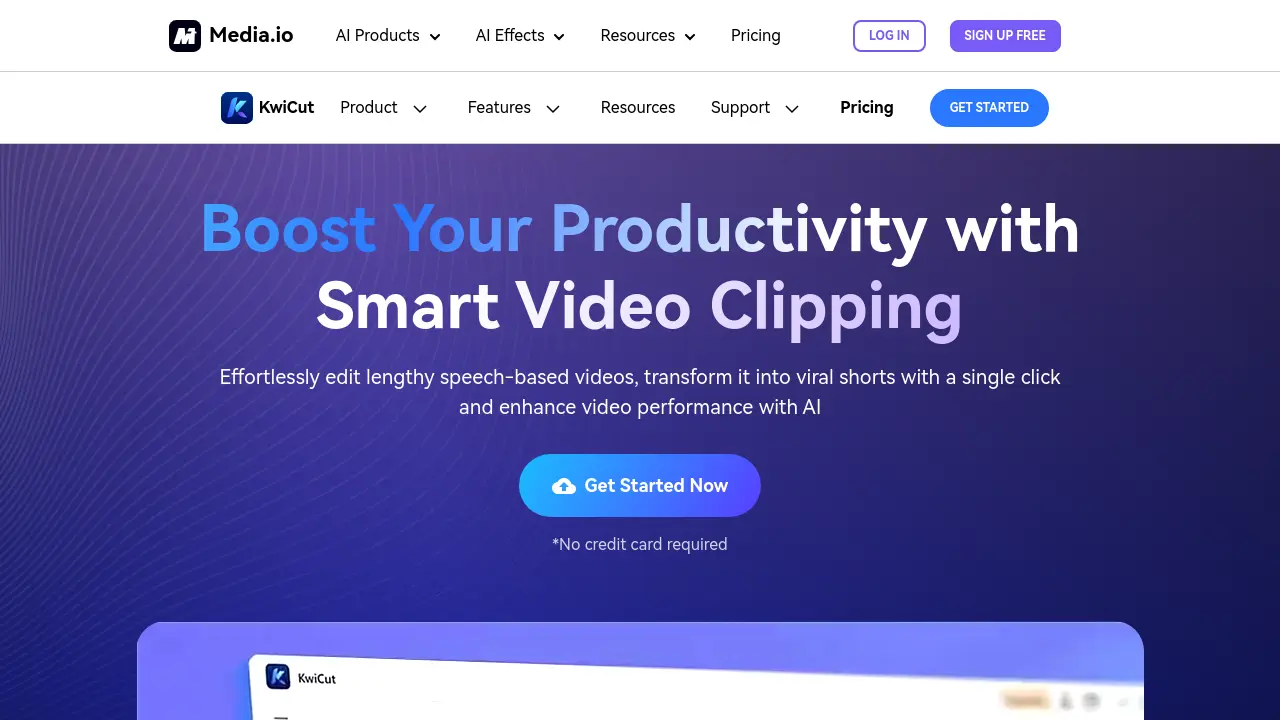
Boost Your Productivity with Smart Video Clipping
 Freemium
KwiCut is an AI-powered platform designed to streamline video editing, particularly for speech-based content. It enables users to automatically transcribe videos, edit based on text, clone voices, remove noise, and generate short clips.
Key Features:
- AI Video Clipping: Automatically transform lengthy videos into engaging, shareable clips with face-focused framing.
- Text-Based Video Editing: Edit videos by manipulating the automatically generated transcript, linking text directly to video moments.
- AI Voice Cloning: Create digital voice replicas from audio/video samples or text scripts to avoid reshoots.
- Filler Word Removal: Automatically detect and remove filler words (e.g., um, uh) from transcripts and audio.
- AI Noise Reducer: Eliminate background noise from audio using AI algorithms for studio-quality sound.
- AI Copilot (GPT-4): Automatically generate video titles and descriptions for social media sharing.
- Auto Transcription: Convert video or audio to text with high accuracy using voice recognition technology.
- Video/Image Enhancer: Improve the quality of low-resolution or blurry videos and images.
Use Cases:
- Creating viral short clips from long podcasts or interviews.
- Editing educational vlogs or training materials efficiently.
- Repurposing webinars or presentations for social media.
- Cleaning up audio tracks by removing noise and filler words.
- Generating voiceovers using cloned voices for content creation.
- Quickly transcribing meetings or lectures for documentation.
- Enhancing video quality for professional presentations.
-

EasyVideo
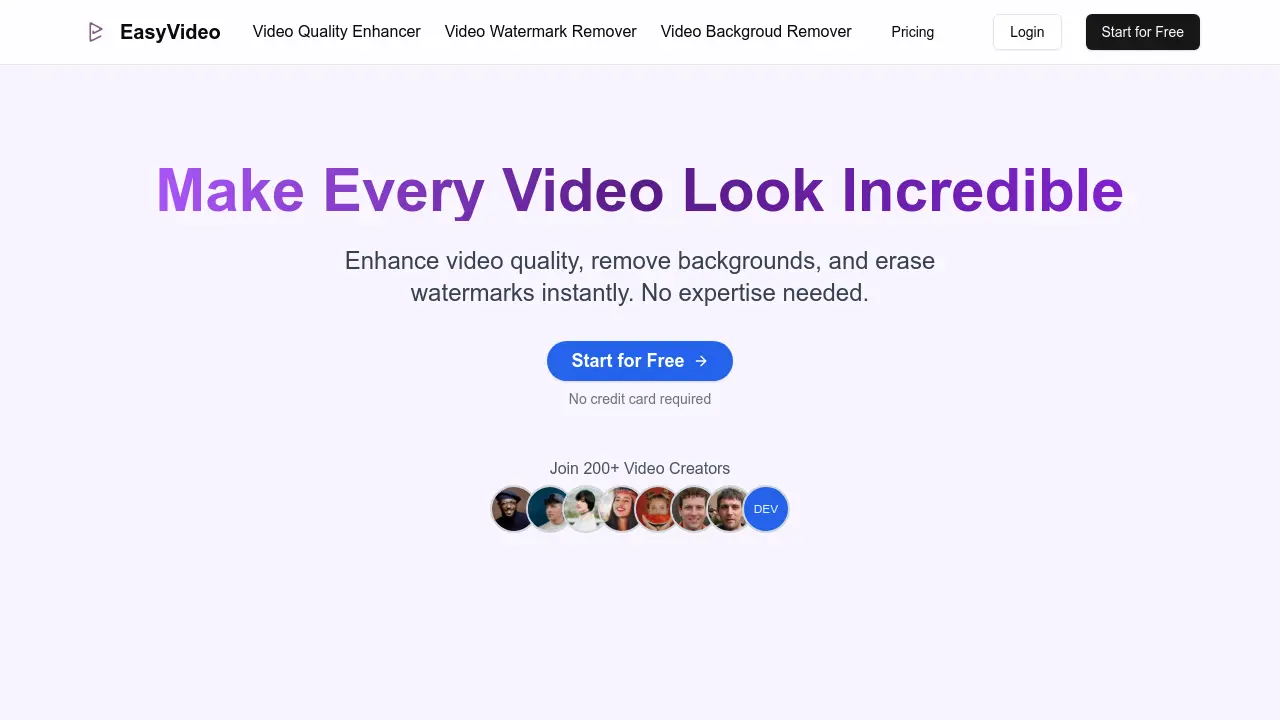
Make your videos better with just one click
 FreemiumStarting at $4/month
EasyVideo is an AI-powered tool that simplifies video editing by allowing users to enhance video quality, remove backgrounds, and erase watermarks instantly.
Key Features:
- Video Quality Enhancer: Upgrade video quality with AI-powered enhancement technology.
- Video Watermark Remover: Seamlessly remove unwanted watermarks while preserving video quality.
- Video Background Remover: Remove any background from videos with advanced AI technology.
- High Performance: Delivers professional-grade results with a user-friendly interface.
- Lightning Fast Processing: Transforms videos in mere seconds.
- AI-Powered Algorithms: Utilizes advanced algorithms for optimal results.
- Secure Processing: Ensures user content is always protected.
Use Cases:
- Enhancing the quality of old or low-resolution video footage.
- Removing distracting backgrounds from video presentations or interviews.
- Erasing unwanted watermarks or logos from video clips.
- Preparing videos for professional use or social media sharing.
- Quickly improving video aesthetics without complex software.
-

RemoveBackgroundsAI
Seamlessly Extract Backgrounds From Your Videos with AI-Powered Precision
 Usage BasedStarting at $5/month
RemoveBackgroundsAI is an advanced video editing tool that uses artificial intelligence to automatically remove backgrounds from videos featuring people, delivering professional results in minutes.
Key Features:
- Recurrent Neural Network: Advanced AI processing for accurate human video matting
- Quick Processing: Results delivered within 5-10 minutes
- Time Limit: Supports videos up to 3 minutes in length
- Commercial Usage Rights: Full rights for commercial purposes
- Secure Processing: Protected video upload and processing system
Use Cases:
- Marketing video production
- Commercial advertising content
- Professional video presentations
- Social media content creation
- Product demonstrations
- Virtual presentations
-

ViralVideo
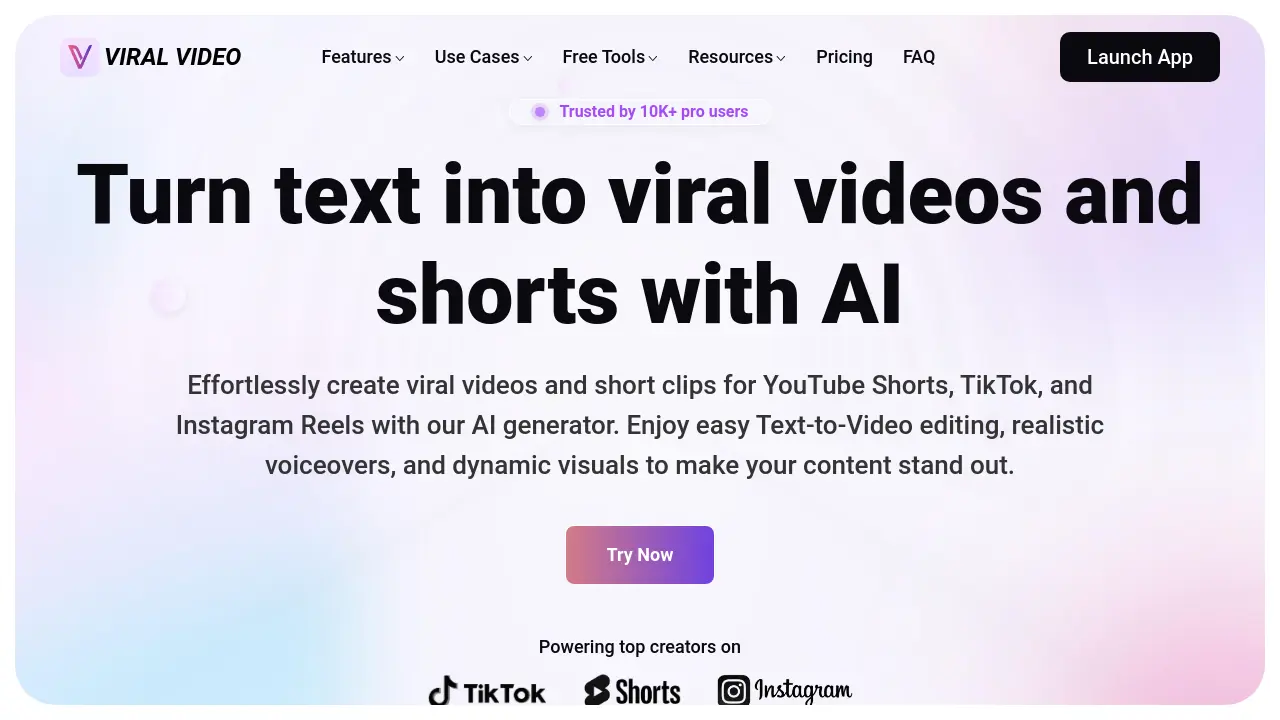
Turn Text into Viral Videos and Shorts with AI
 Free Trial
ViralVideo is an AI-powered platform that transforms text into engaging videos and short clips for YouTube Shorts, TikTok, and Instagram Reels. It offers easy text-to-video editing, realistic voiceovers, and dynamic visuals.
Key Features:
- Text to video: Turn your ideas into stunning videos with ViralVideo’s text-to-video generator.
- Text to speech: Transform your written content into lifelike audio.
- AI video editing: Simplify the entire production process with automatic scene transitions and stunning visual effects.
- AI scene generator: Automatically creates video scenes from your script or text.
Use Cases:
- Create AI video ads
- Make viral-ready social videos
- Make viral-ready faceless videos
-

Video Silence Remover
AI-Powered Video Editor to Remove Silence and Save Time
 Free
Video Silence Remover uses AI to automatically trim silent and quiet parts of your videos, streamlining the editing process and saving you valuable time.
Key Features:
- Trim silent and quiet parts: Automatically removes silences and quiet parts from videos.
- Cloud Processing: All video processing occurs on the cloud.
- AI-Powered Video Editing: Utilizes AI for efficient and streamlined video editing.
- Supports Multiple Video Formats: Handles various video files, like MP4.
- Fast Turnaround: Quickly generates the first cut edit of a video.
Use Cases:
- Increasing content posting frequency for creators.
- Managing multiple video editing clients efficiently.
- Scaling social media content creation efforts.
- Improving video quality for marketing and presentations.
- Accelerating course creation and publishing.
-

Video To Text AI
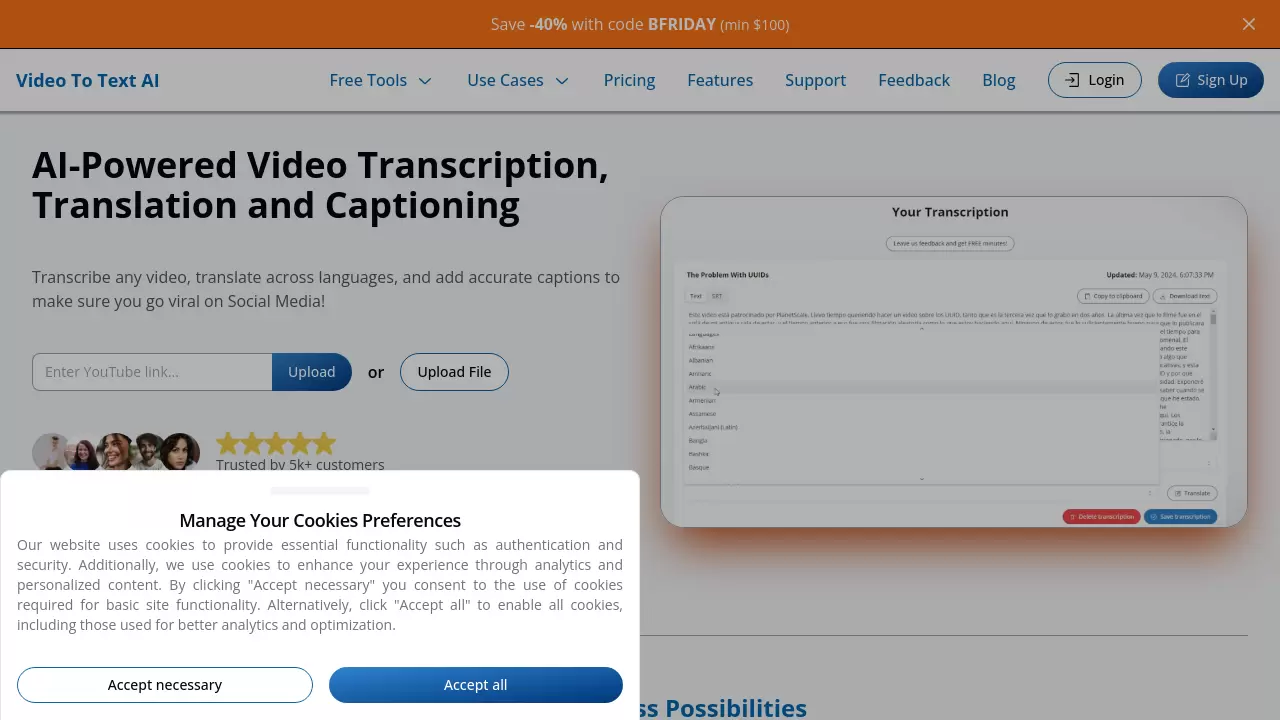
AI-Powered Video Transcription, Translation and Captioning
 FreemiumStarting at $100/month
A comprehensive AI platform that transcribes videos, translates content across 100+ languages, and generates captions for social media optimization. The service offers high-accuracy transcription with rapid turnaround times and multiple export options.
Key Features:
- Automatic Captioning: Instant creation and styling of social media-optimized captions
- Multi-Language Support: Transcription and translation in 100+ languages and dialects
- Rapid Processing: Quick turnaround for video transcription
- Multiple Export Formats: Support for TXT, SRT, and VTT file formats
- Speaker Diarization: Automatic identification and separation of different speakers
- Secure Storage: Permanent storage for transcribed content
- Platform Integration: Compatible with YouTube, Google Drive, and Dropbox
- Caption Rendering: Capability to burn captions directly into videos
Use Cases:
- Social media content creation
- Video localization
- Content accessibility enhancement
- Global audience engagement
- Video content management
- Educational content development
- Marketing material localization
-

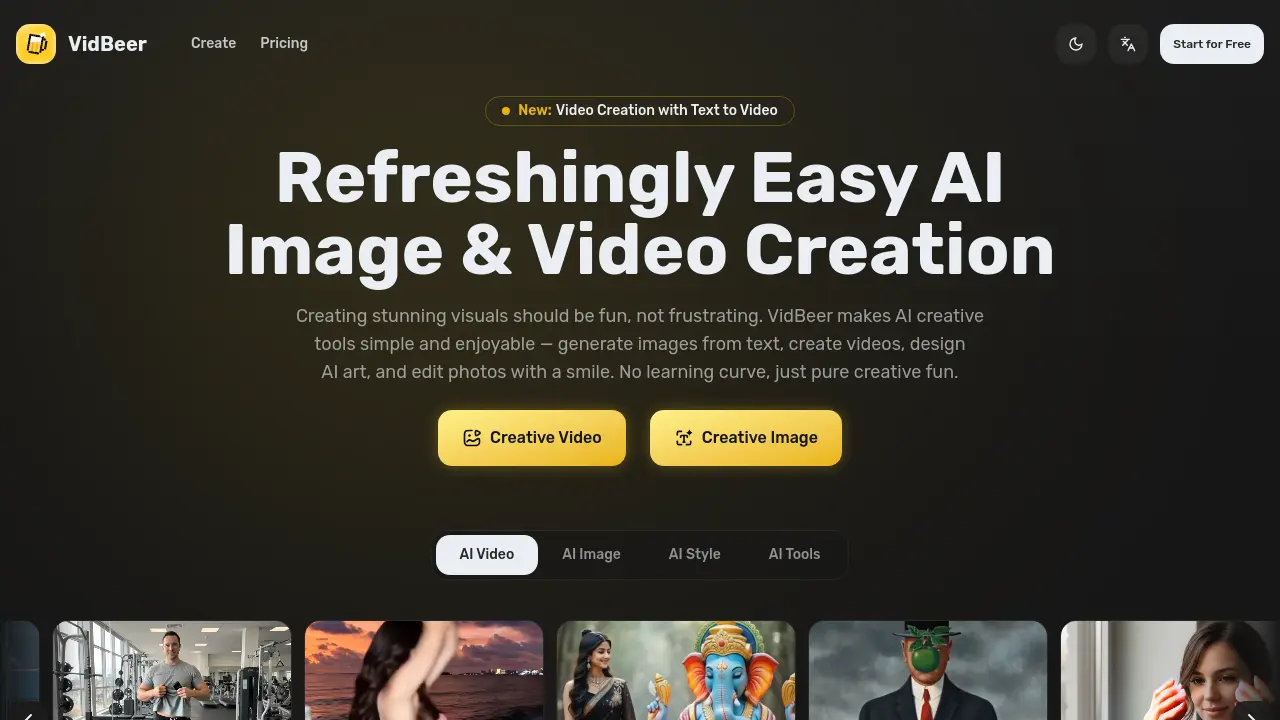
VidBeer
Refreshingly Easy AI Image & Video Creation
 FreemiumStarting at $9/month
VidBeer is an AI-powered platform that makes image and video creation simple and fun. Generate visuals from text, apply artistic styles, and edit photos with no learning curve.
Key Features:
- Text to Video: Generate dynamic videos from simple text descriptions.
- Image to Video: Transform still photos into engaging video clips.
- Text to Image to Video: Create videos from text prompts with frame selection.
- 437+ Artistic Styles: Apply diverse styles from Pixar 3D to Van Gogh.
- Background Remover: Instantly remove backgrounds with AI precision.
- AI Object Remover: Erase unwanted objects from photos seamlessly.
- Photo Restoration: Restore and enhance old or damaged photos.
- Face Swap: Swap faces in videos and images realistically.
- 4K Image Enhancement: Upscale images to crisp 4K quality.
- AI Clothes Changer: Virtually try on different outfits.
Use Cases:
- Creating engaging social media video content from text prompts
- Enhancing product photos with background removal and 4K upscaling
- Designing eye-catching thumbnails for YouTube or blogs
- Producing professional-looking short videos for marketing campaigns
- Restoring old family photos and colorizing black and white images
- Generating unique artwork and character designs for games or animations
- Creating ID photos with proper formatting and sizing
- Experimenting with virtual hairstyles, makeup, and outfit changes
-

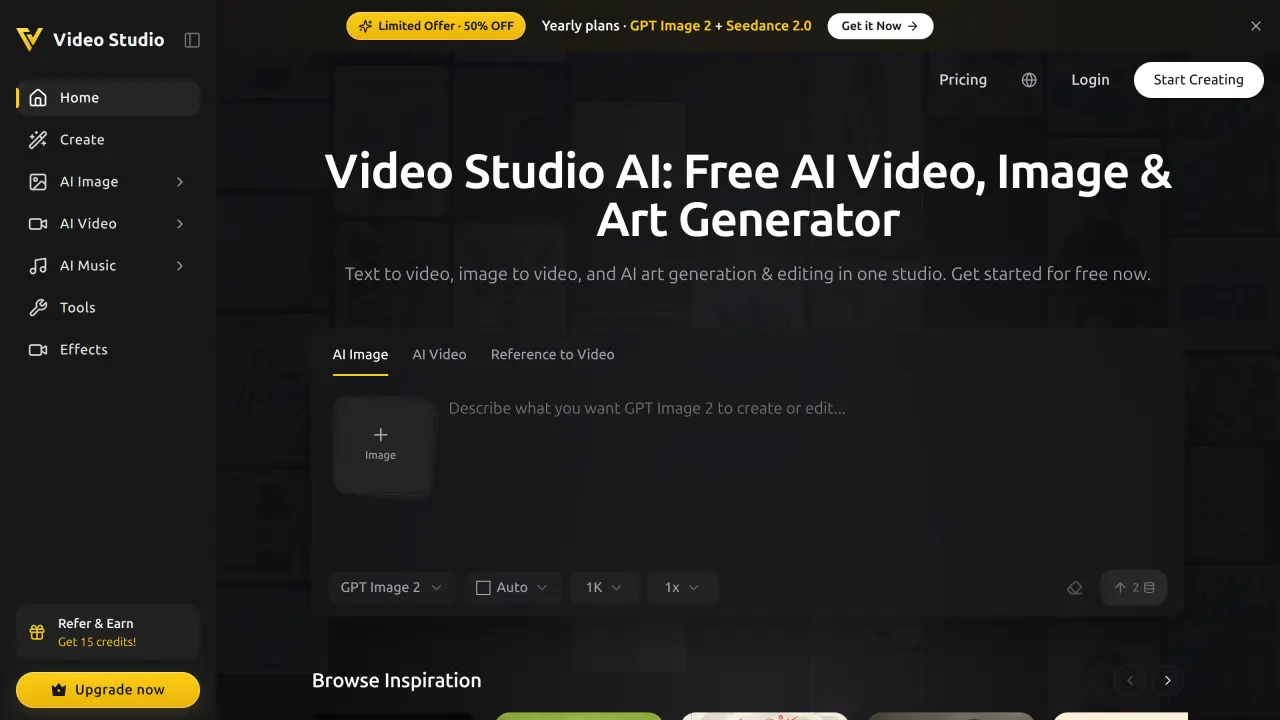
Video Studio AI
Generate AI videos from text or images with AI
 Freemium
Video Studio AI is a cutting-edge platform that transforms static images and text prompts into dynamic videos using advanced AI technology, offering instant access and free credits for new users.
Key Features:
- Lightning-Fast Animation: Generates videos within minutes
- Realistic Motion: Natural facial expressions and movement generation
- Character Integrity: Maintains original appearance during animation
- Smooth Animations: Delivers emotionally engaging and realistic experiences
- Dual Input Options: Accepts both text prompts and image uploads
Use Cases:
- Photo animation for personal memories
- Marketing content creation
- Social media video generation
- Character animation development
- Digital storytelling
- Content transformation for digital platforms
-

DejaVideos
Unleash Your Creative Vision with AI-Powered Video Tools
 Free
DejaVideos offers a suite of AI-powered tools to enhance, transform, and edit videos, enabling creators to easily achieve stunning visual effects.
Key Features:
- Replace Character: Replace characters in videos with anime characters using a single image.
- Transfer Style: Transform videos into animations with a variety of styles with one click.
- Erase Video: Intelligently remove text, logos, objects, and other elements from specified areas of a video.
- Enhance Video: Enhance video resolution to high-definition using AI technology.
Use Cases:
- Anime-style video creation
- Video content restoration
- Advertising post-production
- Film editing
- Creative content production
- Short video creation
- Film post-production
-

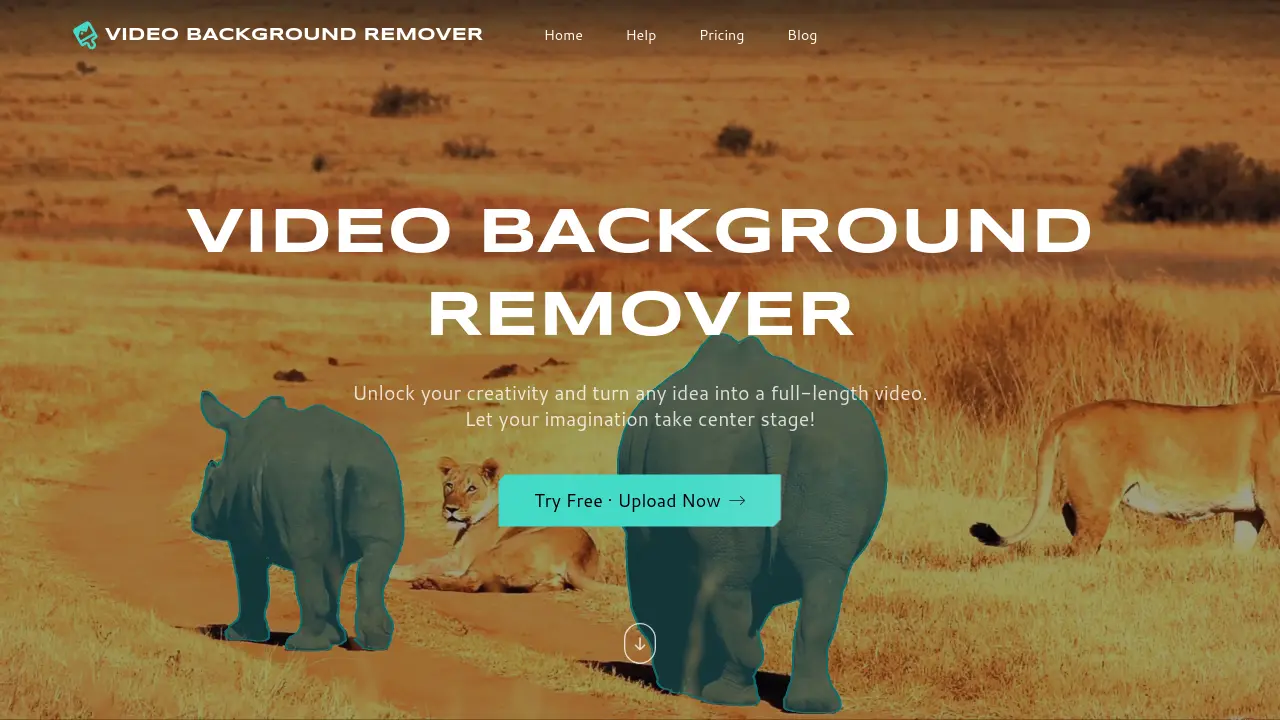
Video Background Remover
AI-Powered Instant Video Background Removal Online
 Free
Video Background Remover offers fast, AI-powered video background removal with multi-subject tracking, creative effects, and no green screen required. Edit, customize, and export professional-quality videos directly in your browser, watermark-free.
Key Features:
- AI-Powered Background Removal: Removes video backgrounds instantly without a green screen.
- Multi-Subject Tracking: Select and edit multiple people or objects in a single video.
- Creative Editing Effects: Apply blur, gradient, overlays, pixelation, emojis, spotlight, and burst effects.
- Browser-Based Platform: Operates fully online with no software installation required.
- Full HD Export: Download videos in high definition without watermarks (limited-time).
- Green Screen Mode: Optimized chroma key for seamless green screen background removal.
- Brand Customization: Add logos, promotional graphics, and branded backgrounds.
- Fast Processing: Rapid video processing and effect application.
- Popular Format Support: Works with MP4, MOV, and WebM files.
- Compatible with Editing Tools: Seamless integration with CapCut, Canva, and Adobe Express.
Use Cases:
- Removing backgrounds from social media videos for platforms like YouTube, TikTok, or Instagram Reels.
- Producing branded marketing assets or promotional videos for businesses.
- Creating distraction-free educational and training videos for online courses.
- Developing product demos or e-commerce content with custom backgrounds.
- Enhancing reaction videos, vlogs, or gaming clips with creative visual effects.
- Customizing webinar and online presentation backgrounds for educators.
- Generating professional testimonial videos without traditional studio setups.
-

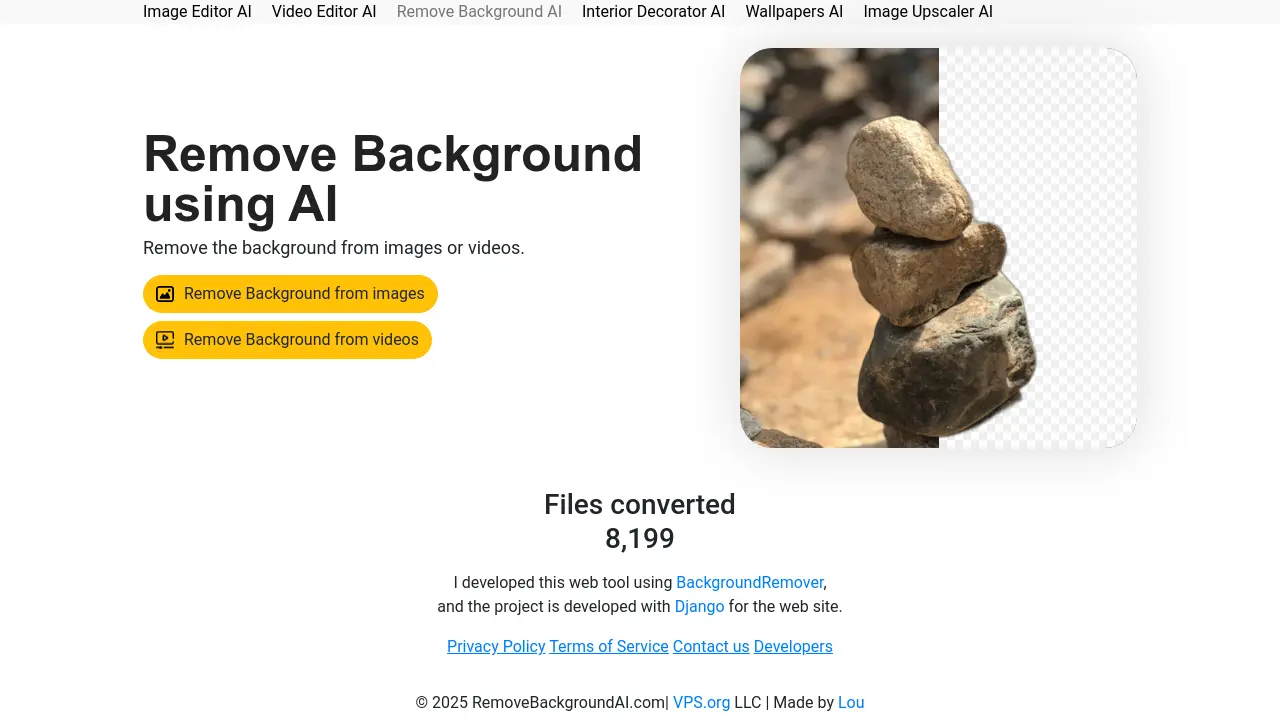
RemoveBackgroundAI.com
Remove Backgrounds with AI
 PaidStarting at $7/month
RemoveBackgroundAI.com uses artificial intelligence to remove backgrounds from images and videos. It offers both monthly and annual subscription plans.
Key Features:
- Image Background Removal: Removes backgrounds from images using AI.
- Video Background Removal: Removes backgrounds from videos using AI.
- Batch Uploading: Allows multiple files to be uploaded and processed simultaneously.
- Large File Support: Supports file sizes up to 100GB for subscribers.
- Priority Queue: Subscribers get faster processing times.
- Ad-Free Experience: Subscribers enjoy an ad-free interface.
Use Cases:
- Creating product images for e-commerce.
- Generating marketing materials with transparent backgrounds.
- Preparing images for social media posts.
- Developing presentations with custom backgrounds.
- Editing videos for professional or personal use.
-

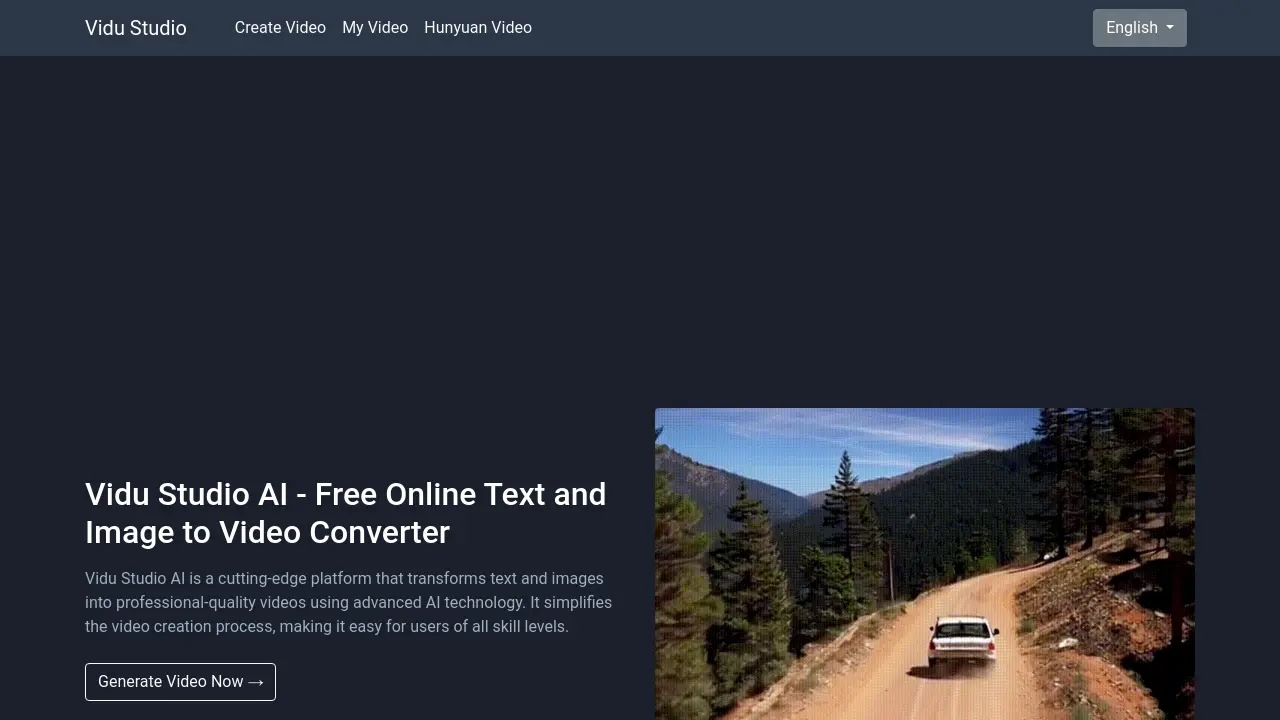
Vidu Studio AI
Free Online Text and Image to Video Converter
 Freemium
Vidu Studio AI is a cutting-edge platform that transforms text and images into professional-quality videos using advanced AI technology. It simplifies the video creation process for users of all skill levels.
Key Features:
- Text-to-Video Conversion: Transforms text input into dynamic video content.
- Image-to-Video Conversion: Converts images into engaging video sequences.
- Automated Template Selection: AI automatically chooses suitable templates based on the input.
- Customization Options: Users can adjust text, images, colors, and transitions.
- Real-Time Preview: Allows users to preview edits in real time.
- Multiple Video Formats: Supports various video formats for easy export.
Use Cases:
- Corporate presentations
- Social media content creation
- Promotional video production
- Educational video clips
- Product demos
-

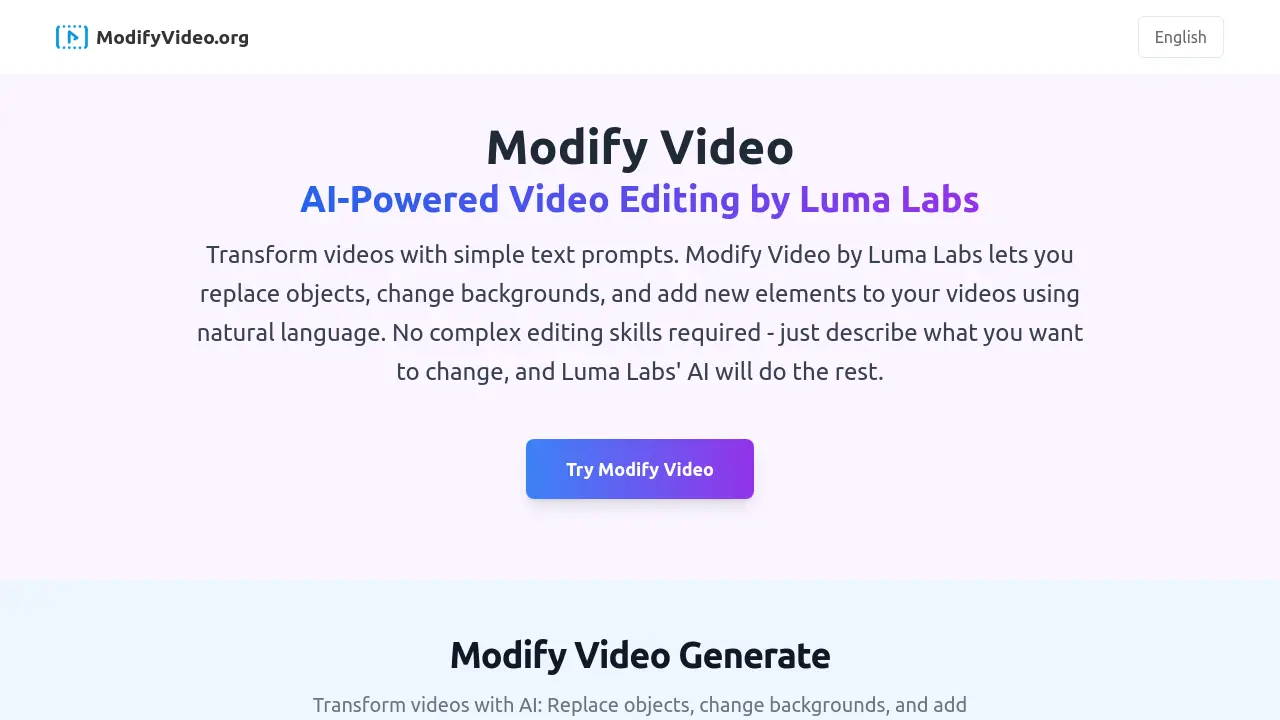
Modify Video
Transform videos with AI using simple text prompts
 Free Trial
Modify Video by Luma Labs is an AI-powered video editing tool that allows users to transform videos by replacing objects, changing backgrounds, and adding new elements using natural language text prompts, eliminating the need for complex editing skills.
Key Features:
- Text-to-Video Editing: Transform videos using simple text descriptions without requiring technical editing skills
- Temporal Understanding & Motion Preservation: Maintains perfect consistency across all frames for smooth transitions and natural-looking changes
- Three Transformation Modes: Adhere Mode for subtle changes, Flex Mode for balanced transformations, and Reimagine Mode for dramatic reinventions
- Advanced Signal Processing: Leverages sophisticated signals like pose, expression, and structure to determine which elements to preserve or redesign
- Video-Level Fidelity Control: Understands entire sequences rather than individual frames for consistent outputs in facial expressions and body movements
Use Cases:
- Replacing objects in product demonstration videos
- Changing backgrounds to transport scenes to different locations
- Adding new elements like UFOs or special effects to existing footage
- Transforming character appearances or outfits in video content
- Creating surreal scenarios by completely reinventing video environments
- Adjusting lighting conditions from day to night transitions
- Applying style filters to enhance video aesthetics
- Modifying low-poly assets to achieve cinematic realism
-

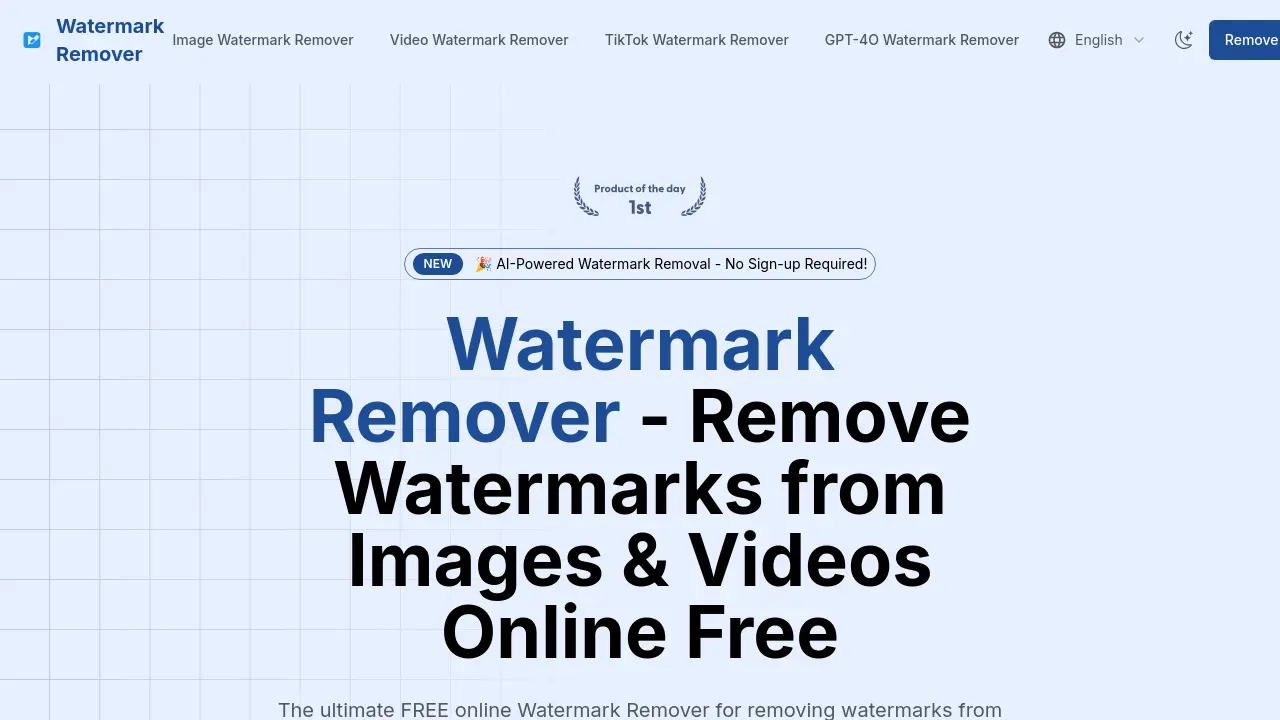
Watermark Remover
Remove Watermarks from Images & Videos Online Free
 Free
Watermark Remover is a free online tool using AI to remove watermarks from images and videos quickly and without quality loss. No sign-up is required to start.
Key Features:
- AI-Powered Removal: Utilizes advanced AI to detect and remove watermarks accurately.
- Quality Preservation: Maintains the original quality of images and videos without blurring or loss.
- Multiple Format Support: Compatible with popular image (JPG, PNG, GIF, WEBP) and video (MP4, AVI, MOV) formats.
- One-Click Removal: Simplifies the process with easy selection and automatic removal.
- Batch Processing: Allows simultaneous removal of watermarks from multiple files.
- No Sign-up Required: Accessible instantly without user registration.
- High Quality Export: Provides high-resolution downloads of watermark-free media.
- Browser-Based: Operates entirely online with no software installation needed.
Use Cases:
- Removing watermarks from personal photos or videos.
- Cleaning up stock images or video clips for projects (where licensing permits).
- Restoring old photos or videos with unwanted overlays.
- Preparing media content for presentations or social media sharing.
- Assisting content creators in repurposing their own media without branding.
- Helping video editors remove unwanted logos or text from footage.
-

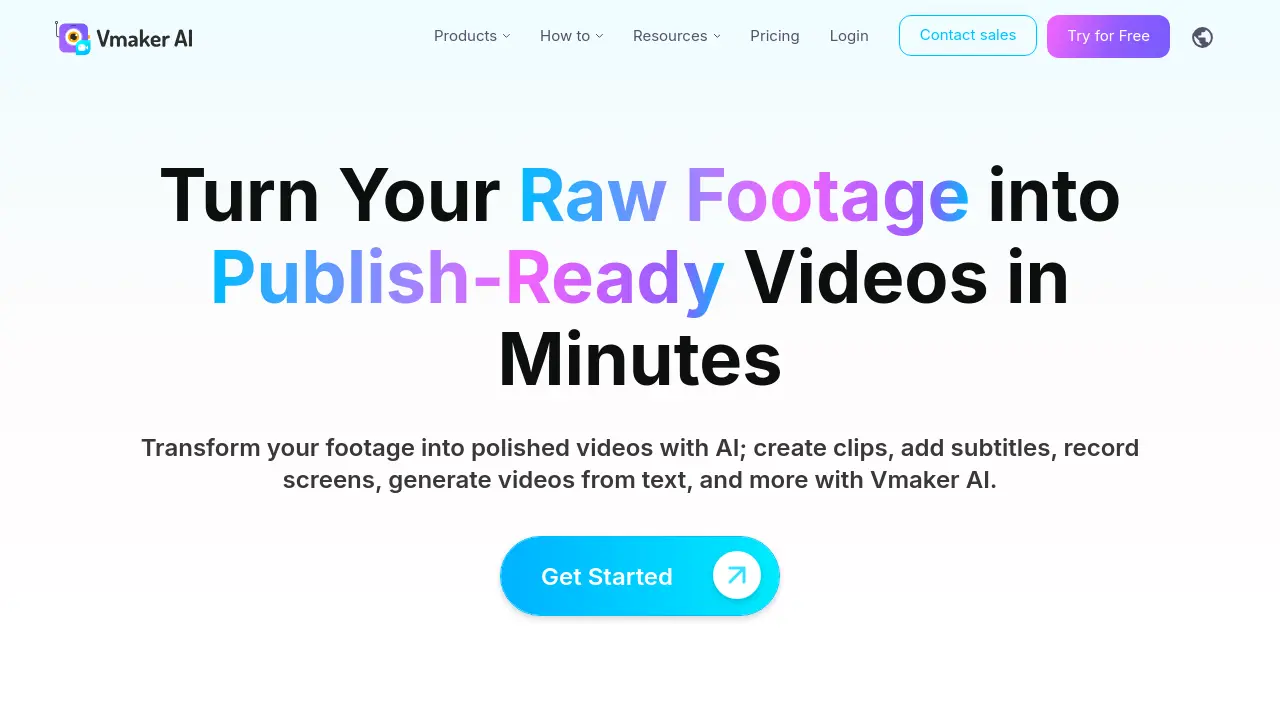
Vmaker AI
Turn Your Raw Footage into Publish-Ready Videos in Minutes
 FreemiumStarting at $18/month
Vmaker AI is a comprehensive video editing platform that leverages artificial intelligence to streamline the video creation process, from recording and editing to subtitling and generating videos from text.
Key Features:
- AI Editor: Edit videos to perfection with AI-powered features.
- Screen Recorder: Record screen and webcam in 4K resolution.
- AI Subtitles: Automatically generate subtitles in over 35 languages.
- AI Video Generator: Create talking head videos from text prompts with over 100+ AI avatars.
- Long to Short Videos: Easily repurpose and condense lengthy content.
- Highlights Generator: Automatically create highlight reels from longer videos.
- AI Video BG Remover: Remove backgrounds.
- Viral Style Library: apply Styles from viral style library.
Use Cases:
- Editing YouTube videos
- Creating marketing videos (intros, ads, demos, podcasts)
- Developing training videos for L&D teams
- General video editing for any user
- Generating subtitles for videos
- Creating short-form content from long-form videos
-

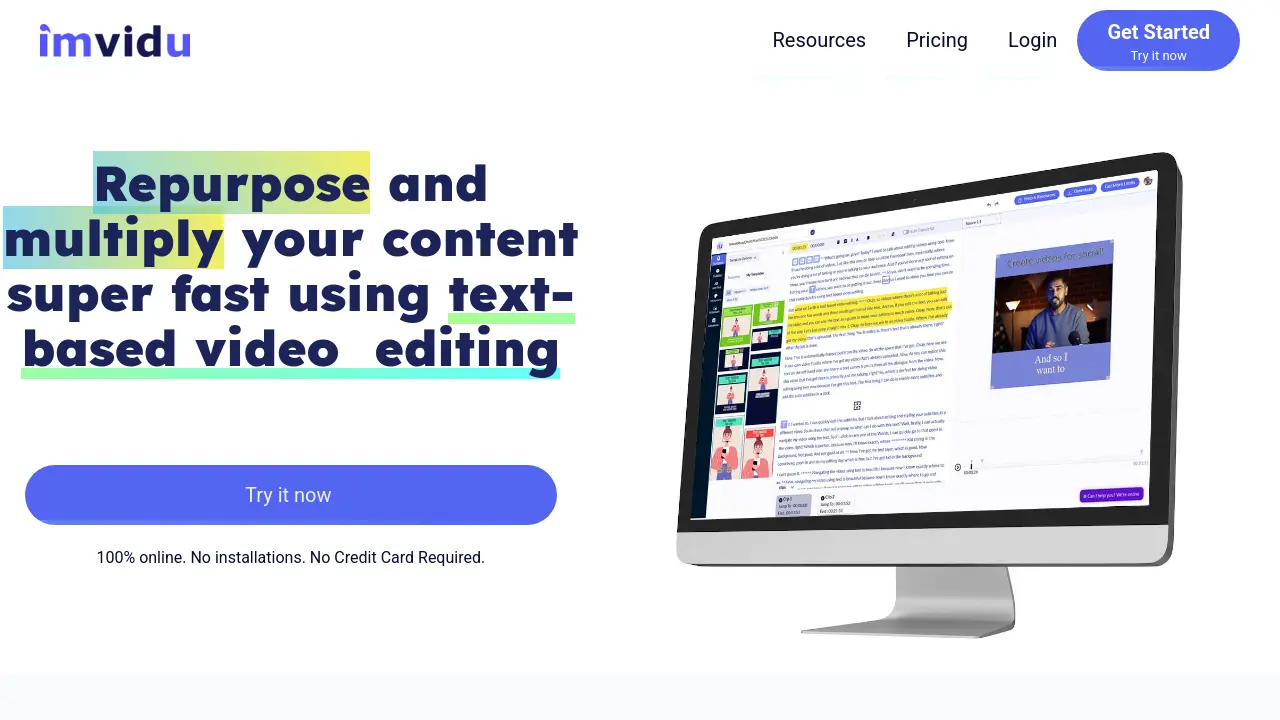
Imvidu
Transform and Multiply Videos With Text-Based Editing
 FreemiumStarting at $9/month
Imvidu is an AI-powered online video editor that uses text transcripts to simplify video editing, enabling fast creation of video snippets and automatic subtitles without downloads or watermarks.
Key Features:
- Transcript-Based Editing: Edit videos by modifying transcribed text instead of using a timeline.
- Automatic Subtitle Generation: Add eye-catching subtitles to videos using AI-generated captions.
- Auto Trim Silences: Instantly remove pauses and dull moments with one click.
- Exportable Transcripts: Download transcripts for blogs or distribution alongside videos.
- Video Snippet Creation: Quickly generate bite-sized video clips by highlighting transcript sections.
- Customizable Branding: Add headlines, watermarks, and branded overlays with prebuilt templates.
- One-Click Resize: Instantly format videos for different platforms and aspect ratios.
- Online Access: Fully browser-based with no need for software installations or downloads.
Use Cases:
- Creating social media-ready video clips from long recordings.
- Adding and customizing subtitles for greater accessibility and engagement.
- Repurposing webinars and podcasts into short, shareable video snippets.
- Exporting video transcripts for SEO, blogs, or searchable archives.
- Removing silences and unnecessary sections from interview or teaching videos.
- Rapidly branding and stylizing videos for professional content marketing.
- Producing video summaries or highlights for educational purposes.
-

Dreamlux.ai
An Online AI Video Generator Without Watermark
 Freemium
Dreamlux.ai is an online AI video generator that transforms text or images into professional-quality, watermark-free videos quickly and easily, ideal for various creative projects.
Key Features:
- Text to Video AI: Converts text prompts into engaging videos.
- Image to Video AI: Animates static images based on text prompts, bringing them to life.
- Watermark-Free Videos: Generates videos without any watermarks.
- Lightning-Fast Video Generation: Produces videos within minutes.
- High-Quality Outputs: Creates high-definition, professional-grade videos.
- Playful Templates: Offers fun templates for quick video creation.
Use Cases:
- Creating marketing videos for campaigns.
- Generating engaging social media content.
- Producing animated stories from images.
- Quickly visualizing concepts from text descriptions.
- Developing short promotional videos.