What is VideoAI?
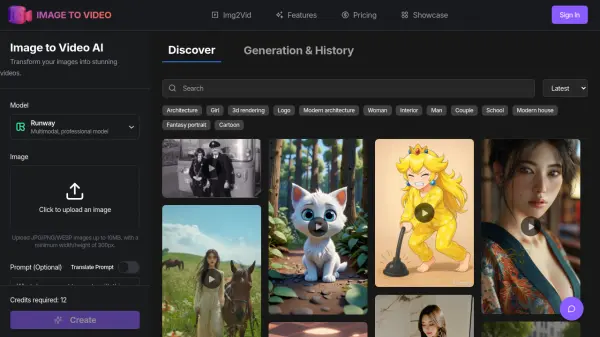
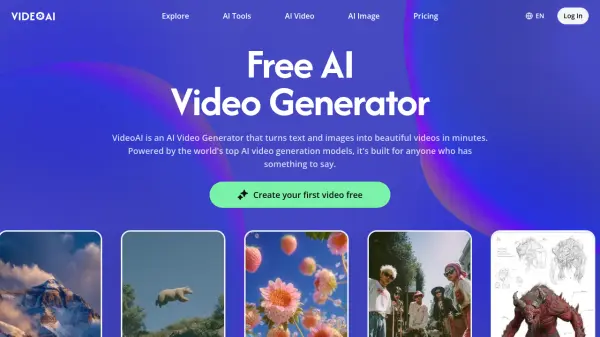
The platform provides access to multiple world-class AI video generation models through a unified interface, enabling users to create professional videos from text descriptions or static images. Users can select from different models like Kling for extended motion sequences, Seedance for multi-subject scenes with audio sync, Wan for image-to-video conversion, and Veo for cinematic output quality.
VideoAI includes professional features such as video extension capabilities, AI avatar creation from single photos, motion control for precise camera and subject movement, background removal, image upscaling, and style transfer. The platform offers a chat-based interface that accepts plain English instructions, making video creation accessible without technical editing expertise. Free tier access provides full functionality with multiple AI models available at no cost.
Features
- Multiple AI Models: Access to Kling, Wan, Seedance, Veo, Nano Banana, and Flux models in one platform
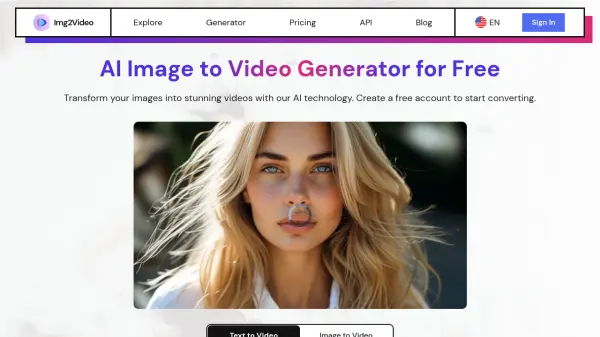
- Text to Video: Generate videos from text descriptions using advanced AI video generation models
- Image to Video: Convert static images into animated videos with motion following prompt descriptions
- Video Extension: Extend AI-generated videos to continue scenes with smooth, consistent motion
- AI Avatar Creation: Build consistent avatars from single photos for use across multiple video projects
- Motion Control: Set camera direction, speed, and subject behavior before generation
- Background Remover: Clean up subjects with one-click background removal before video processing
- Image Upscaling: Enhance source image resolution for sharper video output
- Style Transfer: Apply consistent visual styles across images before video generation
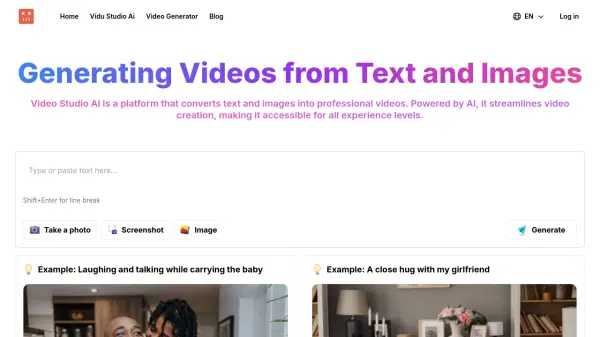
- Chat-Based Interface: Create videos using plain English instructions without technical expertise
Use Cases
- Social media content creation for marketing campaigns
- Product video generation for e-commerce listings
- Music video creation for independent artists
- Ad creative production for digital marketing agencies
- Educational video content development
- Brand storytelling and campaign videos
- YouTube content creation without filming equipment
- Quick turnaround video content for paid social campaigns
FAQs
-
Is VideoAI actually free to use?
Yes, the free plan provides real access to core AI video generator and image to video tools with no credit card required and no time limits. You can create videos using top AI video generation models and explore most features at no cost. Higher resolution exports and some advanced models are available on paid plans. -
How does image to video AI work?
You upload a still image (photo or illustration) and describe what you want to happen. The AI video generator reads both your image and prompt, then creates a video where the motion follows your description. No technical setup or prior video experience is required. -
Which AI video generation models does VideoAI include?
VideoAI provides access to leading models including Wan, Kling, Seedance, Veo, Sora 2, and image models like Nano Banana and Flux. Each model has unique strengths: Wan for image-to-video, Kling for longer motion, Seedance for smooth movement with audio sync, and Veo for cinematic quality. You can switch between models within the same project. -
Do I need video editing experience to use VideoAI?
No video editing experience is required. VideoAI features a chat-based interface that accepts plain English descriptions instead of requiring complex editing tools. Built-in templates and ready-to-use effects allow most users to create finished, shareable videos in a single session. -
How is VideoAI different from other AI video generator tools?
Unlike most tools that rely on a single model, VideoAI provides access to multiple leading AI video generation models in one consistent interface, offering greater flexibility in styles and quality. It combines this with a chat-based creation flow, music video tools, and a library of preset effects for the complete creative process.