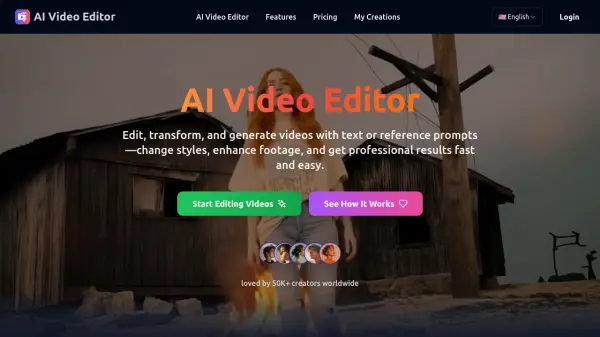
What is AI Video Editor?
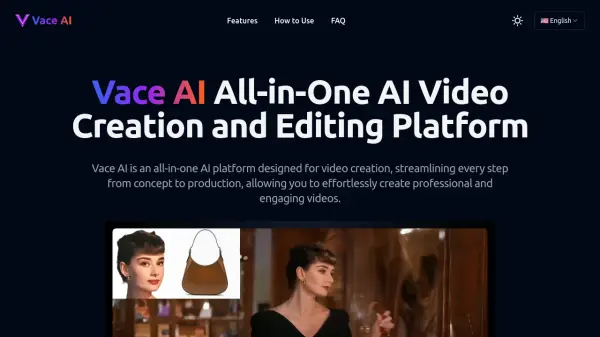
AI Video Editor revolutionizes video creation by making professional-quality editing accessible to everyone through advanced artificial intelligence technology. The platform eliminates complex operations and technical barriers, allowing users to transform styles, replace objects, adjust camera angles, and modify backgrounds with simple text prompts or reference materials.
Powered by sophisticated AI algorithms, the platform processes edits within minutes that traditionally would take hours to complete. Whether creating content for social media, marketing campaigns, or film projects, users can achieve high-quality results with greater efficiency and creative freedom while maintaining professional standards.
Features
- Intelligent Style Transformation: Apply cinematic looks and artistic filters automatically
- Object and Character Editing: Add, remove, or replace elements while preserving natural motion
- Dynamic Camera Angles: Transform static shots into cinematic experiences
- Environment Modification: Replace or modify backgrounds seamlessly
- Lighting Enhancement: Automatic adjustment of exposure and visual quality
- Text-to-Video Generation: Create new scenes from text descriptions
Use Cases
- Content creation for social media
- Marketing video production
- Documentary filmmaking
- Fashion video editing
- Entertainment content creation
- Commercial video production
- Brand visual identity development
- Professional video enhancement
How It Works
Upload or Import Your Video
Start by uploading a clip from your device or choosing an existing video to edit. AI Video Editor supports multiple formats and instantly prepares your footage for editing.
Add a Prompt or Reference
Type a text prompt or upload a reference to guide the AI. It can restyle, replace objects, change backgrounds, or adjust camera angles automatically.
Apply AI-Powered Edits
The AI processes your request in seconds, transforming your footage with professional precision. From changing environments to enhancing motion, each edit is applied seamlessly.
Preview and Export
Review your edited video, make adjustments if needed, and then export in high quality. With AI Video Editor, you can generate ready-to-publish content for social media, marketing, or film projects.
FAQs
-
What is an AI Video Editor?
An AI Video Editor is a platform that uses artificial intelligence to edit and generate videos automatically. Unlike traditional software, it lets you transform styles, replace objects, adjust camera angles, and enhance quality simply by using text or reference prompts. -
How does AI video editing work?
AI video editing works by analyzing your footage and applying smart modifications based on your instructions. With text prompts, you can restyle videos, modify environments, or even generate new scenes without manual editing skills. -
Do I need powerful hardware to use it?
No. AI Video Editor runs online, so all heavy processing happens in the cloud. You can edit and generate high-quality videos directly from your browser without requiring advanced hardware. -
Can I use the generated videos commercially?
Yes. Most AI Video Editors allow commercial use of your output, making them suitable for marketing, advertising, content creation, and professional video production.