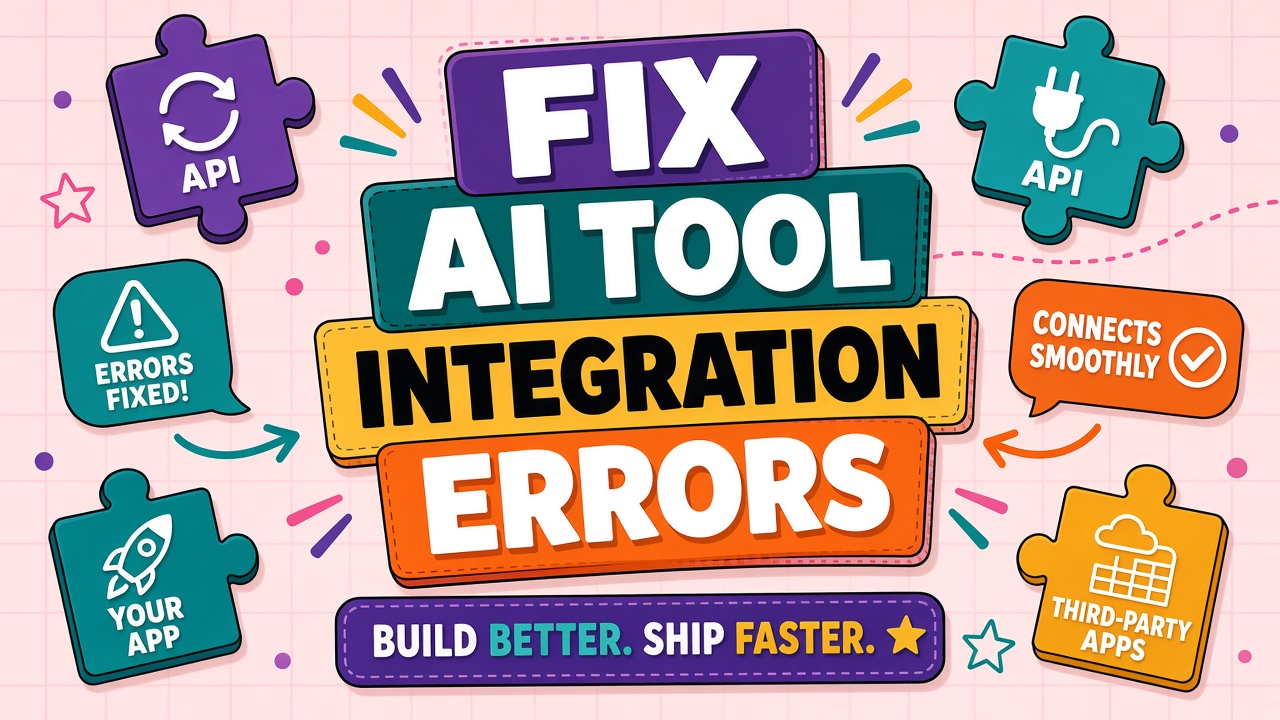
The Zap turns red. The webhook returns 401. The CRM never receives the summary. Integration failures look chaotic until you classify them: auth, payload, limits, or environment mismatch.
This guide to AI tool integration errors covers API keys, webhooks, middleware limits, and testing in isolation. Useful for teams wiring AI API products and AI automation platforms together.
Integration Failure Categories
| Category | Typical error signal | Fix direction |
|---|---|---|
| Authentication | 401, 403, "invalid API key" | Rotate key; check scopes and IP allowlist |
| Payload or schema | 400, 422, validation errors | Compare request body to current API docs |
| Webhook delivery | 200 from AI but downstream empty | Verify URL, signature secret, retry policy |
| Rate limits | 429, throttling in Zap history | Backoff, batch, upgrade tier |
| Environment mismatch | Works in test, fails in prod | Separate keys and webhook URLs per env |
API Key and Permission Errors
Keys expire on rotation schedules admins forget. Service accounts need explicit scopes for chat, embeddings, or file upload endpoints. Confirm the key belongs to the project billed for production traffic.
Webhook Payload and Retry Issues
Webhooks fail when your endpoint returns non-2xx, when TLS certificates expire, or when payload size exceeds middleware limits. Log raw body before parsing. Respond 200 quickly and process async if work is slow, or vendors may disable the hook after repeated failures.
Rate Limits in Chained Integrations
One user action may trigger five API calls across Zapier steps. Chain collapse under load looks like random failure. Add delay steps, consolidate calls into one server-side function, or move orchestration off no-code when volume grows.
Testing Integrations in Isolation
- Call AI API with curl or Postman using production key from secure store.
- Fire webhook to request bin; verify signature and schema.
- Connect downstream system with static fixture payload.
- Run full chain at low volume before enabling schedule triggers.
Frequently Asked Questions
Sandbox vs production logs?
Never point sandbox keys at production webhooks. Tag logs with environment in your orchestration layer so on-call engineers do not debug the wrong key during an incident.
Zapier shows success but nothing updates?
Check filter steps silently dropping records, field mapping to wrong column, and duplicate Zap triggers racing each other. Zap history timestamps reveal which step failed.
When should we replace no-code with custom code?
When retry logic, idempotency keys, or payload transforms exceed what visual builders express cleanly, or when API volume makes per-step billing expensive.