What is RemoveBGVideo?
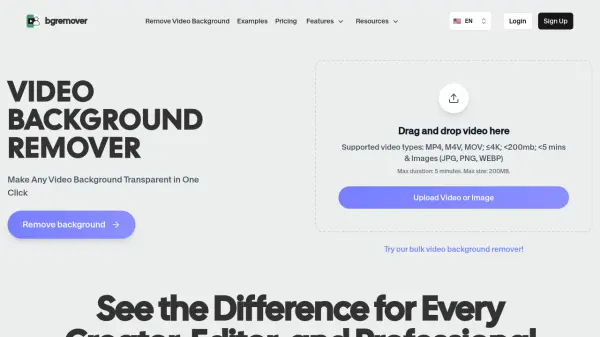
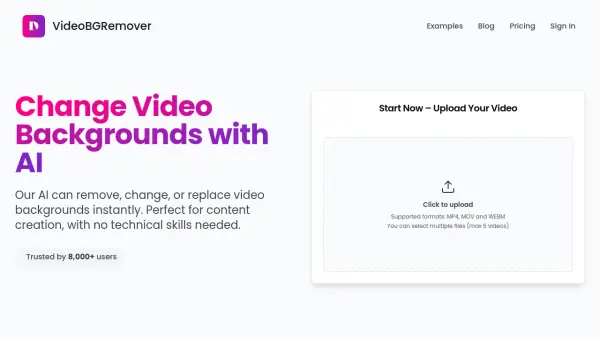
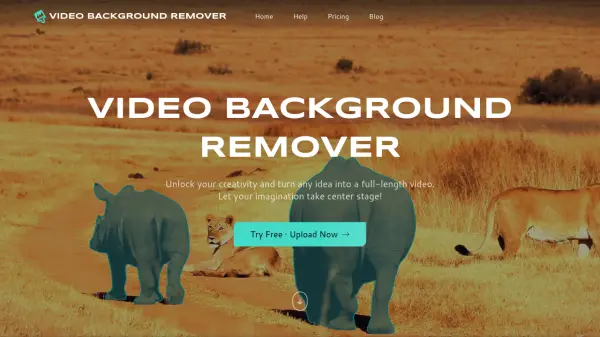
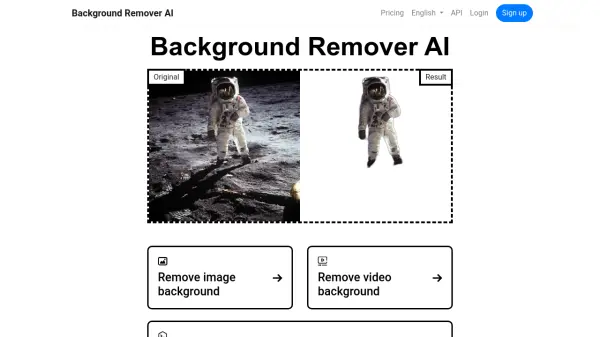
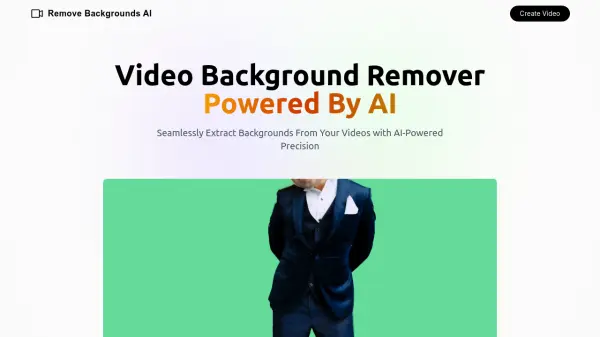
RemoveBGVideo is an advanced AI-powered video background removal tool that enables users to automatically remove backgrounds from videos without requiring green screen setups or technical expertise. The platform utilizes cutting-edge artificial intelligence to detect subjects in videos and separate them from backgrounds with precision, handling people, pets, products, and complex scenes with fast movements. The GPU-accelerated processing system delivers professional-quality results in minutes, with most videos under 5 minutes processed in just 1-2 minutes.
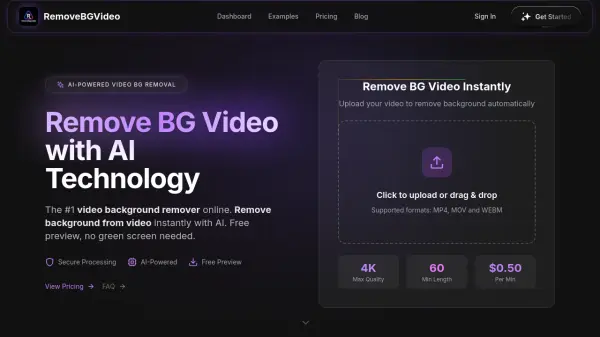
The tool supports multiple video formats including MP4, MOV, and WebM, with the ability to process videos up to 60 minutes in length and 500MB in size. Users can export their videos in various formats including transparent WebM, MOV with alpha channel, PNG sequences, GIF, and WebP, maintaining up to 4K resolution quality. The platform offers a free preview feature that allows users to see the final result before purchasing, with a pay-as-you-go pricing model starting at $0.50 per minute of processed video. Audio is automatically preserved during processing, and users can choose custom backgrounds, solid colors, or transparent outputs after background removal.
Features
- AI-Powered Background Detection: Automatically detects and separates subjects from backgrounds without green screen using advanced AI technology
- 4K Video Support: Process and export videos in up to 4K resolution maintaining original video quality
- Multiple Export Formats: Export in transparent WebM, MOV with alpha channel, PNG sequences, GIF, and WebP formats
- GPU Acceleration: Lightning-fast processing powered by cutting-edge GPU technology, most videos processed in under 5 minutes
- Free Preview: Preview processed videos before purchasing to validate quality
- Long Video Processing: Support for videos up to 60 minutes in length and 500MB file size
- Batch Processing: Process up to 20 videos simultaneously in Standard and higher plans
- Custom Background Options: Choose from solid colors, transparent backgrounds, or upload custom images after removal
- Audio Preservation: Automatically maintains original audio during background removal process
- No Green Screen Required: Works with any footage without special setup or equipment
Use Cases
- Creating professional-looking content creator videos without studio setups
- Producing product demonstration videos with clean backgrounds for e-commerce
- Developing personal branding videos for social media platforms
- Creating influencer content with customizable backgrounds
- Generating training videos and corporate announcements with branded backgrounds
- Producing real estate agent introduction videos without studio rental
- Creating online course content with professional appearance
- Making jewelry and product design showcase videos
- Developing YouTube, TikTok, and Instagram content with clean backgrounds
- Creating marketing videos with custom backgrounds for advertising campaigns
How It Works
Upload Your Video
Click to upload or drag and drop your video file. Supported formats include MP4, MOV, and WebM, with videos up to 60 minutes long and 500MB in size.
Preview Results for Free
The AI automatically processes your video and provides a free preview. You can validate the quality of background removal before spending any credits.
Choose Your Background
Select from transparent backgrounds, solid colors, or upload custom images to replace the removed background according to your needs.
Export in Your Preferred Format
Purchase credits and export your video in multiple formats including transparent WebM, MOV with alpha channel, PNG sequences, GIF, or WebP, maintaining up to 4K quality.
FAQs
-
How are credits calculated in RemoveBGVideo?
1 credit equals 1 second of processed video. For example, a 2-minute video export uses approximately 120 credits. You only consume credits when you export the final output, not during the free preview stage. -
Do purchased credits expire?
No, purchased credits do not expire. You can use them whenever you need across future projects without any time restrictions. -
What is the maximum video length and file size supported?
RemoveBGVideo supports videos up to 60 minutes in length and 500MB in file size. All plans support processing up to 4K resolution quality. -
Can I process videos without signing up?
Yes, you can use the free preview feature without signing up or registering. This allows you to test the quality of background removal before making a purchase. -
What is the refund policy for RemoveBGVideo?
RemoveBGVideo offers a 100% satisfaction guarantee. If you experience processing issues or unexpected results, you can contact [email protected] for assistance with a fix or refund when appropriate.