What is VideoBGRemover?
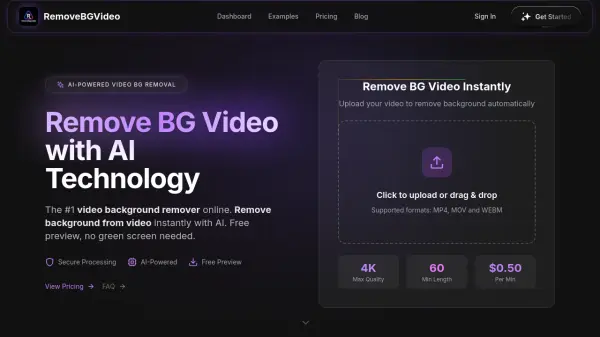
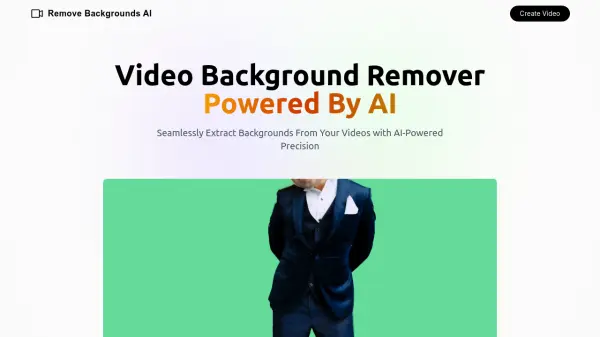
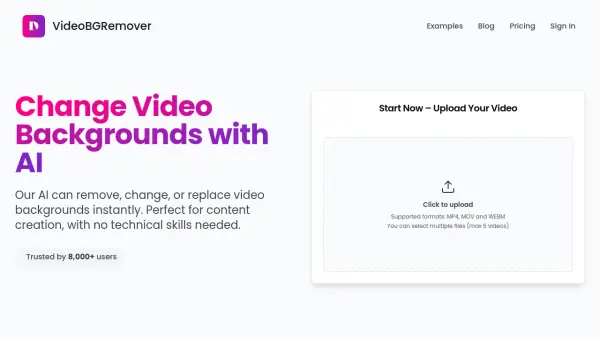
VideoBGRemover utilizes advanced artificial intelligence to automatically detect and remove backgrounds from videos without requiring a green screen. Users can upload videos in MP4, MOV, or WEBM formats, and the AI handles the separation of the foreground subject from the background. This tool is designed for ease of use, enabling content creators to achieve professional results quickly.
The platform allows users to replace the removed background with options from a provided library or by uploading their own custom images or colors. VideoBGRemover supports processing multiple videos simultaneously, enhancing workflow efficiency. It offers high-definition output up to 1080p and can handle videos up to one hour in length. Edited videos can be exported in MP4 format, or in WebM format to preserve transparency.
Features
- AI Background Removal: Automatically detects and removes video backgrounds using AI.
- No Green Screen Required: Removes backgrounds from any video without needing a green screen setup.
- Customizable Backgrounds: Choose from a library or upload your own images/colors for backgrounds.
- Batch Processing: Process multiple videos simultaneously to save time.
- HD Quality Output: Supports video output up to 1080p resolution.
- Multiple Format Support: Accepts MP4, MOV, WEBM inputs and exports to MP4 or WebM (transparent).
- Long Video Support: Handles videos up to 1 hour in length.
Use Cases
- Removing backgrounds from vlogging footage.
- Changing backgrounds for streaming videos.
- Creating professional-looking marketing videos.
- Editing user-generated content (UGC).
- Replacing backgrounds in product demonstration videos.
- Preparing videos for use in editing software like CapCut.
- Creating content with animated or custom backgrounds.
FAQs
-
How does your app remove the background from videos?
Our app uses advanced AI algorithms for automatic background removal with high precision. The technology analyzes each frame of the video to identify and separate the foreground from the background. -
What video formats are supported?
We support various video formats including MP4, MOV, and WEBM. Our system can handle most common video formats to ensure flexibility for our users. -
How long does the background removal process take?
Most videos are processed within a few minutes, depending on the length of the video. Our advanced algorithms work quickly to ensure you get your edited video as soon as possible. -
Can I remove video background without a green screen?
Yes! Our advanced AI technology can remove backgrounds from any video without the need for a green screen.