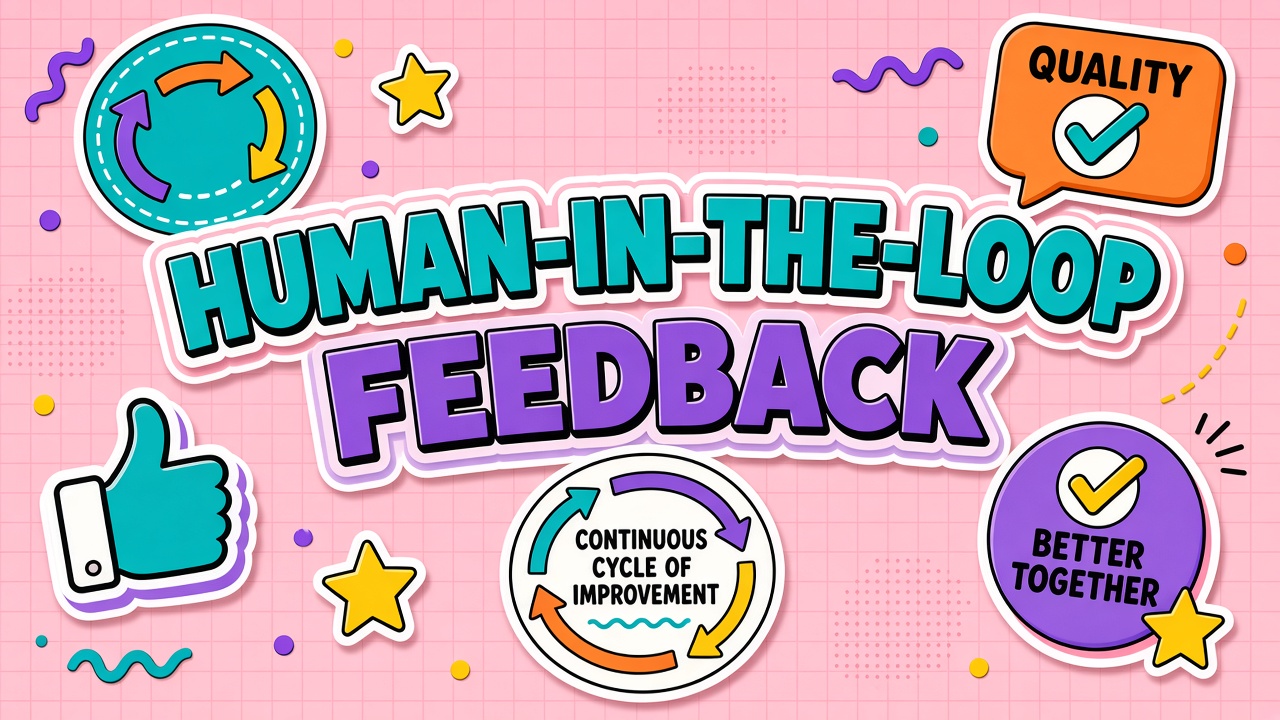
A customer thumbs-down on a chatbot answer. A support lead edits an AI draft before sending. A compliance officer flags a response that cites the wrong policy paragraph. Each action is a signal in a human feedback loop: data that tells the AI product what good looks like, what failed, and what must never happen again. For teams deploying AI chatbots and customer service automation, feedback loops separate demo-quality assistants from systems that improve under real traffic.
Human feedback loops in AI tool workflows span two layers. At training time, vendors use techniques like RLHF (reinforcement learning from human feedback) to align base models with preferences. At runtime, your operators use review queues, ratings, and corrections to tune prompts, update knowledge bases, and escalate edge cases. Buyers need clarity on both layers because marketing slides often show the training story while your daily work lives in the operational loop.
RLHF and Preference Learning: What Buyers Should Know
RLHF (reinforcement learning from human feedback) is a training method, not a product feature you toggle in settings. Annotators compare model outputs and rank which answer is better. Those rankings train a reward model. The language model is then adjusted to produce outputs that score higher on that reward model. The result is a model that sounds more helpful, more cautious, or more on-brand depending on what annotators were told to prefer.
As a buyer, you rarely run full RLHF yourself unless you are a large enterprise with a labeling budget. You inherit RLHF from the base model provider (OpenAI, Anthropic, Google, and others) or from a vendor that fine-tuned on domain data. What you can control is downstream feedback: logging conversations, collecting structured ratings, and feeding corrections into RAG indexes or fine-tuning datasets the vendor or your team maintains.
Training-time alignment versus runtime correction
RLHF shapes general behavior: refuse harmful requests, follow instructions, use polite tone. Runtime feedback shapes your business rules: cite the correct SKU, use approved legal disclaimers, route angry customers to humans. Confusing the two leads to unrealistic expectations. A model aligned for broad safety will still hallucinate your return policy until you ground answers in your knowledge base and review failures.
| Layer | Who contributes | Typical outcome |
|---|---|---|
| Base RLHF | Vendor annotators, crowd workers | General helpfulness and safety defaults |
| Domain fine-tuning | Your labeled examples or vendor project | Terminology, format, classification accuracy |
| RAG updates | Content owners, support leads | Factual answers tied to current docs |
| Live review queues | Agents, QA, compliance | Catch failures before customers see them |
Thumbs Up, Thumbs Down, and Structured Rating Signals
The simplest feedback UI is binary: thumbs up or thumbs down on a message. Binary signals are easy to collect but weak for root-cause analysis. A thumbs down does not say whether the answer was wrong, rude, too long, or outdated. Mature products pair binary ratings with optional tags (incorrect fact, wrong tone, did not solve issue) and free-text notes for trainers.
Structured ratings scale better than ad hoc comments. Define a small taxonomy aligned to your KPIs: resolution rate, CSAT, compliance pass rate. Train agents to tag consistently. Feed tagged examples into weekly review meetings and into datasets for prompt or retrieval updates. Vendors that export ratings via API or webhook make this loop automatable; vendors that trap data in a closed dashboard slow improvement.
Implicit signals complement explicit ratings
Users do not always click thumbs. Implicit signals still matter: conversation abandonment, time to human handoff, copy-paste of the answer (possible acceptance), or immediate rephrase of the question (possible failure). Privacy policies must disclose what you log. Customer service teams should balance insight with surveillance concerns, especially in EU markets with strict data minimization expectations.
Review Queues and Human-in-the-Loop Operations
High-stakes workflows should not send every AI draft straight to customers. A review queue holds messages until a human approves, edits, or rejects them. Queues can be risk-based: only low-confidence answers, only new intents, only accounts above a revenue threshold, or only content touching regulated topics.
Queue design affects throughput and trust. If reviewers see fifty items per hour with no prioritization, critical tickets wait behind low-risk FAQs. SLA timers, severity scores, and clear approve or edit or reject actions keep the loop fast. Audit logs should store who changed what, the original model output, and the final sent version for disputes and training exports.
Customer service platforms often blend AI suggestions inside the agent desktop: the human remains the sender, but the model drafts replies. That pattern is human-in-the-loop without a separate queue UI. Buyers should verify whether analytics attribute outcomes to the model, the agent edit, or both when calculating automation rate.
Bias in Feedback Data and Skewed Improvement
Human feedback is not ground truth. It reflects who bothered to rate, which reviewers were on shift, and what your rubric rewards. Common biases include positivity bias (users rate polite wrong answers highly), negativity bias on long answers, demographic skew in annotator pools, and preference for verbose text over correct short answers.
Operational bias appears when only angry customers leave feedback, when agents thumbs-down model suggestions to protect their jobs, or when compliance teams over-flag borderline content that was actually correct. If you fine-tune on this skewed data, the model may become overly cautious or mirror the loudest reviewers instead of business policy.
- Balance datasets: Sample negative and positive examples across intents, languages, and customer segments.
- Adjudicate disagreements: Two reviewers should resolve conflicting labels on high-impact categories.
- Separate rubrics: Accuracy, tone, and policy compliance are different dimensions; one thumbs down should not collapse them.
- Monitor drift: Track rating distributions monthly; sudden shifts often indicate product bugs or policy changes, not model regression.
Closing the Loop: From Feedback to RAG and Prompt Updates
Feedback only matters when it changes the system. Establish a weekly pipeline: export rated conversations, cluster failures by intent, pick the top three recurring issues, and assign an owner for each fix type. Retrieval gaps get new document chunks or corrected metadata. Prompt gaps get revised system instructions or few-shot examples. Policy gaps get escalation rules, not more training data.
Document every change with a before-and-after example drawn from real tickets (redacted). Reviewers should recognize the failure mode in the "before" snippet. Success means the same user question, resubmitted after the fix, produces an acceptable answer without human edit. Keep a lightweight changelog visible to support leads so frontline staff know what improved and what is still under investigation.
Avoid auto-fine-tuning on every thumbs down. Small, noisy datasets make models worse. Batch high-quality, adjudicated examples quarterly if you pursue custom fine-tuning at all. Daily operations should lean on retrieval updates and prompt edits where effects are interpretable and reversible.
Building a Feedback Operating Model for Chat Products
Start with a written quality rubric before you collect thousands of ratings. Assign an owner for weekly triage: support ops, product, or a dedicated AI quality role. Connect feedback exports to concrete actions: new FAQ chunks for RAG, prompt edits, blocked phrases, or escalation rules. Close the loop by measuring whether repeat failures on the same intent drop after the change.
For chatbot deployments on websites and apps, display feedback controls only where you can act on results. A thumbs down button without follow-up trains users that the product ignores them. Consider in-channel recovery ("Sorry that missed the mark. Would you like a human?") to capture signal and save the relationship in one step.
Frequently Asked Questions
Do we need RLHF to launch a support chatbot?
No. Most teams launch with a strong base model, retrieval over help center articles, and human review on risky paths. RLHF at scale is the vendor's job unless you have a dedicated ML team and labeling budget for custom alignment.
How do feedback loops work for regulated content?
Regulated industries should default to human approval for outbound messages about medical, legal, or financial advice. Log full provenance: model version, retrieved sources, reviewer ID, and timestamp. Retention policies must match HIPAA, GDPR, or sector rules. Some vendors offer BAAs or EU data residency; verify contracts before logging patient or client content in feedback tools.
Will our feedback train the vendor's global model?
Depends on contract and settings. Many enterprise agreements opt out of training on customer data. Consumer products often train by default unless you disable it. Read the data processing addendum and toggle "do not train" options in admin consoles.
Are thumbs up and down enough for quality improvement?
They are a start, not a program. Add category tags, sample conversations for manual review, and link ratings to intents. Binary signals alone rarely tell engineers what to fix.
How do review queues affect reported automation rate?
Vendors define automation differently. Some count AI-drafted replies as automated even when a human sent them. Ask for metrics net of edits and rejections, and whether partial edits count as success.
Metrics That Prove the Feedback Loop Works
Executives fund feedback programs when metrics move. Track deflection rate with confidence intervals, not vanity automation percentages. Measure time-to-resolution for AI-handled threads versus human-only baselines. Monitor repeat contact rate within seven days on the same intent, which catches answers that sounded fine but did not solve the problem. Reviewer throughput (items per hour) shows whether queues are staffed realistically.
Pair quantitative metrics with qualitative spot checks. A falling thumbs-down rate means little if reviewers are burned out and clicking approve to clear backlog. Sample approved messages monthly for silent quality drift. Publish a simple dashboard for stakeholders: top failure intents, fixes shipped, and open gaps. Transparency builds trust that feedback leads somewhere.
Feedback Loops as Ongoing Operations, Not a Launch Checkbox
Human feedback loops turn AI customer experiences from static deployments into managed systems. RLHF explains why base models behave politely; your review queues and ratings explain why they know your policies and recover when they do not.
When evaluating chatbot platforms and service automation tools, ask how feedback is collected, exported, protected, and acted on. The best products make improvement visible: fewer repeat failures, faster reviewer throughput, and clear accountability for regulated content. Feedback without action is noise; action without bias awareness can steer the model wrong. Design for both.