One power user runs perfect prompts from a personal account. Five teammates copy the workflow. Twenty people hit rate limits. Finance sees three duplicate subscriptions. Quality drifts because everyone forks prompts differently. That is the normal scaling curve, not a failure of the tool.
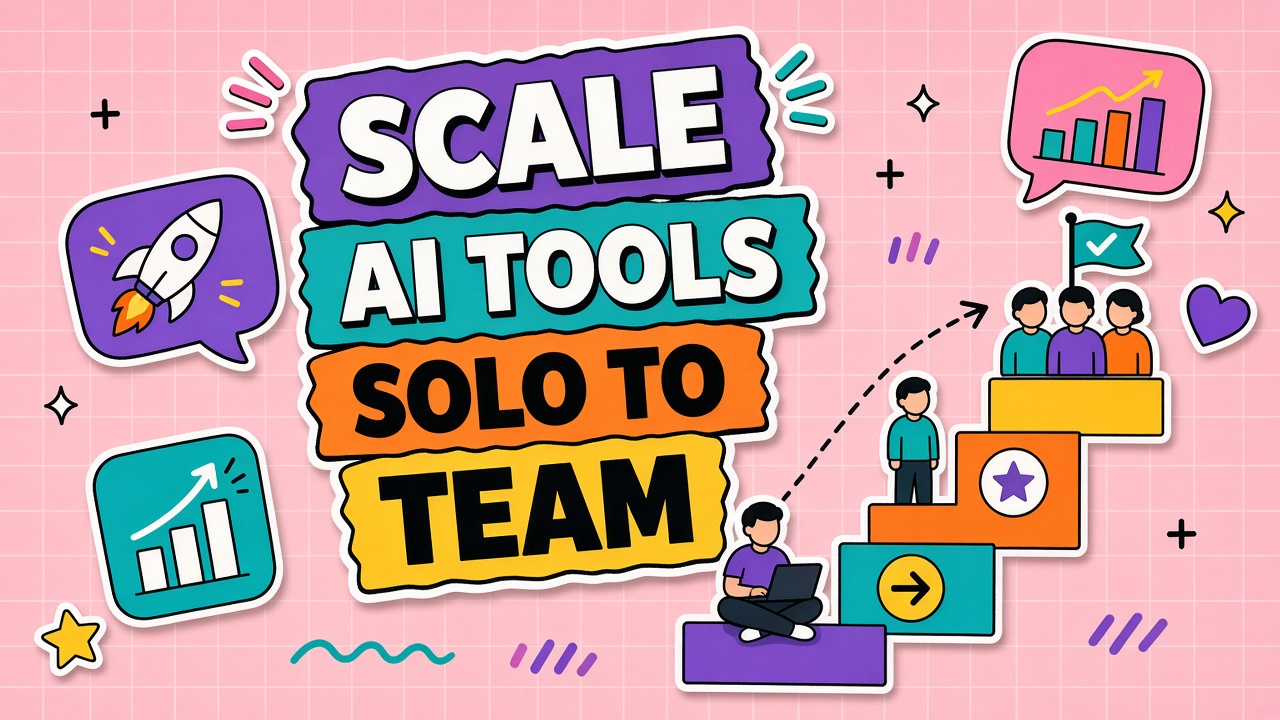
Scaling AI tool usage from solo to team maps four stages, what breaks at each, and infrastructure changes that fix cost chaos and quality drift. Explore AI productivity tools and AI automation tools after you know which stage your organization is in.
Stage 1: Solo Power User Patterns
Stage 1 is one person with outsized output. Patterns: personal account, undocumented prompts, manual export to shared docs. Works until anyone else needs to reproduce results on deadline.
- Breaking point: Bus factor of one; vacations stop the workflow.
- Fix: Document one workflow; move to team seat with shared workspace.
Stage 2: Small Team Sharing and Templates
At 3 to 10 users, share prompt templates and acceptance checklists. Introduce a single support channel for "why did output change?" questions.
| Stage | Typical headcount | What breaks | Priority fix |
|---|---|---|---|
| 1 Solo | 1 | Undocumented knowledge | Shared prompt doc |
| 2 Small team | 3 to 10 | Inconsistent output quality | Templates plus review rubric |
| 3 Department | 10 to 50 | Shadow tools, duplicate spend | SSO, approved stack list |
| 4 Enterprise | 50+ | Compliance, API limits | Governance board, metering |
Stage 3: Department Rollout and Governance
Department rollout needs an approved tool list, data classification, and quarterly review of active seats versus roster. Kill pilots that missed success criteria instead of letting them become permanent shelfware.
Stage 4: Enterprise Integration and Compliance
Enterprise stage adds audit logs, DLP integrations, sandbox environments, and API gateways with rate limit management. Procurement negotiates enterprise agreements; engineering owns integration health checks.
Breaking Points: Cost, Chaos, Quality Drift
Cost chaos appears when every team buys overlapping writers. Quality drift appears when prompt forks multiply without owners. Operational chaos appears when SSO is missing and offboarding leaves active seats. Address the breaking point for your stage before adding the next tool.
Frequently Asked Questions
Do we need an AI center of excellence?
At stage 3 and above, a lightweight center of excellence helps: standards, vendor review, and office hours. Keep it small. A part-time council beats a large team that becomes a bottleneck.
What is a federated model versus central governance?
Federated means departments own workflows; central sets security, procurement, and shared platforms. Central means one team picks all tools. Most companies federate execution and centralize risk controls.
When should we pause scaling and consolidate?
Pause when duplicate tools exceed two in the same category, when review time exceeds manual baseline, or when shadow spend exceeds 10% of official AI budget. Consolidate before the next headcount doubling.