What is Video Watermark Remover?
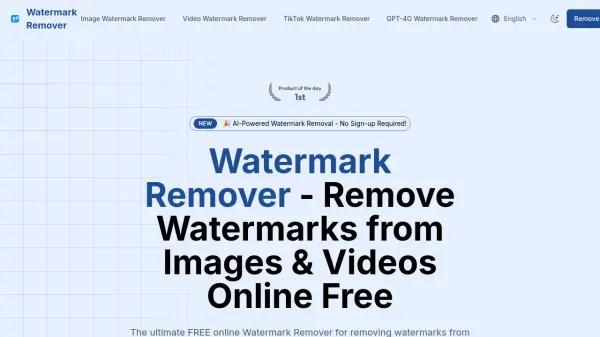
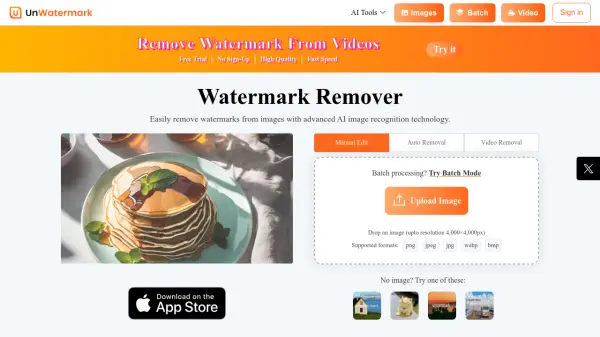
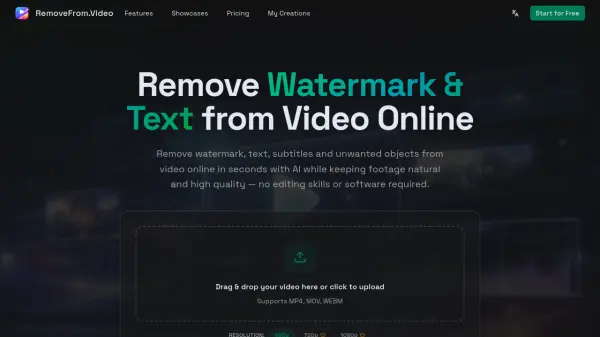
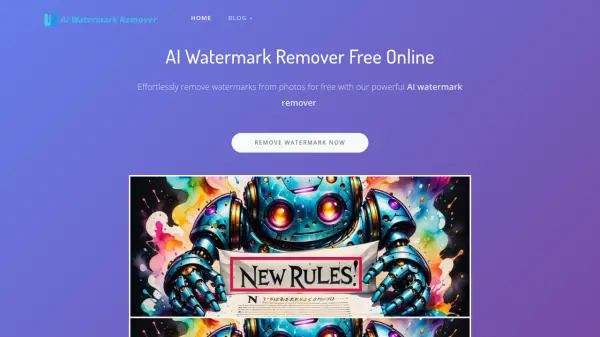
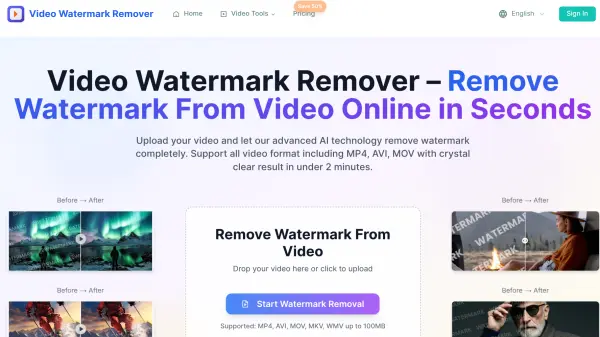
Video Watermark Remover is an advanced AI-powered online platform designed to eliminate watermarks, logos, text overlays, stickers, timestamps, and unwanted objects from videos with speed and precision. Powered by deep learning technology, the tool automatically identifies and removes watermarks from popular platforms such as TikTok, YouTube, and Instagram while preserving the original video clarity and resolution. Users can upload files in a wide range of formats including MP4, AVI, MOV, MKV, and WMV (up to 100MB), and receive a clean, high-definition output in under two minutes without requiring any video editing experience or software installation.
Built with privacy and security in mind, the platform automatically deletes all uploaded files from its servers within 24 hours, ensuring full data confidentiality. The tool operates seamlessly across desktop, mobile, and tablet devices, making it accessible to individual content creators, professional editors, and business teams alike. With support for batch processing and team collaboration features available on higher-tier plans, Video Watermark Remover caters to a broad range of use cases from personal projects to agency-level video production workflows.
Features
- AI Watermark Detection & Removal: Automatically identifies and removes watermarks, logos, and overlays using advanced deep learning algorithms.
- HD Quality Output: Removes watermarks without blur or traces, exporting videos in high-definition quality.
- Multi-Format Support: Compatible with MP4, AVI, MOV, MKV, and WMV video file formats up to 100MB.
- Fast Processing: Delivers clean, watermark-free video results in under 2 minutes.
- Platform-Specific Watermark Removal: Specialized removal support for TikTok, YouTube, and Instagram watermarks.
- Versatile Object Removal: Removes logos, text, subtitles, stickers, time/date stamps, people, and other unwanted elements.
- Privacy & Security: All uploaded files are automatically deleted from servers within 24 hours.
- Cross-Device Compatibility: Works seamlessly on desktop, mobile, and tablet devices.
- Batch Processing: Available on Professional and Business plans for processing multiple videos efficiently.
- Team Collaboration & API Access: Business plan includes team collaboration features and API access.
Use Cases
- Removing TikTok watermarks from downloaded videos for repurposing content
- Eliminating YouTube watermarks to produce clean video assets
- Stripping Instagram watermarks for professional content presentation
- Removing text overlays, subtitles, or closed captions from videos
- Deleting outdated price overlays from product promotional videos
- Clearing time and date stamps from surveillance or personal footage
- Erasing unwanted people or photobombers from video backgrounds
- Removing logos and brand marks from video content for redistribution
- Cleaning up videos for professional use without expensive editing software
- Batch processing multiple videos for agency or team-level production workflows
How It Works
Upload Video
Upload your video file containing watermarks in any supported format: MP4, AVI, MOV, MKV, or WMV (up to 100MB).
AI Processing
The AI video watermark remover automatically detects and removes all watermarks, logos, text overlays, or unwanted objects while preserving the original video quality.
Download Clean Video
Download your watermark-free video in HD quality, ready for use on any platform or device.
FAQs
-
How accurate is the AI video watermark remover?
The tool uses advanced deep learning algorithms that precisely identify and remove watermarks while preserving the original video details, delivering high-quality results without blur or visible traces. -
What video formats does the Video Watermark Remover support?
The platform supports MP4, AVI, MOV, MKV, and WMV video formats, with a maximum file size of 100MB per upload. -
How long does video watermark removal take?
The AI processes and removes watermarks from videos in under 2 minutes. -
Is my video data safe and secure?
Yes. All uploaded video files are automatically deleted from the platform's servers within 24 hours, ensuring complete privacy and security. -
Do I need to register to use the Video Watermark Remover?
A free tier is available to get started; however, a registered account may be required to access paid plan features such as priority processing, batch processing, and team collaboration.