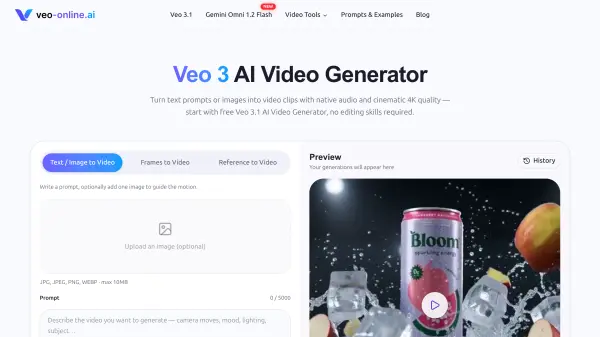
What is Veo 3 AI Video Generator?
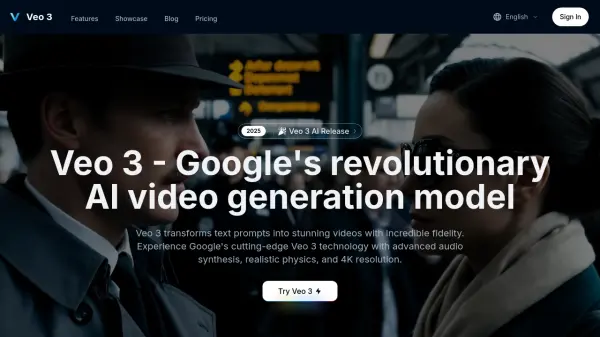
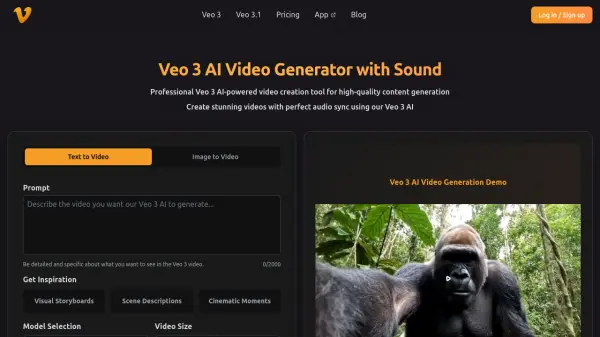
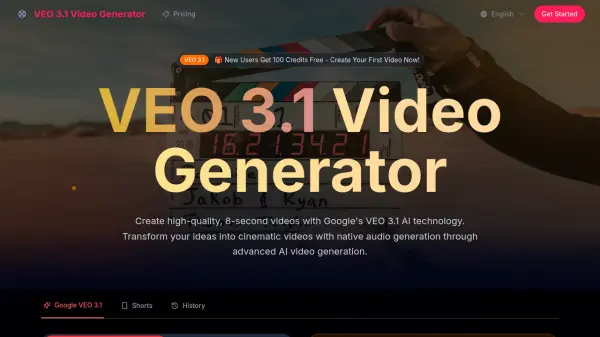
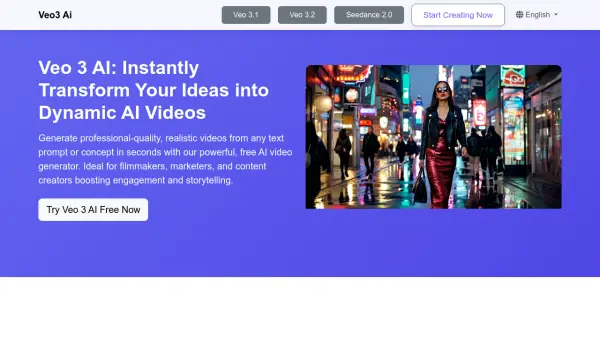
Veo 3 AI Video Generator creates short cinematic video clips from text prompts, images, frames, or reference images. The platform combines visuals with dialogue, sound effects, and ambient sound in the same generation, and it supports character consistency across shots. Users can select from Veo 3.1 Fast, Veo 3.1 Quality, Veo 3.1 Lite, Veo 3, and Veo 2 models for different input controls and results. A built-in prompt library provides examples by scene, style, and camera move. Outputs can be reviewed and downloaded after choosing available duration, aspect ratio, and resolution settings.
Features
- Text and Image to Video: Start from a written prompt or a still image and switch between workflows in the same workspace.
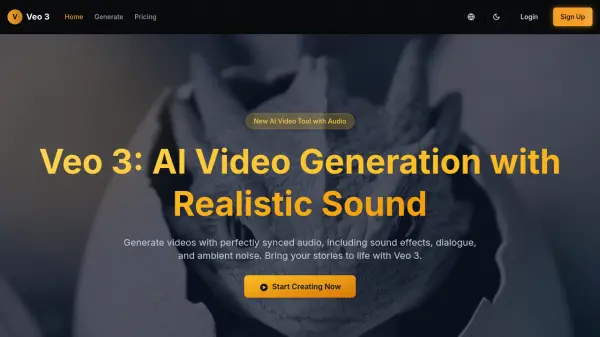
- Native Audio Generation: Generate dialogue, sound effects, and ambient sound together with the visuals.
- Character Consistency: Keep faces, bodies, and scenes stable across shots with realistic motion and lighting.
- Cinematic 4K Quality: Export video in cinematic quality up to 4K for social or advertising use.
- Frame and Reference Guidance: Guide results with first and last frames or reference images depending on the selected model.
- Veo Model Selection: Choose from Veo 3.1 Fast, Veo 3.1 Quality, Veo 3.1 Lite, Veo 3, and Veo 2 for different controls and results.
- Prompt Library: Use built-in prompts and examples by scene, style, and camera move as a starting point.
- Output Settings: Choose available duration, aspect ratio, and resolution for the selected model before generating and downloading.
Use Cases
- Cinematic Story Scenes
- Product and E-commerce Videos
- Character and Dialogue Clips
- Vertical Social Videos
- Trailers and Short-film Concepts
- Mood Pieces and Visual Storytelling
- Product Reveals and Lifestyle Clips
- Social-ready Ads
How It Works
Choose a model and input mode
Select a Veo model, then begin with text, an image, frames, or reference images based on the type of video you want to make.
Describe the scene
Write what should appear, what happens, where it takes place, and how the camera should move. Add sound or dialogue when it matters to the scene.
Set, generate, and download
Choose the available duration, aspect ratio, and resolution for your selected model. Generate the clip, review the result, and download the finished video to your device.
FAQs
-
What is Veo 3?
Veo 3 is an AI video generation model that turns text prompts or images into short video clips. Depending on the selected model and workflow, results can also be guided with frames, reference images, audio, and dialogue. -
Does Veo generate audio and dialogue?
Yes. Veo 3 can generate dialogue, sound effects, and ambient sound together with the visuals, and speech lines up with mouth movement. -
Can I use first and last frames or reference images?
Yes. Some Veo models support frames or reference images. Veo 3.1 Fast and Veo 3.1 Lite accept text, frames, or reference images, while Veo 3.1 Quality supports text or first-and-last-frame inputs. -
Which Veo model should I choose?
Choose based on the input controls and result you need. Veo 3.1 Fast supports flexible everyday iterations, Veo 3.1 Quality supports deliberate framing and controlled two-shot transitions, Veo 3.1 Lite helps test ideas and create variations, Veo 3 supports native audio or dialogue-led scenes, and Veo 2 offers an alternative for prompt-led or image-led concepts. -
Can I download my generated video?
Yes. After generating and reviewing the clip, users can download the finished video to their device.