-

Make-A-Video
Generate Videos from Text
 Other
Make-A-Video is a state-of-the-art AI system that generates videos from text inputs. It leverages image and video data to bring your imagination to life.
Key Features:
- Text-to-Video Generation: Generates whimsical, one-of-a-kind videos from text prompts.
- Image Animation: Adds motion to a single static image.
- Video Variation: Creates variations of an existing video.
- Data Filtering: Utilizes filters to minimize the risk of harmful content.
- AI Watermarking: Adds a watermark to all generated videos to indicate AI origin.
Use Cases:
- Creating unique and imaginative videos for storytelling.
- Generating marketing and promotional content.
- Developing educational videos.
- Animating static images for presentations.
- Creating variations of existing videos for A/B testing.
-

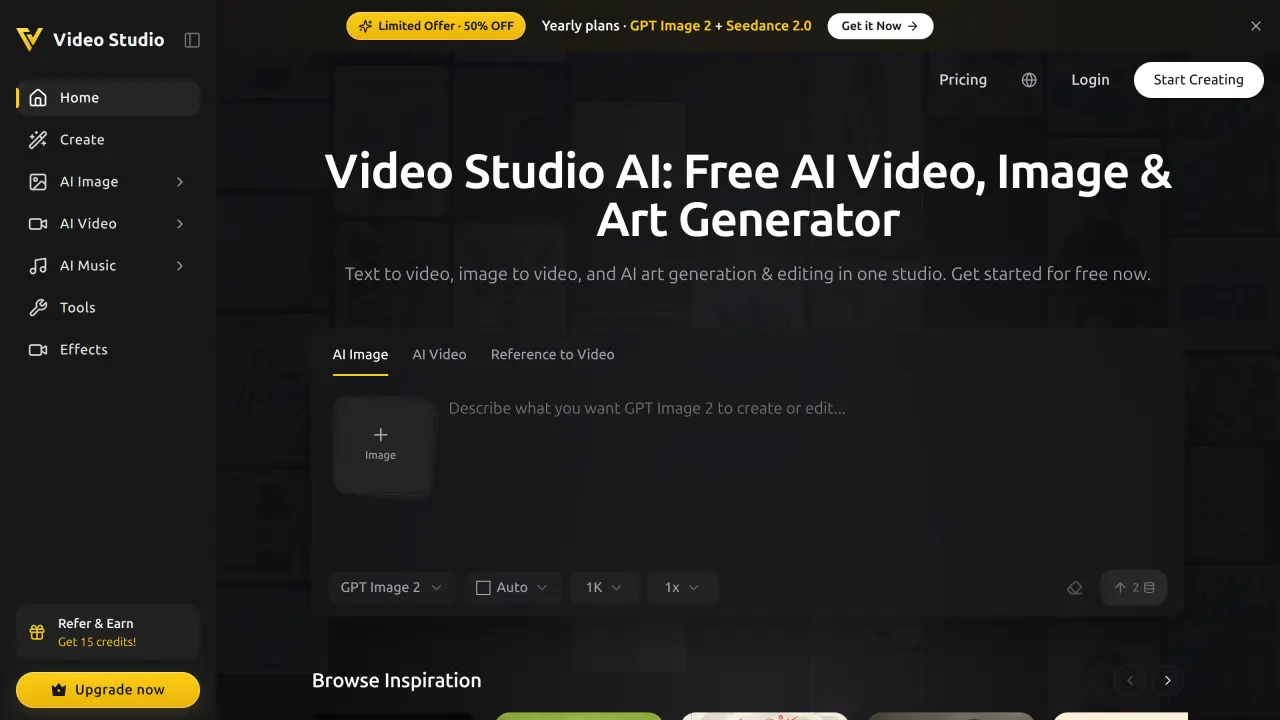
Video Studio AI
Generate AI videos from text or images with AI
 Freemium
Video Studio AI is a cutting-edge platform that transforms static images and text prompts into dynamic videos using advanced AI technology, offering instant access and free credits for new users.
Key Features:
- Lightning-Fast Animation: Generates videos within minutes
- Realistic Motion: Natural facial expressions and movement generation
- Character Integrity: Maintains original appearance during animation
- Smooth Animations: Delivers emotionally engaging and realistic experiences
- Dual Input Options: Accepts both text prompts and image uploads
Use Cases:
- Photo animation for personal memories
- Marketing content creation
- Social media video generation
- Character animation development
- Digital storytelling
- Content transformation for digital platforms
-

Best AI Video Generator
Transform text into stunning videos with advanced AI models
 Freemium
Best AI Video Generator offers three powerful text-to-video AI engines that create professional-quality video content for social media and cinematic projects in under a minute.
Key Features:
- Veo 3 Model: Produces photorealistic footage with natural skin tones, water reflections, and complex lighting setups
- Seedance 1 Pro Model: Creates seamless multi-shot narratives with character continuity and professional camera movements
- Hailuo 02 Model: Generates fast-rendering 1080P videos with realistic physics for motion and object interactions
- Text-to-Video Conversion: Transforms descriptive text prompts into complete video clips
- Rapid Generation: Delivers polished video content in under a minute
- Social Media Optimization: Creates content specifically formatted for TikTok, Reels, and Shorts
Use Cases:
- Creating TikTok and Instagram Reels content
- Producing product demonstration videos
- Developing documentary-style short films
- Generating lifestyle and social media reels
- Creating action-packed visual sequences
- Producing multi-shot narrative montages
- Generating cinematic project footage
- Creating deadline-driven video content