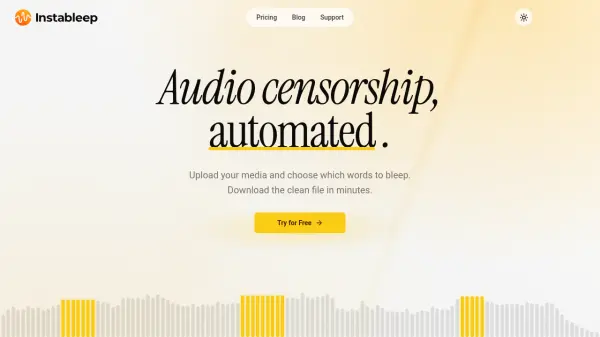
What is Instableep?
Instableep is an online audio and video censorship tool that automatically transcribes uploaded media and replaces selected words with a bleep, silence, or a custom sound. The platform is designed for creators who need clean versions of recordings without manual editing, and it supports batch uploads, precision timing, and a file library for revisiting projects.
Users can choose words from an editable transcript or describe the type of content to censor and review AI-suggested matches. The tool covers more than 100 languages, preserves original quality in exports, and offers transcript and subtitle exports for accessible, broadcast-ready media.
Features
- Automated Bleeping: Upload media and automatically replace selected words with bleeps while precision timing covers each word's edges.
- AI Word Search: Describe the type of content to censor, such as curse words, slurs, or a brand, and AI suggests matching words from the transcript.
- Custom Bleep Sounds: Use a standard beep, silence, or upload your own audio for every censored word.
- Batch Processing: Upload multiple files and bleep them in one pass, with parallel processing on supported plans.
- Multilingual Censoring: Transcribe and censor media in over 100 languages and language variants.
- File Library: Keep every upload in a searchable library that is ready for revisiting and re-editing.
- Transcript and Subtitle Export: Export editable transcripts as TXT, JSON, or SRT subtitles.
- Quality-Preserving Exports: Export edited media with the original video stream and format preserved where possible.
Use Cases
- Automatically censoring profanity in videos and audio recordings
- Removing swear words from songs, podcasts, and voiceovers
- Creating clean versions of media for YouTube, social platforms, or broadcast
- Filtering brand names or sensitive terms from interviews and recordings
- Batch censoring multiple files for client projects and production workflows
- Preparing clean audio for classrooms, presentations, and public events
How It Works
Upload Your Media
Upload one or more audio or video files to the online editor.
Transcribe and Review
The platform transcribes the media and creates an editable transcript for review.
Select Words to Bleep
Choose words from the transcript or use AI word search to describe the content to censor and pick from AI-suggested matches.
Export the Clean File
Select a bleep sound or silence, then download the censored file with quality-preserving exports.
FAQs
-
What file types does Instableep support?
Instableep supports video files in MP4, M4V, MOV, WEBM, and MKV formats, and audio files in WAV, FLAC, AAC, MP3, and M4A formats. -
Is commercial use allowed?
Yes. The edited files belong to the user and can be used for YouTube, client work, ads, or other legal purposes. -
Where are my files stored?
Files are stored in the EU, encrypted at rest, and remain in the user's library until deleted. Deleting a file also removes its exports. -
Does the free plan require a credit card?
No. The free plan provides 20 minutes of transcription per month without a credit card. -
Can I cancel my plan at any time?
Yes. Plans can be changed or cancelled from the billing portal in the account. After cancellation, access continues until the end of the paid period, and the unused portion is not refunded.