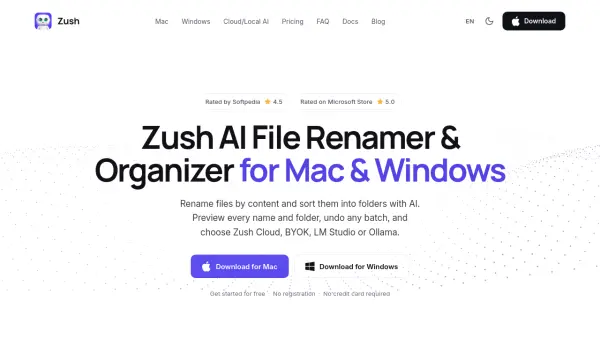

What is Zush?
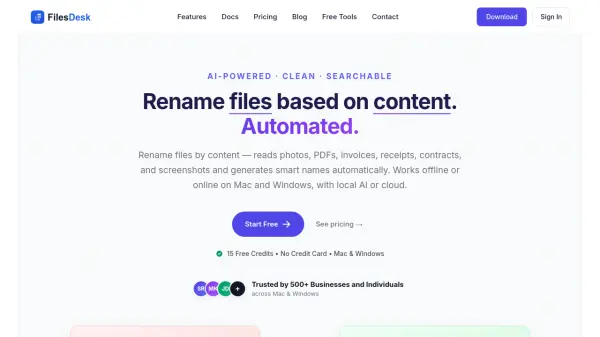
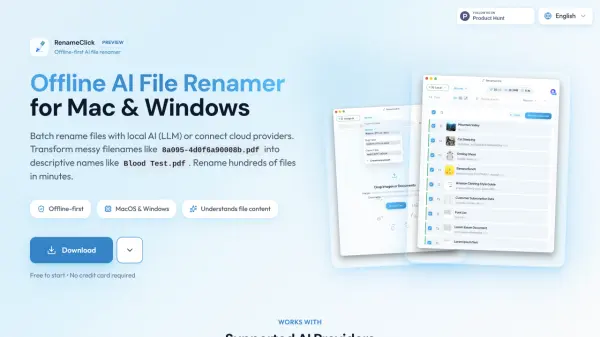
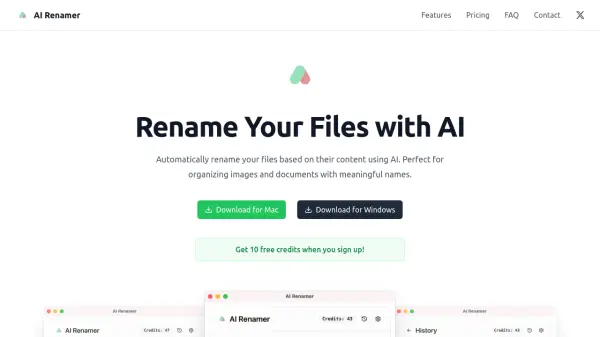
Zush reads the actual content inside files and generates descriptive, searchable names for documents, photos, videos, audio, and design files on Mac and Windows. By analyzing text, metadata, visual previews, design previews, and sampled video frames across 107 supported file formats, it replaces generic names such as scan_001.pdf with meaningful ones that reflect what each file really contains.
The application brings naming blocks, reusable templates, custom AI instructions, AI folder sorting, folder monitoring, and duplicate detection into one review-first workflow. Every suggested name and folder move can be previewed before it is applied and rolled back later from the activity history, while processing can run through managed cloud AI, a personal API key, or private offline models via LM Studio and Ollama.
Features
- AI Batch Rename: Analyzes content, metadata, and visual previews to generate descriptive filenames for over 100 file formats in a single reviewed batch.
- AI Folder Sorting: Groups files by content or follows plain-language rules to move them into named folders after review.
- Naming Blocks: Builds consistent filenames from more than 145 ready-made blocks covering dates, metadata, finance, legal, travel, clients, and AI-detected fields.
- Templates: Saves reusable rename setups for repeated workflows such as screenshots, expenses, music tracks, and client work.
- Custom AI Prompts: Lets users define rename, tagging, and metadata instructions so AI output follows their own style.
- Folders Monitoring: Watches one or multiple folders, including cloud sync folders, and processes new files automatically in the background.
- Duplicate Detection: Compares file contents within a batch to label exact copies, mark them in the filename, or move them to the trash.
- Rename History: Records every change and enables one-click rollback to original filenames.
- Smart Metadata: Adds Finder tags and Spotlight metadata for instant natural language search.
- Flexible AI Options: Supports managed cloud AI, bring your own API key, LM Studio, and Ollama for private offline processing.
- 107 Supported Formats: Handles images, RAW photos, design files, PDFs, ebooks, Office and iWork documents, video, audio, and subtitles.
- 60+ Filename Languages: Generates searchable names in the language and date format that suits each folder or team.
Use Cases
- Renaming invoices, receipts, and statements by vendor, date, number, and amount for easier reconciliation
- Naming scanned medical records by identifier, date of service, and record type using local AI
- Organizing legal filings, contracts, and correspondence by matter, date, type, and party
- Sorting candidate, onboarding, and policy documents by employee, date, type, role, and period
- Renaming RAW photos, clips, and exports by project, date, subject, scene, and take
- Cleaning up mixed Downloads folders with searchable, content-aware filenames
- Naming real estate agreements, disclosures, inspections, and property photos by address and type
- Automating rename workflows for screenshots, design files, and audio recordings
How It Works
Add your files
Add documents, photos, video, and audio files, or point Zush at a folder to watch for new files.
Build the name
Set the naming rules using Naming Blocks, templates, and custom instructions so Zush knows which details to extract and how the filename should be structured.
Review and rename
Preview every suggested name, optionally sort files into folders, apply the batch, and undo any change later from the rename history.
FAQs
-
Which operating systems does Zush support?
Zush runs on macOS 15.0 and later as well as Windows 10 and 11. The Mac version is distributed as a signed DMG, through the Mac App Store, and via Homebrew, while the Windows version is available from the Microsoft Store. -
Can Zush rename files offline?
Yes. LM Studio and Ollama keep supported analysis on the device and work offline after configuration with a compatible local model. Both local modes are available on the free plan and share the 50-rename limit with the other AI modes. -
Does Zush work with Google Drive, Dropbox, and iCloud folders?
Yes. Zush does not connect to cloud accounts directly. It renames files inside the local folder that the cloud app already keeps in sync, which works with iCloud Drive, Google Drive, Dropbox, OneDrive, and Box on Mac, and with OneDrive, Google Drive, and Dropbox folders on Windows. Renamed files then sync to other devices automatically. -
Do I need an account or credit card to try Zush?
No. The free version includes 50 AI renames with no registration and no credit card required, so the full rename workflow can be tested before upgrading. -
How does Zush protect file privacy?
Original files stay on the user's device. Cloud AI sends only the content needed for analysis, bring-your-own-key mode sends content to the chosen provider, and LM Studio or Ollama keep supported analysis on the local computer without cloud processing.