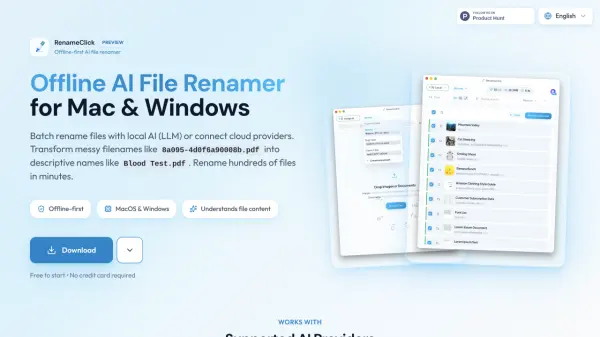
What is RenameClick?
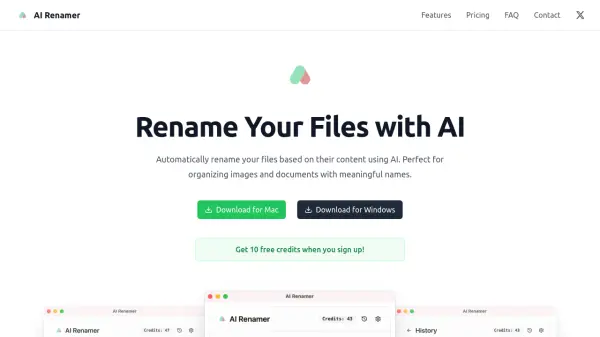
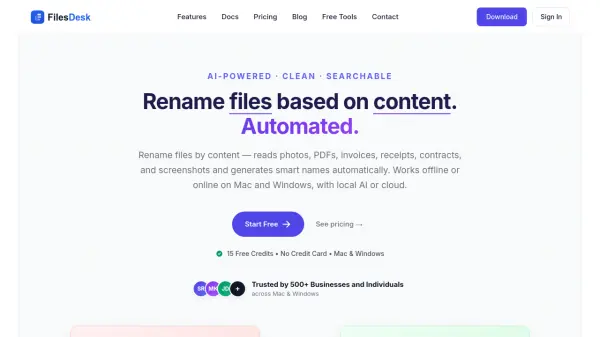
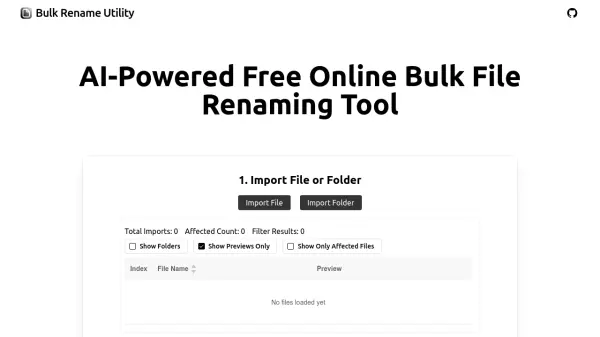
RenameClick leverages artificial intelligence to revolutionize how users organize their digital files. This innovative tool analyzes the actual content within files to generate meaningful, descriptive filenames, transforming cryptic names like '8a095-4d0f6a90008b.pdf' into clear descriptors like 'Blood Test.pdf'.
The application runs primarily offline using local AI models, ensuring complete privacy and security for sensitive documents. Compatible with various file formats including images (JPG, PNG, HEIC, etc.) and documents (PDF, DOC, TXT, etc.), RenameClick offers flexibility through multiple AI provider integrations including local options like Ollama and LM Studio, as well as cloud services like OpenAI and Google AI when preferred.
Features
- Offline-First Processing: Uses local AI models for complete privacy without internet connection
- Content-Based Renaming: Analyzes file contents to generate meaningful names
- Batch Processing: Rename hundreds of files simultaneously
- Multiple AI Provider Support: Works with Ollama, LM Studio, OpenAI, and Google AI
- Wide Format Compatibility: Supports common image formats (JPG, PNG, HEIC, etc.) and documents (PDF, DOC, TXT, etc.)
- Cross-Platform: Available for both macOS and Windows
Use Cases
- Organizing messy downloads folders with cryptic filenames
- Categorizing medical documents with descriptive names
- Sorting large collections of images by content
- Standardizing document naming conventions in professional environments
- Preparing document libraries for easier searching
- Organizing client files with meaningful names
- Converting camera roll images to descriptive filenames
How It Works
Download and Install
Download RenameClick for your operating system (Mac or Windows) and install it on your device.
Add Your Files
Drag and drop files into the application interface.
AI Analysis
The AI analyzes file content and suggests descriptive names based on what's inside.
Review and Apply
Review the suggested names and apply the changes with one click to batch rename all files.
FAQs
-
What is RenameClick?
RenameClick is an offline AI file renamer for Mac and Windows. It uses local AI to intelligently rename files based on their content, works offline, and keeps your files private. -
Does RenameClick work offline?
Yes. RenameClick is offline-first: local AI runs on your device and works without an internet connection. If you choose cloud providers (OpenAI or Google Gemini), those features require internet and your own API keys. -
How to batch rename files with AI?
Drag and drop your files into RenameClick. The AI analyzes file content and suggests descriptive names. Review the suggestions and apply them with one click to batch rename hundreds of files. -
What file types does RenameClick support?
Images: JPG, JPEG, PNG, GIF, WEBP, BMP, SVG, HEIC, HEIF, TIFF, TIF. Documents: PDF, DOC, DOCX, TXT, MD, CSV, RTF, ODT. -
Is RenameClick free to use?
Yes. The Free plan lets you rename up to 30 files per month. For unlimited renames, you can upgrade to the Pro plan with a one-time payment of $8.