What is TaskClone?
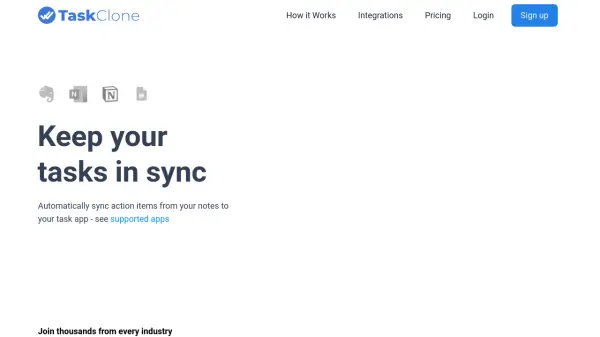
TaskClone addresses the common productivity challenge of manually transferring action items from notes to task management applications. The service automatically detects tasks within supported note-taking platforms and syncs them to over 20 destination task apps and calendars.
Users can add due dates, assignees, labels, and other task details directly in their notes, which TaskClone then transfers to their preferred task management system. The platform supports various pricing tiers with different connection limits and synchronization capabilities, from basic one-way sync to advanced two-way status updates and team features.
Features
- Automatic Task Sync: Automatically copies action items from notes to task apps and calendars
- Multi-Platform Support: Works with over 20 destination apps including Todoist, Asana, Basecamp, and Google Calendar
- Task Enhancement: Allows adding due dates, assignees, labels, priority levels, and other task details
- Connection Management: Offers different tiers with varying numbers of connections between source and destination apps
- Two-Way Sync: Professional and higher tiers support two-way synchronization of task completion status
Use Cases
- Automatically transferring tasks from meeting notes to project management tools
- Syncing action items from research notes to personal task lists
- Keeping team tasks synchronized across different productivity platforms
- Maintaining consistency between note-taking and calendar applications
- Reducing manual data entry between different productivity systems
FAQs
-
What note-taking tools does TaskClone support?
TaskClone supports Evernote, OneNote, Notion, and Google Docs. -
What task apps and calendars does TaskClone support?
TaskClone supports over 20 destination apps including Todoist, Asana, Basecamp, Microsoft To Do, Google Tasks, Google Calendar, and OmniFocus. -
Does TaskClone offer monthly payment options?
No, TaskClone does not offer monthly payments due to transaction fees on low-price subscriptions. -
How does TaskClone ensure security and privacy?
TaskClone focuses solely on providing its synchronization service and does not use user information for other purposes. Detailed security and privacy information is available in their Q&A documentation.