What is HappyHorse?
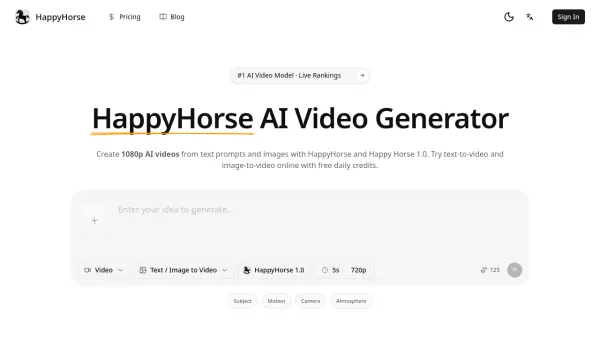
HappyHorse transforms the way creators produce video content by converting text prompts and static images into polished, publish-ready videos within minutes. The platform offers both text-to-video and image-to-video capabilities, allowing users to either generate scenes from scratch using natural language descriptions or animate existing visual assets like product photos, portraits, and illustrations. Users can control camera movement, pacing, framing, aspect ratio, and quality settings to guide the final output without requiring technical production knowledge.
Built for speed and practical output, the platform enables creators to iterate quickly on video concepts for product launches, social media content, advertisements, and brand storytelling. The workflow maintains simplicity while providing enough creative control to produce usable videos for real content pipelines. With support for multiple aspect ratios, HD and Full HD quality options, and variable duration settings, HappyHorse delivers motion-consistent clips that integrate seamlessly into professional marketing campaigns and social content strategies.
Features
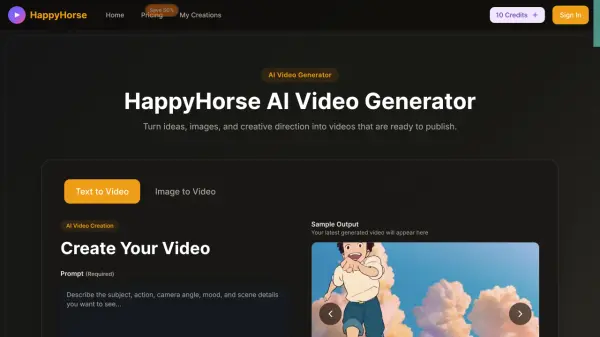
- Text-to-Video Generation: Create videos from natural language prompts with subject, action, mood, and setting descriptions
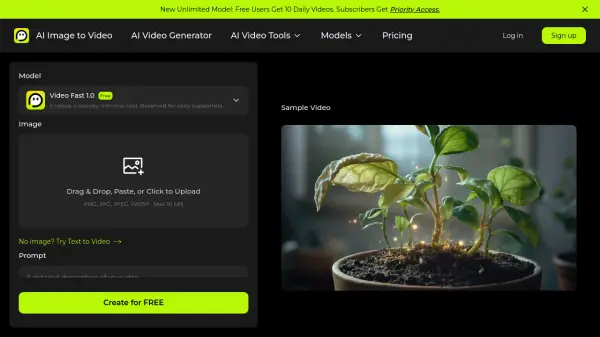
- Image-to-Video Animation: Transform static images into motion videos while preserving original visual composition
- Multiple Aspect Ratios: Support for 16:9, 9:16, 4:3, 3:4, 21:9, and 1:1 aspect ratios for different platforms
- Quality Controls: Generate videos in 720p HD or 1080p Full HD with 5-second or 10-second duration options
- Prompt Assist Tools: Built-in guidance system to help craft effective prompts for better video results
- Motion and Style Controls: Guide camera movement, pacing, and framing without technical production complexity
- Commercial Use License: Full rights to use generated videos for marketing, advertising, and business purposes
- Browser-Based Platform: No app installation required, works directly in desktop and mobile browsers
Use Cases
- Creating product demonstration videos for e-commerce and launch campaigns
- Generating social media content for Instagram, TikTok, and Facebook posts
- Producing promotional videos and advertisement clips for paid social campaigns
- Animating product photography and still images for dynamic presentations
- Developing visual concepts and scene mockups for client pitches
- Creating brand storytelling videos and marketing assets quickly
- Testing multiple creative directions and video hooks without lengthy editing
- Generating short-form video content for fast-paced marketing campaigns
How It Works
Describe the shot or upload a reference
Start with a text prompt when you want a scene generated from scratch, or upload an image when you already have a visual direction. The prompt should explain the subject, action, mood, and setting in natural language.
Shape the motion and style
Guide the result with camera movement, pacing, framing, aspect ratio, and quality settings. This is where HappyHorse turns a simple prompt into a more controlled AI video workflow.
Generate, review, and download
Render the clip, check the motion and composition, then export the version that fits your use case. You can iterate quickly until the video feels right for your campaign, concept, or content plan.
FAQs
-
What is the difference between Happy Horse 1.0 and Happy Horse 2.0?
Happy Horse 2.0 is the newer workflow and model direction, focused on better motion quality, stronger prompt handling, and a smoother creation experience than earlier Happy Horse 1.0 style outputs. -
Can I use HappyHorse for image to video conversion?
Yes. Upload a still image, add motion direction, and HappyHorse will animate it while keeping the original visual as the starting reference. -
Is there a HappyHorse app?
HappyHorse runs directly in the browser, so you can use it from desktop or mobile without installing a separate app. -
What export settings are available?
You can generate videos in multiple aspect ratios, durations, and quality levels, then download the final clip when rendering is complete. -
How long does video generation usually take?
Most videos finish within a short wait, but exact timing depends on queue load, duration, quality, and prompt complexity.