What is Geekersoft?
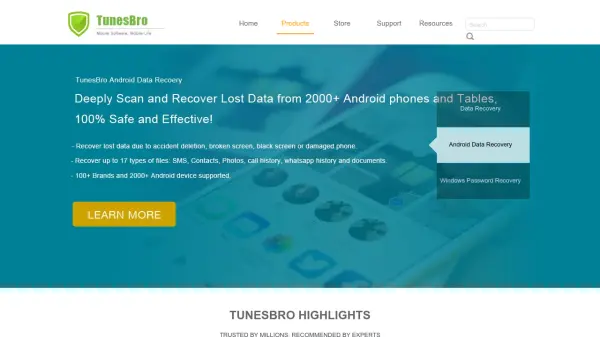
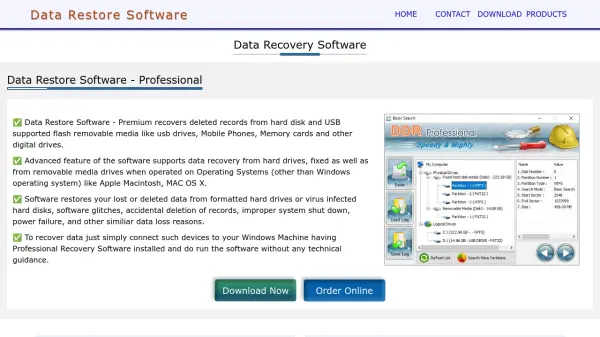
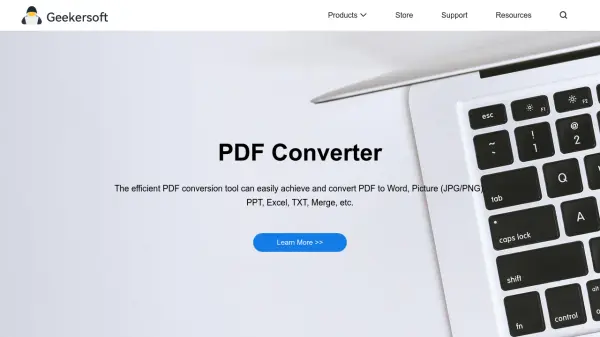
Geekersoft provides a range of software programs designed for ease of use across different user levels. Their offerings include tools for data recovery from PC, Android, and iOS devices, aiming for high success rates. They also feature utilities for managing and editing PDF files, such as conversion to various formats (Word, JPG, PNG, PPT, Excel, TXT), merging, splitting, OCR, and text/image modification.
Additionally, Geekersoft develops multimedia tools like image compressors utilizing optimized algorithms, video converters, watermark removers, screen recorders, photo enhancers, and video enhancers. They also offer phone management utilities, including unlocking tools, system repair, phone mirroring, and location spoofing. Several free online tools for tasks like PDF conversion, image compression, and screen recording are also available on their platform.
Additionally, Geekersoft develops multimedia tools like image compressors utilizing optimized algorithms, video converters, watermark removers, screen recorders, photo enhancers, and video enhancers. They also offer phone management utilities, including unlocking tools, system repair, phone mirroring, and location spoofing. Several free online tools for tasks like PDF conversion, image compression, and screen recording are also available on their platform.
Features
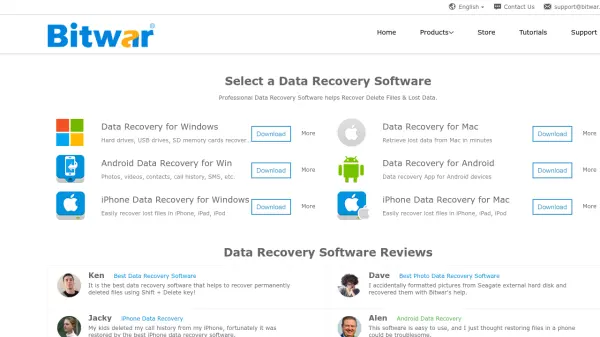
- Data Recovery: Retrieve lost data from PC, Android, and iOS devices.
- PDF Management: Convert, edit, merge, split, and perform OCR on PDF documents.
- Multimedia Tools: Compress images, convert videos, remove watermarks, record screens, enhance photos and videos.
- Phone Utilities: Unlock phones, repair system issues, mirror screens, and spoof location.
- Online Tools: Access free web-based versions for PDF conversion, image compression, screen recording, and OCR.
Use Cases
- Recovering deleted or lost files from computers and mobile devices.
- Converting PDF documents to editable formats like Word or image files.
- Editing PDF files by adding text, images, or annotations.
- Reducing image file sizes for web use or storage.
- Converting video files between different formats.
- Enhancing the quality of photos and videos.
- Recording screen activity for tutorials or presentations.
- Bypassing phone lock screens or activation locks.