What is Data Restore Software?
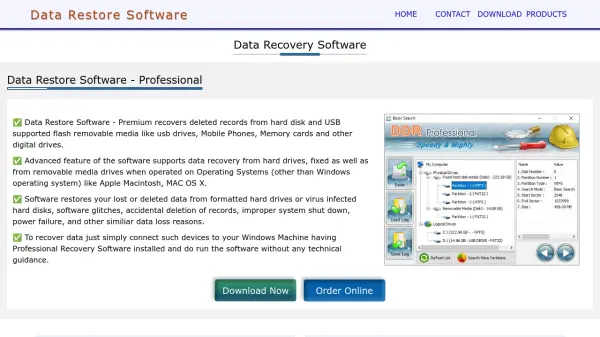
Data Restore Software is a comprehensive data recovery solution designed to retrieve deleted or lost files from a wide range of storage devices. It supports recovery from hard drives, USB flash drives, memory cards, mobile phones, digital cameras, and other digital media. The software operates on Windows systems and can recover data from devices formatted for other operating systems like Apple Macintosh and MAC OS X.
The tool addresses various data loss scenarios including accidental deletion, formatting, virus attacks, software glitches, power failures, and media corruption. It features a user-friendly interface that requires no technical expertise, allowing users to simply connect their device to a Windows machine with the software installed and initiate recovery. The software supports multiple file systems including NTFS and FAT, and is compatible with numerous brands of storage devices.
Features
- Wide Device Support: Recovers data from hard drives, USB drives, memory cards, mobile phones, digital cameras, and other digital media
- Multi-OS Compatibility: Works with Windows systems and supports recovery from devices formatted for Apple Macintosh and MAC OS X
- Comprehensive Recovery Scenarios: Addresses data loss from accidental deletion, formatting, virus attacks, software glitches, and power failures
- User-Friendly Interface: Requires no technical expertise or special training to operate
- File System Support: Recovers data from NTFS and FAT file systems
- Brand Compatibility: Supports major brands of USB drives, memory cards, and digital devices
Use Cases
- Recovering accidentally deleted files from a computer hard drive
- Retrieving lost photos from a formatted memory card
- Restoring data from a virus-infected USB drive
- Recovering files after improper system shutdown or power failure
- Retrieving deleted contacts and SMS from a mobile phone SIM card
- Restoring music files from a corrupted iPod
- Recovering data from digital camera storage media
- Retrieving files from USB drives that are not detected by the computer