What is Bitwar?
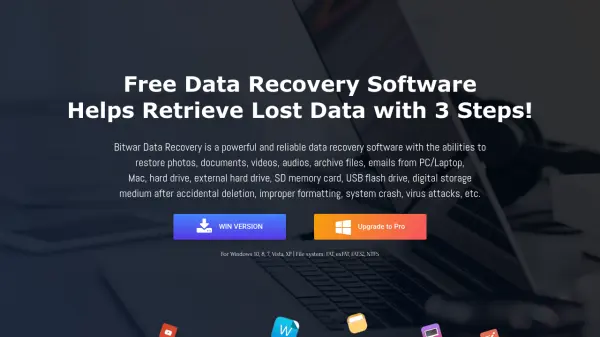
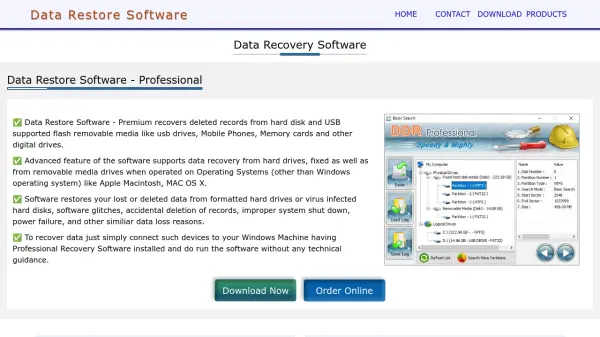
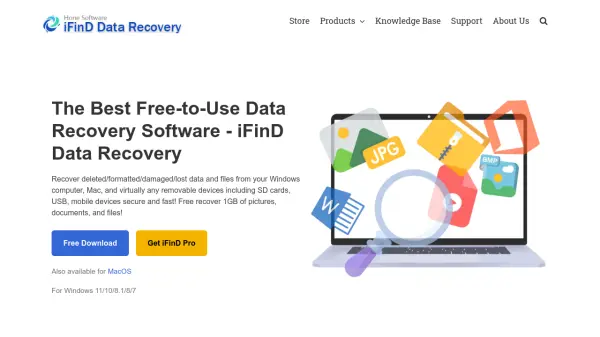
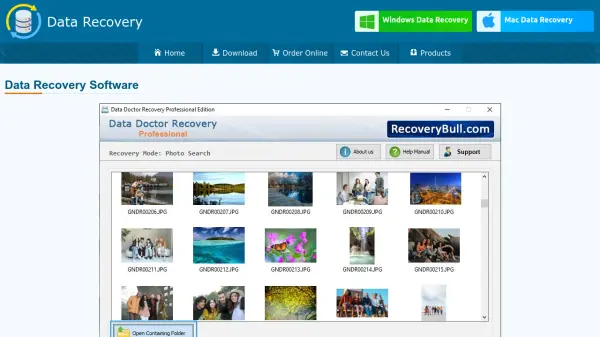
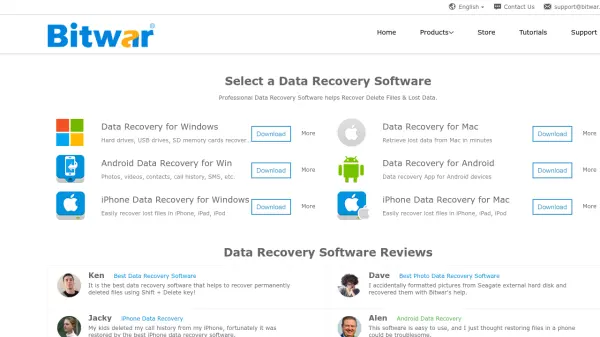
Bitwar provides robust data recovery solutions for a wide variety of devices including computers, mobile phones, USB drives, memory cards, and external storage. Its user-friendly software allows individuals and professionals to effortlessly restore deleted files, photos, videos, and important documents, addressing common data loss situations like accidental deletion, formatting, and device corruption.
The suite encompasses dedicated tools for Windows, Mac, Android, and iPhone, offering tailored recovery processes for each platform. Bitwar also includes specialized utilities for document repair, watermark removal, HEIC conversion, PDF and video conversion, DLL fixes, and text scanning, further supporting data restoration and usability for personal and business needs.
Features
- Multi-Device Support: Data recovery for Windows, Mac, Android, and iOS
- Wide File Type Compatibility: Recovers photos, videos, documents, SMS, contacts, and call histories
- User-Friendly Interface: Simple, guided recovery process for all users
- Comprehensive Repair Tools: Includes utilities for document, video, and DLL repair
- Format and Partition Recovery: Restores data lost through formatting and partition errors
- External Device Compatibility: Supports hard drives, USBs, SD cards, and other storage media
- Advanced Scanning Algorithms: Identifies and recovers deeply deleted files
- Additional Utilities: Watermark removal, HEIC converter, PDF and video file conversion, and text scanning
Use Cases
- Restoring accidentally deleted files or folders from a computer
- Recovering photos and contacts from a damaged or factory-restored smartphone
- Retrieving documents and media from formatted USB drives or SD cards
- Repairing corrupted office documents or videos
- Restoring iPhone data without a backup
- Extracting SMS, call history, and contacts from Android devices
- Converting photo or PDF formats post-recovery for easier use
- Fixing DLL file issues on Windows for better application performance