
What is WiseOCR?
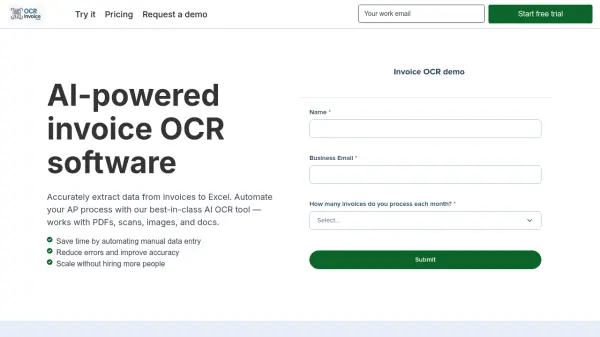
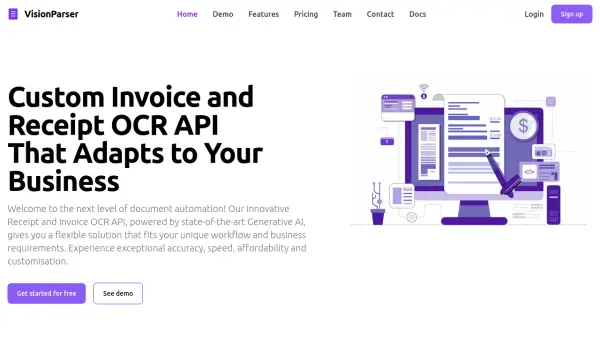
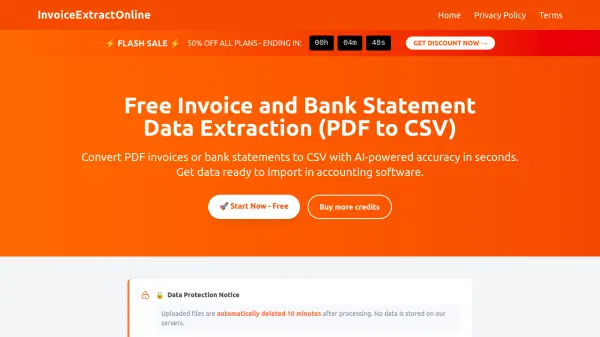
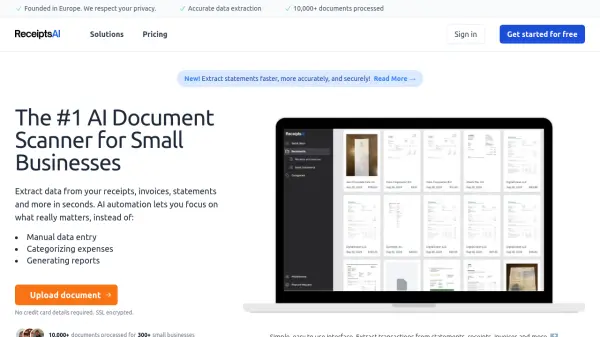
WiseOCR utilizes advanced optical character recognition technology powered by artificial intelligence to extract text from various document formats. The system processes images and PDFs containing receipts and invoices, accurately pulling out important information such as dates, amounts, vendor details, and line items.
The extracted data is automatically organized into a standardized JSON format that's ready for integration with accounting systems, databases, and automation platforms. With support for multiple file formats including JPG, PNG, HEIF, TIFF, and PDF, the solution handles documents from different sources while maintaining data security through encryption and automatic deletion of uploaded files after processing.
Features
- AI-Powered OCR: Utilizes artificial intelligence for accurate text extraction from receipts and invoices with complex layouts
- Structured JSON Output: Converts extracted text into consistent JSON format for easy system integration
- Multi-Format Support: Handles JPG, PNG, HEIF, TIFF, and PDF files with automatic format detection
- Secure Processing: Employs industry-standard encryption and automatically deletes uploaded documents after processing
- Automation Integration: Offers Make.com and Zapier integration for connecting receipt data to hundreds of other applications
Use Cases
- Automating expense reporting by converting receipt images to structured data
- Streamlining accounting processes through automated invoice data extraction
- Integrating receipt information with CRM or ERP systems
- Creating digital records of paper receipts for business documentation
- Processing batch receipts for expense management automation
FAQs
-
What file formats does WiseOCR support for input?
WiseOCR supports most graphic file formats including PNG, JPEG, and others, as well as PDFs up to 5 pages. -
How long does document processing typically take?
Processing speed varies by document type, with most results delivered within seconds. Complex documents like multi-page PDF invoices might take several dozen seconds to process completely. -
Can the JSON output be customized or have additional fields added?
For customizations to the resulting JSON or adding additional fields, users need to contact WiseOCR via email. -
Are refunds available for WiseOCR?
Refunds can be issued within 7 days if no scans or credits have been used.