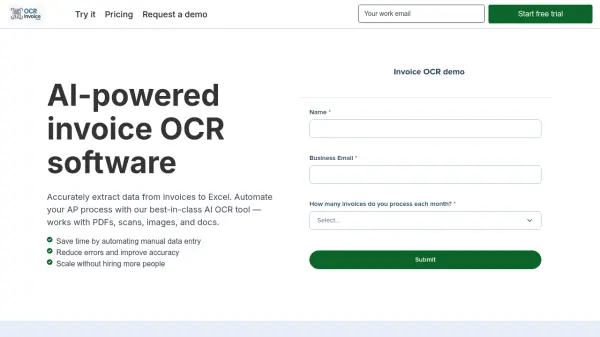
What is OCR Invoice AI?
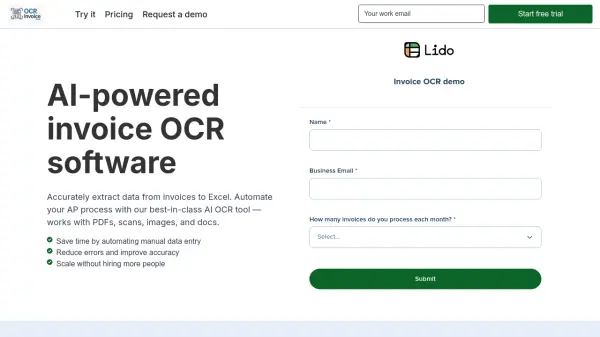
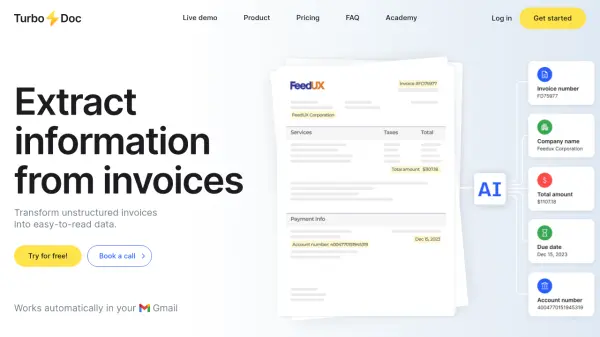
OCR Invoice AI offers advanced optical character recognition technology designed to swiftly and accurately extract data from various invoice formats, including PDFs, images, scans, and email attachments. The system utilizes robust AI models that eliminate the need for custom templates and enable effortless processing of invoices from multiple vendors, regardless of layout complexity.
Seamless integrations allow the extracted data to be exported to Excel, Google Sheets, QuickBooks, or an ERP solution, enhancing workflow automation and productivity. With security features such as AES-256 encryption and strong data privacy safeguards, companies can trust their sensitive financial data to remain protected. OCR Invoice AI's customizable rules and automated email parsing capabilities help businesses save time, reduce errors, and scale efficiently without increasing headcount.
Features
- AI OCR Extraction: Processes PDFs, scans, images, and docs for accurate data extraction.
- Template-Free Technology: Handles multiple vendor invoice formats without custom templates.
- Automated Email Parsing: Processes incoming invoice emails and their attachments automatically.
- Custom Rules: Allows user-defined extraction rules for specific vendors or fields.
- Seamless Imports: Imports invoices from desktop, shared drive, or email.
- Automated Exports: Sends extracted data directly to Excel, Google Sheets, QuickBooks, or ERP.
- High Security: Utilizes AES-256 encrypted data processing with strict data privacy policies.
Use Cases
- Automating accounts payable data entry for finance teams.
- Processing and extracting data from bulk invoice PDFs or scans.
- Streamlining invoice management for small businesses handling diverse vendor formats.
- Automatically parsing invoices sent to a shared email inbox.
- Exporting invoice data to accounting or ERP systems for reconciliation and reporting.
FAQs
-
Does OCR Invoice AI support scanned and searchable PDFs?
Yes, OCR Invoice AI can process both scanned and searchable PDF invoices for data extraction. -
Where can the extracted invoice data be exported?
Extracted data can be exported to Excel, Google Sheets, QuickBooks, CSV, or directly into an ERP system. -
How is data security ensured for sensitive invoice information?
All data is encrypted using AES-256 encryption during both transmission and storage, with privacy policies ensuring no data is used for AI training. -
Can the tool handle different vendor invoice formats without templating?
Yes, the AI-driven solution accommodates various invoice layouts without the need for predefined templates.