
What is InvoiceOCR?
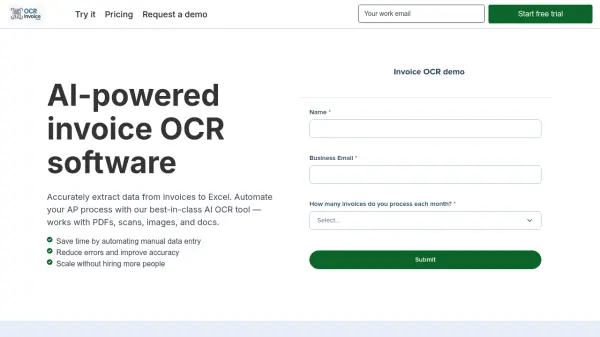
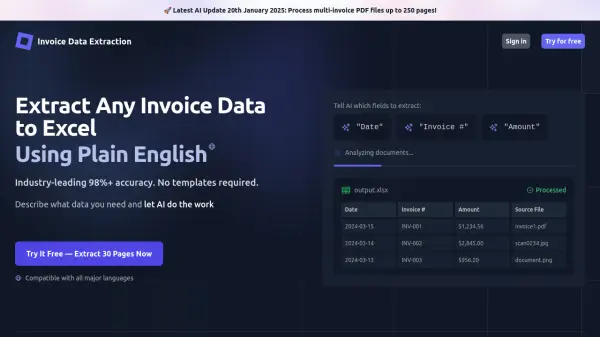
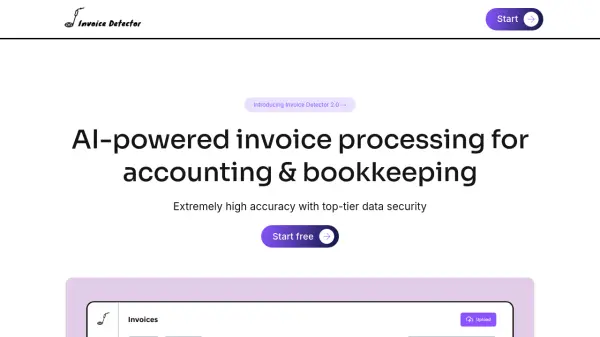
InvoiceOCR offers a solution for automating the extraction of data from invoices. Using advanced Optical Character Recognition (OCR) and Machine Learning technology, the tool processes invoices regardless of their format or layout. It is trained on millions of invoices to ensure a high level of accuracy in data extraction.
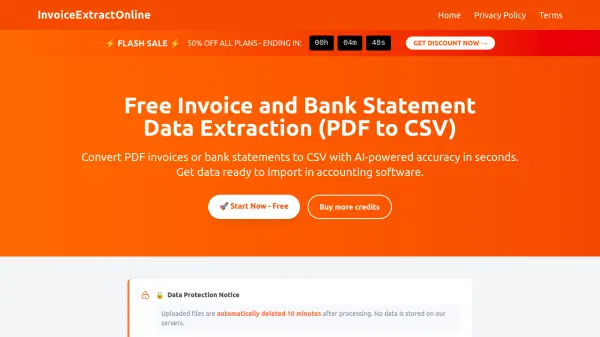
The platform supports processing invoices in numerous languages, making it suitable for businesses dealing with international documents. By converting invoice data directly into CSV or Excel files, InvoiceOCR helps streamline financial management processes, saving users significant time and enhancing overall operational productivity. Data security is emphasized, with files being removed after conversion to protect user privacy.
The platform supports processing invoices in numerous languages, making it suitable for businesses dealing with international documents. By converting invoice data directly into CSV or Excel files, InvoiceOCR helps streamline financial management processes, saving users significant time and enhancing overall operational productivity. Data security is emphasized, with files being removed after conversion to protect user privacy.
Features
- AI-Powered OCR: Uses advanced OCR and Machine Learning for data extraction.
- Multilingual Support: Processes invoices in many languages.
- High Accuracy: Trained on millions of invoices for precise data extraction.
- Format Flexibility: Works with any invoice format or layout without fixed templates.
- CSV/Excel Output: Converts extracted data directly into CSV or Excel files.
- Data Security: Ensures user data privacy by removing files after processing.
Use Cases
- Automating accounts payable data entry.
- Streamlining financial record-keeping.
- Processing international invoices with multilingual support.
- Improving workflow efficiency by reducing manual data input.
- Converting diverse invoice formats into standardized spreadsheet data.
FAQs
-
How does invoiceocr.io work?
Invoiceocr.io uses advanced OCR and Machine Learning to extract data from invoices and convert them into Excel or CSV formats, emphasizing high accuracy for workflow automation. -
What types of invoices can be converted?
The tool can convert any invoice, regardless of format or layout, as it doesn't rely on fixed templates and uses AI technology to identify data. -
Is my data secure with InvoiceOCR?
Yes, data security is a top priority. Your information is considered safe, and files are promptly removed from their systems after conversion to ensure privacy.