What is WaiverFile?
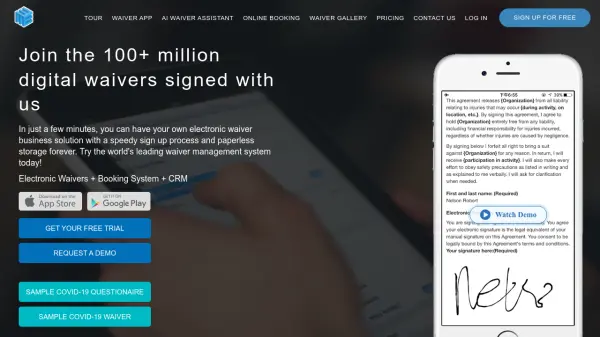
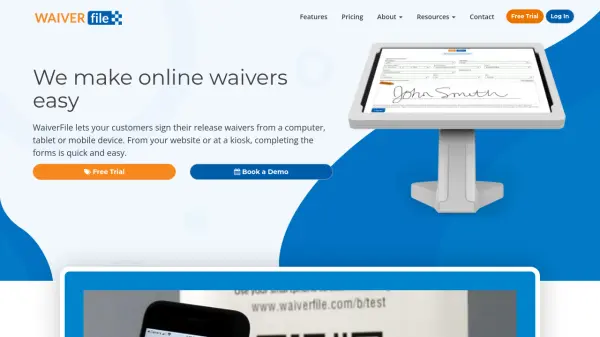
WaiverFile is an electronic waiver form system designed to simplify the process of collecting signed release waivers. It allows customers to sign waivers from computers, tablets, or mobile devices, either in advance via a website or on-site using a kiosk. The platform features a clean, user-friendly interface that adapts to any device, ensuring a seamless signing experience.
The system includes robust organizational tools for managing parties, groups, and events, with features like event-specific waiver tracking, check-in management, and SMS text messaging capabilities. WaiverFile also offers integration with email marketing and CRM services, secure data storage with encryption, and a mobile app called WaiverScan for fast check-in through confirmation code scanning.
Features
- Electronic Waiver Forms: Customers can sign release waivers from computers, tablets, or mobile devices
- Event Management: Organizes signed waivers by events with check-in features and attendee tracking
- SMS Text Messaging: Optional service for collecting phone numbers and sending automated messages
- WaiverScan App: Mobile app for iOS and Android that speeds up entry by scanning confirmation codes
- Integration Capabilities: Synchronizes customer data with email marketing and CRM services
- Secure Storage: Uses latest security and encryption technology to protect personal information
Use Cases
- Collecting signed waivers for adventure parks and recreational facilities
- Managing event waivers for expos, conferences, and group activities
- Streamlining waiver processes for motorsports and paintball venues
- Organizing waiver documentation for kids activities and educational programs
- Digitalizing waiver collection for businesses requiring liability releases
FAQs
-
What devices can customers use to sign waivers?
Customers can sign waivers from computers, tablets, or mobile devices through the website or at on-site kiosks. -
How does WaiverFile organize waivers for events?
It groups signed waivers by events, allows event managers to send direct links to participants, and provides check-in features to track attendees. -
What is WaiverScan and how does it work?
WaiverScan is a mobile app for iOS and Android that speeds up entry by scanning confirmation codes instead of searching for names. -
Can WaiverFile integrate with other services?
Yes, it can synchronize customer data with email marketing and CRM services through simple connections. -
What security measures does WaiverFile use?
It employs the latest security and encryption technology combined with security policies and procedures to protect personal information.