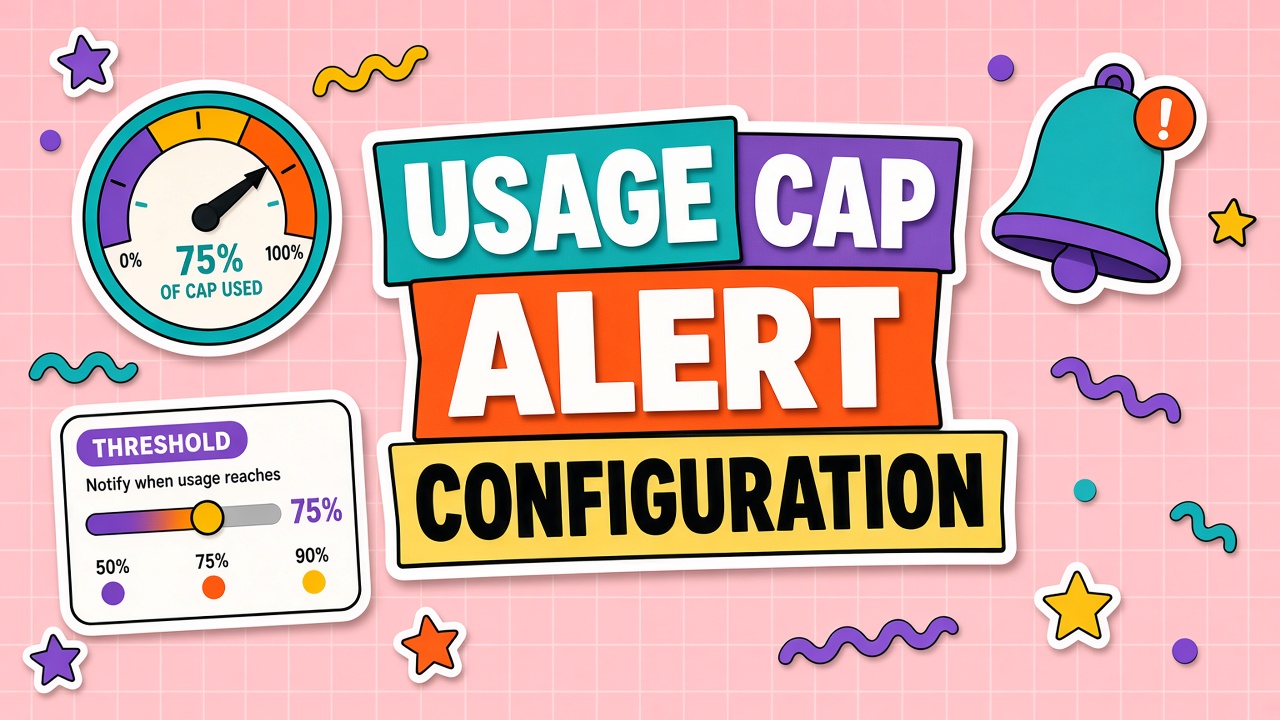
Finance sets a monthly AI budget. Engineering discovers the overrun on day twenty-eight when the invoice preview emails. Alerts configured too late are postmortems, not guardrails. Proper ai usage cap alerts fire at fifty, eighty, and one hundred percent with named owners who can throttle or approve uplift before hard stops trigger.
Caps exist at org, team, project, and API key levels. Each layer needs alerts aligned to accountability. Teams running AI image generators and AI design workflows see bursty spend; alert thresholds should use rolling windows, not only calendar month totals.
Define Caps per Team and Project
Assign monthly or daily caps per cost center, API key, and environment. Production caps protect revenue features; staging caps prevent test script loops from draining org pool.
Document cap derivation: forecast baseline plus approved burst buffer. Caps set arbitrarily without forecast cause alert fatigue when teams legitimately scale.
Separate caps for seat bundles vs pure API meters on hybrid products. Hitting one limit while the other looks healthy confuses responders.
Review caps quarterly against actuals. Static caps from pilot era become wrong within months of adoption growth.
Alert Channels and On-Call Owners
Route fifty percent alerts to team Slack channel; eighty percent to budget owner DM; one hundred percent to on-call engineer with finance CC. Email alone is insufficient for fast-moving API spend.
Maintain on-call rotation for platform team even if product teams own budgets. Engineers can disable runaway jobs; finance cannot.
PagerDuty or equivalent for production hard-stop imminent on revenue paths. Notify-only is fine for internal chat experiments.
Include deep links to vendor dashboard filtered to offending key. Alerts without context get ignored.
Automatic Throttling vs Notify-Only
Notify-only preserves uptime but allows overage; throttling blocks spend at cap. Pre-production should throttle. Production may notify at eighty and throttle at one hundred unless uplift approved.
Graceful degradation beats hard errors for user-facing features: switch to cheaper model, queue batch jobs, or return cached responses where safe.
Document override procedure with time limit. Emergency uplifts without expiry recreate the overrun problem.
Testing Alert Thresholds Before Launch
Do not wait for real spend to validate alerts. Lower caps temporarily in staging and trigger synthetic usage until fifty, eighty, and one hundred percent fire. Confirm Slack channel, email, and PagerDuty routes reach humans who acknowledge within SLA. Document test date in runbook.
Game-day exercise: simulate runaway loop in staging (client retry bug) and verify hard throttle stops spend within one billing interval. Finance observer optional but valuable for trust.
Finance Reconciliation and Invoice Matching
Alerts are operational; finance closes books on invoices. Reconcile vendor invoice to internal tag totals monthly. Drift means untagged keys, wrong department chargeback, or duplicate accounts. Fix tags before adjusting caps or teams learn alerts lie.
For hybrid seat plus usage billing, set separate alerts: seat true-up at contract tier, API burn daily during campaign weeks. Image-heavy teams on design tools should align creative calendar with cap calendar so launches never surprise finance mid-month.
Post-Incident Cap Adjustments
After every cap breach, run a short retrospective: root cause, cap adequacy, alert timing. Legitimate growth warrants cap raise in forecast. Bugs warrant fixes, not higher caps.
Track incidents in ticket system. Repeated eighty percent alerts without action mean wrong owner or alert desensitization.
Update runbooks when new features add meters. Launch checklist should include cap and alert verification.
| Threshold | Action | Owner |
|---|---|---|
| 50% of cap | Slack info; review usage trend | Team lead |
| 80% of cap | DM + ticket; confirm planned spend | Budget owner |
| 95% of cap | Page on-call; prepare throttle | Platform engineer |
| 100% of cap | Throttle or hard stop per policy | On-call + finance approval for uplift |
Alert Threshold Playbook
Fifty percent: email owner only. Sixty-five percent: Slack channel post. Eighty percent: owner plus finance delegate for caps over five thousand dollars. Ninety-five percent: page on-call with runbook link. One hundred percent: execute throttle policy documented in wiki. Post-incident: adjust cap or fix tagging within five days; log in incident tracker.
Prevent AI Overage Charges Operationally
Pair alerts with pre-approved uplift tokens valid forty-eight hours. Without uplift tokens, on-call defaults to throttle. Review alert noise monthly; desensitize thresholds that fire without action. AI spending alerts setup should be tested in staging every quarter with synthetic burn scripts.
Shared API Keys and Cap Strategy
Eliminate shared production keys where possible. If shared keys remain, implement sub-project headers enforced in API gateway and separate virtual caps per header. Alert on untagged traffic at one hundred percent of tiny cap to force fix. AI budget notifications without tag enforcement train teams to ignore alerts.
Weekend batch jobs: schedule-aware caps allow higher limits Friday night through Sunday with lower weekday caps. Document schedule in infrastructure repo. On-call knows when elevated cap is intentional versus leak.
Operational Checklist
Assign a single owner for monthly refresh. Publish assumptions where finance and engineering both edit. Tie forecast or policy changes to ticket IDs. Review variance before month close, not after invoice payment. Run tabletop exercises when vendors announce pricing or deprecations. Keep archived exports for audit comparison quarter over quarter.
Document decisions in plain language any new hire can follow. Operational discipline matters as much as spreadsheet formulas or contract clauses. Teams that treat AI spend as unplannable noise get unplannable invoices. Teams that treat spend as a managed metric catch drift early and negotiate from data.
Cross-Functional Alignment
Platform owns technical tags and caps. Finance owns forecast and chargeback posting. Procurement owns contract language. Product owns workflow rollout dates that drive usage. Security owns trial data classification. Weekly five-minute sync during rollout quarters prevents each function optimizing locally while global spend drifts. Alignment is boring work that prevents exciting overage surprises.
Common Mistakes to Avoid
Mistake one: single org-wide average hiding squad spikes. Mistake two: ignoring human review labor in ROI or unit economics. Mistake three: annual commit sized on peak pilot week. Mistake four: alerts configured without owners. Mistake five: sunset without migration support. Mistake six: treating free tier as production. Mistake seven: streaming timeouts fixed by disabling streams without root cause. Mistake eight: duplicate responses patched in UI only while webhooks still double-write. Avoiding these patterns saves more than marginal token discounts.
Aligning Caps With Chargeback Models
When departments pay internal chargeback for AI, caps should mirror budget they approved. Raise cap only with written uplift request tied to forecast row. Shared services team owns org-wide cap; departments own sub-caps. Misaligned chargeback breeds shadow keys because teams fear hard stop mid-project.
Publish monthly burn report per department at fifty percent elapsed month: on-track, at-risk, over. Proactive report reduces surprise alerts and builds finance partnership before overages.
Metrics to Track Monthly
Track spend variance versus plan, tag coverage percentage, alert acknowledgment time, dispute count, unused license count, cost per usable output where applicable, stream completion rate for customer-facing apps, and duplicate side effect rate for integrated workflows. Pick three metrics primary for your pillar; log the rest as secondary. Review trend not single points. A metric without owner and target is dashboard decoration.
Share metrics with department leads in language they can act on. Finance sees dollars. Engineering sees error rates and timeouts. Product sees adoption and quality. Same underlying data, different emphasis, one source of truth export from vendor and internal logs reconciled monthly.
Executive Summary Template
Open with one sentence on risk addressed. Follow with current state metric, target metric, and date. List top three actions this quarter with named owners. Close with decision requested: approve cap, approve contract clause, approve sunset, or approve pilot extension. Executives approve decisions, not methodology essays. Link appendix with exports for auditors rather than pasting tables into email.
Refresh executive summary monthly during volatile adoption phases; quarterly when stable. Stale summaries erode trust faster than honest bad news. If variance is unfavorable, say so early with remediation plan attached.
Implementation Timeline
Week one: assign owners and export baseline data from vendor admin or application logs. Week two: draft spreadsheet, policy, or runbook sections relevant to your pillar. Week three: pilot with one squad and fix tagging or alert noise. Week four: publish org-wide with office hours. Month two: first variance or true-up review and adjust assumptions. Month three: executive summary with decisions made from metrics, not only spend totals.
Skipping the pilot week creates alert fatigue and mistrust in chargeback numbers. Investing four weeks upfront pays back when finance, security, and engineering reference the same artifacts instead of rebuilding from scratch each quarter. Treat this as operational infrastructure parallel to the AI features themselves.
Frequently Asked Questions
Shared API keys break per-team caps. Fix?
Split keys per team or project. Shared keys make cap alerts ambiguous. Gateway proxy can enforce sub-caps if vendor lacks native budgets.
Weekend traffic spikes before Monday alert review.
Use daily caps for bursty workloads in addition to monthly. Rolling seven-day windows smooth weekend campaign launches that would blow monthly cap in two days.
Image generation bursts differ from chat.
Image APIs bill per render. Set lower caps and faster throttle; cost per request is higher variance than text tokens.
Too many false alerts at fifty percent.
Front-load monthly spend is normal for batch jobs. Use forecast-based alerts (projected month-end) instead of naive linear percent of calendar month.
Review this guide quarterly against your vendor admin console and finance exports. Interfaces change; caps move; new premium toggles appear inside familiar SKUs. A quarterly thirty-minute review keeps policy, forecast, and contract language aligned with what the product actually bills. Assign the review to a named role, not a mailing list.
When in doubt, measure for two weeks before committing annually or sunsetting a vendor. Short measurement windows beat long debates. Export logs, tag them, compute the metric or variance, then decide. Data ends internal stalemates that otherwise consume more payroll than the AI line item under discussion.
The Bottom Line
Ai spending alerts setup pairs tiered thresholds, clear owners, and throttle policy per environment. Configure before launch week, adjust after incidents, and never rely on invoice preview as your first warning.