Teams adopt AI tools faster than they document how those tools fit into real work. The result is quality drift: one rep pastes a polished prompt from memory while another improvises from scratch. Managers cannot audit what changed after a model update. New hires guess at informal habits that never made it into a shared playbook.
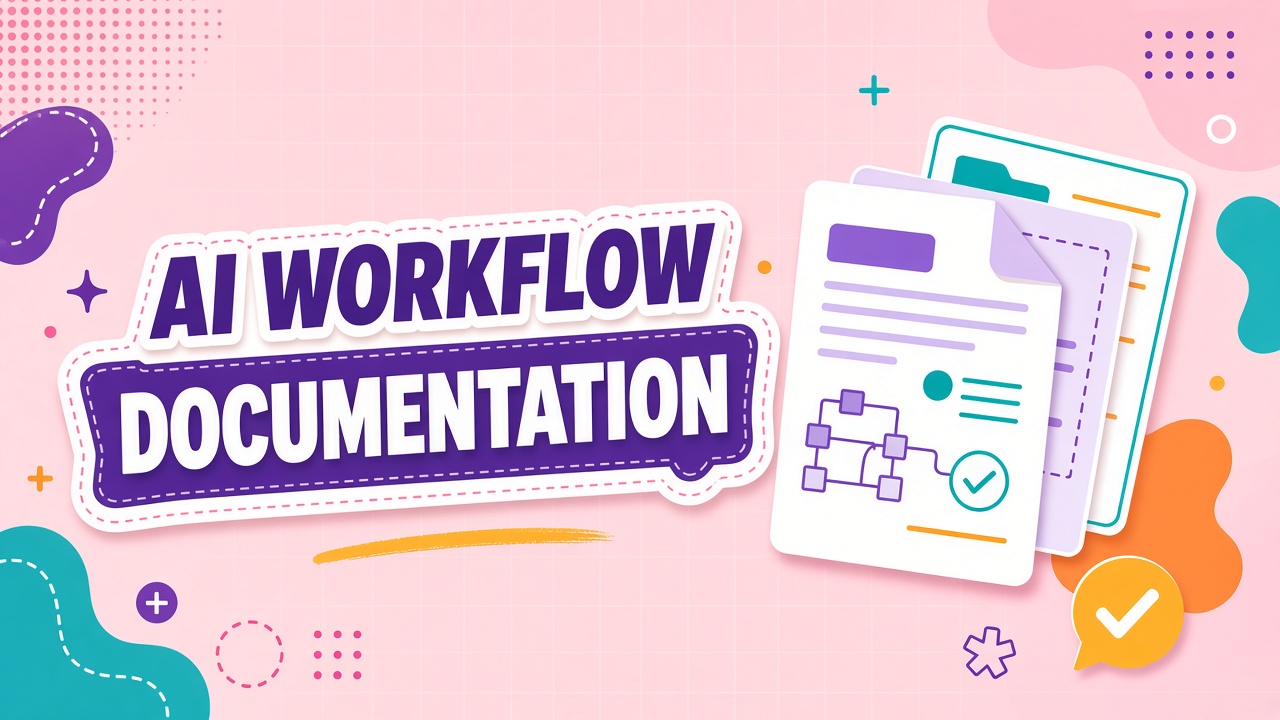
AI workflow documentation standards give you a repeatable format for capturing jobs, inputs, prompts, review gates, and failure handling so adoption scales without reinventing the process every quarter. This guide defines what belongs in a workflow doc, who owns updates, and how to keep documentation current when vendors ship new models. Browse AI productivity tools and AI writing tools after your template sections are defined, not before.
What Belongs in an AI Workflow Document
A complete AI workflow document answers five questions in order: What job does this workflow serve? What inputs are allowed? What steps does a human or system perform? What output format is required? What happens when the AI output fails review? Anything that does not serve one of those questions belongs in a separate appendix or should be cut.
Minimum sections for every workflow doc:
- Workflow name and owner: A plain-language title plus the person accountable for updates.
- Job statement: One paragraph describing the business outcome, not the tool brand.
- Allowed inputs: File types, data classes, redaction rules, and prohibited content.
- Tool and model: Product name, workspace, model version, and fallback if unavailable.
- Prompt or instruction block: The approved text with variable placeholders marked clearly.
- Human review gates: Who checks output, against what rubric, before anything ships externally.
- Output schema: Required fields, tone constraints, length limits, and destination system.
- Failure handling: Escalation path when output is wrong, empty, or violates policy.
- Change log: Date, author, and reason for every prompt or process revision.
Workflows tied to customer-facing copy or regulated content need an extra compliance row: retention period, PII handling, and whether outputs require legal review. Workflows tied to internal drafts can stay lighter but still need a named owner and a review gate before anything leaves the team channel.
Documentation Templates and Version Control
Templates reduce blank-page friction; version control prevents silent drift. Store workflow docs in the same system your team already uses for runbooks (Notion, Confluence, Google Docs, or an internal wiki). Pick one canonical location per workflow. Link to it from your project tracker so people find the current version without searching Slack history.
| Template field | Purpose | Update trigger |
|---|---|---|
| Workflow ID | Unique reference for audits and training links | Set once at creation |
| Prompt block | Standardized instructions with {{variable}} markers | Model change, quality regression, or policy update |
| Sample input/output pair | Onboarding anchor showing acceptable quality | Quarterly refresh or after major tool upgrade |
| Review rubric | Checklist reviewers use before approval | When error types repeat in production |
| Deprecation notice | Sunset date and replacement workflow link | When tool is replaced or workflow retires |
Version every prompt change with a dated entry in the change log. If two teammates maintain parallel prompt copies in personal notes, you do not have a standard. You have competing habits. Centralize the prompt block and link to it from tool-specific saved templates inside AI writing products where the vendor supports shared workspaces.
Naming and linking conventions
Use consistent prefixes so workflows sort predictably: WF-[team]-[verb]-[object] (for example
WF-support-summarize-ticket). Link each workflow doc to the ticket type or CRM object it
serves. Cross-link related workflows when handoffs exist (draft generation flows into human edit, then
publish). Avoid tool-brand names in the workflow ID so documentation survives vendor swaps.
Ownership, Review Cadence, and Quality Gates
Every workflow document needs one accountable owner and one backup. The owner approves prompt changes, validates sample outputs after model updates, and retires docs that no longer match how work happens. The backup covers vacations and role transitions. Without named ownership, documentation rots the moment the original author changes teams.
Recommended review cadence:
- Monthly spot check: Owner runs three real inputs through the documented workflow and compares output to the sample pair.
- Quarterly full review: Owner confirms tool version, integration endpoints, and rubric still match production reality.
- Event-driven update: Trigger immediate revision after vendor model change, security incident, or repeated QA failure on the same error type.
- Annual archive pass: Mark deprecated workflows, redirect links, and remove orphaned prompts from shared libraries.
Quality gates belong inside the workflow doc, not in a separate QA handbook. A gate should name the reviewer role, the checklist, and the maximum turnaround time. For high-volume productivity AI workflows, consider a two-tier gate: automated schema validation first, human review only when confidence scores fall below threshold or content touches regulated topics.
When to split or merge workflows
Split a workflow when inputs, reviewers, or output destinations differ materially. Merge workflows when two docs describe the same job with minor prompt variations that create confusion. A common mistake is documenting every prompt experiment as a permanent workflow. Experiments belong in a sandbox doc until they survive a two-week pilot with measured quality metrics.
Onboarding and Enforcement Without Blocking Adoption
Documentation only works if new hires find it before they invent their own process. Add workflow links to onboarding checklists, tool login pages, and the first screen of your internal AI portal. Run a fifteen-minute walkthrough where the new hire executes the workflow on a redacted sample while the owner observes.
Enforcement should be proportional to risk:
- Low risk (internal drafts): Soft nudge via shared templates and peer review in team channels.
- Medium risk (client-facing drafts): Required rubric sign-off before send; spot audits on a sample batch.
- High risk (regulated, legal, or PII-heavy): Hard gate: output cannot leave the system without documented approval and audit trail.
Blocking adoption entirely because documentation is incomplete is also a failure mode. Ship a minimum viable workflow doc with job statement, prompt, and review gate, then iterate weekly. Perfectionism delays the baseline measurements you need to justify keeping the tool at all.
Measuring Documentation Health
Track whether standards are alive, not whether folders exist. Useful indicators include percentage of team members using the canonical prompt link (not personal copies), time-to-first-correct-output for new hires, repeat error rate by workflow ID, and days since last owner review. If error rates climb after a model update but the change log shows no revision, your documentation process failed before your AI tool did.
Pair documentation metrics with workflow outcome metrics: cycle time, revision rounds, and customer complaint tags tied to AI-assisted content. When documentation health is high but outcomes are flat, the workflow design may be wrong, not the doc format. When outcomes degrade and documentation is stale, refresh the prompt block and sample pair before blaming the vendor.
Integrating Workflow Docs with IT and Change Control
Workflow documentation should link to the same change tickets IT uses for production releases. When a prompt change affects customer-facing output, open a change request with the workflow ID, diff of the prompt block, and rollback instructions. IT teams care about blast radius: which teams, which integrations, and which data classes are touched. Workflow owners supply that context from the doc template.
For SSO-provisioned tools, note the access group name in the workflow doc so security can audit who can run high-risk workflows. When a vendor adds a new model default, IT may not notify every team. The workflow owner subscribes to vendor status pages and triggers the event-driven review defined in the ownership section. Documentation becomes the bridge between product updates and operational stability.
Common Documentation Mistakes
- Tool-centric titles: Docs named after vendors become obsolete on every swap.
- Prompt dumps without context: A block of text with no input rules or review gate teaches nothing.
- Orphaned experiments: Every Slack-saved prompt becomes a "workflow" and nobody maintains them.
- Missing failure paths: Teams document happy paths only, then panic when outputs hallucinate.
- No sunset process: Deprecated workflows stay linked in onboarding materials for years.
Frequently Asked Questions
How long should a workflow document be?
One to three pages for most operational workflows. Include the prompt block, one redacted sample pair, and the review rubric. Longer appendices belong in separate compliance or integration docs. If nobody reads it, shorten it.
Who should write the first draft?
The person who performs the job weekly, with the workflow owner editing for clarity. Managers approve scope; practitioners supply the steps that actually work on real inputs.
Should prompts live in the doc or inside the AI tool?
Both, with the doc as source of truth. Store the canonical prompt in documentation, then sync approved versions to shared templates inside the product when the vendor supports team libraries. Never rely on personal saved prompts as the only copy.
How often should we update docs after model changes?
Within one business week of a production model change that affects your workflow. Run the three-input spot check immediately. If quality shifts, update the prompt block and sample pair before the next monthly review cycle.
When does documentation become automation?
When the same workflow runs at volume with stable inputs, move prompt and validation logic into scripts, APIs, or orchestration layers. Keep the workflow doc as the specification automation implements. Browse AI productivity and AI writing categories when evaluating tools that support shared templates and audit logs.
The Bottom Line
AI workflow documentation standards turn individual habits into team infrastructure: named workflows, versioned prompts, clear review gates, and owners who refresh docs when models change. Start with one high-volume job, publish a minimum viable doc this week, and measure whether new hires reach acceptable output faster than they did with informal prompts alone.