What is Teedy?
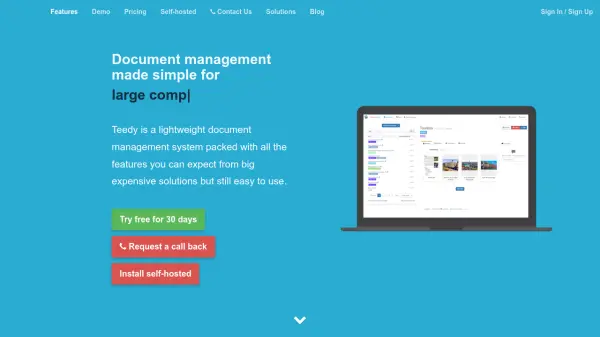
Teedy is an open-source document management system that provides a lightweight solution for organizing, storing, and retrieving documents. It emphasizes simplicity and performance, making it suitable for individuals and organizations looking to manage their digital documents effectively.
The system supports various document formats and includes features for tagging, searching, and categorizing documents to enhance accessibility. Its user-friendly interface and customizable options allow users to tailor the platform to their specific needs, ensuring a streamlined document management experience.
Features
- Document Management: Organize and store documents in a centralized system
- Tagging and Categorization: Use tags and categories to classify documents for easy retrieval
- Search Functionality: Quickly find documents using advanced search capabilities
- Open-Source: Freely available and customizable source code
- Multi-Language Support: Interface available in multiple languages including English, French, and Chinese
Use Cases
- Organizing personal or business documents
- Managing digital archives and records
- Streamlining document retrieval processes
- Centralizing document storage for teams