What is Snapsy?
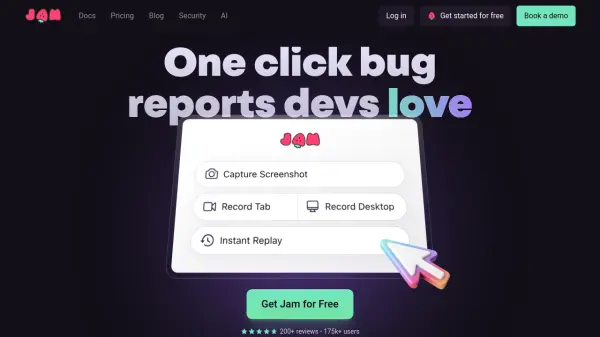
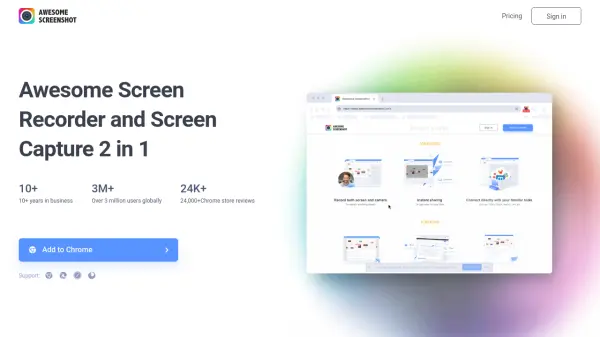
Snapsy is a comprehensive browser extension designed to boost developer productivity by simplifying the process of capturing and sharing technical issues. The tool allows users to instantly capture screenshots or record their screen with audio, making it easy to document bugs or demonstrate workflows. With the ability to generate shareable links and integrations with popular platforms such as Jira, GitHub, and Slack, Snapsy reduces the time and effort typically spent on bug reporting and team communication.
Snapsy also provides features like organized folders, customizable extension settings, and AI-powered autofill for titles and steps, all within a user-friendly interface. Whether for individual developers or teams, Snapsy's flexible plans make it accessible for various workflow needs, supporting both free and professional use cases.
Features
- Instant Screen Capture: Capture your full screen, window, or browser tab with a single click.
- Seamless Screen Recording: Record high-quality videos of your screen with microphone input.
- Organized Folders & Uploads: Easily manage screenshots and videos in folders with options to rename, move, delete, or download.
- Shareable Links: Instantly generate links for easy collaboration without manual uploads.
- Third-Party Integrations: Directly send captured content to Slack, Jira, or GitHub.
- Extension Controls & Settings: Customize timers, audio input, shortcuts, and logging.
- AI Autofill Generations: Automatically generate titles and steps for bug reports with AI (Pro plan).
Use Cases
- Bug reporting with annotated screenshots and videos for development teams.
- Efficiently sharing demo recordings with remote or in-house collaborators.
- Organizing and archiving technical documentation for quality assurance.
- Automatically raising support or feature request tickets from within workflows.
- Demonstrating product features or workflows to clients or stakeholders.
FAQs
-
What does Snapsy let me capture?
Snapsy allows you to capture screenshots of your screen, window, or browser tab, as well as record high-quality videos with audio. -
Where are my screenshots and recordings stored?
Screenshots and recordings are organized into folders within Snapsy, allowing you to manage, rename, move, delete, or download them at your convenience. -
Can I share the files with others?
Yes, Snapsy enables users to generate instant shareable links for easy collaboration, without requiring manual uploads to external drives or email. -
What integrations does Snapsy support?
Snapsy supports integrations with team collaboration platforms like Jira, GitHub, and Slack, allowing users to send captured content directly to these services. -
Is Snapsy free?
Snapsy offers a free plan with limited features and a Pro plan with advanced capabilities, including unlimited snaps and AI-powered autofill generation.