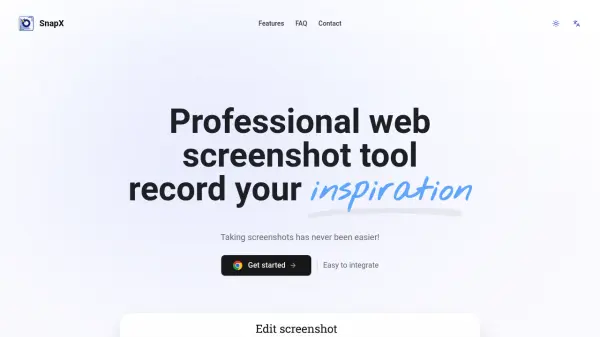
What is SnapX?
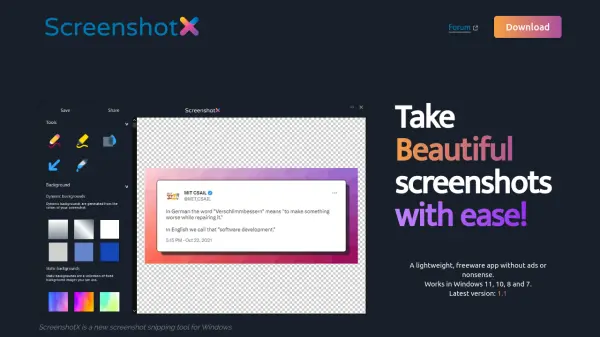
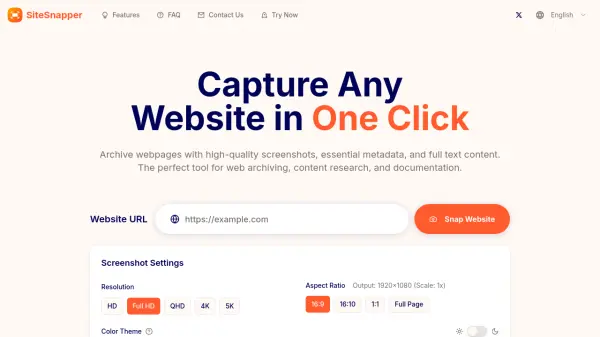
SnapX is a specialized plugin designed to simplify the process of taking browser screenshots. It offers users a professional solution for capturing web content and allows image downloads in multiple formats such as PNG, WEBP, JPG, and PDF. With a focus on user privacy, SnapX ensures no local or remote data is stored during use.
This tool provides seamless integration for quick inspiration capture and sharing, making it suitable for both personal and professional needs. Its user-friendly interface and secure functionality enable effortless web screenshot creation without compromising on security or convenience.
Features
- Multi-Format Downloads: Export screenshots in PNG, WEBP, JPG, PDF, and more formats
- Plugin Integration: Easy browser integration for seamless screenshot capturing
- Privacy-Focused: Does not store any user data locally or remotely
- User-Friendly Interface: Simplifies the screenshot process for all expertise levels
- Free to Use: Access all features without subscription fees
Use Cases
- Capturing website designs for presentation or sharing
- Documenting web development progress
- Saving online articles or information for later reference
- Creating visual references for support or QA teams
- Quickly collecting inspiration or examples from the web
FAQs
-
Can images be downloaded in different formats?
Yes, SnapX supports image downloads in PNG, WEBP, JPG, PDF, and other formats. -
Is SnapX free to use?
SnapX is currently free to use with all features included. -
Does SnapX store any personal data?
No, SnapX does not store any data locally or remotely, ensuring user privacy.