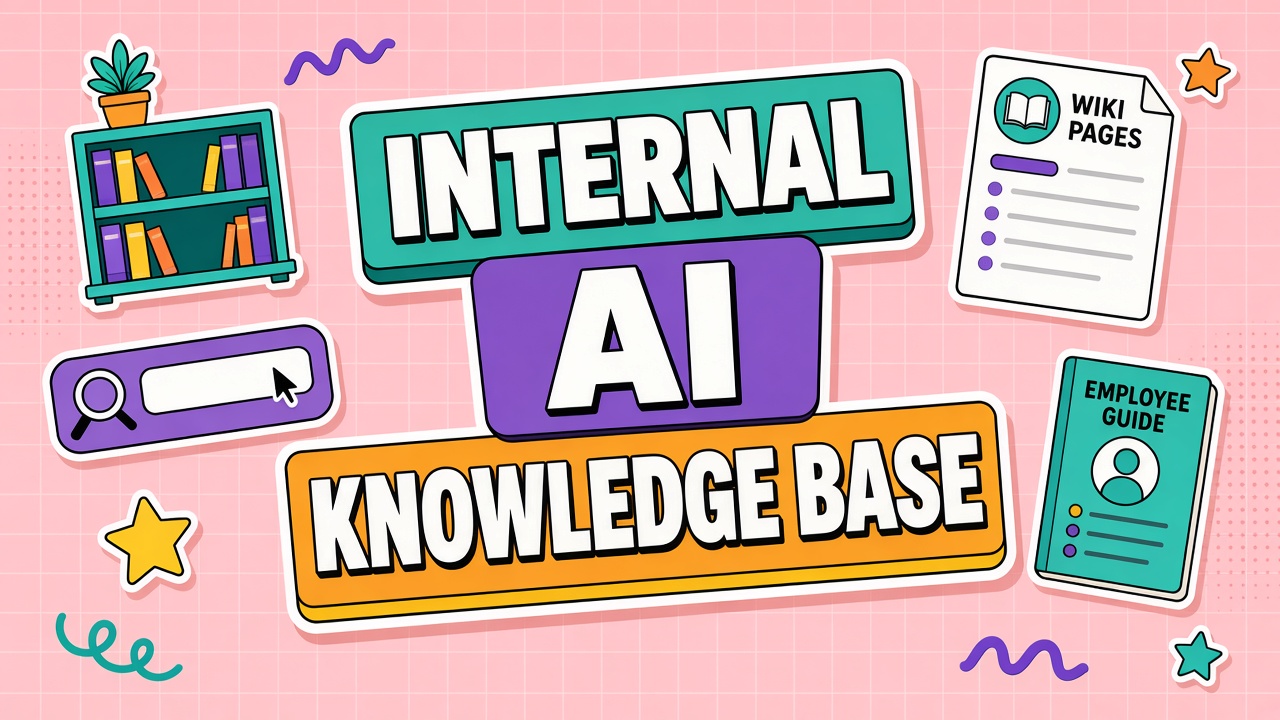
Employees adopt AI tools faster when answers live in one trusted place. Without that hub, Slack threads, YouTube videos, and vendor marketing become the curriculum. An internal AI knowledge base centralizes approved workflows, prompts, policies, and troubleshooting so teams stop reinventing guidance every Monday.
The knowledge base should reflect how your org actually uses AI productivity tools and AI writing tools, not generic internet tips. Structure it for search, assign owners, and review on a schedule so content stays accurate as models and contracts change.
Categories: Policies, Workflows, Prompts, and Troubleshooting
Four top-level categories cover most employee questions. Policies answer what data is allowed and which tools are approved. Workflows describe step-by-step jobs by department. Prompts store vetted templates with variables and examples. Troubleshooting covers login issues, quota errors, and known model limitations.
Avoid duplicating HR or security policy in full. Link to the system of record and summarize only the AI-specific implications. Example: "Customer PII may not be pasted into free-tier chat tools" with a link to the data classification guide. Workflow pages should name the approved tool, required integrations, and the human approval step if any.
| Category | Page example | Update trigger |
|---|---|---|
| Policies | Approved tools by data tier | Legal or security policy change |
| Workflows | Support macro drafting with review | Tool swap or process change |
| Prompts | Quarterly report outline template | Quality drift or model upgrade |
| Troubleshooting | SSO login failure steps | Vendor incident or IdP change |
Ownership and Review Schedule
Every page needs a named owner and a review date. Central IT or AI ops can own policy and troubleshooting. Department champions own workflow and prompt pages for their teams. Owners do not need to write everything; they approve contributions and retire stale content.
Run monthly triage for pages past due. Run quarterly audits for high-risk categories: customer data, financial reporting, and external communications. Expired pages should show a banner or redirect to the replacement. Silent stale content erodes trust faster than an empty search result.
Delegate drafting to champions but keep approval with owners. A support lead can write the macro workflow page; IT security approves data tier tags. This split scales content production without turning the knowledge base into unvetted crowd wisdom. Version history in your wiki tool should show who approved each publish.
Measure knowledge base health with simple metrics: search queries with zero results, top ten pages by views, and pages not updated in twelve months. Zero-result searches become new article titles. High traffic on troubleshooting pages signals product or training gaps worth fixing upstream.
Search and Tagging for GEO-Friendly Snippets
Write pages so search and future AI assistants can extract accurate answers. Start each article with a two-sentence summary. Use descriptive headings that match how employees ask questions ("How do I request a Copilot license?" not "Licensing overview"). Add tags for tool name, department, data tier, and workflow verb.
Consistent terminology matters. Pick one name per tool and one name per policy concept across all pages. If internal search supports synonyms, map them ("GPT", "ChatGPT enterprise") to the canonical page. Short FAQ blocks at the bottom of workflow pages capture edge cases without bloating the main procedure.
Feedback Loop for Outdated Pages
Add a "report outdated" control on every page. Route feedback to the page owner and a central queue reviewed weekly. Track time to resolution. Celebrate fixes publicly in the AI community channel so reporters see impact.
When a vendor changes pricing, models, or UI, update affected pages within five business days or mark them provisional. Link release notes from vendors to internal summaries so employees understand what changed in plain language. Major changes deserve a short Loom or screenshot diff for visual learners.
Integrate feedback from your structured AI feedback system: when three reports cite the same confusion, add or fix a KB page before the next lunch-and-learn. Closing the loop between incidents, feedback, and documentation prevents the same question from reaching senior engineers repeatedly.
Knowledge Base Maintenance Cadence
Weekly: triage outdated reports and zero-result searches. Monthly: owner review of pages due that month. Quarterly: policy sync with legal and security. Annually: archive retired tools and redirect URLs so bookmarks do not 404 silently.
Maintenance cadence should appear on the program calendar with named backup owners for vacation weeks. AI tool landscapes shift quickly; a knowledge base without cadence becomes misleading within two quarters even if launch content was excellent.
Knowledge Base Structure and Search Tags
Top navigation: Start here (policy), By department, By tool, Troubleshooting, Changelog. Search tags: tool name, data tier, workflow verb, role, and language. Tags power both human search and future internal assistants that retrieve approved answers only.
Each article opens with a direct answer in two sentences, then detail. This structure helps employees scan quickly and helps generative search tools cite accurate snippets. Avoid burying the approved tool name in paragraph four; state it in the first line.
Changelog pages summarize what changed each month: new tools, retired tools, policy updates, and major prompt revisions. Employees subscribe to changelog notifications instead of re-reading the entire KB. Changelog discipline reduces "I did not know that changed" incidents during audits.
Frequently Asked Questions
How should we handle versioning of prompts and workflows?
Store prompts with version numbers and change logs. Note which model they were tested against. Deprecate old versions but keep them readable for audit trails. Workflows should reference prompt version in the checklist step so teams do not mix incompatible instructions.
Do we need translations in the knowledge base?
Translate policy and safety pages for regions where you operate in local language. Workflow and prompt pages can stay English if that is the working language, but label them clearly. Machine-translated policy without human review creates compliance risk.
Why not just use Slack as the knowledge base?
Slack is great for discussion, poor as canonical truth. Answers scroll away, permissions differ by channel, and search misses attachments. Link Slack announcements to KB pages so the durable answer lives in one place.
How do we handle tool sprawl in the knowledge base?
One landing page per approved tool with status (active, pilot, deprecated). Deprecated tools redirect to replacements. Pilots are labeled with end dates so employees do not build workflows on expiring sandboxes. Tool sprawl without KB discipline creates conflicting instructions across departments.
Run a quarterly "KB health" review with champions from each department. Agenda: retire duplicate pages, merge overlapping prompts, and align terminology. Healthy knowledge bases shrink slightly over time as content consolidates, even as tool count grows.
How should new hires use the knowledge base?
Onboarding checklists should link three KB articles: policy, department workflow, and troubleshooting. Managers verify completion before granting production tool access. New hires who skip KB onboarding reproduce the same mistakes veterans already documented.
Treat the knowledge base as product infrastructure, not a documentation afterthought. It reduces duplicate Slack questions, speeds audits, and gives champions a single place to publish wins. When paired with feedback collection and lunch-and-learn materials, the KB becomes the durable layer that survives staff turnover and vendor changes.
Executive sponsors should ask quarterly: Are zero-result searches trending down? Are policy pages current? Are deprecated tools clearly marked? Those questions keep the KB honest without micromanaging individual articles.
Prompt libraries inside the KB should show example inputs and expected shape of outputs, not only final text. Employees learn faster when they see safe examples for their data tier. Troubleshooting pages should list the top five errors from help desk last month, updated monthly, so search hits real pain.
GEO-friendly snippets mean headings read like questions employees ask aloud. "How do I request access to the marketing writing assistant?" beats "Access procedures." Search tags should include common misspellings and vendor rebrands so findability survives marketing name changes.
Maintenance cadence is non-optional: weekly triage of outdated flags, monthly owner reviews, quarterly policy sync, annual archive of retired tools. Categories stay stable even when vendors multiply: policies, workflows, prompts, troubleshooting. Ownership and review dates on every page prevent the KB from becoming a graveyard of 2024 screenshots that confuse new hires.
Feedback loops connect KB health to daily work: employees flag outdated pages, owners fix within SLA, and changelog announces updates. Version prompts with model tested and change log. Translations focus on policy and safety pages in local languages; workflow pages may stay English if that is the working language. The internal AI knowledge base is the canonical source employees and future internal search tools should trust.
Start with policy and top three department workflows, then expand based on search analytics and help desk themes. A thin KB updated weekly beats a comprehensive wiki nobody maintains. Link every lunch-and-learn handout and migration announcement to canonical pages so employees bookmark one destination.
Internal AI knowledge bases reduce policy violations and duplicate experiments when ownership, search tags, and maintenance cadence stay explicit. Treat the KB as infrastructure alongside SSO and billing, not as optional documentation.
Champions publish workflows; security approves data tiers; IT owns troubleshooting for access and quotas. Review schedules appear on a shared calendar with backup owners for vacations. Zero-result search reports become next month's article titles. Internal AI knowledge bases succeed when employees trust search results more than random Slack advice. Invest in ownership, tags, and cadence before adding more tools to the stack every quarter.
Publish changelog updates monthly so employees know which prompts and policies changed without rereading every page in the wiki.