
What is Awesome Screenshot?
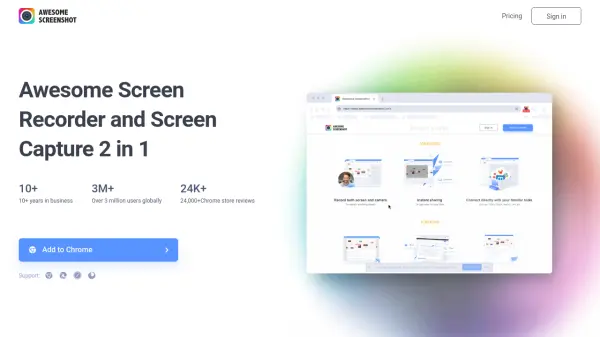
Awesome Screenshot is a comprehensive screen recording and screenshot tool designed to enhance productivity and communication. It allows users to capture both screen and camera footage simultaneously, making it ideal for creating clear explanations and tutorials. The tool supports instant sharing to various platforms or saving recordings locally for later use.
With seamless integration into popular tools like Trello, Slack, Asana, and Jira, Awesome Screenshot streamlines workflows by enabling direct connections. The screenshot feature offers one-click capture, including full-page screenshots, with annotation and editing options. Users can share screenshots across multiple destinations, catering to personal, social, and professional needs.
Features
- Screen Recording: Record both screen and camera simultaneously for enhanced clarity
- Instant Sharing: Share recordings instantly or save to local disk
- Tool Integration: Connect directly with tools like Trello, Slack, Asana, and Jira
- Screenshot Capture: One-click to take screenshots, including entire pages
- Annotation Tools: Annotate screenshots with various editing options
- Multi-Platform Sharing: Share screenshots to multiple destinations such as social media and productivity apps
Use Cases
- Creating tutorials and explanations with screen and camera recordings
- Sharing feedback with clients or teammates through integrated tools
- Saving personal records of screenshots for documentation
- Collaborating with friends by sharing screenshots on social media platforms
- Enhancing productivity by annotating and editing screenshots for work projects