What is Capster?
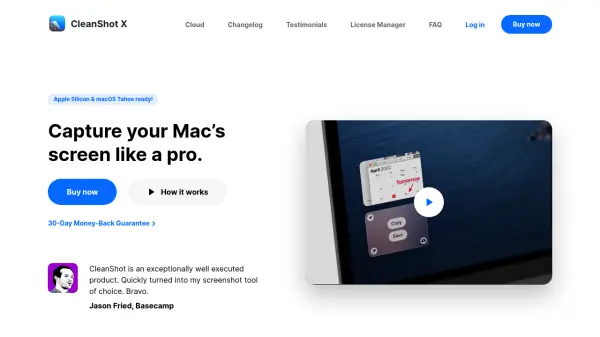
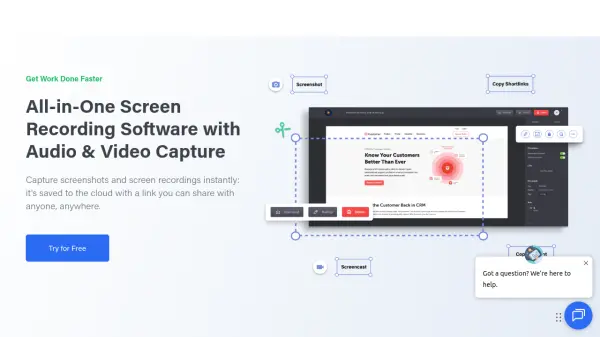
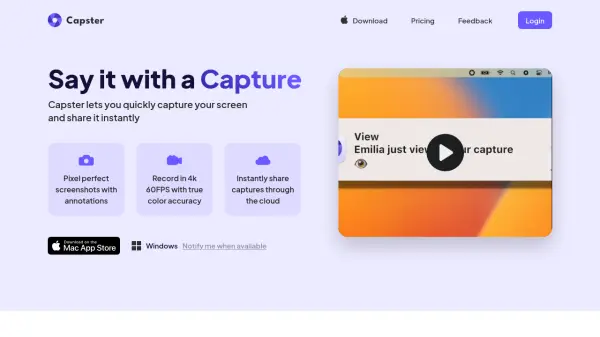
Capster enables users to capture their screen with precision, offering pixel-perfect screenshots and 4K 60FPS video recordings with true color accuracy. It provides a seamless way to share these captures instantly through cloud-based storage, enhancing communication and workflow efficiency.
The tool includes annotation capabilities for screenshots and basic video editing features to keep content concise. Captures can be saved locally via drag-and-drop or stored securely in personal Amazon Cloud Storage, with options for auto-deletion to manage privacy. It supports native macOS and cloud applications for easy access and management.
Features
- Pixel-perfect screenshots: High-quality screenshot capture with annotation tools
- 4K 60FPS recordings: Video recording at 4K resolution and 60 frames per second with true color accuracy
- Instant cloud sharing: Share captures quickly through cloud storage
- Annotation and editing: Annotate screenshots and edit videos to highlight key points
- Secure storage: Captures stored in personal Amazon Cloud Storage with privacy controls
- Auto-delete option: Set captures to delete automatically after a specified time
- Local save: Drag and drop captures to save locally on your computer
- Native and cloud apps: Available as a native macOS app and a cloud-based companion app
Use Cases
- Enhancing team communication by sharing captures of work and ideas
- Streamlining bug reporting with annotated screenshots or videos
- Optimizing customer support with troubleshooting videos
- Saving and organizing screen captures for personal or professional use
- Creating instructional or demonstration videos with high-quality recordings