What is Droplr?
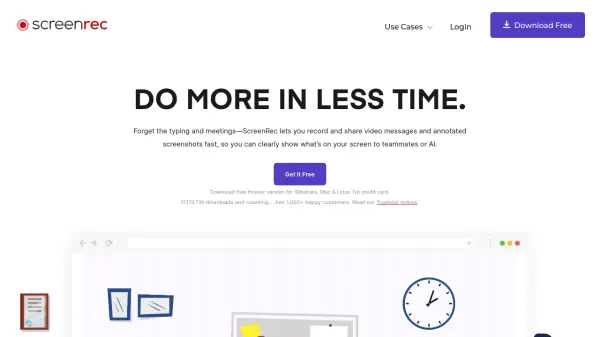
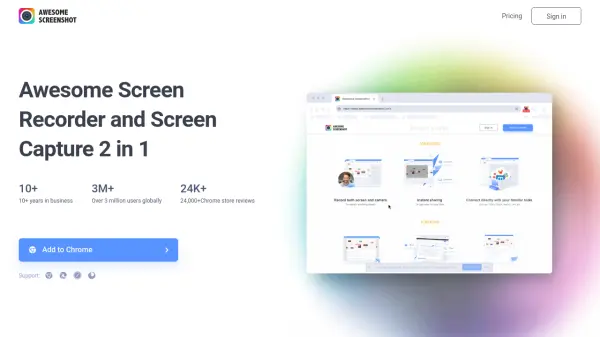
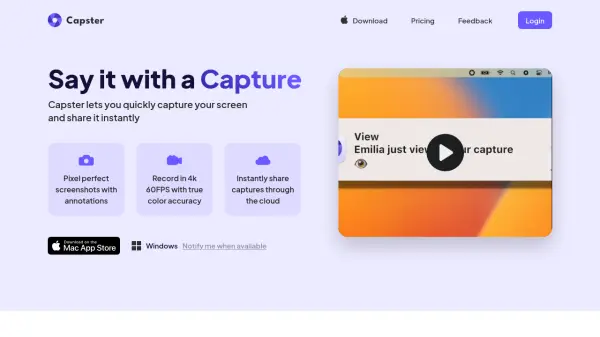
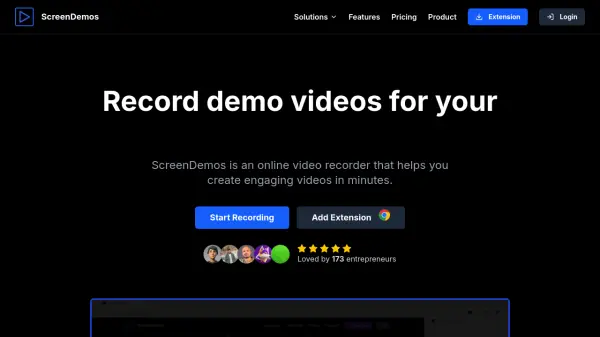
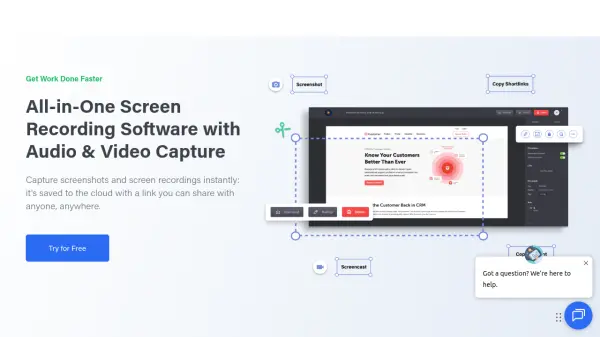
Droplr provides comprehensive screen capture and recording capabilities, allowing users to take screenshots of partial screens, entire displays, or full webpages with annotation tools. The platform enables screen recording with optional webcam integration, producing GIFs or HD videos with audio support. All captured content is automatically saved to cloud storage, generating shareable links that can be distributed across various platforms.
The tool offers enterprise-level security features including SSL/TLS encryption, GDPR compliance, and AI-powered auto-redaction for sensitive content. With integrations for popular applications like Slack, Jira, Microsoft Teams, and Google Docs, Droplr streamlines workflow processes for teams in customer service, project management, development, design, sales, and IT sectors.
Features
- Screen Capture: Capture partial screens, entire displays, or full webpages with annotation tools
- Screen Recording: Record screens with optional webcam integration as GIFs or HD videos with audio
- Cloud Storage: Automatically saves all captured content to cloud accounts with shareable links
- AI Auto-Redaction: Uses artificial intelligence to automatically redact sensitive information from content
- Enterprise Security: Includes SSL/TLS encryption, GDPR compliance, and security dashboard
Use Cases
- Creating tutorial videos with screen recordings and annotations
- Sharing project updates through annotated screenshots with team members
- Documenting software bugs with screen captures for development teams
- Creating marketing materials with screen recordings and webcam integration
- Securing sensitive information in shared content through AI auto-redaction