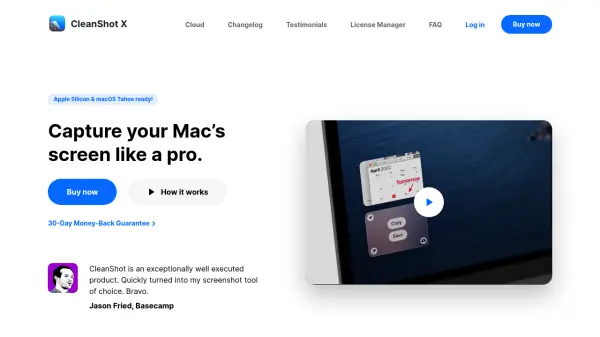
What is CleanShot?
CleanShot is a comprehensive screen capturing application for macOS that replaces the default system tool with enhanced functionality. It offers over 50 features including screenshot capture, annotation tools, screen recording, GIF creation, scrolling capture, and text recognition using OCR technology. The app provides a native Mac experience with performance optimization and customization options to fit various workflows.
Users can access tools like Quick Access overlay for instant sharing, background customization for social media posts, pin screenshots for reference, and hide desktop icons for clean captures. CleanShot Cloud enables seamless collaboration with uploadable content and shareable links, available in both basic and pro plans with additional features like custom domains and team management.
Features
- Quick Access Overlay: Instantly save, copy, or drag and drop screenshots and recordings to other apps
- Annotation Tool: Highlight important parts of screenshots with intuitive markup capabilities
- Screen Recording: Record screen activity and save as video or optimized GIF files with webcam and audio support
- Scrolling Capture: Capture scrollable content that doesn't fit on the screen in any application
- Text Recognition: Copy non-selectable text from images using OCR technology with on-device processing
- CleanShot Cloud: Upload captures and get shareable links with optional custom domains and team management features
- Background Tool: Add beautiful backgrounds to screenshots for social media with included templates and custom options
- Pin Screenshots: Keep reference images always visible by floating them above other windows with adjustable size and opacity
Use Cases
- Creating tutorial videos with screen recordings and annotations
- Capturing and sharing code snippets or chat histories with scrolling capture
- Designing social media posts with customized screenshot backgrounds
- Documenting software bugs with annotated screenshots and screen recordings
- Collaborating with team members by sharing screenshots and recordings via cloud links
- Extracting text from scanned documents or images using OCR technology
- Presenting clean screenshots in professional documents by hiding desktop clutter
- Recording product demonstrations with mouse clicks, keystrokes, and audio narration
FAQs
-
What are the system requirements for CleanShot?
CleanShot requires macOS 10.15 or newer, with some OCR languages needing the latest macOS version. Older versions support earlier macOS releases. -
Is there a trial version available?
No trial version is provided, but there is a 30-day money-back guarantee. CleanShot is also available through Setapp which offers a 7-day free trial. -
Does CleanShot work on Windows?
No, there is no Windows version and currently no plans to release one. -
How can I transfer my license to a different Mac?
Activate the app on the new Mac with your license key; the old machine will be automatically deactivated. Manage devices via the License Manager for multiple Mac licenses. -
Is a CleanShot Cloud account required to use the app?
No, using CleanShot Cloud is optional and not required for app features; it's only used for screenshot uploading and sharing.