What is Savvyshot?
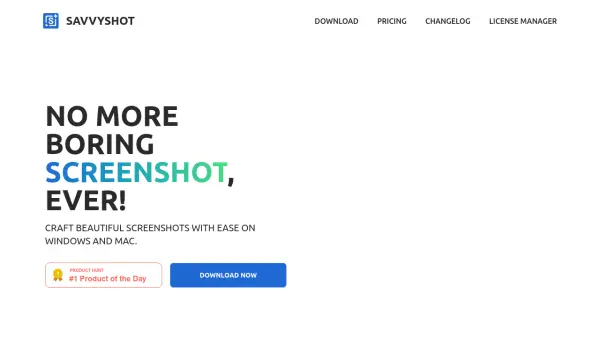
Savvyshot provides users with a powerful yet easy-to-use screenshot editor designed for Windows and Mac. This desktop application allows instant capture of any region, window, or full display, paired with an intuitive editor for refining screenshots with annotations, customizable backgrounds, flexible layouts, and automatic redaction of sensitive information. Built to optimize productivity, Savvyshot ensures quick, secure, and seamless screenshot creation that remains strictly local for maximum privacy.
Whether you're creating professional documentation, sharing visuals with colleagues, or capturing memorable moments, Savvyshot offers customizable options like padding, gradients, and image balancing to deliver the perfect shot every time. With lifetime licensing and free updates, users can unlock premium features without subscriptions or hidden fees, making it an essential tool for efficient visual communication.
Features
- Seamless Captures: Instantly capture any region, window, or display with keystrokes.
- Image Balancing: Automatically adjusts off-center shots to focus on important content.
- Flexible Layouts: Customize padding, shadows, borders, and aspect ratios.
- Background Options: Add presets, gradients, or custom images to screenshots.
- Professional Annotations: Highlight details with shapes, lines, arrows, and text.
- Auto Redaction: Instantly hide sensitive info with built-in OCR technology.
- Privacy First: Screenshots stay local with no data uploaded to servers.
- Optimized Performance: Native application offers fast operation and low memory use.
Use Cases
- Creating polished product screenshots for marketing or presentations.
- Highlighting key information in instructional materials.
- Redacting sensitive data such as emails or credit card numbers before sharing.
- Customizing and annotating visuals for client reports.
- Designers preparing assets or mockups for development teams.
FAQs
-
Is Savvyshot free?
Savvyshot is free to download and use, but a license is required to remove the watermark and access additional features. -
Is Savvyshot available on the web?
No, Savvyshot is currently only available as a desktop application for Windows and macOS. -
Will the license expire?
No, once you purchase a license for Savvyshot, it does not expire. You receive lifetime access. -
Will there be a Linux version of Savvyshot?
There are currently no plans for a Linux version, but feedback is considered for future updates. -
How can I get support for Savvyshot?
For questions or support, contact [email protected].