A new hire receives laptop credentials, Slack access, and a welcome doc. If the team AI stack is missing from that list, the hire will find their own tools within a week. Personal accounts spread faster than policy PDFs because work still needs to get done.
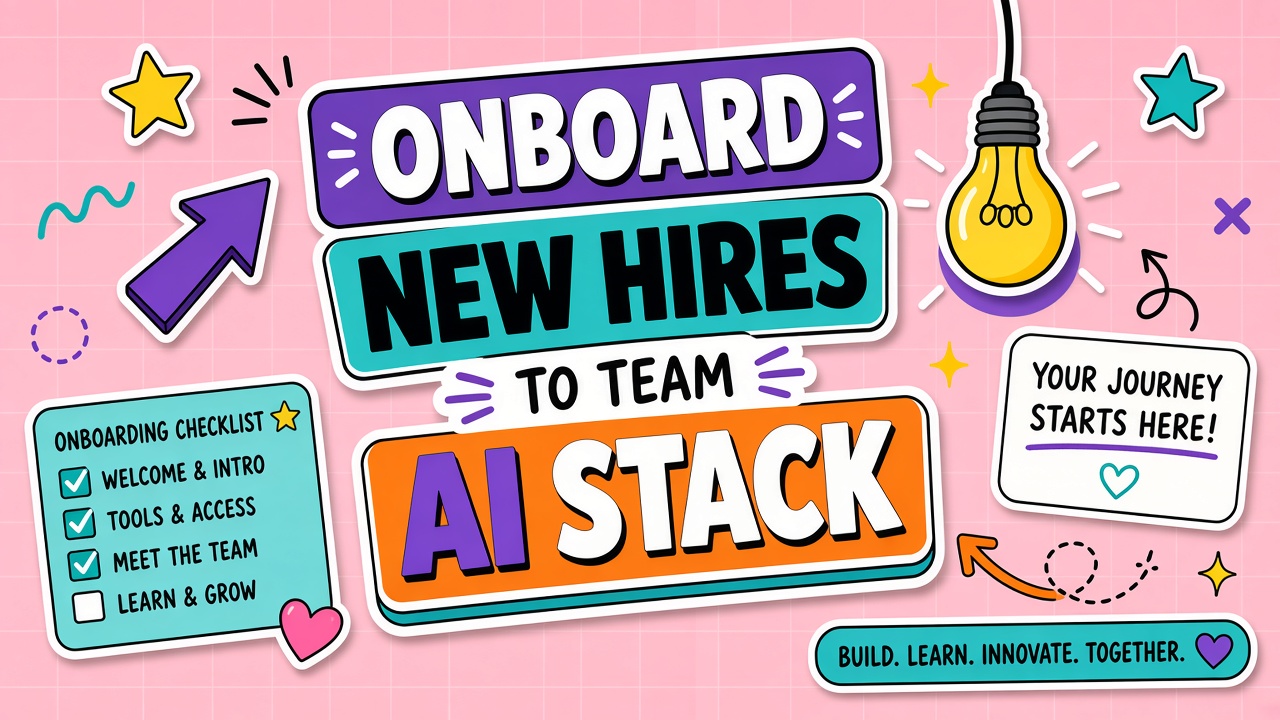
Onboarding new hires to your team AI stack means provisioning approved access on day one, running guided workflows in week one, touring the shared prompt library, and checking competency by day 30. This guide gives IT, managers, and rollout leads a repeatable sequence that prevents shadow AI adoption. Browse approved categories in AI productivity tools and AI chatbot tools only after your internal stack list is documented.
Day 1: Access and Policy Acknowledgment
Day one access means the hire can log into every approved tool before lunch, with SSO tested and seats assigned. Policy acknowledgment is a signed record that the hire read data rules, not a link buried in the handbook.
| Day 1 task | Owner | Done when |
|---|---|---|
| Provision SSO seats for approved tools | IT | Hire completes login on each tool without error |
| Send AI acceptable-use summary (1 page max) | Security or HR | Hire acknowledges in HRIS or signed doc |
| Share stack map: tool name, use case, support channel | Manager | Hire can name three approved workflows |
| Assign onboarding buddy for AI questions | Team lead | Buddy accepts calendar invite for week 1 check-ins |
Week 1: Guided Workflows With Mentors
Week one is not free exploration. Pair the hire with a mentor who runs two real tasks together: one observation, one co-execution, one solo attempt with review. Use sanitized inputs that mirror production shape without exposing restricted data.
- Day 2: Mentor demos the top approved workflow end to end with acceptance criteria.
- Day 3: Hire completes a sandbox exercise from the prompt library with mentor nearby.
- Day 4: Hire runs one real task; mentor reviews output against the checklist.
- Day 5: Office hours block for prompt tuning and export format questions.
Prompt Library Tour and Practice Tasks
A shared prompt library is the fastest way to transfer quality. Tour it like a product: where templates live, how versions are named, when to fork versus edit, and which prompts are deprecated.
- Location: Notion, Confluence, Git repo, or vendor workspace. One canonical link in onboarding doc.
- Practice tasks: Three exercises tagged beginner, each tied to an approved use case.
- Versioning: Show how to check last-updated date and who owns each template.
- Feedback: How to propose a new prompt (ticket template or Slack channel).
Shadow AI Prevention Messaging
Shadow AI happens when approved tools feel slow to access or unclear on data rules. Prevention messaging is explicit: which personal accounts are banned, how fast exceptions are handled, and what happens if someone uploads customer data to an unapproved product.
Repeat the message in week one standups, not only in compliance training. People adopt what their peers use. If the buddy uses approved tools visibly, shadow usage drops.
30-Day Competency Check
By day 30, the hire should complete two approved workflows independently with acceptable review scores. Use a short rubric rather than vague "comfort level."
| Competency signal | Pass threshold | If not met |
|---|---|---|
| Uses approved tools only for work tasks | Zero shadow tool reports in 30 days | Extra mentor sessions; review access friction |
| Completes workflows with minimal rework | Review passes on 2 of 2 sample outputs | Targeted prompt coaching on failing workflow |
| Knows escalation path for bad output | Can cite support channel and data rules | Re-read policy; shadow mentor for one week |
Frequently Asked Questions
How should contractors and interns access the AI stack?
Use time-bound seats with the same SSO groups as employees, but restrict to lower data tiers. Contractors should not receive admin keys or billing access. Document end dates in your identity provider so seats auto-revoke.
What are typical tool access tiers for new hires?
Tier 1 (day 1): read-only or chat-only tools with public data. Tier 2 (after training): workflows involving internal docs. Tier 3 (role-specific): API keys, automations, or customer data. Never grant tier 3 on day one unless the role requires it and legal approved.
What if a hire asks to use a tool they used at a previous company?
Route the request through your evaluation process. Personal preference is not an exception. If the workflow gap is real, log it for quarterly stack review rather than approving a one-off account.
Does remote onboarding change the sequence?
The sequence stays the same. Add recorded walkthroughs for each approved tool and schedule live mentor sessions across time zones. Remote hires need clearer links; office hires need fewer "ask the person next to you" shortcuts that bypass policy.