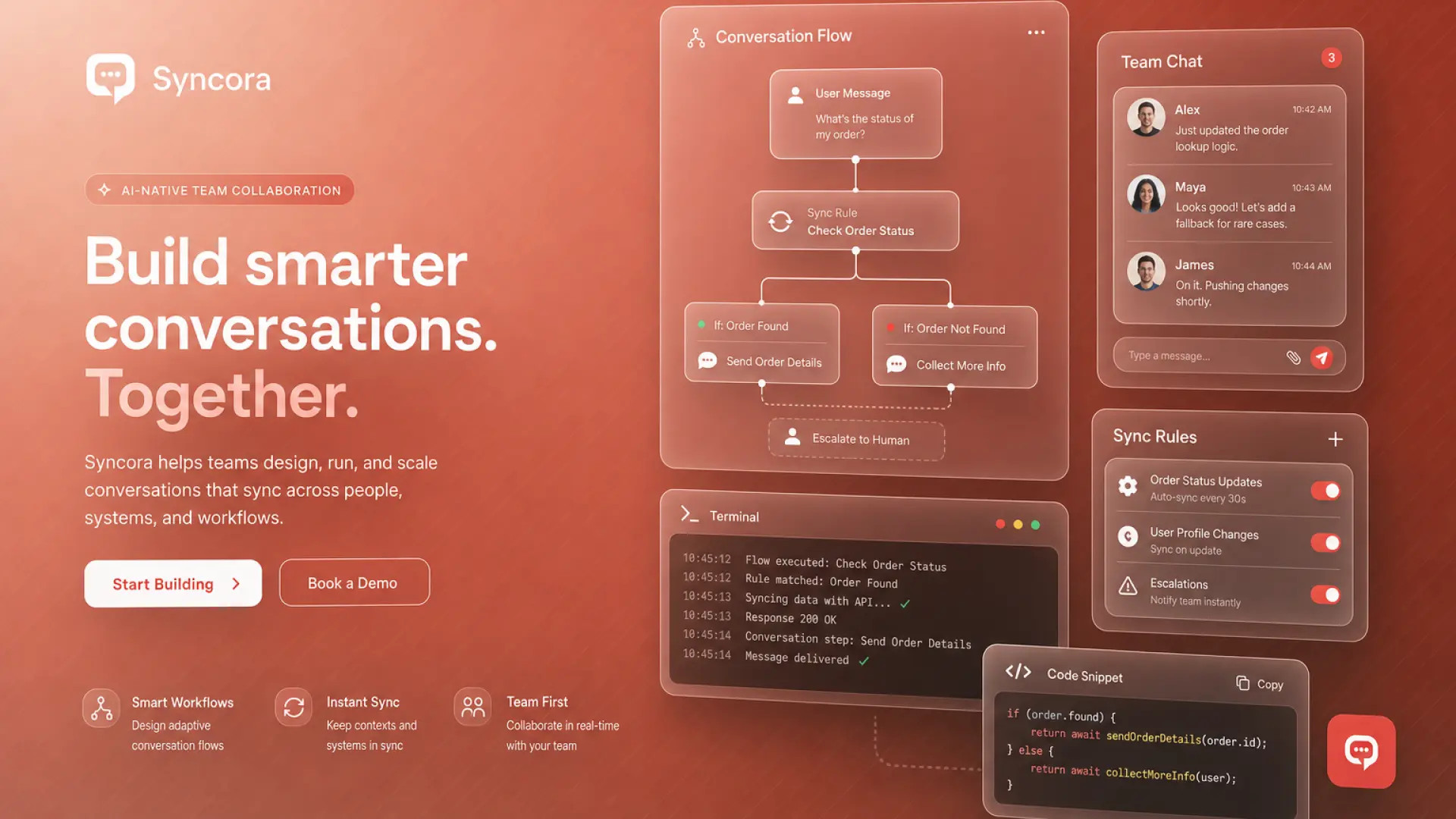
You edited a branch while a teammate edited another fork from the same message, and now messages appear out of order or vanish on refresh. An ai chat branching conflict happens when collaborative workspaces treat conversation trees like documents without merge rules. The fix is workflow discipline, not a better prompt.
This guide explains how branching mutates context, when to lock threads, export before destructive edits, and how permissions should work in shared workspaces. Design and image teams using AI image generators and AI design tools often branch threads to compare variations; the same conflict patterns appear in text chat products.
How Branching Mutates Context
Each branch copies the parent message chain up to the fork point, then diverges with new prompts and replies. The model only sees messages on the active branch path, not sibling branches. Forking from message five creates two histories that share messages one through four but diverge afterward.
Shared workspaces sync branch metadata across clients. If two users fork the same parent simultaneously, the server may accept both branches but the UI may show stale tree state until refresh. Some products reassign branch IDs on sync, which breaks bookmarked URLs. Understanding that branches are independent timelines prevents the assumption that "the thread" is a single linear document.
| Action | Context effect | Conflict risk |
|---|---|---|
| Fork from message N | New branch inherits history through N | High if others fork same N |
| Edit message N | May invalidate child branches | High: destructive to tree |
| Delete branch | Removes branch only | Medium if others referenced it |
| Switch active branch | Changes model context path | Low unless unsaved draft |
Locking vs Merge Strategies
Prevent concurrent forks with thread locks, or define an owner who merges winning branches manually. Products without native locking need team norms: announce "forking for experiment A" in Slack, or duplicate the thread to a private copy before exploratory edits.
- Soft lock: Comment in thread header that branch is in use until timestamp.
- Hard lock: Admin disables edits for viewers during review windows.
- Duplicate thread: Copy full export to new workspace for risky experiments.
- Merge by promotion: Choose one branch as canonical; archive siblings.
- No merge: Keep branches as parallel options; document which shipped to production.
For design reviews, attach final outputs to tickets rather than relying on chat tree as source of truth. Chat branches are exploration space; your PM tool or asset library holds the approved version.
Export Before Destructive Edits
Download or copy the full thread JSON or markdown before editing parent messages or deleting branches. Destructive edits are the leading cause of unrecoverable shared thread sync error reports. Vendors rarely offer branch-level version history comparable to Git.
- Export thread via vendor export, API, or copy-all-messages workflow.
- Store export in shared drive with date and author in filename.
- Perform edit or delete on a duplicate thread when possible.
- Verify sibling branches still load after parent edit in staging workspace.
- Notify collaborators before deleting branches they may have bookmarked.
Naming exports after forks
Use filenames like project-alpha-branch-b-2026-09-13.md so teammates find the right fork
after conflict resolution. For
image
workflows, export prompt text and seed values alongside thumbnails. Image URLs in chat may expire;
attach assets to durable storage before branch cleanup.
Permissions for Shared Workspaces
Separate who can view, comment, fork, edit history, and delete threads. Junior contributors should fork freely but not edit parent messages or delete others' branches. Admins need audit logs of destructive actions for post-incident review.
Role matrix recommendations: viewers read only; editors fork and append; maintainers edit messages and merge branches; owners manage workspace settings and retention. Guest access should expire automatically for client-facing design threads. SSO group mapping beats manual invites for enterprises with frequent contractor turnover.
Conflict Resolution Playbook
When two branches diverge on the same decision, assign a single decider. Compare exports side by side. Promote the winning branch by continuing conversation there and archiving the loser with a link in thread notes. Do not attempt to interleave messages from two branches into one linear history unless the product explicitly supports merge: manual paste creates duplicate context and confuses the model on next turn.
The Bottom Line
An ai chat branching conflict is a collaboration problem with technical symptoms. Treat branches as parallel experiments, export before destructive edits, use locks or duplication for high-stakes threads, and align permissions with who may rewrite history. Your image and design outputs belong in durable asset storage, not only in a forked chat leaf.
Frequently Asked Questions
Why does mobile show a different branch than web?
Mobile clients may cache tree state longer or sync on slower intervals. Force refresh, confirm active branch indicator matches, and check for offline drafts queuing on mobile. Sync delay of thirty to sixty seconds is common; conflict appears when both devices edit before sync completes.
What happens if I edit an old message?
Many products invalidate or hide child branches that depended on the original text. Export first. Some vendors create a new branch automatically; others silently drop sibling branches. Read vendor docs before retroactive edits in shared threads.
Can we automate branch merges?
Rarely. APIs may list branches but seldom merge content intelligently. Automate export and ticketing; keep human promotion of the canonical branch. Scripting duplicate forks for A/B prompt tests is fine; scripting merge into one context window usually breaks token limits and attribution.
What team norm prevents most conflicts?
One active experimenter per shared thread at a time, duplicate thread for parallel exploration, and mandatory export before parent message edits. Post the norm in workspace description so new members see it before their first fork.