Is ChatGPT down? When the chat page spins forever, returns a blank sidebar, or shows a red error banner, the fastest answer is: check whether OpenAI is reporting an incident, then rule out your own network and browser in under a minute. Global outages do happen, but many "ChatGPT is broken" reports turn out to be expired logins, VPN blocks, or a single overloaded region rather than a full platform failure.
This guide gives you a 30-second status checklist, explains how to read OpenAI's official status page at status.openai.com, separates local problems from real outages, lists common error messages, and suggests practical alternatives while ChatGPT recovers. For a quick automated probe you can bookmark, try the ChatGPT down detector on EliteAI.tools, and browse related assistants in our ChatGPT tag when you need backups for writing, coding, or research.
30-second check: is ChatGPT down right now?
Run these four steps in order before you assume OpenAI is offline worldwide. The whole sequence usually takes less than half a minute on phone or desktop.
- Open an incognito or private window and visit chat.openai.com. Cached extensions often cause false failures.
- Load status.openai.com. If ChatGPT or API shows orange or red, you are likely seeing a real incident, not just your house Wi-Fi.
- Try another network (phone hotspot) or disable VPN temporarily. Corporate filters block OpenAI domains on some office networks.
- Run the ChatGPT down detector to see whether other regions report the same failure pattern.
If the status page is green, your account login works in incognito, and the down detector shows normal responses, the issue is probably device-specific. Clear site data for openai.com, update the browser, or switch from Safari to Chrome (or the reverse) before posting on social media that "ChatGPT is dead."
How to read the OpenAI status page
OpenAI publishes component-level health at status.openai.com. The page is the authoritative source when you ask is ChatGPT down for everyone or only for you. Third-party dashboards and Reddit threads lag official updates by minutes during fast-moving incidents.
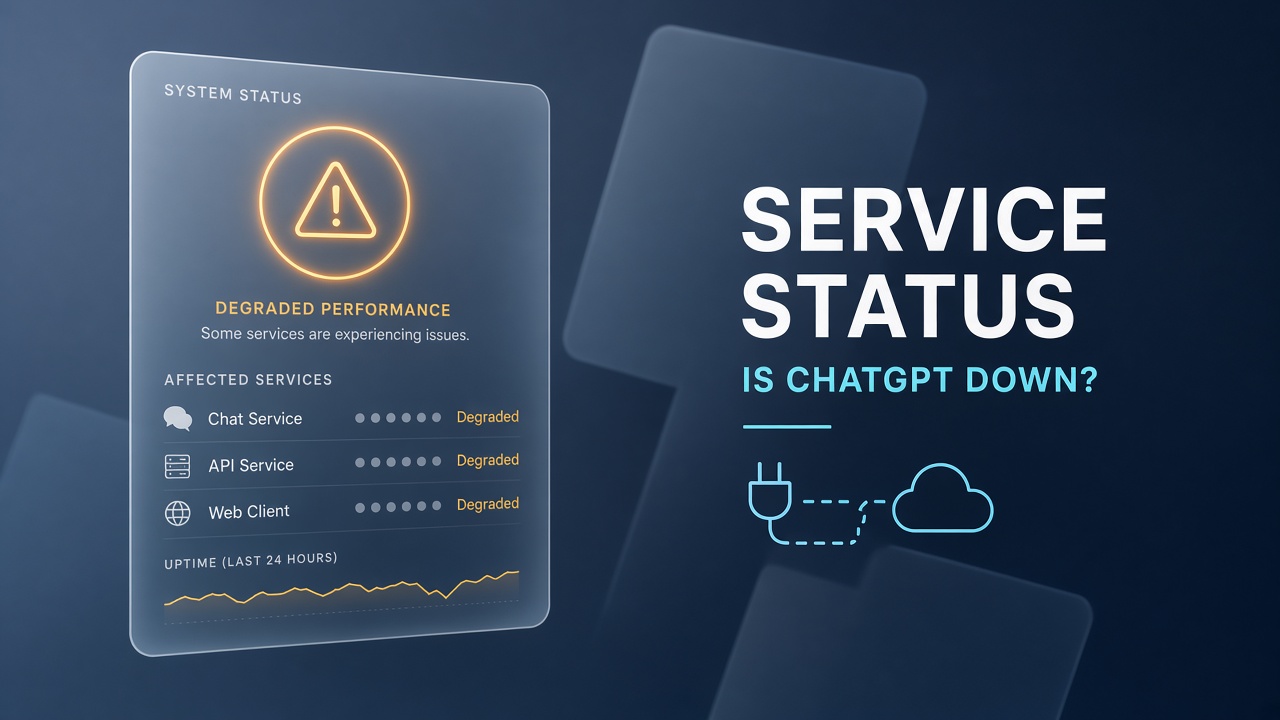
Typical components you will see include ChatGPT (consumer web and apps), API, Playground, and sometimes specific subsystems such as login or image generation. Green means operational. Yellow often means degraded performance: chats may load but responses are slow. Red means a major outage or partial shutdown. Click an incident title to read timeline posts. OpenAI usually states whether the team is investigating, identified the cause, or deployed a fix.
Green
Operational
No declared incident. If ChatGPT still fails, focus on local troubleshooting: DNS, extensions, account session.
Yellow
Degraded
Service works intermittently. Expect timeouts, missing history, or slow streaming. Retry later or switch models within ChatGPT if available.
Red
Major outage
Widespread failure. Use alternatives below and watch status.openai.com for the "resolved" post before mass-refreshing.
Subscribe to email or SMS alerts on the status site if you run production workflows on OpenAI. Developers should watch both ChatGPT and API lines: API outages can break apps while the consumer chat UI still loads.
Local problems vs real ChatGPT outages
A real outage shows on status.openai.com, spikes reports on the ChatGPT down detector, and matches complaints on OpenAI's social channels within minutes. A local problem affects only your browser, network, or account while friends on a different ISP still chat normally.
Signs the issue is on your side
- Status page is green but you see login loops or infinite loading.
- Only one device fails; your phone on cellular data works.
- Errors mention cookies, extensions, or "request blocked" without a global incident ID.
- VPN or school network is active; disconnecting fixes the page.
- You recently changed password or enabled two-factor; re-authenticate in a clean profile.
Signs the issue is OpenAI-wide
- Status page lists an active incident for ChatGPT or Login.
- Multiple countries report the same error at the same time on downdetector-style tools.
- API dashboards and ChatGPT mobile app fail together.
- OpenAI posts on X or the status blog acknowledging elevated errors.
When in doubt, split the test: phone on LTE without VPN for ChatGPT, laptop on home Wi-Fi for status.openai.com. Divergent results almost always mean a local or network block, not a planetary blackout.
Common ChatGPT errors when the site is not fully down
Even during partial stability, ChatGPT throws errors that feel like a total outage. Match your message to the fix before you wait hours for OpenAI.
| What you see | Likely cause | What to try |
|---|---|---|
| "Something went wrong" or generic 500 | Server overload or brief backend fault | Wait five minutes, check status.openai.com, start a new chat |
| "You do not have access" or capacity message | Plan limits, model routing, or regional capacity | Switch model tier, try off-peak hours, confirm Plus or Team billing |
| Blank page or spinner | Browser cache, ad blocker, or extension conflict | Incognito mode, disable extensions, clear site data |
| Login redirect loop | Stale session or SSO mismatch | Log out everywhere, reset password if needed, try another browser |
| "Network error" on send | Local connectivity or corporate firewall | Hotspot test, disable VPN, verify DNS (try 1.1.1.1 or 8.8.8.8) |
| Messages stop mid-stream | Degraded performance incident | Regenerate, shorten prompt, watch status timeline for recovery |
Save important answers locally. During yellow-status periods, long streams are more likely to truncate. Export or copy threads before starting risky multi-step codegen sessions.
Step-by-step troubleshooting when status is green
If status.openai.com shows operational but ChatGPT still fails, walk through this list in order.
- Confirm URL. Use the official chat domain, not outdated bookmarks from rebrands.
- Test incognito with extensions disabled.
- Sign out and sign in on one device only to refresh tokens.
- Update the mobile app or use the web client to isolate app-store bugs.
- Disable VPN and DNS filters (Pi-hole, NextDNS categories blocking AI).
- Try another device on cellular to prove whether Wi-Fi is the bottleneck.
- Check OpenAI account billing if Plus features vanished while free tier still loads.
- Run the ChatGPT down detector again to see if reports clustered in the last hour.
If every step fails on multiple networks, open a ticket with OpenAI support and attach screenshots with timestamps. Include whether status.openai.com was green so support can route you correctly.
Alternatives while ChatGPT is down or unusable
When ChatGPT is offline or too unstable for production work, switch tools instead of refreshing the same tab for an hour. You may not replicate every custom GPT, but you can cover writing, coding, and research.
Browse the ChatGPT tag on EliteAI.tools for assistants in the same ecosystem: plugins, desktop clients, and specialized wrappers. For general chat replacements, consider Claude, Gemini, Microsoft Copilot, or Meta AI depending on your privacy rules and whether you need web browsing built in. Developers with API keys can point scripts at another provider temporarily while watching status.openai.com for the API component to return green.
Writing and research
Draft without ChatGPT
Use another frontier chatbot for outlines and summaries. Paste your style guide explicitly because custom instructions from ChatGPT will not transfer automatically. Keep citations manual when the substitute model lacks live web access.
Coding
Ship while API is red
IDE copilots tied to OpenAI may stutter during API incidents. Fall back to local models, another cloud API, or plain old search plus docs. Commit working code before experimenting with a new model mid-debug.
The ChatGPT down detector is useful during outages to decide when to migrate back. When reports drop and status.openai.com marks resolved, re-open ChatGPT in a fresh session rather than resuming a half-broken thread that cached errors.
ChatGPT mobile app vs web during outages
iOS and Android apps sometimes lag web fixes. If the app fails but browser ChatGPT works, update the store build or use the web client until the next release. Push notifications may still arrive while message send fails, which confuses users into thinking only their account broke. Compare app and web against status.openai.com component notes before uninstalling.
Reinstall the app only after you confirm a widespread incident is not in progress. During red-status events, reinstalling wastes time and does not speed OpenAI's recovery.
Plus, Team, and Enterprise during downtime
Paid plans do not guarantee immunity from global outages. Priority access helps with capacity during yellow periods, but when ChatGPT is red on the status page, Plus subscribers see the same hard failures as free users. Team and Enterprise admins should monitor status.openai.com, communicate internally with a single status link, and pause automations that hammer the API while errors spike.
Billing pages may stay up while chat is down. That is normal: payment systems and conversation backends are separate components. Do not interpret a working account portal as proof that generation works.
Build a small outage plan before the next incident
Repeat visitors who rely on ChatGPT for daily work should keep a one-page runbook:
- Bookmark status.openai.com and the ChatGPT down detector.
- Store two alternative chat tools you are comfortable with for sensitive data policies.
- Export critical conversation history weekly; outages coincide with lost local cache more often than people admit.
- For API products, implement provider failover or a queue so user-facing features degrade gracefully.
- Follow the ChatGPT tag when you want vetted related tools without random search results.
Frequently asked questions
How do I know if ChatGPT is down for everyone?
Check status.openai.com for an active incident on the ChatGPT component, then confirm with the ChatGPT down detector and a quick test on cellular data. If all three point to failure, it is almost certainly global or regional at OpenAI, not your laptop.
Is the ChatGPT down detector official?
No third-party detector is official. The ChatGPT down detector aggregates reachability signals to help you decide whether to troubleshoot locally. Always treat status.openai.com as the source of truth for declared outages.
Why does ChatGPT work on my phone but not my computer?
Browser extensions, DNS filtering, and corporate proxies usually cause that split. Test incognito on the desktop, disable VPN, and compare with status.openai.com before blaming OpenAI.
Can I still use the OpenAI API when ChatGPT is down?
Sometimes. API and consumer ChatGPT are separate status lines. API may stay green while the chat UI struggles, or both may fail together. Read each component on status.openai.com instead of assuming one implies the other.
How long do ChatGPT outages usually last?
Minor degradations clear in minutes to an hour. Larger incidents can take several hours. Watch the incident timeline on status.openai.com rather than guessing from social media threads.
What should I use when ChatGPT is down?
Pick any trusted alternative chatbot that fits your data policy, and explore options listed under the ChatGPT tag for specialized workflows. When ChatGPT down detector readings normalize and the status page resolves the incident, migrate back gradually instead of dumping weeks of context into a single resumed thread.
The takeaway
When you ask is ChatGPT down, answer with evidence: green or red on status.openai.com, a clean-network reproduction, and a glance at the ChatGPT down detector. Fix local browser and VPN issues when the status page is operational; switch to backup tools and pause API jobs when OpenAI declares an incident. Keep the ChatGPT category handy for alternatives, and return to ChatGPT only after the official status timeline marks the outage resolved.