What is Remote Utilities?
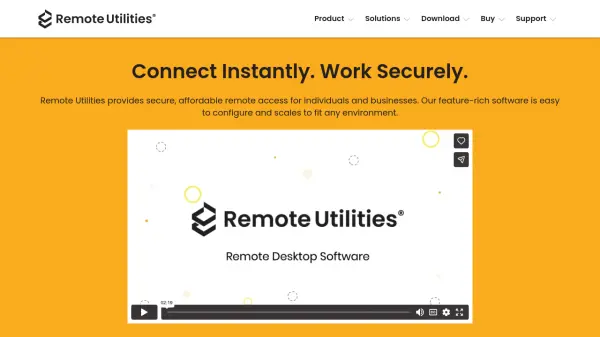
Remote Utilities is a comprehensive remote access solution designed for secure and efficient connectivity across various platforms. The software offers multiple authentication methods, mandatory data encryption, and two-factor authentication to ensure all remote sessions remain protected from unauthorized access. Users can choose between cloud-based relay servers or self-hosted on-premise solutions, providing flexibility for different privacy and control requirements.
The platform supports 14 connection modes including Full Control, View, File Transfer, Terminal, and Text Chat, enabling seamless integration with diverse business processes. It features unattended access capabilities for workstations and servers, Active Directory integration for enterprise environments, and MSI configuration tools for customized deployment. Available for Windows, macOS, and Linux with mobile clients for iOS and Android, Remote Utilities scales to fit any environment while maintaining ease of use.
Features
- Security Features: Four authentication methods, mandatory data encryption, and 2FA ensure secure remote sessions
- Deployment Options: Choose between cloud relay servers or self-hosted on-premise solutions for complete control
- Connection Modes: 14 different modes including Full Control, View, File Transfer, Terminal, and Text Chat
- Unattended Access: Connect to unattended workstations and servers with automatic startup after reboot
- Active Directory Integration: Easily integrate with AD environments and push-install across networks
- MSI Configuration: Create custom Host installers for network deployment with logo and text customization
Use Cases
- Remote technical support for IT departments
- Remote work and collaboration across different locations
- System administration for servers and workstations
- IT support for small businesses and startups
- Parental monitoring of children's computer activities
- Remote software support and troubleshooting
- File transfer between remote computers
- Accessing office computers from home or mobile devices
FAQs
-
What platforms does Remote Utilities support?
Remote Utilities is available for Windows, macOS, and Linux operating systems. Mobile client apps (Viewer) are available for iOS and Android devices. -
Can I connect over the Internet without complex firewall configuration?
Yes, you can use the firewall-bypassing Internet-ID connection which doesn't require elaborate firewall or router configuration on the remote end. Alternatively, direct connections are possible with proper port forwarding setup. -
Is there a free trial available?
Yes, a free 30-day fully functional trial is available for download from the website. -
Are there any free usage options?
Yes, a free license is available for single users controlling up to 10 remote devices. This free license can be used for both personal and business purposes. -
What is the licensing model for Remote Utilities?
Remote Utilities uses a one-time payment license model for the current major version. There are no subscriptions, and you own your license forever. Updates and upgrades are governed by the company's upgrade policy.