
What is imPcRemote?
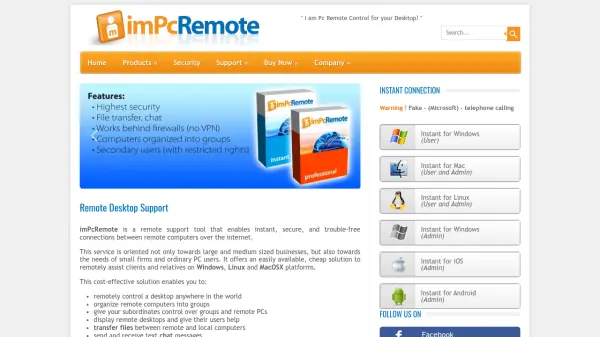
imPcRemote is a remote support tool designed to facilitate instant, secure, and trouble-free connections between remote computers over the internet. It serves a wide range of users, from large businesses to small firms and individual PC users, providing an affordable solution for remote assistance on Windows, Linux, and MacOS platforms. The tool eliminates the need for complex firewall, proxy, or NAT configurations, streamlining remote access and management.
This cost-effective solution allows users to remotely control desktops globally, organize computers into groups, delegate control to subordinates, display remote desktops for assistance, transfer files, send text chat messages, and connect to multiple desktops simultaneously. It is available in free versions for personal or business use, with professional licenses offering enhanced customization and scalability for larger deployments.
Features
- Remote Desktop Control: Enables control of desktops anywhere in the world
- Multi-Platform Support: Works on Windows, Linux, and MacOS
- File Transfer: Allows transfer of files between remote and local computers
- Text Chat: Supports sending and receiving text chat messages
- Group Management: Organizes remote computers into groups for easier management
- Simultaneous Connections: Connects to several remote desktops at the same time
- No Firewall Configuration: Operates without requiring firewall, proxy, or NAT setup
- Free Versions: Offers free use for personal or business purposes
Use Cases
- Providing remote technical support to clients or relatives
- Managing multiple computers from a central location
- Assisting team members with desktop issues remotely
- Transferring files between different computers securely
- Monitoring and controlling remote desktops for IT administration
- Offering help desk services without on-site visits