What is PDF Editify?
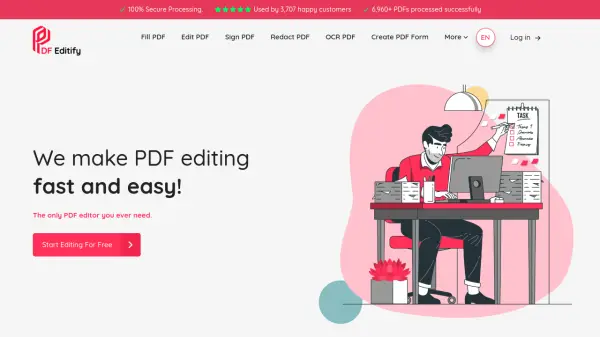
PDF Editify provides a streamlined solution for managing and modifying PDF documents. Designed with simplicity and efficiency at its core, the platform enables users to edit text, fill out forms, and add digital signatures to their PDFs quickly. It also offers advanced functionalities such as redacting sensitive information, performing Optical Character Recognition (OCR) to make scanned documents editable, and creating new PDF forms from scratch.
The tool emphasizes a user-friendly interface, ensuring that tasks can be completed without a steep learning curve. With its focus on accessibility and state-of-the-art security, PDF Editify aims to be a comprehensive tool for all PDF-related needs, accessible anytime and anywhere for enhanced productivity.
Features
- Fill PDF: Easily complete PDF forms.
- Edit PDF: Modify text and objects within PDF documents.
- Sign PDF: Add digital signatures to PDFs.
- Redact PDF: Securely remove sensitive information from PDFs.
- OCR PDF: Convert scanned PDFs into editable and searchable text using Optical Character Recognition.
- Create PDF Form: Design and build new fillable PDF forms.
- Add Image to PDF: Insert images into PDF documents.
Use Cases
- Completing and submitting digital application forms or contracts.
- Making quick corrections or updates to existing PDF documents.
- Digitally signing legal agreements, invoices, or official documents.
- Protecting sensitive data by redacting confidential information before sharing.
- Converting image-based PDFs or scanned paper documents into editable and searchable text.
- Creating custom fillable forms for surveys, feedback, or data collection.
- Adding company logos or illustrative images to PDF reports or presentations.