What is Advanced PDF Editor?
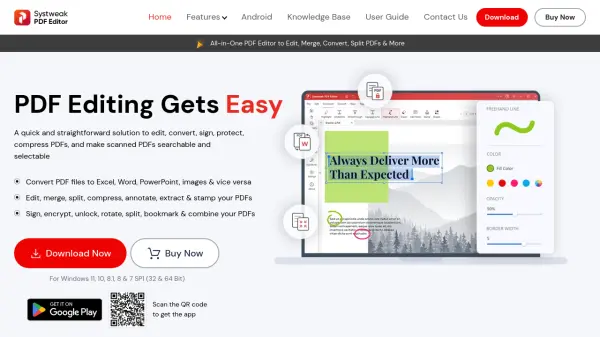
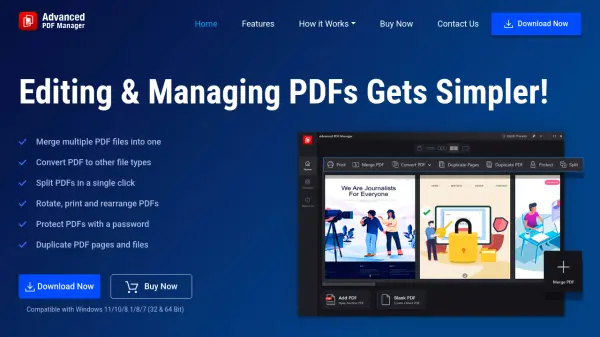
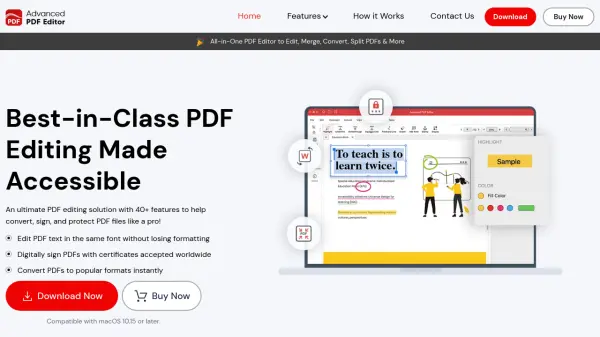
Advanced PDF Editor provides a comprehensive suite of tools for managing PDF documents on macOS. It enables users to edit text directly within PDFs without altering the original formatting or font styles, ensuring documents retain their professional appearance. The software supports a wide range of functionalities, including merging multiple PDFs into a single file, converting PDFs to formats like Word, Excel, and images, and adding digital signatures for authentication.
Security features such as password protection and encryption help safeguard sensitive information, while annotation tools like highlights, notes, and shapes facilitate clear communication and feedback. Additional capabilities include redacting content, compressing files for easier sharing, and organizing pages through rotation, insertion, or extraction. Designed for users of all skill levels, it streamlines workflows with a user-friendly interface and regular updates to enhance productivity.
Features
- Edit Text: Edit PDF text directly without changing font, size, or formatting
- Convert PDF: Convert PDF files to Word, Excel, Image, HTML, and other popular formats
- Sign PDF: Add electronic and digital signatures for validation and authentication
- Secure PDF: Protect documents with password encryption and security features
- Merge PDFs: Combine multiple PDF files into a single document for better organization
- Annotate: Highlight text, add notes, underlines, and shapes for feedback and corrections
- Redact Content: Hide sensitive information using blackout or whiteout tools
- Organize Pages: Rotate, insert, remove, split, and arrange PDF pages as needed
- Compress PDF: Reduce file size for easier sharing via email or social media
- Add Stamps: Apply predefined or custom stamps like 'Approved' or 'Confidential' to documents
Use Cases
- Editing PDF text for assignments or reports without converting formats
- Merging multiple PDF documents into a single file for presentations
- Converting PDFs to editable formats like Word or Excel for data extraction
- Adding digital signatures to contracts or legal documents for validation
- Securing sensitive PDFs with passwords to prevent unauthorized access
- Annotating PDFs with highlights and notes for collaborative reviews
- Redacting confidential information from documents before sharing
- Compressing large PDF files to facilitate email attachments
FAQs
-
Is there a free version of Advanced PDF Editor?
Yes, a trial version is available to explore features before purchase. -
Why is a PDF Editor Necessary?
PDFs have replaced physical documents, so editing and signing tools are essential for modern workflows. -
Can You Protect a PDF with an Advanced PDF Editor?
Yes, it offers password protection and digital signatures to secure documents. -
How Does a PDF Editor Work on a Mac?
It operates seamlessly on macOS, allowing editing, annotating, protecting, and viewing PDFs with ease.