
What is Systweak PDF Editor?
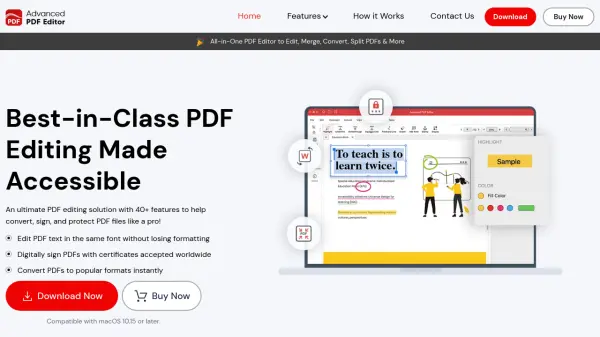
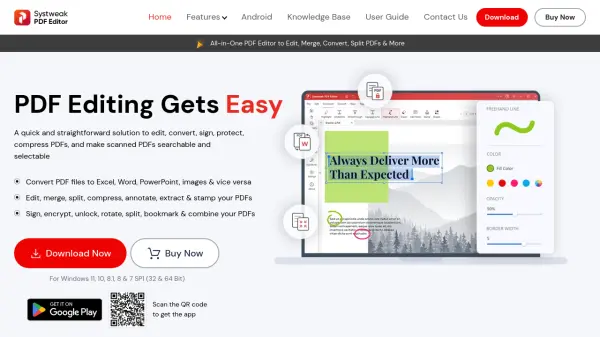
Systweak PDF Editor offers a powerful suite of PDF management tools designed to streamline the editing, conversion, and protection of PDF documents. Users can convert PDFs to and from formats such as Word, Excel, PowerPoint, images, and more, while maintaining original formatting and content integrity. The software also provides advanced functionality like OCR for scanned documents, batch processing, annotation, redaction, and digital signatures, making it suitable for a wide range of personal, educational, and professional applications.
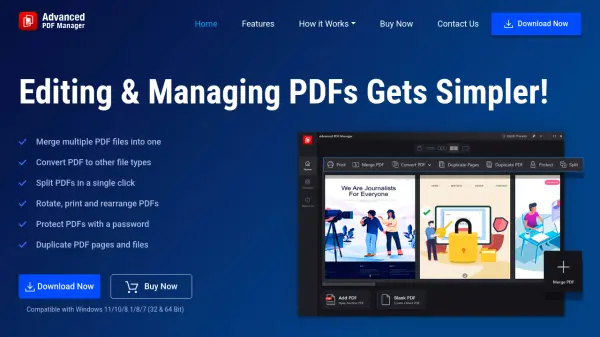
With an intuitive user interface and support for various viewing modes, Systweak PDF Editor aims to boost productivity for anyone working with PDF files. Security features include password protection, advanced permission settings, and the ability to redact sensitive information. Compatible with Windows 11, 10, 8.1, 8, and 7 SP1, it delivers a seamless experience for editing, combining, organizing, and safeguarding PDF documents.
Features
- PDF Editing: Modify text, images, and formatting within PDF files.
- Format Conversion: Convert PDFs to Word, Excel, PowerPoint, images, HTML, EPUB, and vice versa.
- OCR Functionality: Make scanned PDFs searchable and editable.
- Digital Signature: Add electronic signatures to PDF documents.
- Batch Processing: Convert, compress, create, protect, and OCR multiple PDFs simultaneously.
- Password Protection: Secure PDFs with encryption and set permissions.
- Annotation Tools: Highlight, annotate, and add notes to PDFs.
- Page Organization: Merge, split, rearrange, crop, and extract PDF pages.
- Redaction: Permanently remove sensitive text and images.
- Multiple Viewing Modes: Switch between single view, scrolling, fit page, fit width, and actual size.
Use Cases
- Converting scanned documents into editable and searchable PDFs for office use
- Signing contracts and legal documents digitally to streamline business processes
- Batch processing large volumes of PDFs for document management in professional environments
- Annotating academic papers or e-books for study and research
- Redacting confidential information before sharing documents externally
- Compressing large PDF files to optimize email attachments
- Combining multiple reports or invoices into a single PDF for record keeping
FAQs
-
How to edit PDF for free with Systweak PDF Editor?
You can use the fully functional 7-day trial version to edit PDFs for free. Simply launch the software, open your PDF, apply edits with the available tools, and save the updated document. -
How to convert PDF to Word with Systweak PDF Editor?
Open the software, select Convert PDF, add your file, choose 'To Word', and save the converted document once the process completes. -
Can I sign a PDF with an e-signature using Systweak PDF Editor?
Yes, you can add a digital signature by opening your PDF, selecting the Sign PDF option, creating your signature, and placing it onto the document. -
Can I add a password to my PDF file with Systweak PDF Editor?
Yes, use the Protect PDF feature to set a password and secure your PDF against unauthorized access. -
How to edit scanned PDFs?
Utilize the OCR feature to convert scanned PDFs into fully editable documents; then make necessary changes using the available editing tools.