What is PDFinity?
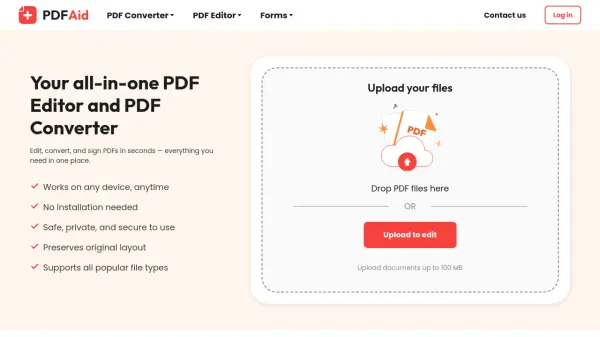
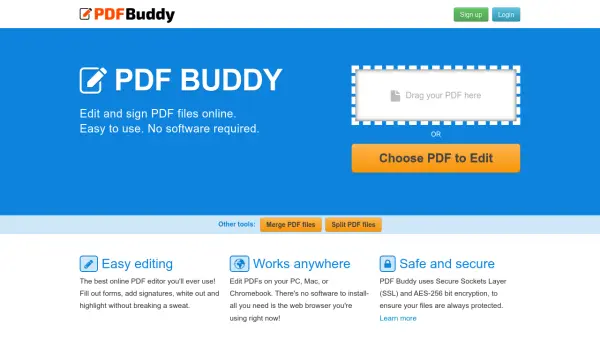
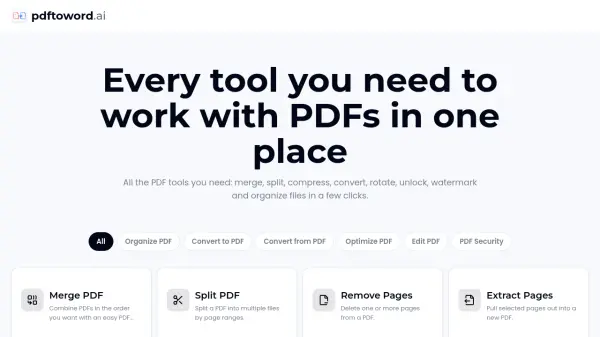
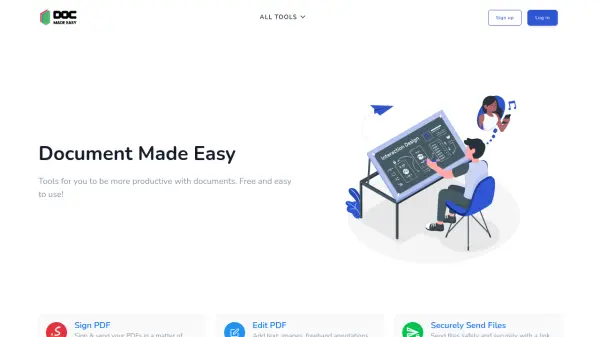
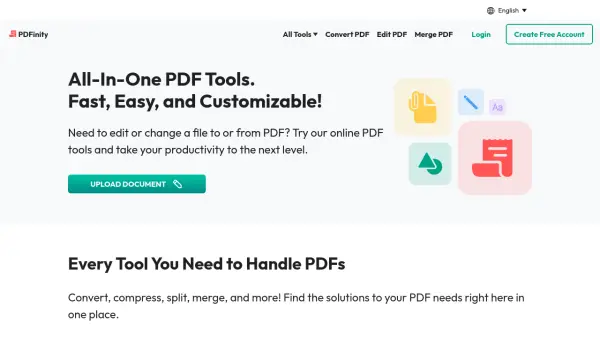
PDFinity offers a versatile suite of web-based PDF management tools designed for seamless document handling. The platform enables users to perform a wide range of operations including editing, converting, compressing, splitting, merging, and adding digital signatures to PDF files directly through their web browser.
The service prioritizes security through encryption protocols while maintaining user-friendly functionality. With support for multiple file formats and cross-device compatibility, PDFinity serves as a comprehensive solution for both individual and business document management needs.
Features
- Online PDF Editor: Edit text, add images, and annotate PDFs directly in browser
- Format Conversion: Convert to and from multiple formats including Word, Excel, PowerPoint
- Digital Signatures: Sign documents electronically without additional software
- Security: Document encryption and privacy protection
- Accessibility: Cross-device and browser compatibility
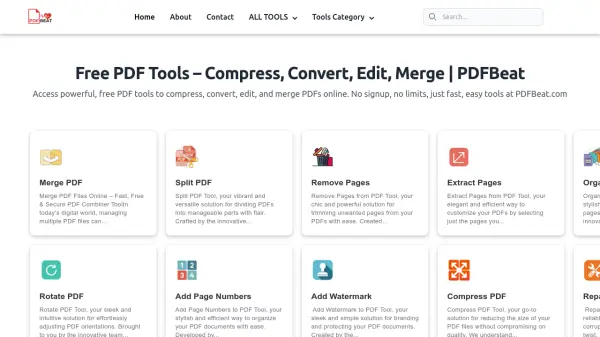
- Document Management: Split, merge, compress, and organize PDF files
- OCR Capability: Convert scanned documents to editable PDFs
- No Installation Required: Fully web-based functionality
Use Cases
- Converting documents between different file formats
- Digitally signing contracts and forms
- Editing and annotating PDF documents
- Compressing PDF files for easier sharing
- Digitizing physical paperwork
- Merging multiple PDFs into a single document
- Protecting sensitive documents with passwords
- Managing business documentation
How It Works
Upload Document
Upload your PDF or document to the website
Choose Tool
Select the desired tool for editing, converting, or managing your document
Process Document
Make the necessary changes or conversions to your document
FAQs
-
Is it necessary to download or install any software to use the online PDF editor?
No, the PDF editor is entirely web-based, so there's no need to download or install any additional software. You can edit documents, convert, merge, split, or compress them directly on the website. -
How can I fill out a document or form using PDF tools?
Upload your document to the website and use the PDF tool to complete it. You can click into fields to add text and use additional tools to insert images or add signatures if needed. -
Can my document be converted to a PDF?
Yes, the conversion tool allows you to turn various file types including Word, Excel, PowerPoint, and image files like PNG and JPG into PDFs. -
Can my PDF files be converted into other formats?
Yes, you can transform PDFs into different formats including image files (PNG, JPG, JPEG), document files (Word, Excel, PowerPoint), and PDF formats (PDF/A and standard PDF).