Your pipeline expects JSON. The model returns markdown fences, a trailing comma, and a field named "customerName" instead of "customer_name." The automation job crashes. You add a regex cleanup step. The next model update breaks the regex. This loop is familiar to anyone wiring LLMs into CRMs, video metadata pipelines, or transcription post-processing.
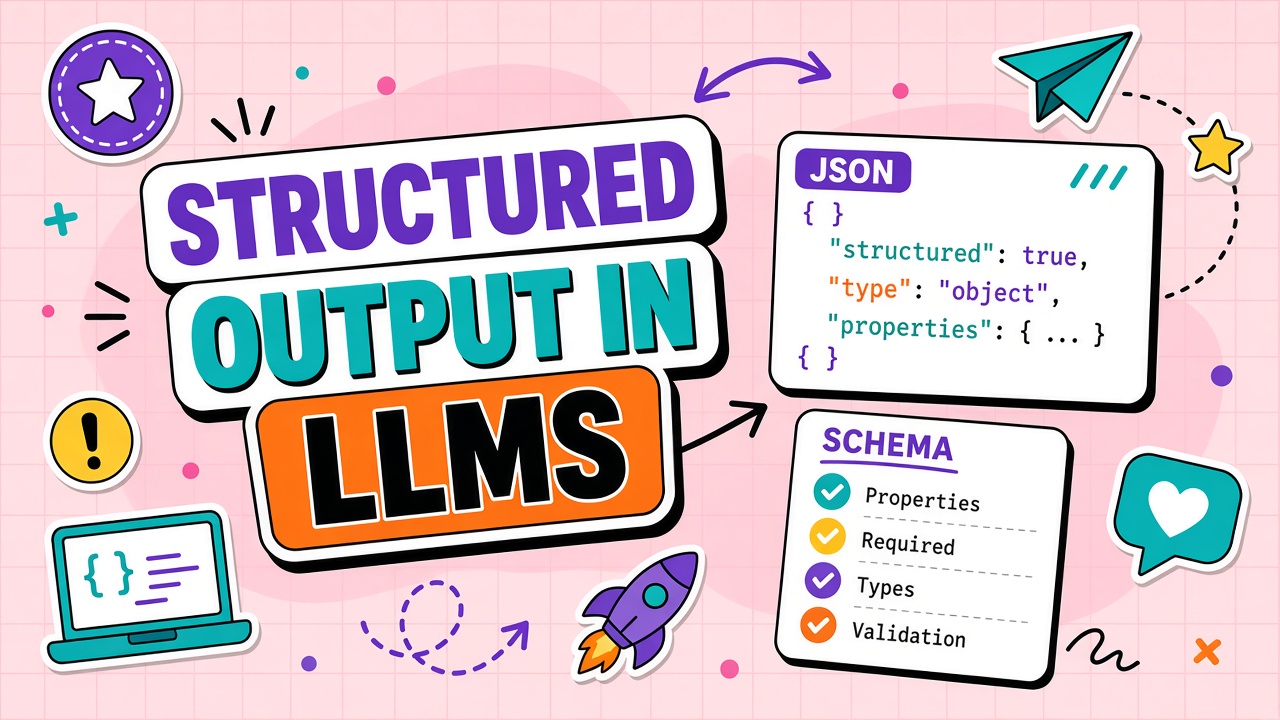
Structured output is the set of techniques and API features that constrain large language model responses to valid JSON, XML, or schema-defined shapes. OpenAI, Anthropic, Google, and open-source inference stacks now offer native schema modes alongside traditional "please return JSON" prompting. This guide explains schema enforcement vs prompt-only JSON, native vs post-processing approaches, failure modes, automation use cases for AI video and AI transcription workflows, and FAQ topics including OpenAPI, Pydantic, and retry strategies.
What Structured Output Is: Schema Enforcement vs Prompt JSON
Structured output means the model's generation process is constrained so the final payload matches a declared schema: required keys, data types, enums, and nesting rules. Prompt-only JSON asks the model politely in natural language. Schema enforcement binds constraints into the decoding step or validates output before release. The difference is reliability under load and model updates.
The term spans vendor features (OpenAI JSON mode and structured outputs, Anthropic tool and schema parameters, Google response schemas) and self-hosted approaches (grammar-constrained decoding in llama.cpp, outlines library integrations). Buyers should verify which JSON Schema keywords their chosen stack supports before designing automation around nested unions or conditional fields that some engines reject at request time.
Prompting "respond in JSON only" works in demos. Production automations need parse success rates high enough to skip fragile repair scripts. Structured output modes target that gap by reducing invocations where the model invents syntax or omits required fields.
Why prompt-only JSON fails in production
- Models wrap JSON in markdown code blocks inconsistently.
- Optional fields appear or disappear between runs.
- Numeric fields arrive as strings; booleans as "yes" or "no."
- Long outputs truncate mid-object, producing invalid JSON.
- Model version upgrades change formatting habits without notice.
Native Structured Output vs Post-Processing
Native structured output integrates schema constraints into the inference API. The provider may use constrained decoding, grammar-guided generation, or response-format parameters that restrict token choices to valid JSON structures. Post-processing generates free text first, then parses, validates, and optionally retries with repair prompts.
| Approach | How it works | Tradeoffs |
|---|---|---|
| Native schema mode | API enforces JSON Schema during generation | Higher reliability; schema size limits; vendor lock-in nuances |
| Grammar / GBNF constraints | Token mask follows a formal grammar | Flexible for custom formats; more setup in self-hosted stacks |
| Parse and retry | Free generation, JSON.parse, re-prompt on failure | Simple to start; variable latency and cost on failures |
| Repair models / libraries | Heuristic or ML fixups on broken JSON | Recovers some errors; risk of silent semantic corruption |
OpenAPI, Pydantic, and SDK integration
Application teams often define schemas once in Pydantic (Python) or Zod (TypeScript) and export JSON Schema for API calls. OpenAPI documents describe HTTP APIs; LLM structured output schemas describe model responses. Keeping a single source of truth prevents drift between what your CRM expects and what the prompt requests. Frameworks like Instructor and Marvin wrap providers to return typed objects directly, hiding retry loops behind decorators.
TypeScript teams using Zod can mirror the same pattern: zodToJsonSchema exports for API requests, zod.parse on responses after the LLM returns. OpenAPI component schemas can seed LLM response shapes when your microservices already document REST contracts. The maintenance win is one schema change propagating to HTTP handlers and LLM extraction prompts together.
When to choose native schema mode vs parse-and-retry
Start with native structured output when your provider supports your schema subset and parse failures block automation. Use parse-and-retry for prototypes, rarely changing schemas, or self-hosted models without grammar support. Hybrid approaches run native mode first, fall back to repair libraries on failure, and escalate to humans on persistent errors. Log which path succeeded so you know when to invest in stricter schemas vs better prompts.
Failure Modes: Partial JSON, Type Drift, and Schema Limits
Structured output reduces parse errors but does not eliminate semantic mistakes. A valid JSON object can still contain wrong values, hallucinated IDs, or enum labels that match the schema but not your database.
Partial JSON and truncation
When max output tokens cut a response mid-structure, even constrained decoders may return incomplete payloads. Reserve sufficient output budget for the largest expected object. Stream to detect early truncation and trigger retries with a higher token cap or a request to split output across calls.
Type drift and coercion
Schemas may allow numbers as strings or loose unions that pass validation but break downstream code. Tighten schemas with explicit types, pattern constraints, and additionalProperties: false where supported. Validate again in application code after API-level enforcement.
Schema complexity limits
Deeply nested schemas, large enum lists, and many optional fields increase latency and failure rates on some providers. Flatten structures where possible. Split extraction into multiple smaller schema calls instead of one megaschema.
Monitoring structured output in production
Track parse success rate, schema validation failures by field, retry count per request, and semantic error rate (valid JSON, wrong business data). Dashboards should alert when a model version upgrade shifts field naming habits even if JSON remains syntactically valid. Pair structured output with idempotency keys on downstream writes so automated retries do not duplicate CRM records or send duplicate emails.
How Schema Enforcement Changes the Generation Process
Native structured output modes restrict the token vocabulary at each decoding step so only tokens that keep the partial JSON valid can be selected. Grammar-based approaches (GBNF in llama.cpp, similar constraints elsewhere) apply the same principle with explicit grammars. The model cannot legally emit a trailing comma before a closing brace if the grammar forbids it. Prompt-only approaches rely on post-hoc compliance, which fails more often as schemas grow complex.
Provider implementations differ in which JSON Schema keywords they support. Some reject oneOf unions or deeply
nested allOf constructs. Before committing to a schema, test it against the vendor's documented subset and measure
latency impact. Constrained decoding can add overhead compared to free generation, though that overhead is usually smaller
than the cost of failed parses and retry loops.
Use Cases: Automation, CRM, and Forms
Structured output shines wherever machines consume model responses without a human in the loop. Reliability requirements rise as stakes increase.
CRM and sales automation
Extract lead fields, meeting notes, and opportunity stages into Salesforce or HubSpot-compatible JSON. Enforce required fields (email format, stage enums) at generation time. Pair with idempotent upsert logic so retries do not duplicate records.
Video and transcription metadata
Transcription tools can return speaker labels, chapter timestamps, and keyword tags as structured arrays for search indexing. Video platforms use schemas for scene descriptions, B-roll suggestions, and caption timing blocks. Consistent shapes let editors import metadata without manual cleanup.
Forms and workflow triggers
Convert free-text support tickets into categorized payloads that trigger Zendesk macros or Jira ticket creation. Multi-step forms benefit from per-step schemas rather than one-shot extraction from long threads.
Example: video production metadata pipeline
A typical video workflow might extract scene boundaries, generate chapter titles, and produce keyword tags in separate schema calls. Each step uses a smaller, focused JSON shape: timestamps as number arrays, titles as strings under 80 characters, tags as enums drawn from your taxonomy. Chaining three reliable small extractions often beats one large schema the model truncates or drifts on.
Example: transcription enrichment
After transcription, a second pass can structure speaker diarization, action items, and sentiment per segment. Structured output ensures your editor imports SRT-adjacent metadata without manual JSON cleanup. Validate that speaker IDs reference real participants in your org directory, not hallucinated names that pass schema type checks.
Browse structured output LLM integrations in your stack by measuring end-to-end task success rate, not JSON validity alone.
Frequently Asked Questions
Is OpenAPI the same as JSON Schema for LLMs?
OpenAPI describes REST APIs including paths and HTTP methods. JSON Schema describes data shapes. LLM structured output features typically accept JSON Schema subsets for response objects. You may derive schemas from OpenAPI component definitions but they are not interchangeable documents.
How does Pydantic fit in?
Pydantic models define Python types and validation rules. Export model_json_schema() and pass the result to providers supporting structured output. Deserialize responses back into Pydantic instances for typed application logic.
What retry strategy works best?
On validation failure, retry with the error message appended ("field X must be integer"). Cap retries at two or three attempts. Escalate to a larger model or human review on persistent failure. Log schema violations to improve prompts and schemas over time.
How is structured output different from function calling?
Function calling lets the model request external tool execution with argument objects. Structured output constrains the final user-visible or pipeline-facing response format. Some APIs unify both under tool or response_format parameters. Use function calling for actions; structured output for data extraction and formatting.
Do all LLM providers support native structured output?
Support varies by model and API version. Flagship models on major clouds generally offer JSON mode or schema constraints. Self-hosted models may need grammar-based tooling. Always check current documentation for schema size limits and unsupported JSON Schema keywords. When migrating between providers, re-validate every schema: a construct that works on OpenAI may fail on Anthropic or Google without redesign.
Reliable Machines Need Reliable Shapes
Failure modes like partial JSON and type drift show up under load, not in single-request demos. Load testing with production-sized schemas and max-output limits reveals truncation issues early. Pair structured output with observability that tracks field-level validation errors, not only HTTP 200 responses with parseable bodies.
Structured output LLM features are table stakes for any product wiring language models into CRMs, media pipelines, or ticket systems. Prompt-only JSON was a stopgap. Schema enforcement, typed SDK wrappers, and retry discipline are how teams ship automations that survive model updates and production traffic without nightly on-call pages.
Structured output moves LLMs from prose generators to components in typed pipelines. For video and transcription automations, native schema enforcement beats prompt-only JSON on parse reliability. Define schemas in your application layer, prefer provider-native modes when available, validate semantics after syntax passes, and retry with explicit error feedback. The goal is not pretty JSON in a chat window. The goal is payloads your CRM, encoder, and workflow engine can trust without a human fixing every run. Products in the video and transcription categories vary widely in native schema support; verify API docs before building pipelines that assume OpenAI-style structured output on every provider. Treat schema contracts as versioned API surfaces your team owns, not one-off prompt instructions.